High-quality AI-generated image. Optimized for detailed rendering, perfect for creative projects and inspiration.
427Views
0 Likes
100%Quality
FreeLicense
AI Prompt
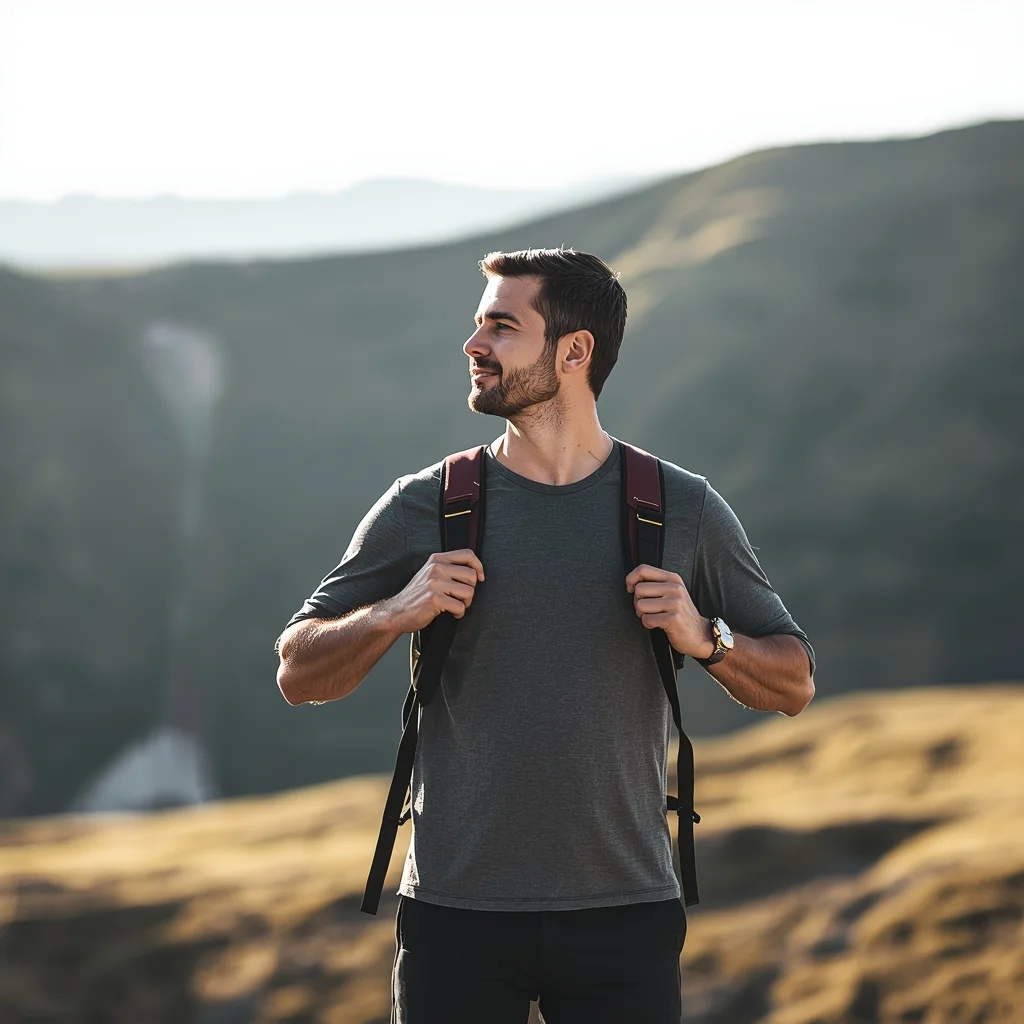
Prompt: A man standing on a scenic outdoor location, hands on backpack straps, relaxed adventurous posture, looking into the distance, travel lifestyle photography, natural colors, soft sunlight, cinematic wide-angle view, realistic textures, inspirational explorer mood.
Want to create this with your own face? Use this instruction:
No distortion, no smoothing, no reshaping of the face. Prompt: A man standing on a scenic outdoor location, hands on backpack straps, relaxed adventurous posture, looking into the distance, travel lifestyle photography, natural colors, soft sunlight, cinematic wide-angle view, realistic textures, inspirational explorer mood.
About this Prompt
Witness the breathtaking evolution of AI-driven imagery through 'Outdoor Travel Explorer Pose | Ai Prompt Style', an absolutely mandatory prompt for serious Man Pose Art professionals. It balances beautiful, chaotic creativity with strict structural order, offering a polished and highly refined take on modern generative aesthetics. It masterfully combines dreamy, soft-focus bokeh effects with razor-sharp, macro-level subject focus. The specific lighting parameters mimic high-budget professional studio environments perfectly, bringing out the intricate fabric details, flawless skin tones, and deeply vibrant colors of the overall Man Pose Art composition.
Absolutely perfect for creating deeply immersive, visually staggering Man Pose Art background environments for virtual production, VTuber streaming setups, or highly detailed, premium digital zoom backgrounds that project ultimate professional authority. Seize this incredible, highly unique opportunity to completely dominate the generative space. It provides the absolute quickest, most deeply reliable path to total mastery, permanently redefining the known visual boundaries of your digital artistry.
The Golden "A" Calligrapher | Ai Prompt Generation
4499 mos ago
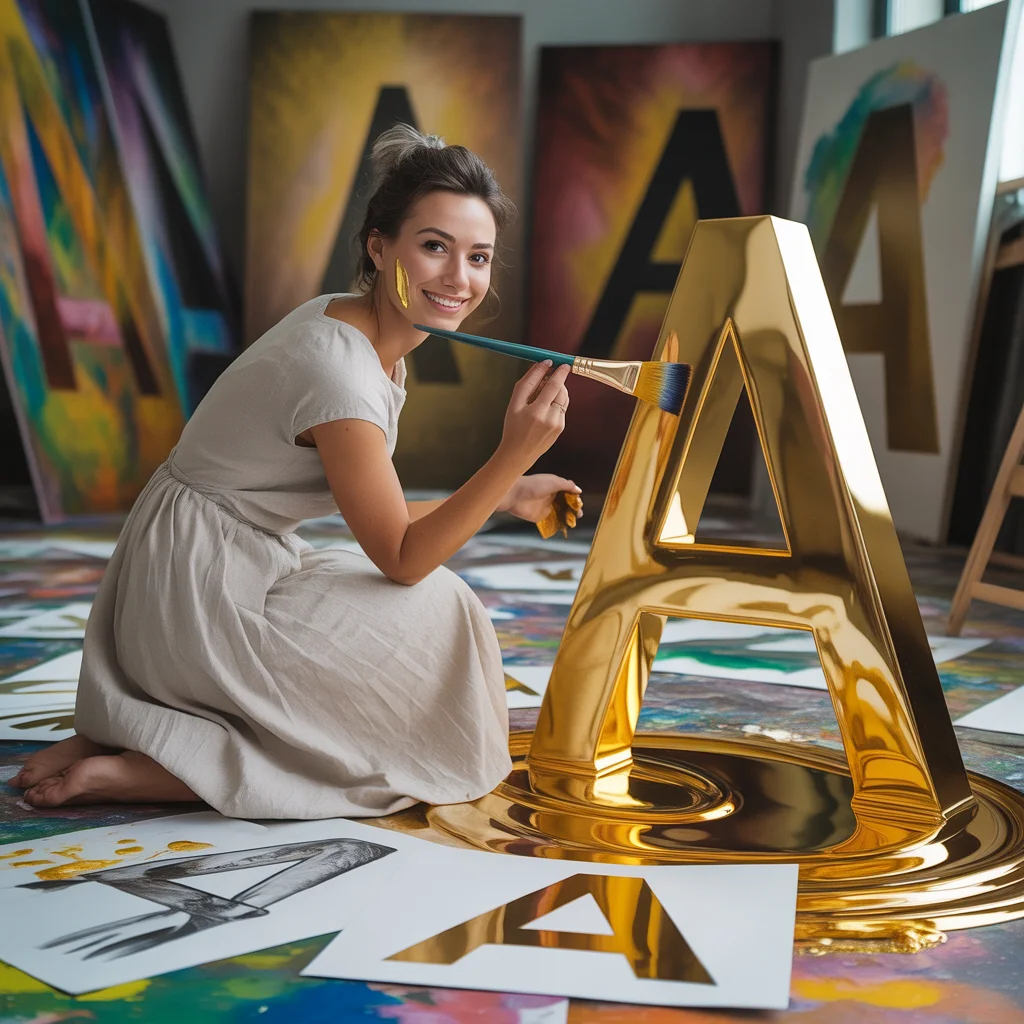
Prompt: An artistic woman in a simple white linen dress, working in a sunlit studio filled with giant canvases. She is painting a massive, 3D golden letter "A" that is dripping with glowing gold paint. The floor is covered in colorful paint splashes and sketches of the letter "A" in various fonts. Pose: Crouched on the floor, holding a large paintbrush, looking back at the camera with a smudge of gold paint on her cheek and a proud smile. Technical: Soft studio lighting, macro detail on paint drips, 50mm lens, shallow depth of field, warm color palette, 8k resolution.
Pose: Crouched on the floor, holding a large paintbrush, looking back at the camera with a smudge of gold paint on her cheek and a proud smile. Technical: Soft studio lighting, macro detail on paint drips, 50mm lens, shallow depth of field, warm color palette, 8k resolution.
Technical: Soft studio lighting, macro detail on paint drips, 50mm lens, shallow depth of field, warm color palette, 8k resolution.
Prompt: A confident man sitting on a modern chair with ankles crossed, one arm resting on chair arm, other hand lightly touching chin, composed intelligent expression, wearing tailored smart-casual clothing, soft indoor lighting, controlled shadows, premium editorial portrait style, ultra-detailed face and fabric texture, professional realism.
Wind-Blown Cinematic Hero Pose | Fantasy Image Prompt
4379 mos ago
Prompt: A man standing on an open rooftop or hill edge, coat flowing slightly in the wind, body facing sideways while head turns toward camera, confident heroic expression, dramatic cloudy sky behind, golden hour sunlight highlighting face contours, cinematic movie still look, ultra-realistic textures, powerful storytelling composition, high dynamic range.
This AI Makes Money While You Sleep | Pro Ai Prompt For Creator
3359 mos ago
Prompt: Create a futuristic thumbnail showing a relaxed creator sleeping peacefully while holographic money, charts, and AI robots work in the background. Use cool night tones mixed with glowing green and blue financial graphics. The AI elements should look active and intelligent. Add soft cinematic lighting, ultra-realistic details, clean composition, depth of field, and a visually clear message that instantly communicates passive income through AI.
Modern Gentleman Coat Hold Pose | Sora Video Prompt
4109 mos ago
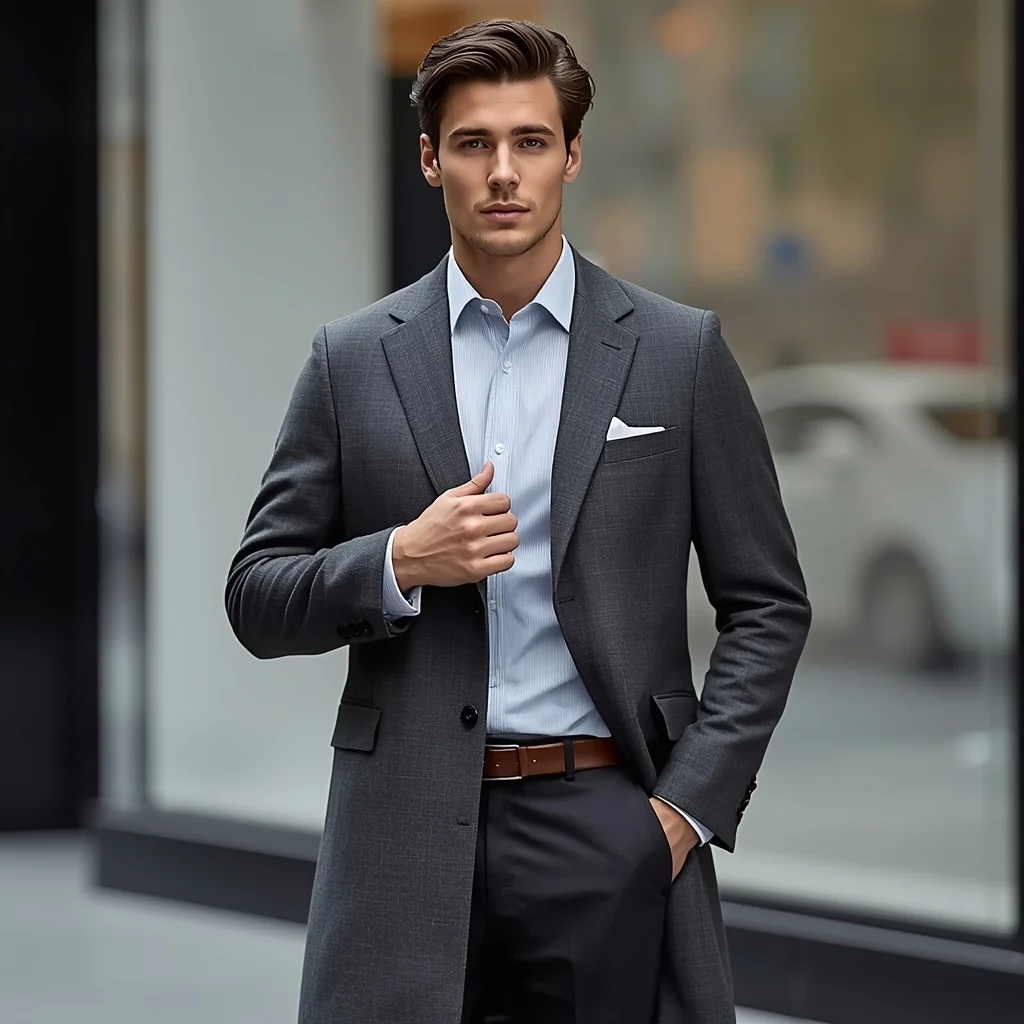
Prompt: A man holding the lapel of his long coat with one hand while standing confidently, upright posture, refined expression, modern luxury styling, urban background softly blurred, cool neutral color grading, premium menswear advertisement style, realistic textures, sharp high-resolution image.
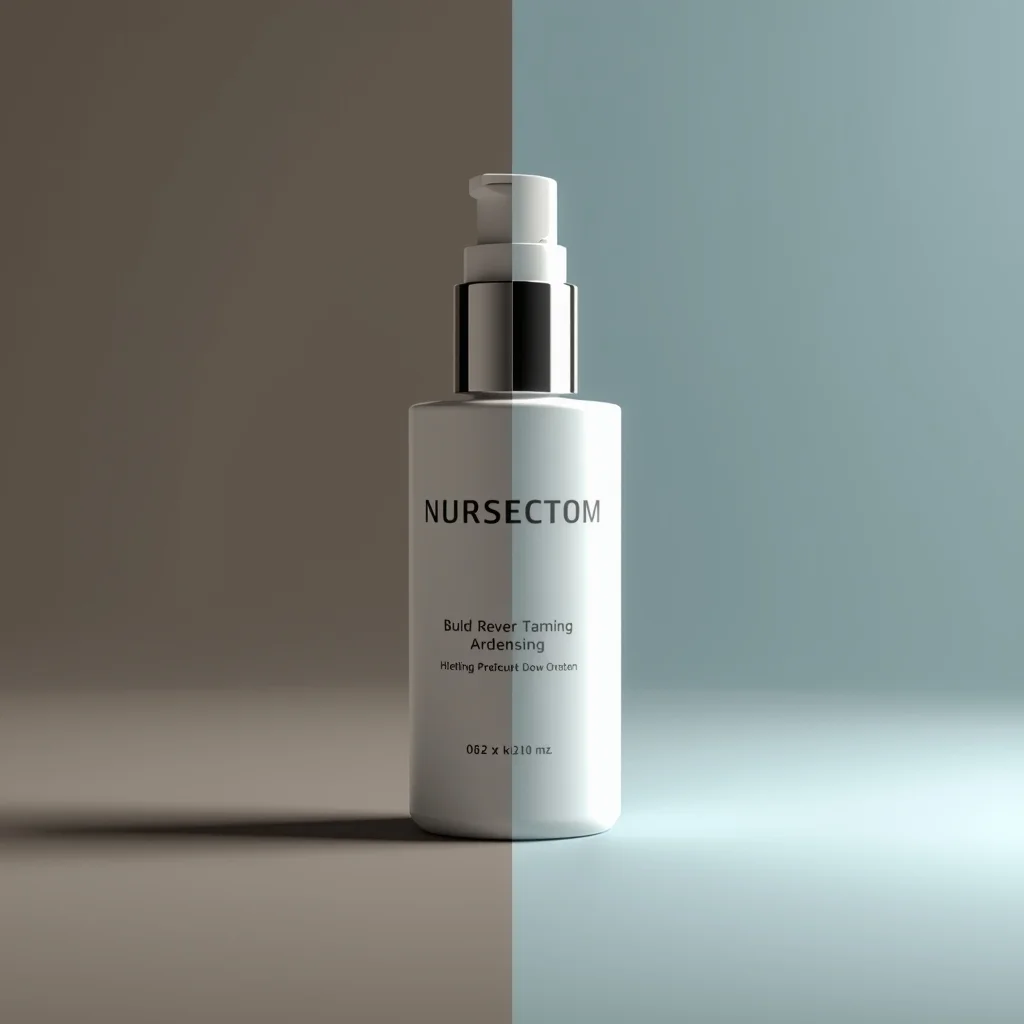
A creative before-and-after product presentation, split-scene concept, left side raw or dull, right side clean and enhanced, controlled studio lighting, clear visual storytelling, professional marketing photography style, ultra-realistic, high detail, 8K quality
YouTube Thumbnail – Futuristic Neon Cyberpunk Design | Must Try Ai Prompt Today
3279 mos ago
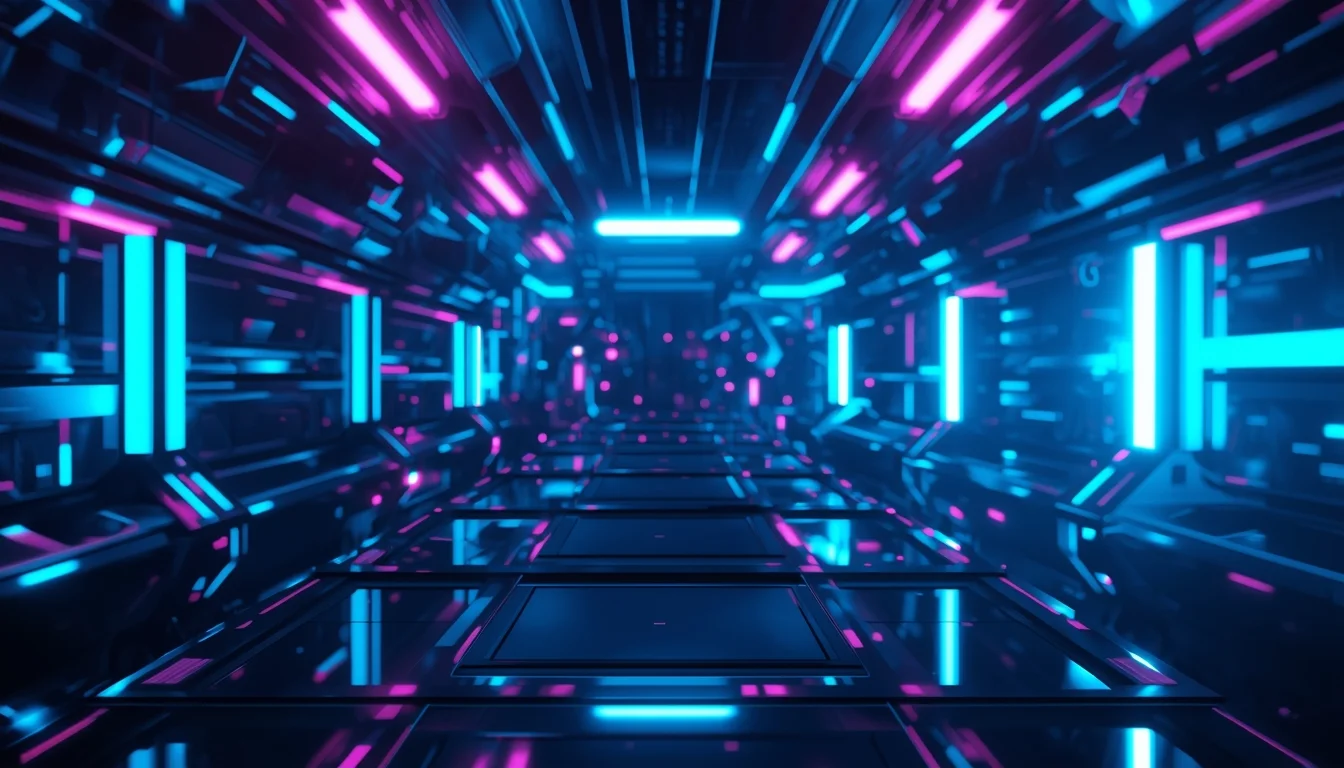
Prompt: A futuristic cyberpunk YouTube thumbnail design with glowing neon lights, electric blue and purple highlights, dark tech environment, holographic glow effects, sharp focus, cinematic contrast, sci-fi atmosphere, modern digital aesthetic, visually striking composition, professional thumbnail framing, no text, no letters, no numbers.
Bohemian Indo-Western Maxi Flow | Ai Image Prompt Trick
4109 mos ago
Prompt: Free-spirited Indian female in a bohemian Indo-Western maxi dress with block prints and fringe details, whimsical twirling pose in a field of wildflowers, sun-kissed skin with freckles, layered beaded necklaces and loose waves, golden hour lighting, dreamy painterly style with vibrant saturation, embodying wanderlust and modern ethnic charm.
Frequently Asked Questions
Common questions regarding this AI prompt.
Can I make the characters or subjects in Outdoor Travel Explorer Pose | Ai Prompt Style look like cyborgs?
Easily. Append 'cybernetic enhancements, robotic limbs, glowing optical sensors, biomechanical plating, android'. The AI seamlessly blends biological flesh with metallic machinery, maintaining the high-quality rendering of the original Man Pose Art prompt while shifting the character design.
Why is this prompt highly effective for generating Outdoor Travel Explorer Pose | Ai Prompt Style?
Its effectiveness lies in the structured syntax. It separates the core subject definition from the style and technical parameters. This 'block structure' prevents AI confusion, ensuring that the details of Outdoor Travel Explorer Pose | Ai Prompt Style remain razor-sharp while the background and artistic medium seamlessly blend to match the Man Pose Art aesthetic without overpowering the main focus.
How do I achieve an extreme close-up or macro shot of Outdoor Travel Explorer Pose | Ai Prompt Style?
Modify the perspective by heavily weighting keywords like 'extreme macro photography', '100mm macro lens', 'microscopic detail', and 'extreme close up'. This forces the AI engine to ignore the broader Man Pose Art environment and dedicate all of its rendering power to the microscopic textures, fibers, or surface imperfections of the primary subject.
What specific lighting setup is best to highlight the details of Outdoor Travel Explorer Pose | Ai Prompt Style?
For maximum texture reveal, a 'three-point studio lighting' or 'Rembrandt lighting' setup works best. By incorporating keywords like 'rim light', 'key light', and 'soft fill', you instruct the AI to sculpt the Man Pose Art subject out of the background, ensuring that micro-details like skin pores, fabric weaves, or metallic reflections are perfectly visible.
How do I deal with unwanted text or watermarks appearing in the image?
AI models are trained on stock photos which often contain watermarks. To aggressively filter this out, ensure words like 'text, watermark, signature, username, website url, copyright stamp' are heavily weighted in your negative prompt box. This is especially crucial when generating commercial-grade Man Pose Art content.
Is it possible to make the image look like an architectural blueprint?
Absolutely. Strip all color and realism by adding 'technical architectural blueprint, white lines on blue background, schematics, precise measurements, cross-section view, drafted by an engineer'. This is a highly creative way to present the Man Pose Art subject from an analytical, structural perspective.
Is it possible to use this static image prompt as a base for AI video animation?
Yes, this is a very popular workflow. Once you generate the perfect still image of Outdoor Travel Explorer Pose | Ai Prompt Style, you can import it into cutting-edge AI video generators like Luma Dream Machine, Kling AI, Runway Gen-3, or Pika Labs. The high detail and clear focus provided by this Man Pose Art prompt make it an ideal initial keyframe, resulting in smooth, artifact-free animations.
How do I create a surreal, dream-like version of Outdoor Travel Explorer Pose | Ai Prompt Style?
To break the laws of physics, use keywords like 'surrealism, dreamscape, floating objects, defying gravity, Salvador Dali style, mind-bending geometry, ethereal'. The AI will take the familiar elements of Outdoor Travel Explorer Pose | Ai Prompt Style and arrange them in illogical, fascinating ways, creating a truly unique Man Pose Art art piece.
What architectural composition techniques are embedded in the Outdoor Travel Explorer Pose | Ai Prompt Style prompt?
The Outdoor Travel Explorer Pose | Ai Prompt Style prompt utilizes advanced compositional frameworks such as the golden ratio and leading lines. By strategically placing the core Man Pose Art subject matter at intersection points, it guides the viewer's eye naturally through the scene. This mathematical approach to AI generation ensures the final output feels balanced and visually arresting without requiring post-crop adjustments.
How does the prompt establish the historical or futuristic era of Outdoor Travel Explorer Pose | Ai Prompt Style?
Era-specific aesthetics are locked in using targeted chronological keywords. Whether leaning towards a neo-futuristic cyberpunk vibe or a classical Renaissance look, the prompt forces the AI to draw from specific historical datasets. This ensures that the clothing, architecture, and props within the Man Pose Art scene remain historically or thematically accurate.
How do I modify Outdoor Travel Explorer Pose | Ai Prompt Style to fit into a dark fantasy or gothic horror setting?
Change the environmental descriptors. Add 'dark fantasy concept art, gothic architecture, eerie volumetric fog, corrupted ruins, ominous atmosphere, Bloodborne aesthetic'. This forces the AI to reinterpret the Outdoor Travel Explorer Pose | Ai Prompt Style prompt through a grim, terrifying lens, drastically altering the mood of the Man Pose Art output.
How does Midjourney v6 process the intricate details of Outdoor Travel Explorer Pose | Ai Prompt Style?
Midjourney v6 excels at understanding natural language nuances. This prompt is specifically written to take advantage of v6's semantic comprehension. You do not need to use 'prompt salad' (randomly throwing words). The detailed, descriptive sentences regarding the Man Pose Art elements are parsed accurately, giving you photographic or highly illustrative perfection.
Why might the colors in my Outdoor Travel Explorer Pose | Ai Prompt Style generation appear washed out, and how do I fix it?
Washed-out colors typically result from a missing VAE file in local setups, or a lack of color-grading instructions. To immediately fix this within the text prompt itself, append phrases such as 'vibrant technicolor, rich saturation, HDR, cinematic color grading, high contrast'. This forces the AI to map a wider, more dynamic color range to your image.