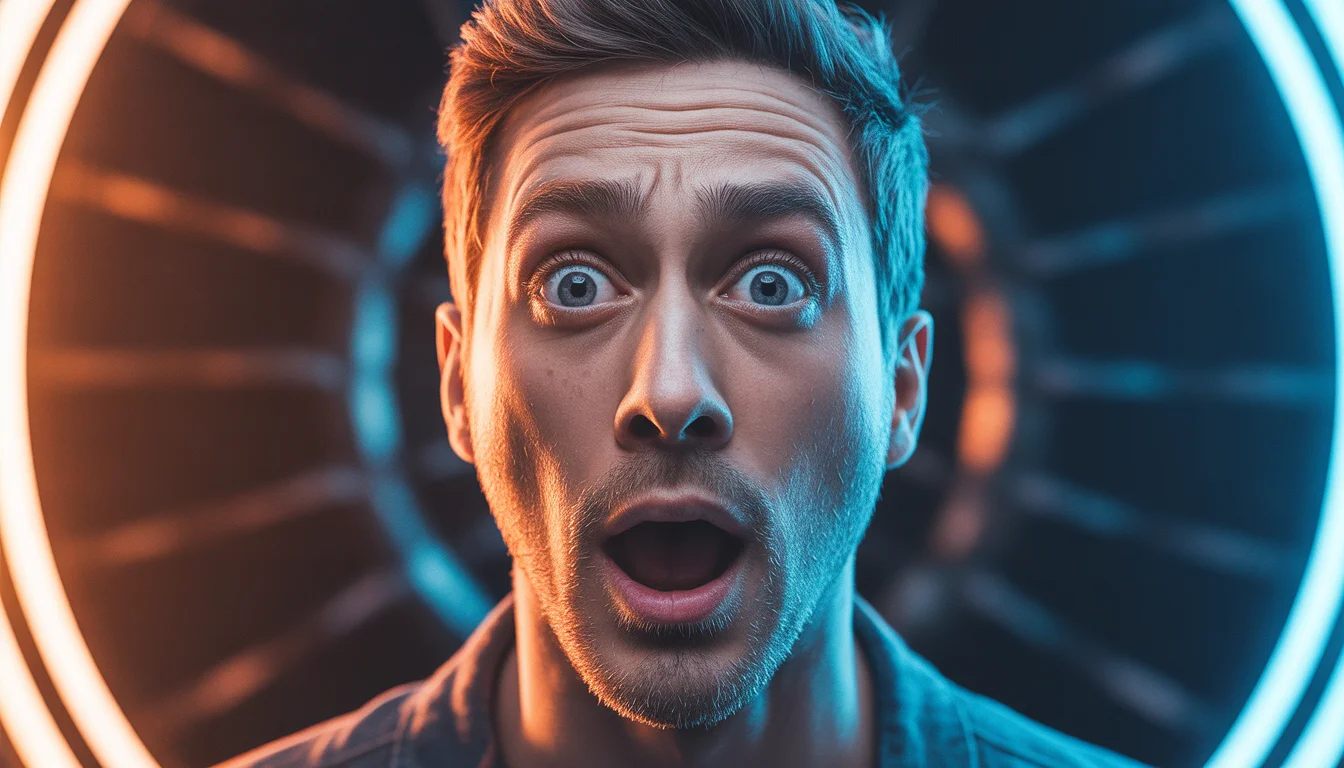
High-quality AI-generated image. Optimized for detailed rendering, perfect for creative projects and inspiration.
356Views
0 Likes
100%Quality
FreeLicense
AI Prompt
An artistic male portrait with side-face angle, thoughtful expression, soft dramatic lighting, dark blurred background, fine skin details, cinematic mood, shallow depth of field, professional portrait photography, ultra-high definition, realistic AI art
Want to create this with your own face? Use this instruction:
No distortion, no smoothing, no reshaping of the face. An artistic male portrait with side-face angle, thoughtful expression, soft dramatic lighting, dark blurred background, fine skin details, cinematic mood, shallow depth of field, professional portrait photography, ultra-high definition, realistic AI art
About this Prompt
Unleash a massive torrent of professional creativity with 'Artistic Side Portrait Pose | Clear Ai Prompt'; an incredibly dynamic and utterly captivating entry into the Man Pose Art library. The profound narrative depth woven into this prompt draws viewers in effortlessly, telling an epic, cinematic tale through flawless digital execution. The deeply mesmerizing, incredibly vibrant patterns and motifs adorning the subject are utterly captivating, making it a highly decorative and intricately ornate digital wonder. Soothing tones mixed with hyper-kinetic energy make this Man Pose Art piece infinitely complex and visually deeply satisfying.
Highly effective for establishing a deeply powerful, highly cohesive brand identity across multiple digital platforms. Generating all your Man Pose Art hero banners and background assets with this single prompt ensures a flawless, unified corporate look. Fuel your raw artistic fire and radically expand your digital horizons. This prompt is not just a simple text string; it is a highly foundational masterclass in advanced digital rendering, spatial composition, and professional aesthetics.
Modern Indian Viral Reel Pose – Confident Walk Lock Shot | Ai Prompt Idea For Beginner
3088 mos ago
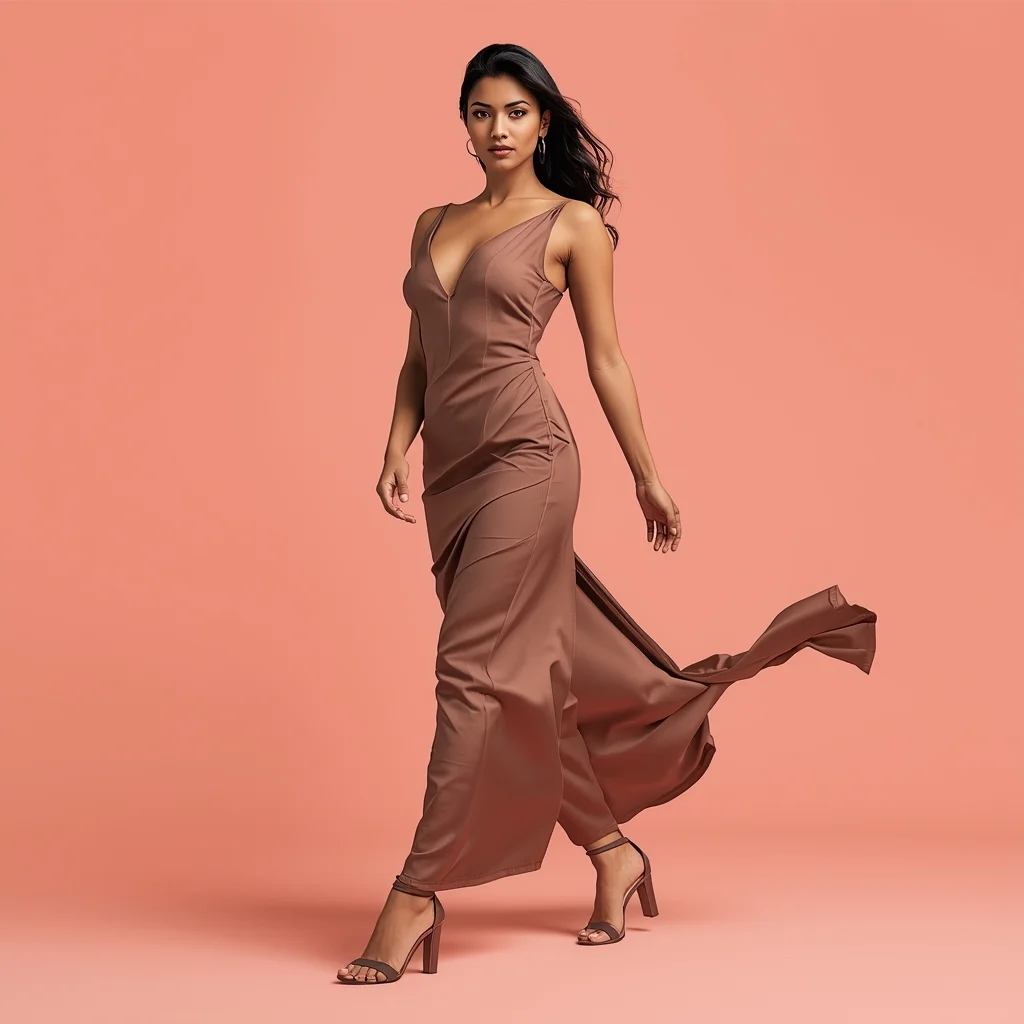
Prompt: An Indian woman wearing a sleek modern Indian dress, captured mid-walk while locking eyes with the camera. One foot forward, posture upright and powerful. Dress moves naturally with motion. Hair gently lifted for realism. Expression bold, confident, and magnetic. Makeup clean glam with defined eyes. Lighting bright and professional. Background minimal or pastel-toned. Ultra-realistic textures, cinematic reel framing, modern influencer vibe, designed for viral reach.
Modern Indian Viral Reel Pose – Forward Lean Connection | Magic Ai Prompt
3478 mos ago
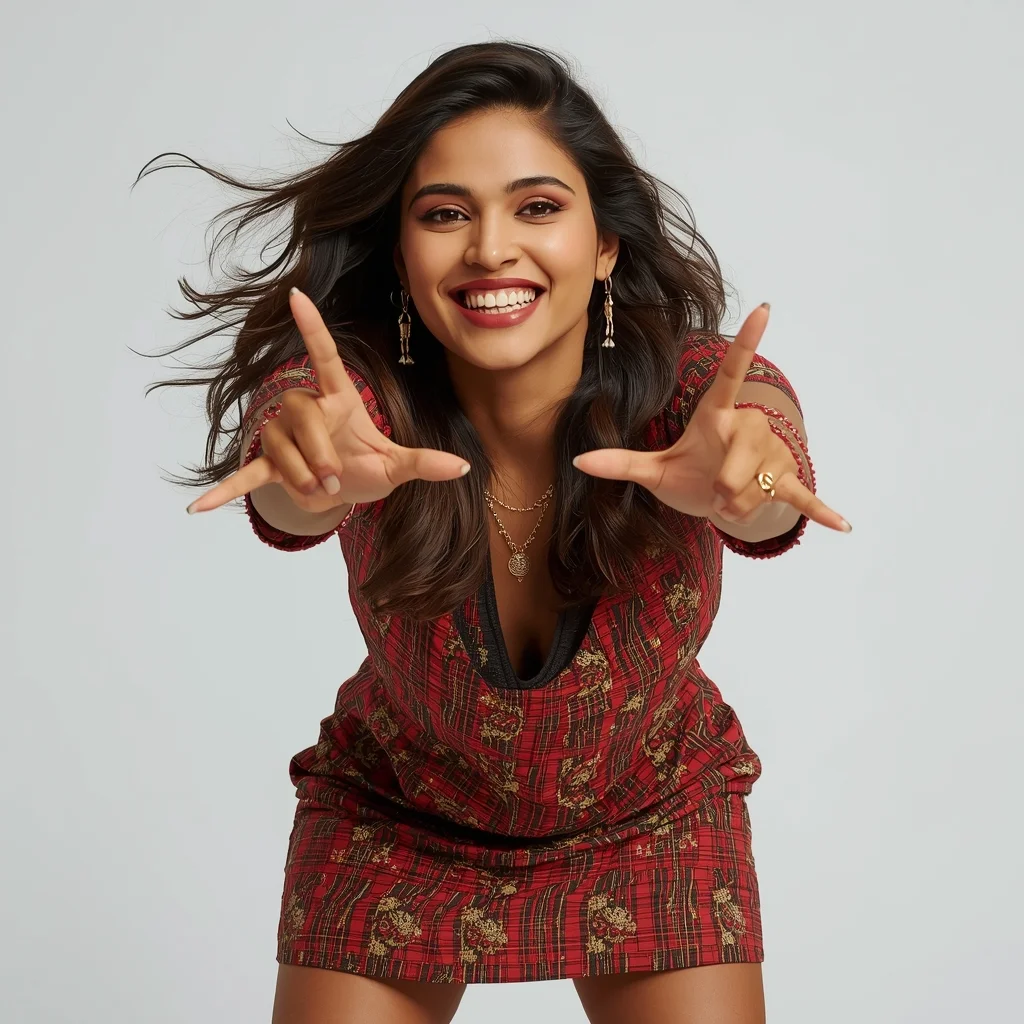
Prompt: An Indian woman wearing a trendy modern Indian dress, captured leaning slightly forward toward the camera in a reel-style pose. Body language engaging and expressive. Hair textured with subtle movement. Expression confident, friendly, and magnetic. Makeup fresh and camera-ready. Lighting bright with controlled contrast. Background minimal to keep focus on subject. Ultra-high realism, cinematic reel composition, influencer-grade polish, designed for viral engagement.
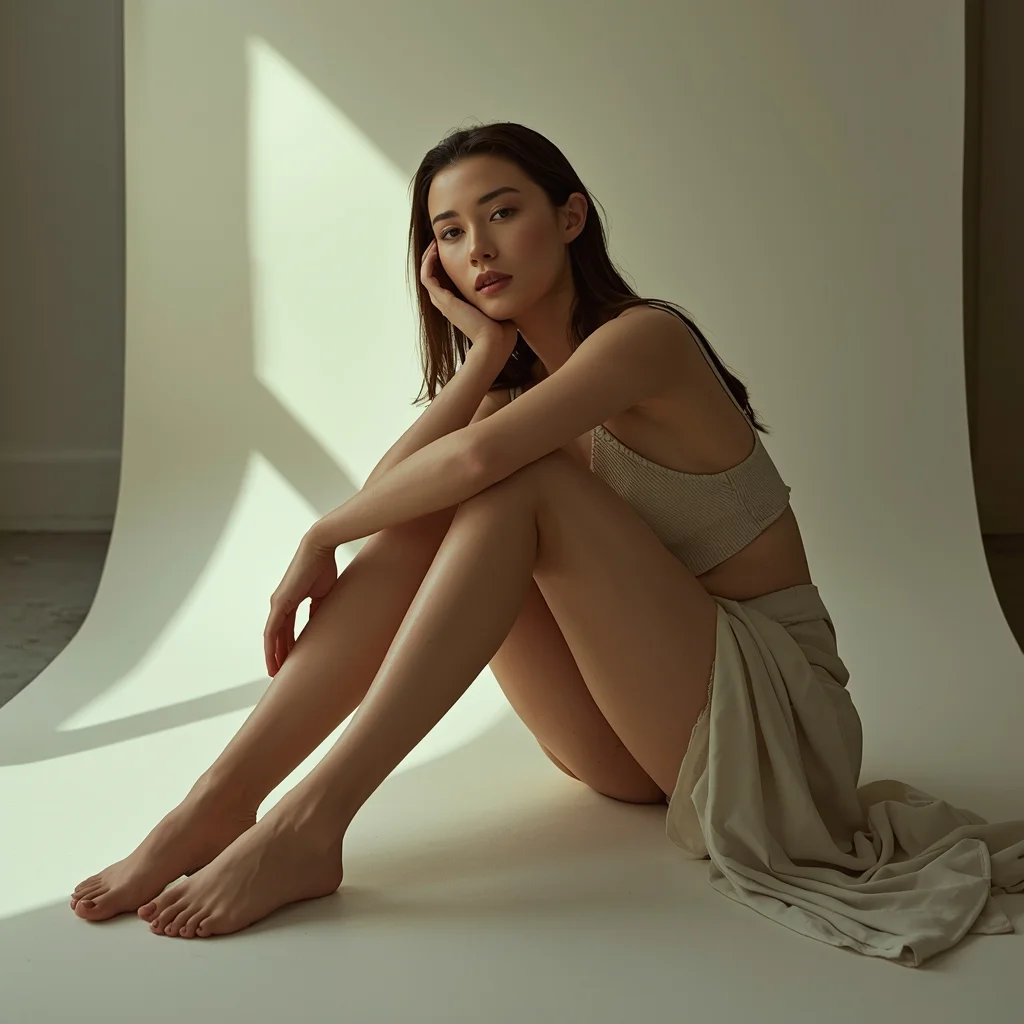
Artistic fashion portrait of a woman sitting on the floor with knees bent, relaxed elegant pose, soft ambient lighting, neutral tones, minimal modern background, calm and introspective mood, realistic fabric folds, editorial magazine aesthetic
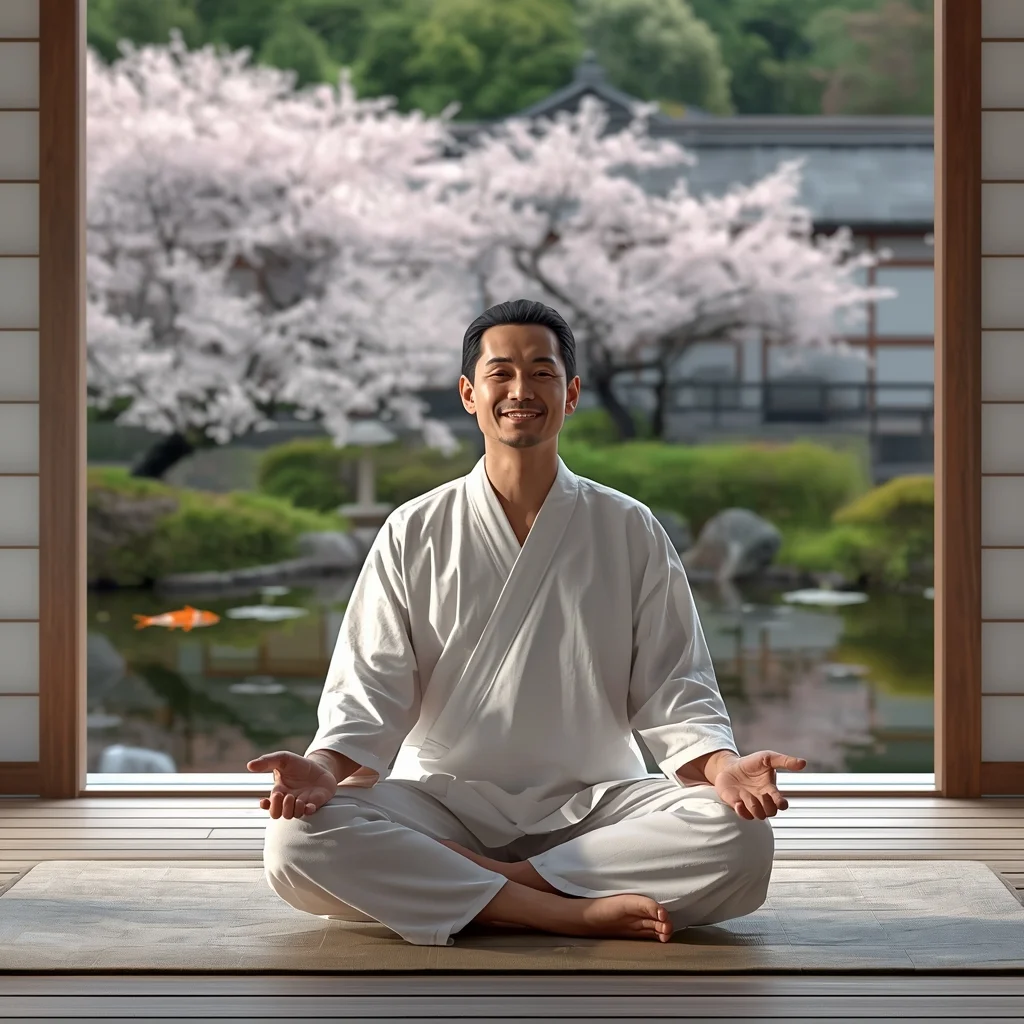
Prompt: A man in simple white cotton robes sitting on a wooden deck overlooking a peaceful Japanese zen garden with a koi pond and cherry blossom trees in full bloom. Pose: Sitting in a perfect lotus position (Padmasana), eyes closed, hands resting on his knees in a mudra. A peaceful, serene smile on his face. Technical: Soft natural lighting, pastel color palette, 50mm lens, 8k, photorealistic, tranquil atmosphere.
Pose: Sitting in a perfect lotus position (Padmasana), eyes closed, hands resting on his knees in a mudra. A peaceful, serene smile on his face. Technical: Soft natural lighting, pastel color palette, 50mm lens, 8k, photorealistic, tranquil atmosphere.
Technical: Soft natural lighting, pastel color palette, 50mm lens, 8k, photorealistic, tranquil atmosphere.
Prompt: Ultra-realistic YouTube thumbnail showing a creator captured at the exact moment of shock, eyes extremely wide, pupils sharp, mouth slightly open in disbelief, frozen reaction pose, dramatic cinematic lighting with strong rim light around the face, dark blurred background with electric blue and orange glow, ultra-sharp facial details, visible skin texture and pores, shallow depth of field, high contrast color grading, professional studio photography look, bold emotional storytelling, clean composition designed for YouTube homepage, 4K ultra-HD, mobile-optimized framing.
A gritty survivor woman leaning heavily against a battle-scarred concrete barrier, clutching a damaged cybernetic arm that is sparking and smoking. Her clothes are torn, armor dented, and face dirty with grime and blood, but her eyes show steely determination looking at the camera. Smoke rises from destroyed drones in the background. Golden hour lighting mixed with smoke, hyper-realistic damage textures, cinematic shot, 8k
Modern Street-Chic Saree | Cinematic Lighting Prompt
3328 mos ago
Prompt: A stylish woman wearing a contemporary denim-material saree paired with a black leather biker jacket and heavy silver oxidized jewelry. The setting is a vibrant urban street with colorful graffiti walls and a vintage yellow taxi in the background. She is wearing cool aviator sunglasses. Pose: Standing with one hand on her hip and the other adjusting her sunglasses, body angled forward with a confident, "street-smart" attitude. Technical: Photorealistic, sharp focus, 35mm lens, f/2.8, urban color grading, high contrast, daytime natural light.
Pose: Standing with one hand on her hip and the other adjusting her sunglasses, body angled forward with a confident, "street-smart" attitude. Technical: Photorealistic, sharp focus, 35mm lens, f/2.8, urban color grading, high contrast, daytime natural light.
Technical: Photorealistic, sharp focus, 35mm lens, f/2.8, urban color grading, high contrast, daytime natural light.
Assamese Mekhela Chador Riverside Pose | Prompt For Photo Editing
3858 mos ago
Prompt: An Assamese woman standing gracefully near a calm riverside, wearing a traditional mekhela chador with red and gold motifs, hands gently holding the fabric, minimal jewelry, natural makeup, long flowing hair, lush green landscape and soft clouds behind her, peaceful rural ambiance, natural light photography style, realistic skin tones, cultural authenticity, ultra-detailed, serene composition
Frequently Asked Questions
Common questions regarding this AI prompt.
What is the best way to force an ultra-wide or panoramic view?
To force a panoramic composition, you must combine aspect ratio parameters with specific camera descriptors. In Midjourney, use '--ar 21:9'. Within the prompt text itself, include 'ultra-wide panoramic landscape, 14mm lens, expansive horizon, sweeping view'. This ensures the Artistic Side Portrait Pose | Clear Ai Prompt subject matter is distributed correctly across a massive, cinematic canvas.
How do I give Artistic Side Portrait Pose | Clear Ai Prompt a retro, 1980s synthwave aesthetic?
Inject keywords that define that specific era's pop culture. Use 'vaporwave aesthetic, 1980s synthwave, neon grid background, cyan and magenta color palette, VHS glitch effect, retro-futurism'. This overrides the standard lighting and wraps the Artistic Side Portrait Pose | Clear Ai Prompt subject in a highly stylized, nostalgic digital atmosphere.
Does this prompt support blending multiple concepts together?
Yes, advanced users can use this prompt as a base for concept blending. By utilizing syntax like [Concept A : Concept B : 0.5] in Automatic1111 or simply describing a hybrid scenario, the strong foundational parameters of the Artistic Side Portrait Pose | Clear Ai Prompt prompt will ensure the merged concepts render cohesively without degrading into visual noise.
Can I easily integrate the Artistic Side Portrait Pose | Clear Ai Prompt output into a professional design workflow?
Absolutely. The outputs generated by this prompt are designed with commercial and professional workflows in mind. Because it emphasizes crisp edges, balanced contrast, and high-resolution keywords, the resulting Man Pose Art images are perfect for immediate use in UI/UX design, marketing materials, or further post-processing in software like Adobe Photoshop.
How can I transform Artistic Side Portrait Pose | Clear Ai Prompt into a vector graphic or logo style?
To strip away the photorealism, replace the camera keywords with 'flat vector illustration, minimalist design, UI/UX asset, Adobe Illustrator style, solid colors, clean crisp lines, no gradients'. This transforms the Man Pose Art subject into a scalable, graphic-design-ready asset perfect for web design or branding.
How do I ensure the skin textures in Artistic Side Portrait Pose | Clear Ai Prompt look photorealistic and not plastic?
AI often defaults to overly smooth, airbrushed skin. To counter this, you must explicitly demand imperfections. Add 'subsurface scattering, visible skin pores, peach fuzz, micro-wrinkles, highly detailed skin texture, raw unedited photograph' to the prompt. This forces the model to render the human elements of the Man Pose Art scene with authentic, biological realism.
How customizable are the character and environment details in the Artistic Side Portrait Pose | Clear Ai Prompt prompt?
Highly customizable. The prompt serves as a robust architectural framework. You can easily swap out specific nouns or color palettes while retaining the core Man Pose Art style. For example, changing the time of day or the primary clothing material will seamlessly adapt the scene while maintaining the high-definition rendering quality originally intended for Artistic Side Portrait Pose | Clear Ai Prompt.
Can I use Image-to-Image (Img2Img) techniques with the Artistic Side Portrait Pose | Clear Ai Prompt prompt?
Absolutely. Using a rough sketch or a reference photo alongside this prompt in an Img2Img workflow is highly effective. We recommend setting your Denoising Strength between 0.45 and 0.65. This range is the 'sweet spot' that allows the AI to apply the high-quality textures and lighting of the Artistic Side Portrait Pose | Clear Ai Prompt prompt while strictly respecting the structural layout of your reference image.
How can I dictate the camera angle to make the subject look more powerful?
Camera angle completely changes the psychological impact. To make the subject of Artistic Side Portrait Pose | Clear Ai Prompt appear dominant or towering, insert 'low angle shot' or 'worm's-eye view'. Conversely, to make the Man Pose Art scene feel vast and the subject small, use 'drone shot', 'bird's-eye view', or 'extreme high angle'.
What is the optimal workflow for upscaling Artistic Side Portrait Pose | Clear Ai Prompt to print-quality resolution?
Do not generate at massive resolutions directly, as it causes compositional duplication (like two heads). Instead, generate Artistic Side Portrait Pose | Clear Ai Prompt at a native resolution (e.g., 1024x1024), and then use a dedicated AI upscaler. Tools like Topaz Gigapixel AI, Magnific AI, or the '4x-UltraSharp' model in Automatic1111 will enhance the micro-textures of the Man Pose Art without destroying the original composition.
Is it possible to use this static image prompt as a base for AI video animation?
Yes, this is a very popular workflow. Once you generate the perfect still image of Artistic Side Portrait Pose | Clear Ai Prompt, you can import it into cutting-edge AI video generators like Luma Dream Machine, Kling AI, Runway Gen-3, or Pika Labs. The high detail and clear focus provided by this Man Pose Art prompt make it an ideal initial keyframe, resulting in smooth, artifact-free animations.
How does this prompt handle lighting and atmospheric effects?
This prompt utilizes a sophisticated combination of cinematic lighting descriptors and atmospheric keywords tailored for Man Pose Art. By specifying light direction, diffusion, and volumetric properties like 'god rays' or 'softbox lighting', it forces modern AI engines like Midjourney v6 and Flux to calculate highly realistic light bounces, creating a deeply immersive environment.
Is this prompt compatible with the new Flux.1 AI model?
Yes, Flux.1 is incredibly responsive to detailed structural prompts just like this one. Because Flux handles complex spatial relationships and typography better than previous models, the composition instructions embedded in the Artistic Side Portrait Pose | Clear Ai Prompt prompt will be rendered with astonishing accuracy, making it ideal for high-end Man Pose Art generation.