High-quality AI-generated image. Optimized for detailed rendering, perfect for creative projects and inspiration.
201Views
0 Likes
100%Quality
FreeLicense
AI Prompt
A classic reaction video composition showing two distinct panels. On the left, a YouTuber in a home studio with purple background lighting is holding their hands over their mouth in absolute disbelief, eyes wide, looking at a screen off-camera. On the right panel, a blurry, controversial clip from a reality TV show is visible, showing two people arguing intensely. A large, cartoonish red question mark graphic is superimposed between the two panels. The image is designed to incite curiosity about what they are reacting to. Aspect
Want to create this with your own face? Use this instruction:
Reference image controls facial identity. Do not override it. A classic reaction video composition showing two distinct panels. On the left, a YouTuber in a home studio with purple background lighting is holding their hands over their mouth in absolute disbelief, eyes wide, looking at a screen off-camera. On the right panel, a blurry, controversial clip from a reality TV show is visible, showing two people arguing intensely. A large, cartoonish red question mark graphic is superimposed between the two panels. The image is designed to incite curiosity about what they are reacting to. Aspect
About this Prompt
Unleash a massive torrent of professional creativity with '"Reaction Video" Thumbnail Niche: Commentary / Reaction | Clean Ai Prompt'; an incredibly dynamic and utterly captivating entry into the YouTube Thumbnail library. The profound narrative depth woven into this prompt draws viewers in effortlessly, telling an epic, cinematic tale through flawless digital execution. The visual precision engineered here is simply unmatched, incorporating incredibly soft, soothing pastel undertones or striking, aggressive bold contrasts depending on the specific generation. It effortlessly balances highly complex, cluttered background elements with a totally isolated, beautifully focused hero subject.
Perfectly tailored for premium commercial weddings, high-end festive celebrations, elite influencer content, and professional mood boards, it helps ambitious creators effortlessly establish a deeply classy, highly refined, and consistently viral digital style. Make a massive, highly authoritative statement with your very next creative project. Instantly copy, paste, and render this phenomenal prompt to aggressively upgrade your personal aesthetic and entirely captivate your dedicated, global online audience.
Prompt: An elegant woman standing on a sun-drenched rooftop terrace in Santorini, overlooking the deep blue Aegean Sea. She is wearing a flowing, high-slit white silk gown that catches the ocean breeze. The architecture is minimalist white with soft shadows. The lighting is the warm, golden glow of a Mediterranean afternoon.
Pose: Standing with one hand on a white stone waist-high wall, body angled toward the sea while her head is turned back toward the camera with a confident, effortless smile.
Technical: 8k resolution, shot on Leica M11, 35mm lens, f/2.4, natural golden hour lighting, cinematic color grading, hyper-realistic fabric textures.
Sun-Dappled Minimalism | Powerful Prompt For Hd Image
1674 mos ago
Prompt: A minimalist "back-to-camera" pose where the woman is looking over her shoulder with a soft, genuine expression. She is wearing a backless, ribbed knit cream dress that shows the natural curve of her spine and realistic skin texture. She is standing under a tree, with "leaf shadows" (komorebi) dappling across her back and the wall behind her. The 2026 style emphasizes "honest lighting" and avoids artificial retouching, keeping her natural pores and fine hair strands visible. 85mm lens, f/1.4, creamy bokeh.
Space Station Observation Deck | Next Level Ai Prompt Idea
1924 mos ago
Prompt: A woman in a sleek, white-and-gold futuristic jumpsuit standing inside a high-tech observation deck of a space station. A massive, beautiful planet with rings (like Saturn) is visible through the giant curved glass window. Holographic interfaces float in the air around her. Pose: Standing with her back to the camera, looking out at the planet, with one hand resting on the glass, creating a sense of scale and wonder. Technical: Sci-fi aesthetic, ray-traced glass reflections, 16mm wide-angle lens, clean minimalist design, Unreal Engine 5 style.
Pose: Standing with her back to the camera, looking out at the planet, with one hand resting on the glass, creating a sense of scale and wonder. Technical: Sci-fi aesthetic, ray-traced glass reflections, 16mm wide-angle lens, clean minimalist design, Unreal Engine 5 style.
Technical: Sci-fi aesthetic, ray-traced glass reflections, 16mm wide-angle lens, clean minimalist design, Unreal Engine 5 style.
Cozy Autumn Coffee Shop Aesthetic | Prompt Formula For Ai
1994 mos ago
Prompt: A young woman in a chunky, oversized knit sweater in cream color, paired with plaid wool trousers and a beret. She is sitting by a rain-streaked window in a cozy café, holding a steaming ceramic mug with both hands, looking out thoughtfully. Soft, ambient indoor lighting mixes with the cool blue light from the window. The image has a warm, nostalgic filter. insanely detailed knit textures, steam rising from the cup, cozy atmosphere, depth of field focusing on her face, 8k resolution.
Survival Horror Mansion Hallway | Ai Prompt For Perfect Lighting
1734 mos ago
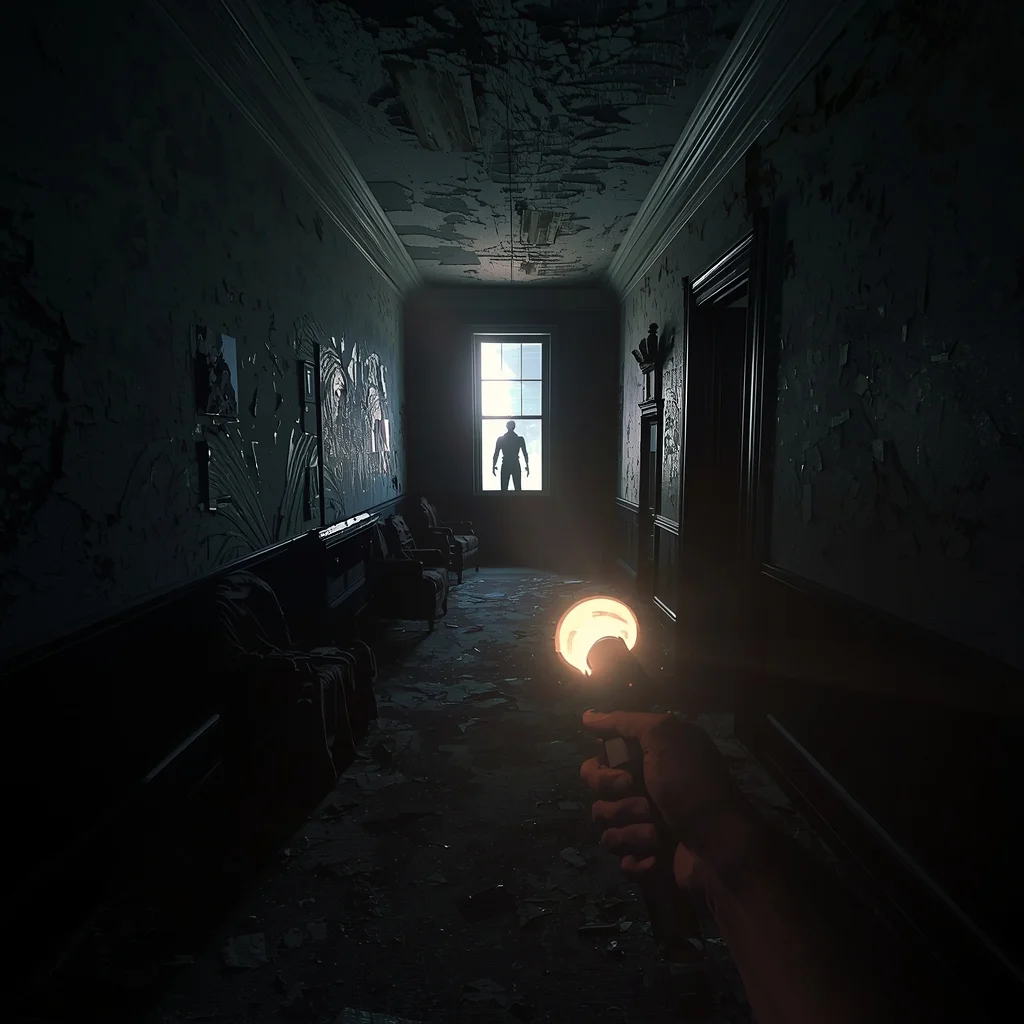
Prompt: A terrifying first-person perspective looking down a derelict, dark Victorian mansion hallway. The player holds up a flickering flashlight that casts a narrow beam of light, revealing peeling wallpaper, draped furniture, and dust motes. A thunderstorm flashes lightning outside a tall window at the end of the hall, briefly illuminating a grotesque, shadowy humanoid figure standing still. Intense psychological horror atmosphere, photorealistic graphics, "Resident Evil" style, extreme tension.
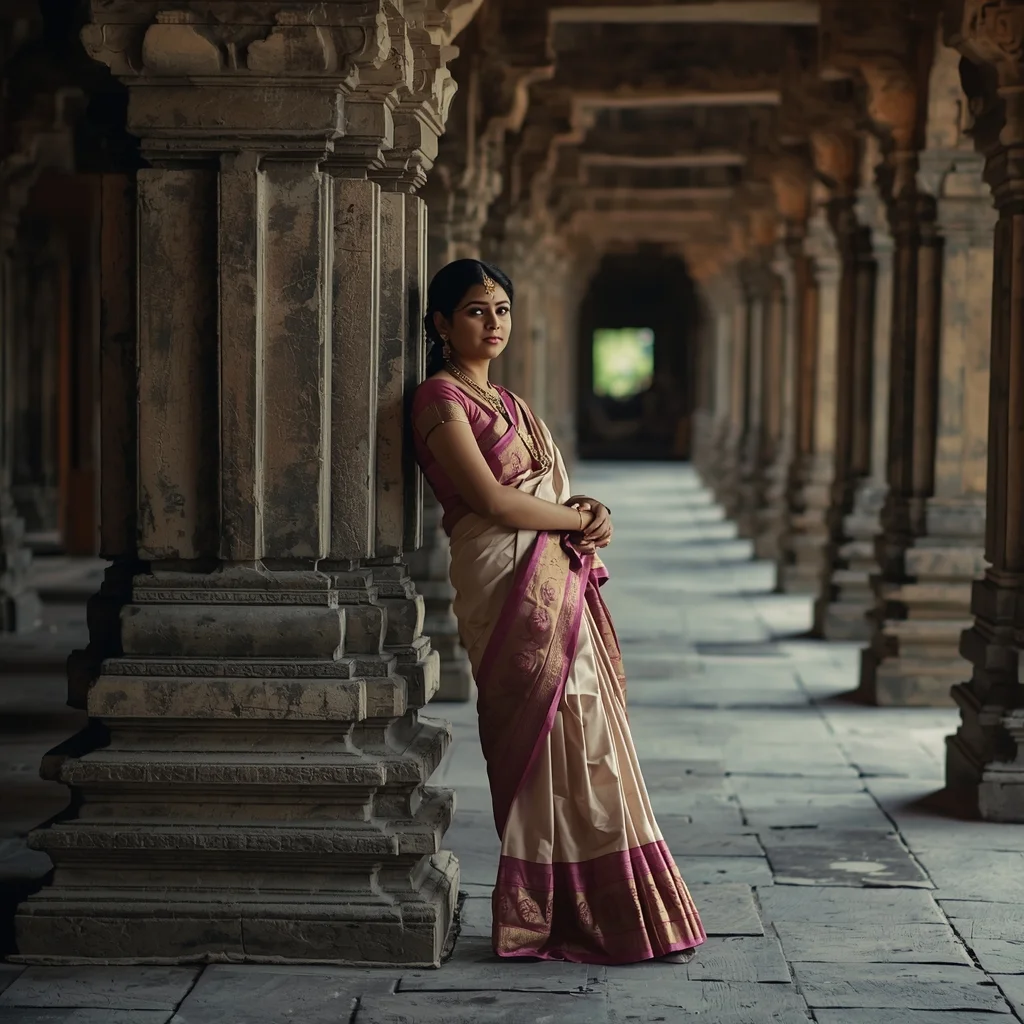
Full-body portrait of an Indian woman leaning against a carved stone pillar in an ancient temple archway, wearing traditional silk attire, intricate jewelry details, soft natural light filtering through the corridors, peaceful and spiritual atmosphere, realistic textures of stone and fabric, 8K ultra-detailed realism
Timeless Cultural Grace Standing Pose | Hyper Realistic Prompt
1844 mos ago
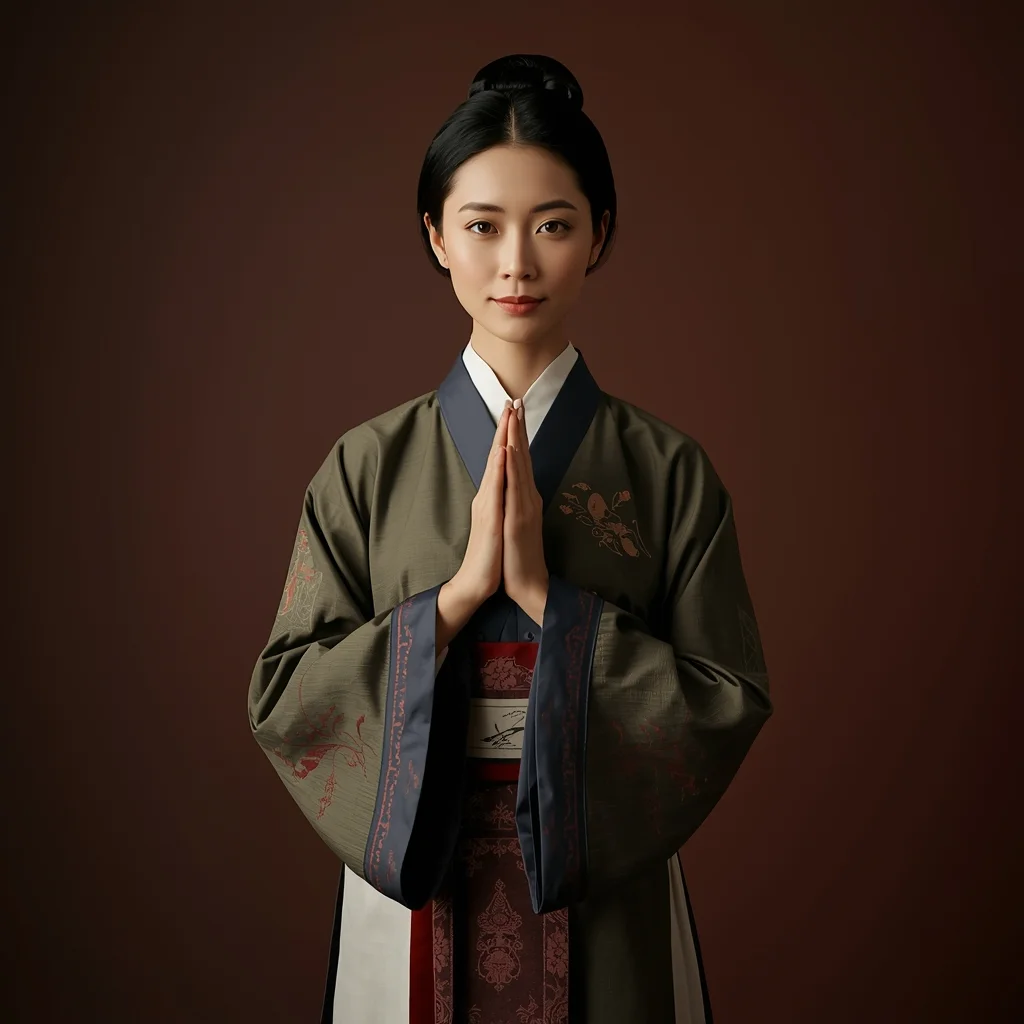
Prompt: A timeless traditional woman pose featuring a standing posture with balanced body alignment and graceful hand placement. Outfit showcases classic cultural design with elegant color harmony. Expression is confident yet gentle, eyes conveying strength and tradition. Lighting is natural and soft, emphasizing authenticity. Background minimal with heritage tones. Ultra-realistic textures, refined cultural photography, cinematic clarity, artistic elegance.
Frequently Asked Questions
Common questions regarding this AI prompt.
What is the core conceptual focus of the \"Reaction Video\" Thumbnail Niche: Commentary / Reaction | Clean Ai Prompt prompt?
The \"Reaction Video\" Thumbnail Niche: Commentary / Reaction | Clean Ai Prompt prompt is meticulously engineered to focus on high-fidelity visual storytelling within the YouTube Thumbnail genre. By leveraging advanced keyword weighting and specific rendering tokens, it ensures that the AI prioritizes both the primary subject matter and the intricate atmospheric details, resulting in a highly professional and polished final image.
What is the best Stylize (--s) value to use in Midjourney for this prompt?
The stylize parameter dictates how strongly Midjourney applies its default aesthetic. For strict adherence to the realistic details of \"Reaction Video\" Thumbnail Niche: Commentary / Reaction | Clean Ai Prompt, keep it around --s 100 to --s 250. If you want the AI to take artistic liberties and make the YouTube Thumbnail scene look more like a digital masterpiece, push the value up to --s 500 or --s 750.
How do I create a dramatic, low-light version of \"Reaction Video\" Thumbnail Niche: Commentary / Reaction | Clean Ai Prompt?
To plunge the scene into dramatic darkness, modify the prompt to include 'chiaroscuro', 'low-key lighting', 'underexposed', and 'stark shadows'. This tells the AI to plunge the majority of the YouTube Thumbnail environment into darkness while intensely illuminating only the most critical parts of the \"Reaction Video\" Thumbnail Niche: Commentary / Reaction | Clean Ai Prompt subject, creating a moody, cinematic masterpiece.
How do I modify \"Reaction Video\" Thumbnail Niche: Commentary / Reaction | Clean Ai Prompt to fit into a dark fantasy or gothic horror setting?
Change the environmental descriptors. Add 'dark fantasy concept art, gothic architecture, eerie volumetric fog, corrupted ruins, ominous atmosphere, Bloodborne aesthetic'. This forces the AI to reinterpret the \"Reaction Video\" Thumbnail Niche: Commentary / Reaction | Clean Ai Prompt prompt through a grim, terrifying lens, drastically altering the mood of the YouTube Thumbnail output.
Is this prompt compatible with the new Flux.1 AI model?
Yes, Flux.1 is incredibly responsive to detailed structural prompts just like this one. Because Flux handles complex spatial relationships and typography better than previous models, the composition instructions embedded in the \"Reaction Video\" Thumbnail Niche: Commentary / Reaction | Clean Ai Prompt prompt will be rendered with astonishing accuracy, making it ideal for high-end YouTube Thumbnail generation.
What rendering engines should I reference to maximize the quality of \"Reaction Video\" Thumbnail Niche: Commentary / Reaction | Clean Ai Prompt?
Modern AI image generators respond incredibly well to 3D software references. By appending terms like 'Unreal Engine 5 render', 'OctaneRender', 'Redshift', 'V-Ray', and 'Global Illumination', you are signaling the AI to utilize its highest quality datasets for lighting physics and material textures within the YouTube Thumbnail image.
Can I easily integrate the \"Reaction Video\" Thumbnail Niche: Commentary / Reaction | Clean Ai Prompt output into a professional design workflow?
Absolutely. The outputs generated by this prompt are designed with commercial and professional workflows in mind. Because it emphasizes crisp edges, balanced contrast, and high-resolution keywords, the resulting YouTube Thumbnail images are perfect for immediate use in UI/UX design, marketing materials, or further post-processing in software like Adobe Photoshop.
Is it possible to use this static image prompt as a base for AI video animation?
Yes, this is a very popular workflow. Once you generate the perfect still image of \"Reaction Video\" Thumbnail Niche: Commentary / Reaction | Clean Ai Prompt, you can import it into cutting-edge AI video generators like Luma Dream Machine, Kling AI, Runway Gen-3, or Pika Labs. The high detail and clear focus provided by this YouTube Thumbnail prompt make it an ideal initial keyframe, resulting in smooth, artifact-free animations.
How does the prompt establish the historical or futuristic era of \"Reaction Video\" Thumbnail Niche: Commentary / Reaction | Clean Ai Prompt?
Era-specific aesthetics are locked in using targeted chronological keywords. Whether leaning towards a neo-futuristic cyberpunk vibe or a classical Renaissance look, the prompt forces the AI to draw from specific historical datasets. This ensures that the clothing, architecture, and props within the YouTube Thumbnail scene remain historically or thematically accurate.
What should I do if the background of \"Reaction Video\" Thumbnail Niche: Commentary / Reaction | Clean Ai Prompt becomes too cluttered?
If the AI over-complicates the background, you need to assert control over the depth of field. Add strict modifiers like 'clean minimalist background, studio backdrop, heavy bokeh, blurred environment' to the prompt. Additionally, placing the subject-specific keywords at the very front of the prompt ensures the AI prioritizes the main \"Reaction Video\" Thumbnail Niche: Commentary / Reaction | Clean Ai Prompt element.
Can I convert the scene into a post-apocalyptic wasteland?
Yes, by adding 'post-apocalyptic, overgrown ruins, rusted metal, decayed urban environment, survival aesthetic, cinematic fallout style'. The AI will take the core structure of \"Reaction Video\" Thumbnail Niche: Commentary / Reaction | Clean Ai Prompt and age it by decades, adding immense weathering and environmental storytelling to the YouTube Thumbnail image.
What are the recommended parameters for generating \"Reaction Video\" Thumbnail Niche: Commentary / Reaction | Clean Ai Prompt in Stable Diffusion XL (SDXL)?
For optimal results in SDXL, we recommend pairing this prompt with a high-quality checkpoint like Juggernaut XL. Use the DPM++ 2M Karras sampler with approximately 35-40 steps and a CFG scale between 6.5 and 8.0. This combination strikes the perfect balance between adhering strictly to the \"Reaction Video\" Thumbnail Niche: Commentary / Reaction | Clean Ai Prompt description and allowing the model's creative freedom.
How do I achieve an extreme close-up or macro shot of \"Reaction Video\" Thumbnail Niche: Commentary / Reaction | Clean Ai Prompt?
Modify the perspective by heavily weighting keywords like 'extreme macro photography', '100mm macro lens', 'microscopic detail', and 'extreme close up'. This forces the AI engine to ignore the broader YouTube Thumbnail environment and dedicate all of its rendering power to the microscopic textures, fibers, or surface imperfections of the primary subject.