High-quality AI-generated image. Optimized for detailed rendering, perfect for creative projects and inspiration.
357Views
0 Likes
100%Quality
FreeLicense
AI Prompt
An artistic male portrait with side-face angle, thoughtful expression, soft dramatic lighting, dark blurred background, fine skin details, cinematic mood, shallow depth of field, professional portrait photography, ultra-high definition, realistic AI art
Want to create this with your own face? Use this instruction:
No distortion, no smoothing, no reshaping of the face. An artistic male portrait with side-face angle, thoughtful expression, soft dramatic lighting, dark blurred background, fine skin details, cinematic mood, shallow depth of field, professional portrait photography, ultra-high definition, realistic AI art
About this Prompt
Unleash a massive torrent of professional creativity with 'Artistic Side Portrait Pose | Clear Ai Prompt'; an incredibly dynamic and utterly captivating entry into the Man Pose Art library. The profound narrative depth woven into this prompt draws viewers in effortlessly, telling an epic, cinematic tale through flawless digital execution. The deeply mesmerizing, incredibly vibrant patterns and motifs adorning the subject are utterly captivating, making it a highly decorative and intricately ornate digital wonder. Soothing tones mixed with hyper-kinetic energy make this Man Pose Art piece infinitely complex and visually deeply satisfying.
Highly effective for establishing a deeply powerful, highly cohesive brand identity across multiple digital platforms. Generating all your Man Pose Art hero banners and background assets with this single prompt ensures a flawless, unified corporate look. Fuel your raw artistic fire and radically expand your digital horizons. This prompt is not just a simple text string; it is a highly foundational masterclass in advanced digital rendering, spatial composition, and professional aesthetics.
Kashmiri Pheran Pose in Soft Autumn Breeze | Trending Ai Prompt
3528 mos ago
Prompt: A full-length cultural image of a Kashmiri woman standing confidently as a gentle autumn breeze moves her traditional pheran. The pheran is rust-orange with fine woven detailing, paired with traditional footwear and minimal jewelry. Her stance is balanced and graceful, gaze directed forward. Autumn sky, drifting leaves, realistic motion in fabric, cinematic realism, professional photography quality, ultra-sharp focus.
Futuristic Motion Turn Pose | Best Prompt For Photo Realism
3348 mos ago
Prompt: A man caught mid-turn as if responding to sound or movement, torso slightly twisted, dynamic posture, futuristic streetwear with layered fabrics and tech-inspired details, neon reflections in background, cyberpunk city atmosphere, dramatic rim lighting, sharp facial focus, motion energy captured, high-detail AI art, cinematic sci-fi fashion style
Indo-Western Fusion Confidence Pose | Ai Editing Prompt
3078 mos ago
Prompt: Indian woman wearing an Indo-Western fusion dress, standing with crossed arms and slight lean, bold confident expression, sleek hairstyle, modern jewelry accents, urban studio background, dramatic rim lighting, contemporary fashion mood, high-contrast cinematic look, ultra-sharp focus, social media influencer style.
Modern Indian Viral Reel Pose – Sudden Turn Glam Frame | Ultimate Prompt Collection
3478 mos ago
Prompt: An Indian woman dressed in a modern Indo-western dress, captured mid sudden turn as if reacting during a reel transition. Fabric shifts naturally, creating motion flow. Body posture relaxed yet expressive. Hair swings lightly with the turn. Expression confident with a playful edge. Makeup is soft glam and camera-ready. Lighting is bright and cinematic, freezing motion clearly. Background minimal and aesthetic. Ultra-high resolution, influencer-style realism, cinematic depth, viral-ready composition.
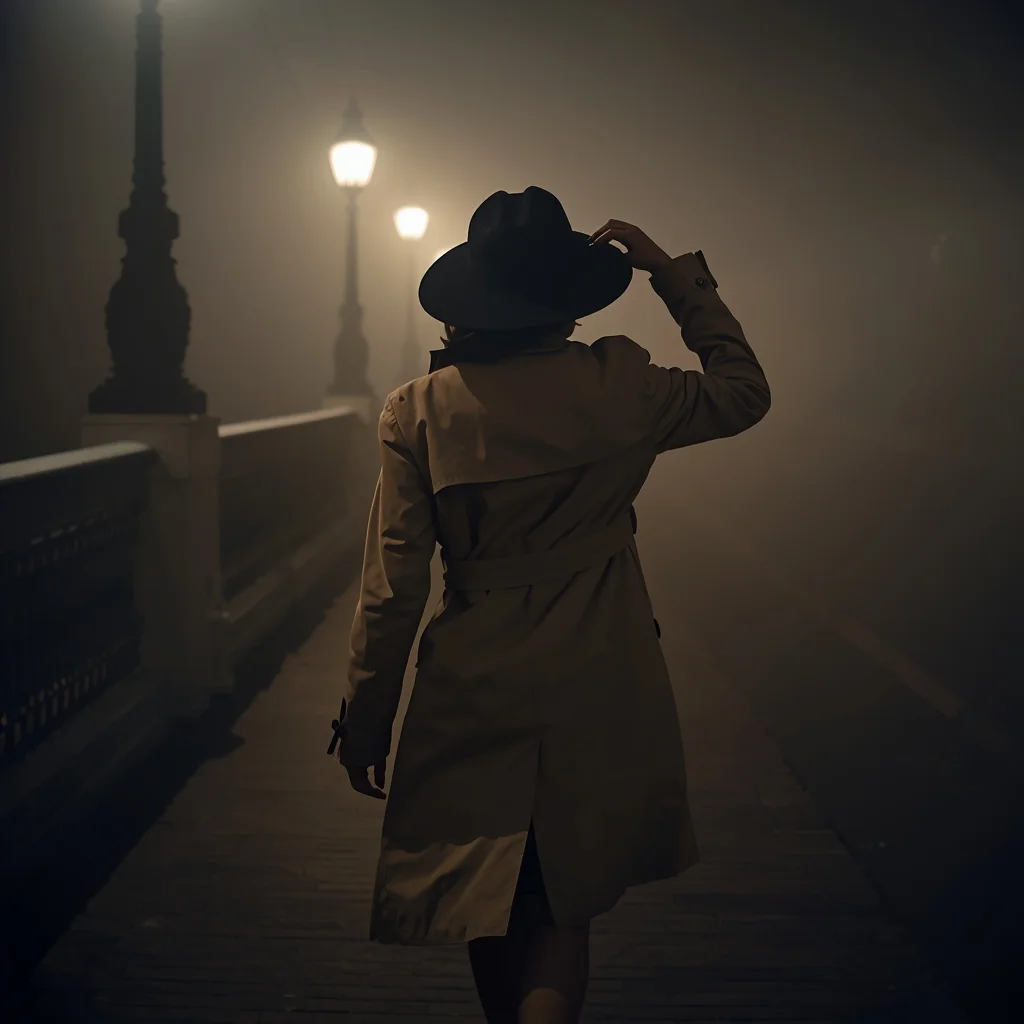
Prompt: A moody, 'Film Noir' inspired shot of a woman in a classic belted beige trench coat and a wide-brimmed felt hat, walking across a fog-covered London bridge at midnight. | Pose: She is walking toward the camera but looking away into the fog. One hand is reaching up to adjust the brim of her hat, partially obscuring her face. Her posture is hurried and mysterious. | Technical: Chiaroscuro lighting, heavy film grain, 50mm lens, f/1.8. Muted color palette with deep shadows, soft-focus street lamps, cinematic 4k aesthetic.
Prompt: A stylish woman captured mid-step while walking confidently through an urban street, coat flowing naturally with motion, hair gently moving in the breeze. Her posture reflects confidence and independence, gaze directed slightly off-camera. Cinematic city background with subtle motion blur, dramatic lighting, realistic reflections, moody color grading, ultra-detailed textures, high-fashion street style, professional photography framing, shallow depth of field, 8K ultra-realistic image quality.
Traditional Sherwani Pride Pose | Trending Ai Art Prompt
3228 mos ago
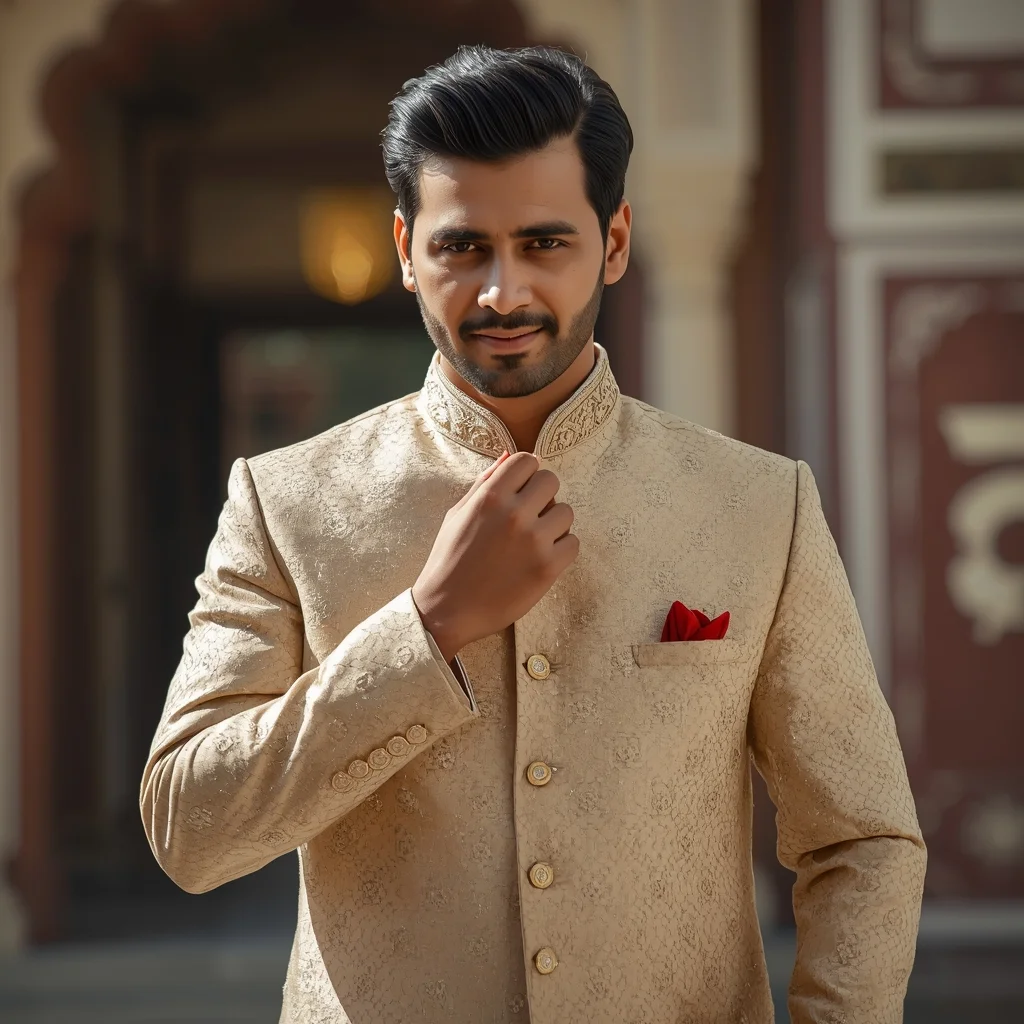
Prompt: A stylish Indian man wearing a designer sherwani, one hand adjusting the collar, straight confident posture, subtle smile, heritage architecture background, soft sunlight, royal ethnic mood, sharp facial features, luxury Indian fashion photography, ultra-detailed realism.
STOP DOING THIS RIGHT NOW ❌ | Cinematic Lighting Prompt
2548 mos ago
Prompt: Photorealistic YouTube thumbnail featuring a serious creator pointing directly at the viewer, warning expression, strong eye contact, bold red cross symbol beside them, dramatic top lighting, dark background with subtle texture, high contrast shadows, ultra-sharp face focus, expressive emotions, vibrant red accents, cinematic color grading, professional studio photography style, clean framing, 4K ultra-HD, thumbnail optimized for instant attention.
Frequently Asked Questions
Common questions regarding this AI prompt.
What is the best way to force an ultra-wide or panoramic view?
To force a panoramic composition, you must combine aspect ratio parameters with specific camera descriptors. In Midjourney, use '--ar 21:9'. Within the prompt text itself, include 'ultra-wide panoramic landscape, 14mm lens, expansive horizon, sweeping view'. This ensures the Artistic Side Portrait Pose | Clear Ai Prompt subject matter is distributed correctly across a massive, cinematic canvas.
How do I give Artistic Side Portrait Pose | Clear Ai Prompt a retro, 1980s synthwave aesthetic?
Inject keywords that define that specific era's pop culture. Use 'vaporwave aesthetic, 1980s synthwave, neon grid background, cyan and magenta color palette, VHS glitch effect, retro-futurism'. This overrides the standard lighting and wraps the Artistic Side Portrait Pose | Clear Ai Prompt subject in a highly stylized, nostalgic digital atmosphere.
Does this prompt support blending multiple concepts together?
Yes, advanced users can use this prompt as a base for concept blending. By utilizing syntax like [Concept A : Concept B : 0.5] in Automatic1111 or simply describing a hybrid scenario, the strong foundational parameters of the Artistic Side Portrait Pose | Clear Ai Prompt prompt will ensure the merged concepts render cohesively without degrading into visual noise.
Can I easily integrate the Artistic Side Portrait Pose | Clear Ai Prompt output into a professional design workflow?
Absolutely. The outputs generated by this prompt are designed with commercial and professional workflows in mind. Because it emphasizes crisp edges, balanced contrast, and high-resolution keywords, the resulting Man Pose Art images are perfect for immediate use in UI/UX design, marketing materials, or further post-processing in software like Adobe Photoshop.
How can I transform Artistic Side Portrait Pose | Clear Ai Prompt into a vector graphic or logo style?
To strip away the photorealism, replace the camera keywords with 'flat vector illustration, minimalist design, UI/UX asset, Adobe Illustrator style, solid colors, clean crisp lines, no gradients'. This transforms the Man Pose Art subject into a scalable, graphic-design-ready asset perfect for web design or branding.
How do I ensure the skin textures in Artistic Side Portrait Pose | Clear Ai Prompt look photorealistic and not plastic?
AI often defaults to overly smooth, airbrushed skin. To counter this, you must explicitly demand imperfections. Add 'subsurface scattering, visible skin pores, peach fuzz, micro-wrinkles, highly detailed skin texture, raw unedited photograph' to the prompt. This forces the model to render the human elements of the Man Pose Art scene with authentic, biological realism.
How customizable are the character and environment details in the Artistic Side Portrait Pose | Clear Ai Prompt prompt?
Highly customizable. The prompt serves as a robust architectural framework. You can easily swap out specific nouns or color palettes while retaining the core Man Pose Art style. For example, changing the time of day or the primary clothing material will seamlessly adapt the scene while maintaining the high-definition rendering quality originally intended for Artistic Side Portrait Pose | Clear Ai Prompt.
Can I use Image-to-Image (Img2Img) techniques with the Artistic Side Portrait Pose | Clear Ai Prompt prompt?
Absolutely. Using a rough sketch or a reference photo alongside this prompt in an Img2Img workflow is highly effective. We recommend setting your Denoising Strength between 0.45 and 0.65. This range is the 'sweet spot' that allows the AI to apply the high-quality textures and lighting of the Artistic Side Portrait Pose | Clear Ai Prompt prompt while strictly respecting the structural layout of your reference image.
How can I dictate the camera angle to make the subject look more powerful?
Camera angle completely changes the psychological impact. To make the subject of Artistic Side Portrait Pose | Clear Ai Prompt appear dominant or towering, insert 'low angle shot' or 'worm's-eye view'. Conversely, to make the Man Pose Art scene feel vast and the subject small, use 'drone shot', 'bird's-eye view', or 'extreme high angle'.
What is the optimal workflow for upscaling Artistic Side Portrait Pose | Clear Ai Prompt to print-quality resolution?
Do not generate at massive resolutions directly, as it causes compositional duplication (like two heads). Instead, generate Artistic Side Portrait Pose | Clear Ai Prompt at a native resolution (e.g., 1024x1024), and then use a dedicated AI upscaler. Tools like Topaz Gigapixel AI, Magnific AI, or the '4x-UltraSharp' model in Automatic1111 will enhance the micro-textures of the Man Pose Art without destroying the original composition.
Is it possible to use this static image prompt as a base for AI video animation?
Yes, this is a very popular workflow. Once you generate the perfect still image of Artistic Side Portrait Pose | Clear Ai Prompt, you can import it into cutting-edge AI video generators like Luma Dream Machine, Kling AI, Runway Gen-3, or Pika Labs. The high detail and clear focus provided by this Man Pose Art prompt make it an ideal initial keyframe, resulting in smooth, artifact-free animations.
How does this prompt handle lighting and atmospheric effects?
This prompt utilizes a sophisticated combination of cinematic lighting descriptors and atmospheric keywords tailored for Man Pose Art. By specifying light direction, diffusion, and volumetric properties like 'god rays' or 'softbox lighting', it forces modern AI engines like Midjourney v6 and Flux to calculate highly realistic light bounces, creating a deeply immersive environment.
Is this prompt compatible with the new Flux.1 AI model?
Yes, Flux.1 is incredibly responsive to detailed structural prompts just like this one. Because Flux handles complex spatial relationships and typography better than previous models, the composition instructions embedded in the Artistic Side Portrait Pose | Clear Ai Prompt prompt will be rendered with astonishing accuracy, making it ideal for high-end Man Pose Art generation.