High-quality AI-generated image. Optimized for detailed rendering, perfect for creative projects and inspiration.
331Views
0 Likes
100%Quality
FreeLicense
AI Prompt
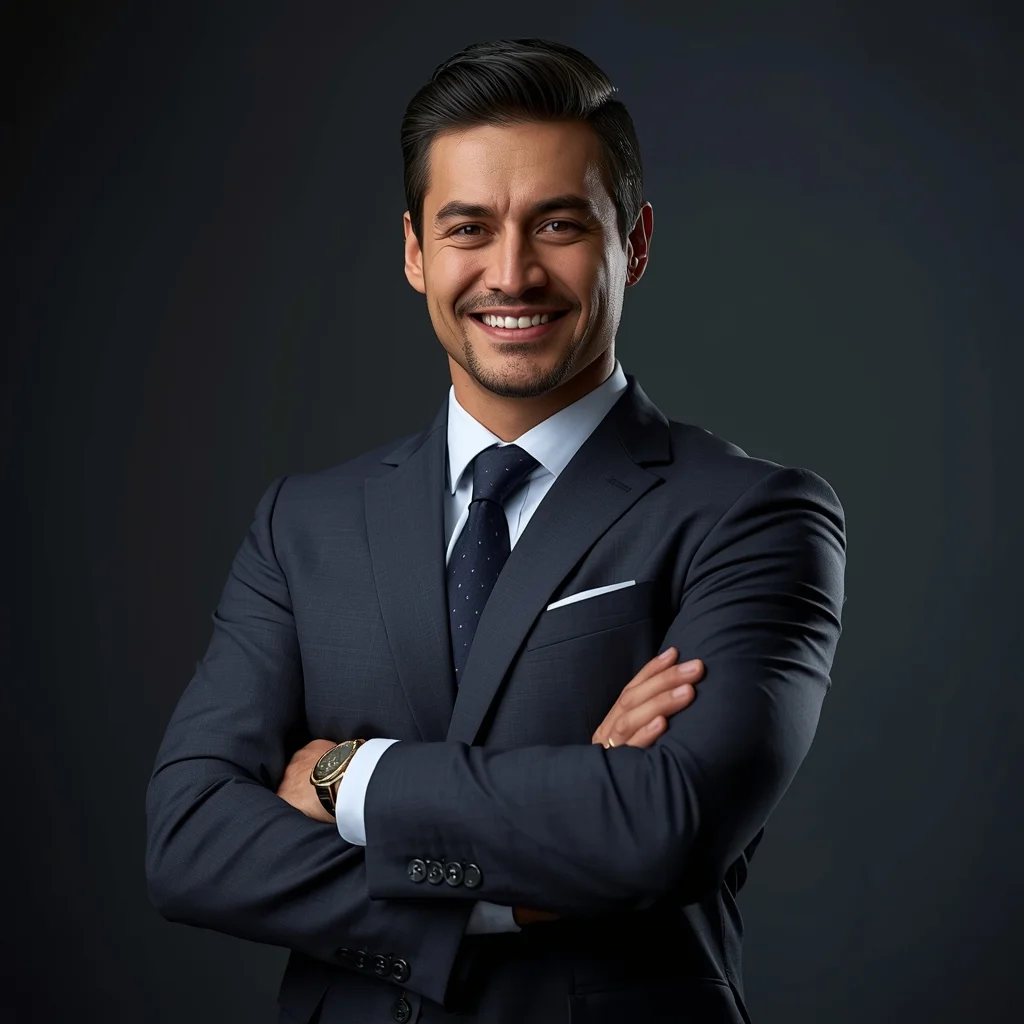
A successful businessman in a power pose, arms crossed, wearing a tailored formal suit, confident smile, corporate office background, dramatic studio lighting, high contrast shadows, detailed facial features, professional corporate photoshoot, ultra-realistic AI image, 8K ultra HD
Want to create this with your own face? Use this instruction:
The generated image must preserve the reference face with absolute accuracy. Keep the same eyes, nose, lips, jawline, cheekbones, forehead, and overall face shape. No smoothing, no reshaping, no morphing, no artistic variation. A successful businessman in a power pose, arms crossed, wearing a tailored formal suit, confident smile, corporate office background, dramatic studio lighting, high contrast shadows, detailed facial features, professional corporate photoshoot, ultra-realistic AI image, 8K ultra HD
About this Prompt
Harness the raw, untamed energy of artificial intelligence with 'Business Power Pose | Image Generation Prompt', a prompt explicitly tailored to completely dominate the Man Pose Art digital art scene. From casual weekend projects to high-stakes commercial campaigns, it provides a robust, stunning foundation for unparalleled visual success. Thrilling, perfect symmetry and wildly unpredictable asymmetry constantly compete for dominance, creating an incredible dynamic tension. This strictly mathematically beautiful art adheres deeply to the golden ratio, generating profound, highly powerful subconscious appeal for any true Man Pose Art aficionado.
Perfectly and meticulously suited for generating explosive viral visual content, highly personalized digital avatars, and premium aesthetic design references, actively allowing you to bypass frustrating creative block entirely and render with extreme confidence. Command the full, staggering power of modern generative algorithms with absolute confidence. Render this specific prompt right now to rapidly unlock the deepest secrets of professional digital art, aesthetic brilliance, and highly viral visual creation.
Soft Traditional Portrait Woman Pose | Image Generation Prompt
3558 mos ago
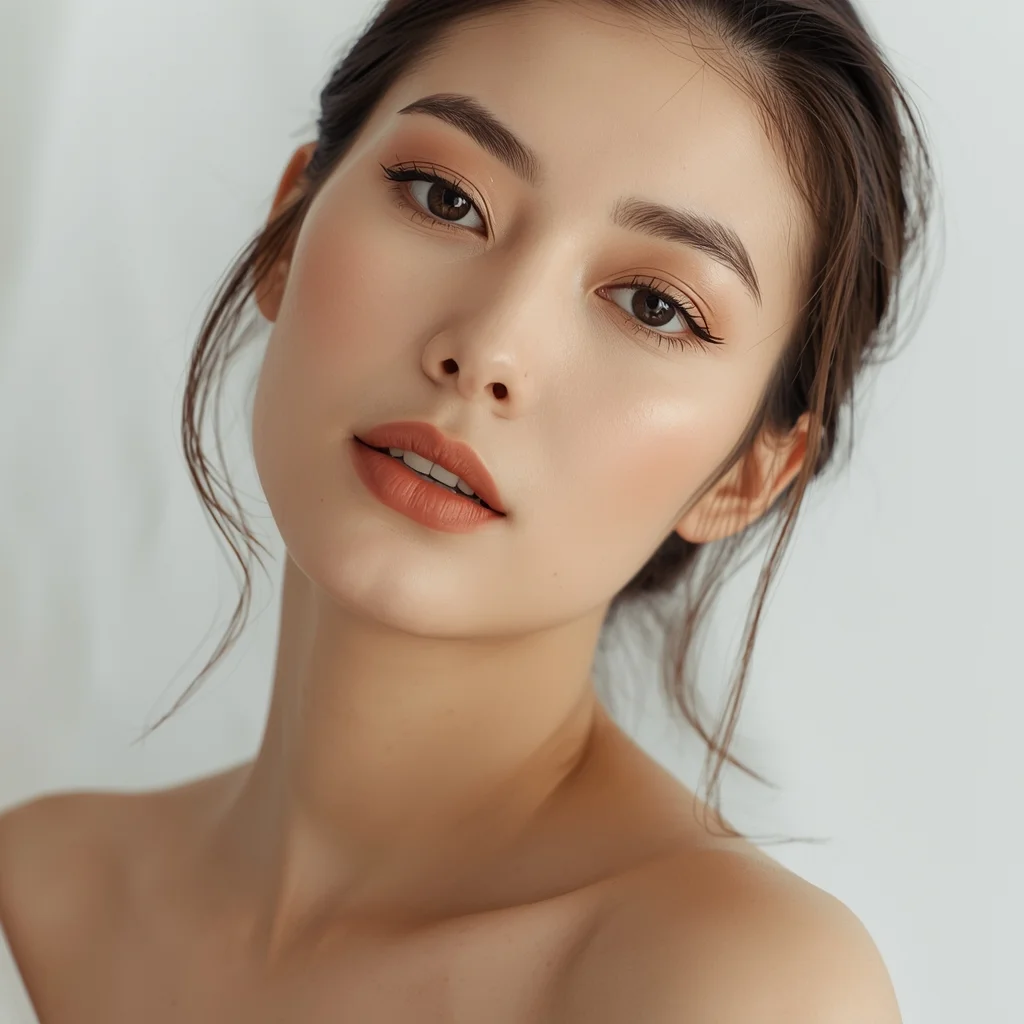
Prompt: A close-up traditional portrait of a woman with her head slightly tilted and shoulders relaxed. Her expression is gentle and introspective, eyes conveying warmth and tradition. Makeup is natural and culturally inspired. Soft studio or window lighting creates smooth shadows and highlights facial features. Clean background with subtle texture. Ultra-clean composition, professional cultural portrait style, high resolution.
Modern Indian Viral Reel Pose | Top Searched Ai Prompt
2428 mos ago
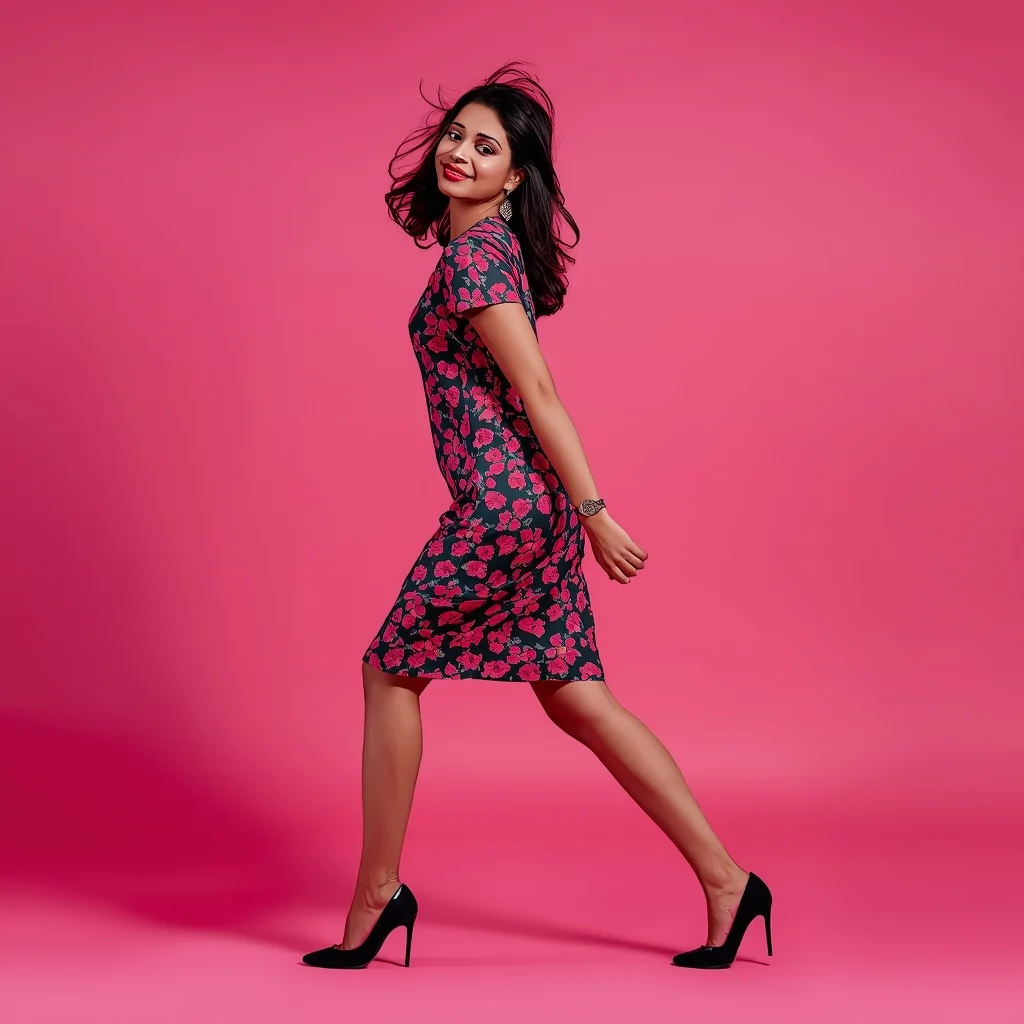
Prompt: An Indian woman in a trendy modern Indian dress, captured in a dynamic reel-style pose mid-step or mid-turn. Body angle is energetic, hair slightly in motion, expression playful and confident. Makeup is fresh and camera-ready. Lighting is vibrant and clean, enhancing sharpness. Background is minimal or colorful, optimized for social media. High clarity, modern influencer aesthetic, cinematic framing, ultra-realistic textures, designed for viral impact.
Modern Women Girl Viral Reel Flow Motion Pose | Ultra Realistic Prompt
4997 mos ago
Prompt: A fashionable woman in a flowing modern dress, captured mid-motion for a viral reel. Body angled dynamically, arms relaxed to allow natural movement. Hair floating gently, adding energy. Expression joyful and confident. Makeup subtle and glowing. Lighting warm yet clean, enhancing depth and texture. Background minimal with smooth color gradients. Ultra-high realism, cinematic look, modern influencer aesthetic optimized for viral impact.
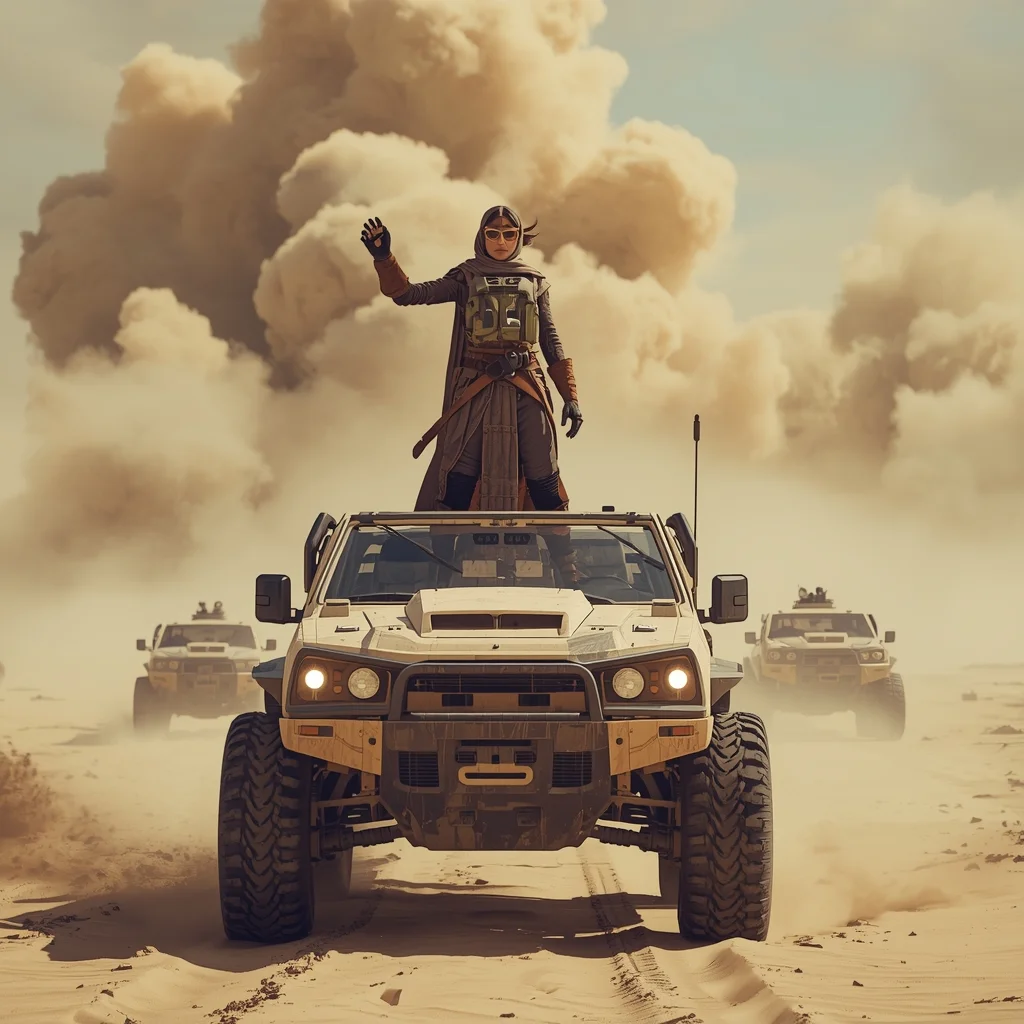
Desert Convoy Commander | Latest Ai Prompt Idea Free
2938 mos ago
A commanding nomad woman standing tall atop a rugged, six-wheeled desert crawler vehicle, gesturing forward with an armored gauntlet as a massive dust storm approaches on the horizon. She wears heavy protective gear, goggles down over her eyes, a thick scarf wrapped tight. Behind her, a convoy of scavenged vehicles kicks up sand. Cinematic epic scale, harsh desert light, volumetric sand particles, hyper-realistic, 8k
The Academic Professor in Thought | Unique Ai Prompt
3368 mos ago
Prompt: A portrait of an older intellectual man with wire-frame glasses and a tweed jacket, standing in a dimly lit university library aisle surrounded by towering bookshelves. He is holding an open book in one hand, while the other hand rubs his chin in a contemplative pose. He is looking upwards and away from the book. Mixed lighting from warm desk lamps and faint window light. Deep shadows, rich textures of old paper and wool.
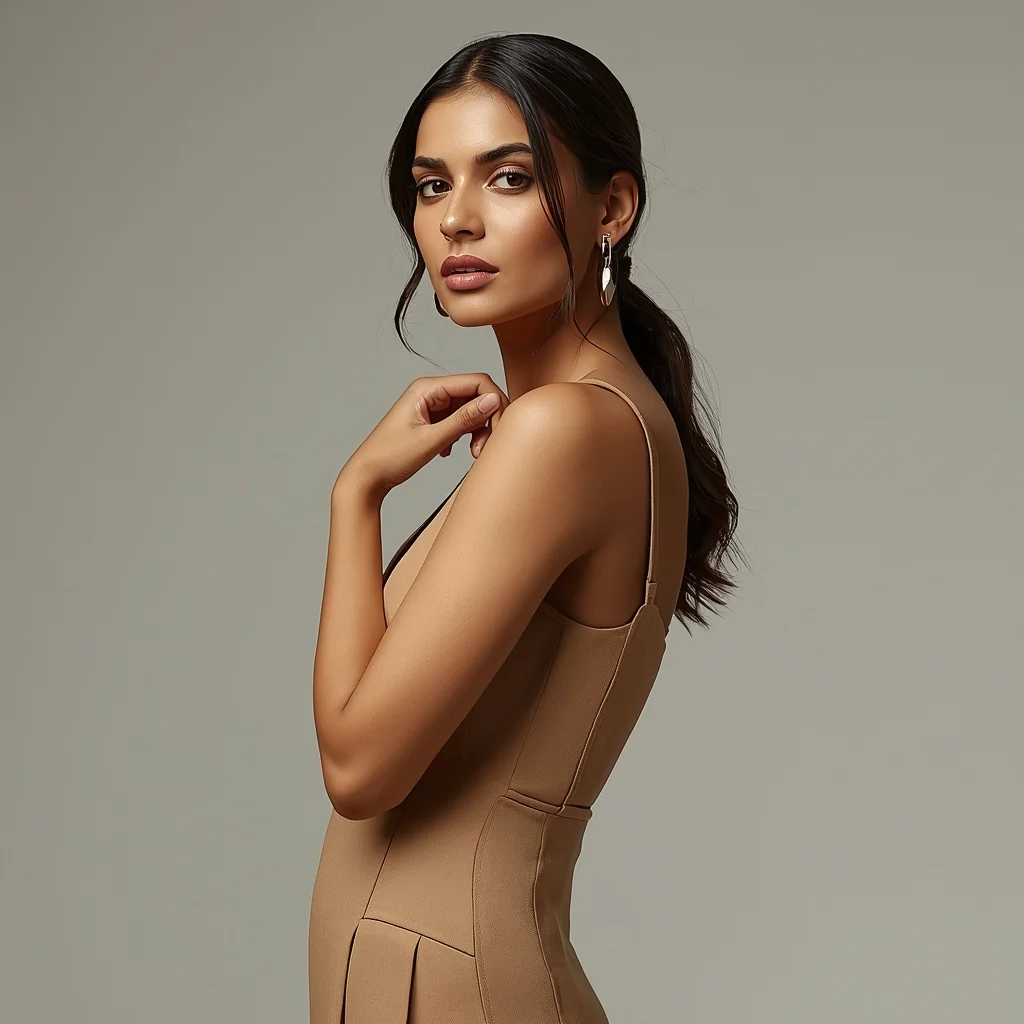
Modern Urban Muse Editorial Pose | Travel Photo Prompt
3368 mos ago
Prompt: A stylish Indian woman wearing a contemporary modern dress with clean lines and elegant tailoring, posed confidently in a high-end studio environment. She stands slightly angled, one shoulder closer to the camera, one hand resting softly near the collarbone while the other relaxes naturally by her side. Her expression is calm, intelligent, and self-assured, with natural glowing skin, subtle contour makeup, and glossy neutral lips. Hair is styled in soft waves or a sleek low ponytail, adding a modern editorial feel. Lighting is soft yet directional, highlighting facial symmetry and fabric texture. Background is minimal and neutral, creating a premium fashion-magazine aesthetic. Ultra-realistic details, sharp focus, balanced composition, luxury modern Indian fashion photography.
Frequently Asked Questions
Common questions regarding this AI prompt.
Is this prompt compatible with the new Flux.1 AI model?
Yes, Flux.1 is incredibly responsive to detailed structural prompts just like this one. Because Flux handles complex spatial relationships and typography better than previous models, the composition instructions embedded in the Business Power Pose | Image Generation Prompt prompt will be rendered with astonishing accuracy, making it ideal for high-end Man Pose Art generation.
How does the prompt establish the historical or futuristic era of Business Power Pose | Image Generation Prompt?
Era-specific aesthetics are locked in using targeted chronological keywords. Whether leaning towards a neo-futuristic cyberpunk vibe or a classical Renaissance look, the prompt forces the AI to draw from specific historical datasets. This ensures that the clothing, architecture, and props within the Man Pose Art scene remain historically or thematically accurate.
Is it possible to make the image look like an architectural blueprint?
Absolutely. Strip all color and realism by adding 'technical architectural blueprint, white lines on blue background, schematics, precise measurements, cross-section view, drafted by an engineer'. This is a highly creative way to present the Man Pose Art subject from an analytical, structural perspective.
How can I use Inpainting to fix specific errors in the generated Business Power Pose | Image Generation Prompt image?
Inpainting is essential for perfection. If 90% of the Business Power Pose | Image Generation Prompt image is flawless but a hand or eye is distorted, send the image to an Inpaint tab. Mask only the flawed area, keep the original prompt, and set the denoising strength high (around 0.7). The AI will regenerate only that specific zone, seamlessly blending the fixed Man Pose Art elements into the surrounding artwork.
How can I adjust the emotional tone or mood of Business Power Pose | Image Generation Prompt?
The mood is heavily dictated by lighting and color grading keywords. To make Business Power Pose | Image Generation Prompt feel more melancholic, replace warm lighting terms with 'cool blue tones, rainy atmosphere, and dramatic shadows'. Conversely, adding 'vibrant saturation, golden hour sunlight, and joyful expressions' will instantly uplift the emotional resonance of the Man Pose Art scene.
What is the best way to force an ultra-wide or panoramic view?
To force a panoramic composition, you must combine aspect ratio parameters with specific camera descriptors. In Midjourney, use '--ar 21:9'. Within the prompt text itself, include 'ultra-wide panoramic landscape, 14mm lens, expansive horizon, sweeping view'. This ensures the Business Power Pose | Image Generation Prompt subject matter is distributed correctly across a massive, cinematic canvas.
How can I dictate the camera angle to make the subject look more powerful?
Camera angle completely changes the psychological impact. To make the subject of Business Power Pose | Image Generation Prompt appear dominant or towering, insert 'low angle shot' or 'worm's-eye view'. Conversely, to make the Man Pose Art scene feel vast and the subject small, use 'drone shot', 'bird's-eye view', or 'extreme high angle'.
How does this prompt handle lighting and atmospheric effects?
This prompt utilizes a sophisticated combination of cinematic lighting descriptors and atmospheric keywords tailored for Man Pose Art. By specifying light direction, diffusion, and volumetric properties like 'god rays' or 'softbox lighting', it forces modern AI engines like Midjourney v6 and Flux to calculate highly realistic light bounces, creating a deeply immersive environment.
What is the core conceptual focus of the Business Power Pose | Image Generation Prompt prompt?
The Business Power Pose | Image Generation Prompt prompt is meticulously engineered to focus on high-fidelity visual storytelling within the Man Pose Art genre. By leveraging advanced keyword weighting and specific rendering tokens, it ensures that the AI prioritizes both the primary subject matter and the intricate atmospheric details, resulting in a highly professional and polished final image.
How does the prompt simulate physical camera lenses for Business Power Pose | Image Generation Prompt?
The prompt acts as a virtual director of photography by explicitly stating lens focal lengths and aperture settings. By including phrases like 'shot on 35mm lens' or 'f/1.4 aperture', the AI mathematically simulates the optical distortion, compression, and background blur (bokeh) characteristic of high-end photography, elevating the Man Pose Art image from a flat digital render to a lifelike photo.
What if the AI completely ignores a specific detail I added to the Business Power Pose | Image Generation Prompt prompt?
If a detail is ignored, it lacks 'weight'. Move that specific word closer to the very beginning of the prompt. Alternatively, if using Midjourney, use the double colon syntax (Keyword::2) to force the AI to pay attention. In Stable Diffusion, wrap the keyword in parentheses like (Keyword:1.5) to boost its importance in the Man Pose Art scene.
How do I inject a cyberpunk or dystopian sci-fi feel into Business Power Pose | Image Generation Prompt?
Add 'cyberpunk metropolis, neon rain, holographic advertisements, high-tech low-life, chrome and cables'. The AI will retain the core shape and intent of the Business Power Pose | Image Generation Prompt prompt but re-texture everything with futuristic, glowing, and metallic sci-fi elements.
Can I change the material composition of objects in the Business Power Pose | Image Generation Prompt prompt?
Yes, AI handles material transformation brilliantly. If you want to change a standard object into something surreal, use explicit material descriptors like 'made of translucent frosted glass', 'brushed anodized aluminum', 'woven carbon fiber', or 'wet shimmering obsidian'. This will completely recalculate the reflections and refractions in the Man Pose Art output.
Why might the colors in my Business Power Pose | Image Generation Prompt generation appear washed out, and how do I fix it?
Washed-out colors typically result from a missing VAE file in local setups, or a lack of color-grading instructions. To immediately fix this within the text prompt itself, append phrases such as 'vibrant technicolor, rich saturation, HDR, cinematic color grading, high contrast'. This forces the AI to map a wider, more dynamic color range to your image.