High-quality AI-generated image. Optimized for detailed rendering, perfect for creative projects and inspiration.
112Views
0 Likes
100%Quality
FreeLicense
AI Prompt
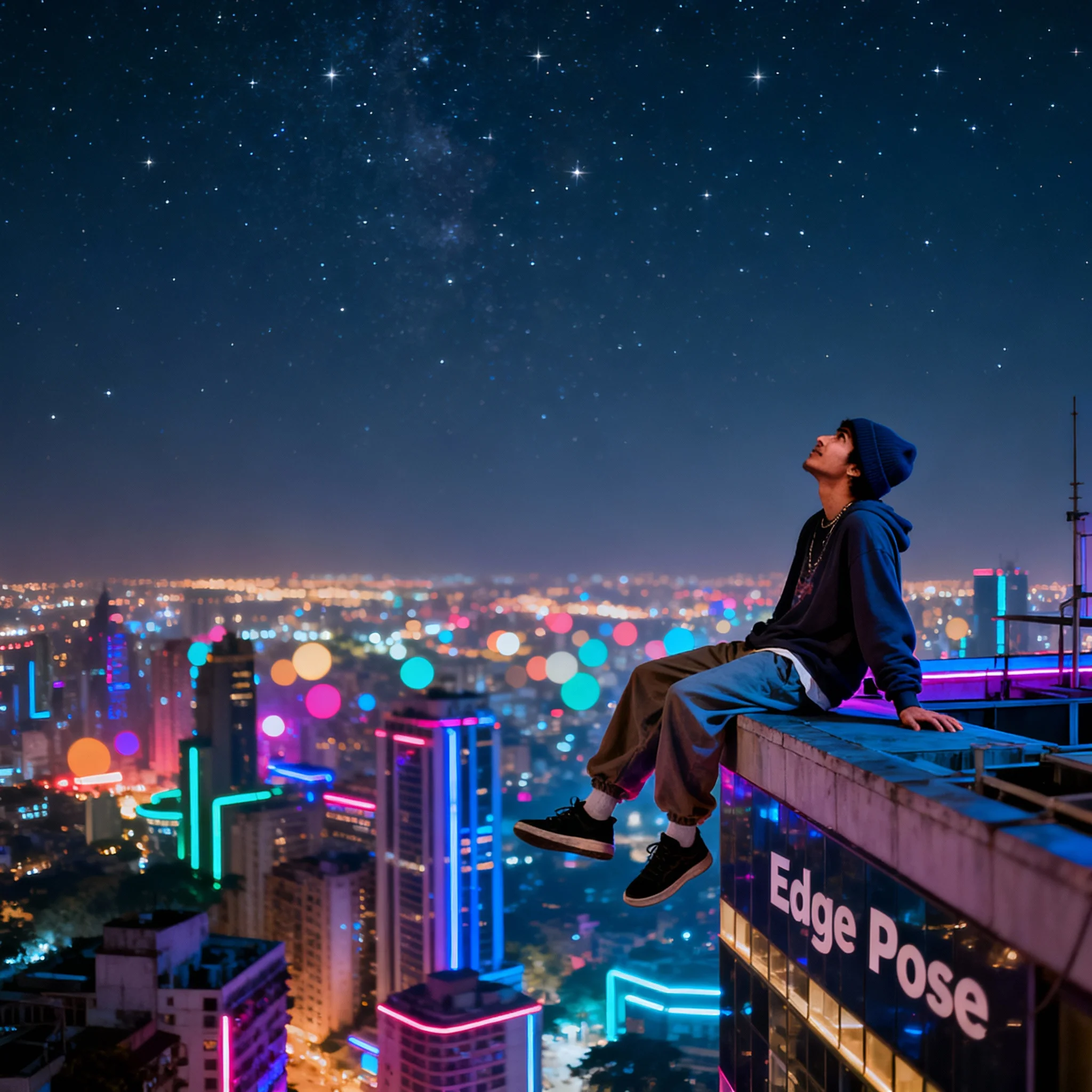
Prompt: A young man in baggy streetwear and a beanie, standing on the edge of a skyscraper in a futuristic Mumbai. The city lights below create a sea of colorful bokeh.
Pose: "The Edge Pose" - sitting on the very edge of the rooftop with legs dangling off, leaning back on his hands, looking up at the starry sky with a carefree expression.
Technical: Wide-angle perspective, night-mode photography, vibrant city colors, 8k resolution, cinematic depth.
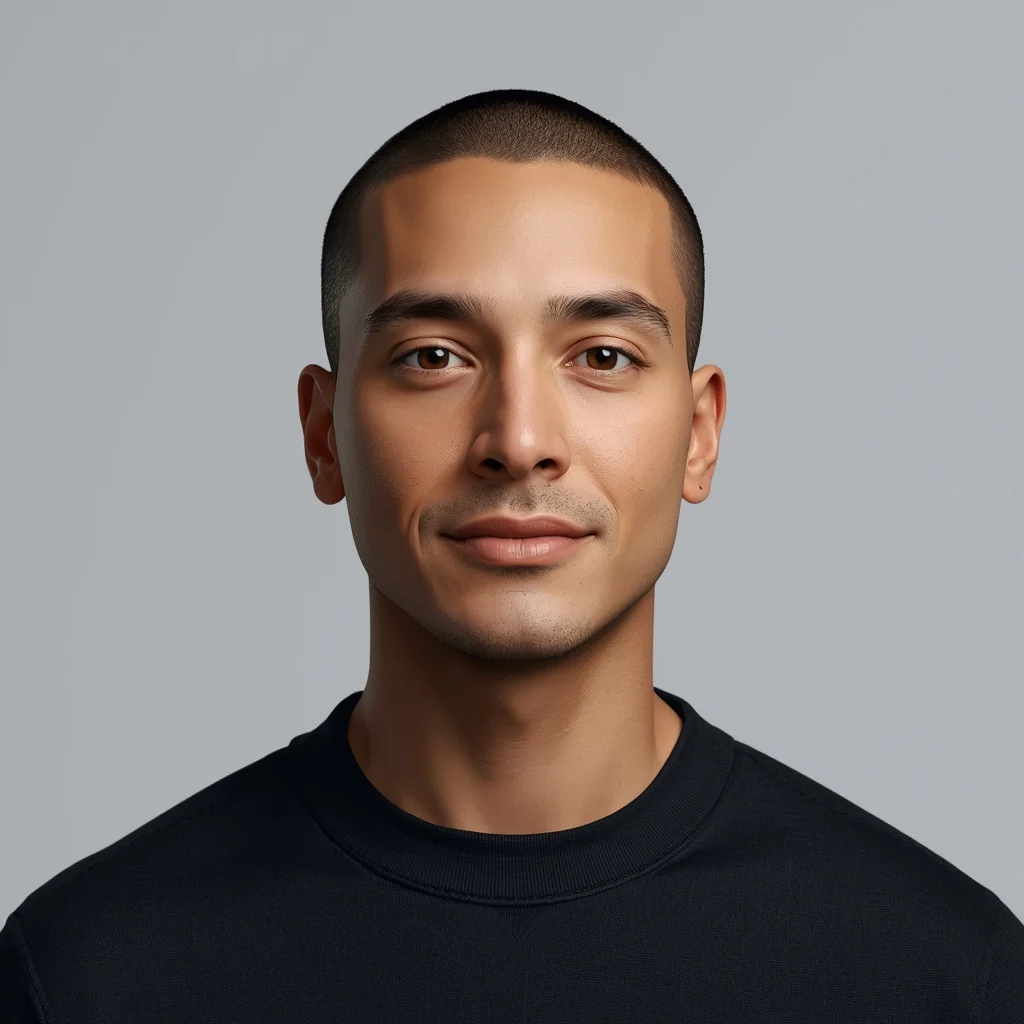
Want to create this with your own face? Use this instruction:
Use my reference image as the only source for facial identity. The face must remain completely unchanged, with the exact same structure, proportions, skin texture, facial symmetry, and natural imperfections. Do not modify, enhance, stylize, beautify, or reinterpret the face in any way. Prompt: A young man in baggy streetwear and a beanie, standing on the edge of a skyscraper in a futuristic Mumbai. The city lights below create a sea of colorful bokeh.
Pose: "The Edge Pose" - sitting on the very edge of the rooftop with legs dangling off, leaning back on his hands, looking up at the starry sky with a carefree expression.
Technical: Wide-angle perspective, night-mode photography, vibrant city colors, 8k resolution, cinematic depth.
About this Prompt
Discover the well-kept secret to flawless, ultra-realistic generations with 'The Rooftop Rebel | Ai Design Prompt', specifically formulated to bring out the most luxurious, stylish, and deeply captivating aspects of the Man Pose Art genre. It is a true generative gem designed for creators who refuse to compromise on quality. The deep, utterly serene atmospheric perspective adds a profound, almost haunting beauty; thick, dense fog and blinding, glowing light beams perfectly shroud the subject. This creates a mesmerizing, highly emotional thriller rendered entirely in static Man Pose Art digital form.
A heavily relied-upon secret weapon for digital marketing agencies running high-conversion ad campaigns. The sheer psychological stopping power of this highly optimized Man Pose Art aesthetic dramatically lowers acquisition costs and massively boosts viewer click-through rates. Take absolute, total control of the incredibly powerful neural network. This uniquely engineered prompt effectively bends the AI exactly to your precise, highly detailed creative will, translating raw thought into staggering digital reality with zero compromises.
Ultra-realistic fashion photography of a confident woman standing tall, one hand on waist and the other relaxed, modern minimal outfit, soft studio lighting, subtle shadows, neutral background, sharp facial features, expressive eyes, cinematic depth of field, professional editorial photoshoot, ultra-detailed skin texture, 8K resolution, no text, no watermark
Street Style Young Woman Urban Attitude Pose | Ai Design Prompt
973 mos ago
Prompt: A young woman posing with confident street-style attitude, relaxed stance, hands in pockets or crossed loosely. Casual trendy outfit, urban background, natural daylight, lifestyle street photography, cinematic framing, realistic textures, high resolution.
The Red Carpet Paparazzi Blitz | Creative Image Prompt
1203 mos ago
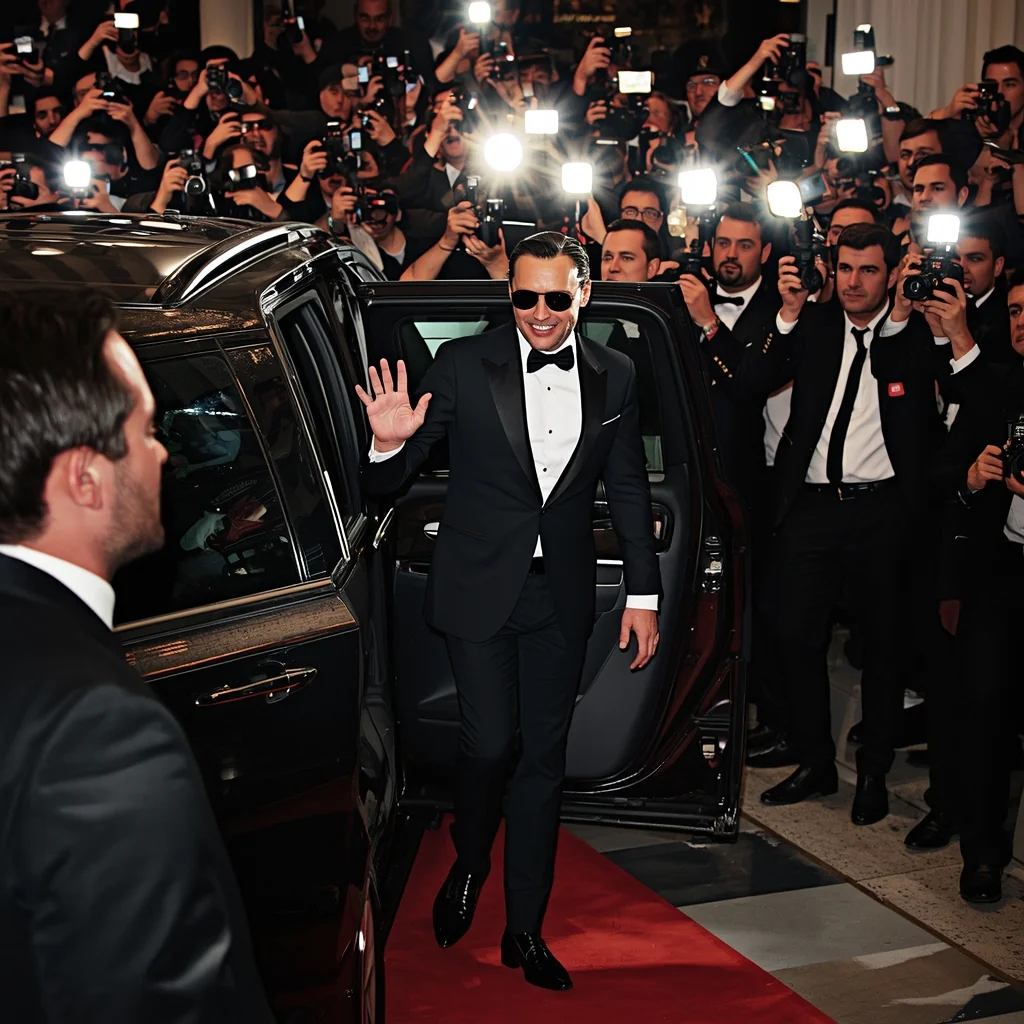
Prompt: A candid, high-energy photograph of a famous male actor stepping out of a black SUV onto a crowded red carpet. He is wearing a tailored Tom Ford tuxedo and sunglasses, giving a slight, confident wave to the crowd. The image captures the exact moment dozens of camera flashes explode, creating intense bursts of light and harsh shadows. His face is illuminated by the flashes. Security guards and screaming fans are visible in the chaotic background. Shot on a Canon DSLR with a telephoto lens, realistic film grain, documentary style.
Bold and Confident Artistic Woman Pose | Powerful Ai Image Prompt
1033 mos ago
Prompt: A bold and confident female model posing artistically with a strong power stance, shoulders back, chin slightly raised, and direct intense gaze into the camera. Outfit is modern and stylish, emphasizing confidence and strength while remaining elegant and tasteful. Lighting is high-contrast with dramatic highlights and shadows, dark minimal background, cinematic mood, fashion-forward aesthetic, editorial confidence vibe, ultra-sharp focus, high-end portrait photography, safe artistic expression, 8K realism.
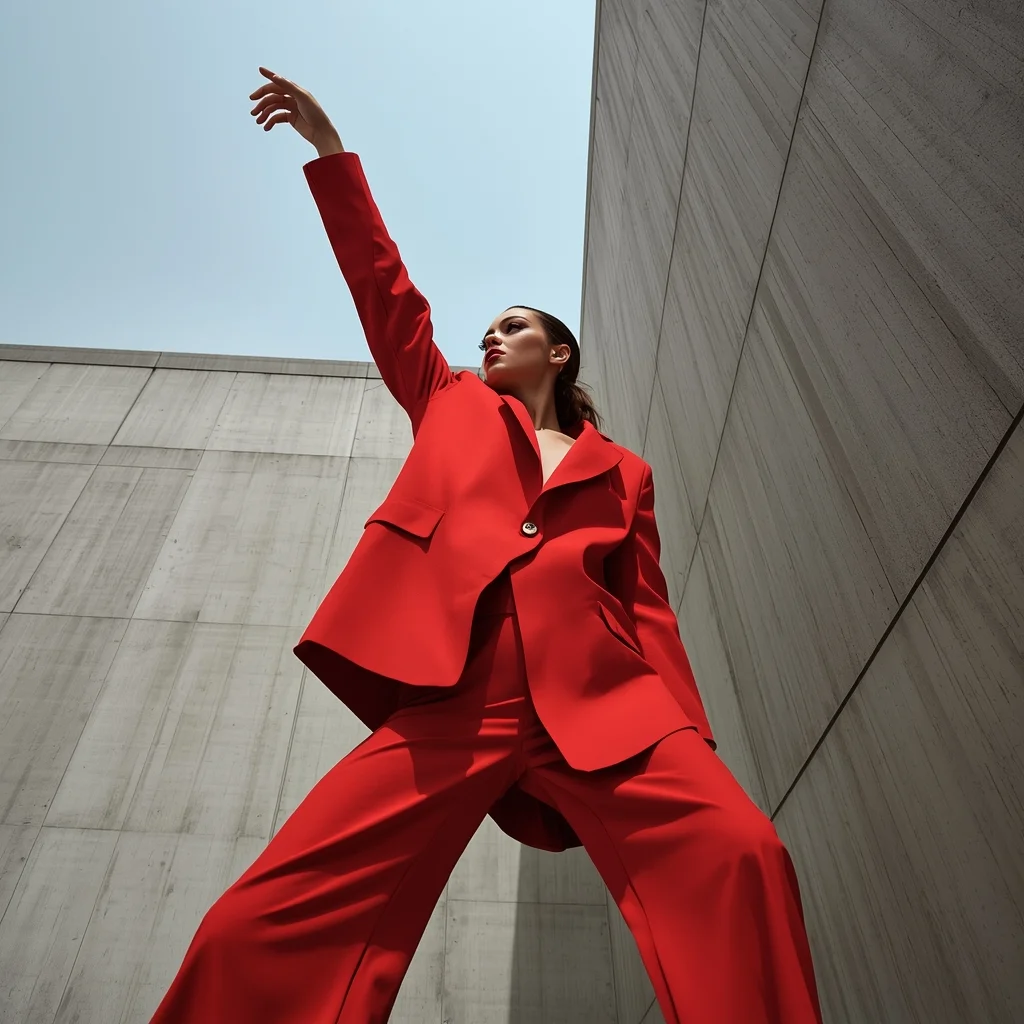
Prompt: An ultra-modern editorial fashion shot set against brutalist concrete architecture. The model is wearing an avant-garde, oversized geometric suit in bright crimson red. The stark grey concrete contrasts sharply with the vibrant clothing. Her makeup is bold and graphic.
Pose: Dynamic angular pose; body twisted slightly to the side, one arm reaching straight up towards the sky, chin tucked down, eyes looking up through her lashes.
Technical: High fashion photography, stark daylight, sharp shadows, high contrast, wide-angle 24mm lens to exaggerate the architecture.
Double Exposure Storm | Ai Prompt For High Engagement
1173 mos ago
A surreal double-exposure portrait of a pensive person. Their profile blends seamlessly into a dramatic storm cloud formation with lightning, symbolizing inner turmoil, cinematic lighting
Eating the World's Most Dangerous $5,000 Poisonous Fish | Ready To Use Ai Prompt
1173 mos ago
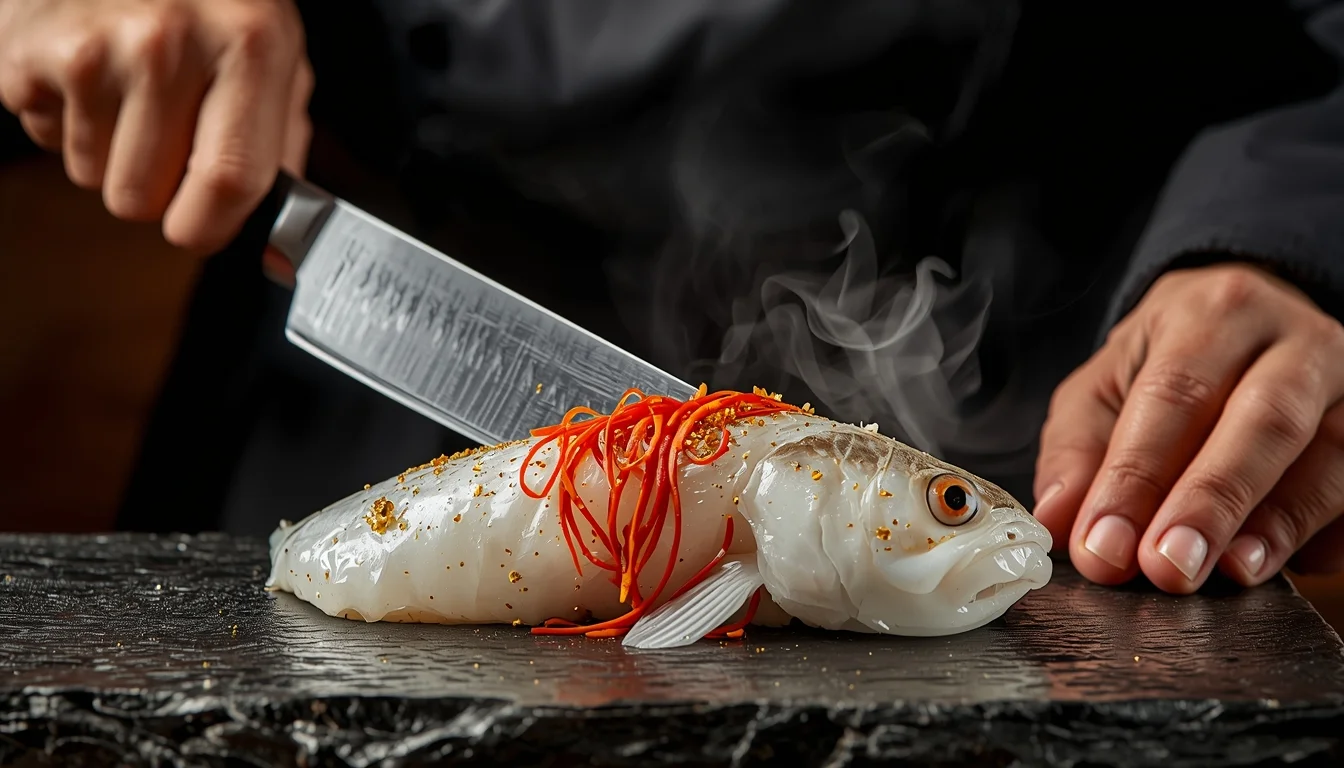
Prompt: An extreme close-up, high-impact food photography shot. A master sushi chef is seen with a sharp, glistening silver knife, carefully slicing a piece of rare, translucent Fugu (Pufferfish) on a black obsidian platter. The fish is garnished with vibrant red chili slivers and edible gold flakes. In the background, a small, dramatic puff of steam or liquid nitrogen mist adds a sense of "danger" and "luxury." The chef is wearing a traditional black kimono and has a focused, serious expression. The lighting is warm and dramatic, highlighting the texture of the fish and the sharpness of the blade. Rich, saturated colors, 8k resolution, ultra-sharp focus, and a sense of extreme culinary risk.
Frequently Asked Questions
Common questions regarding this AI prompt.
How can I use Inpainting to fix specific errors in the generated The Rooftop Rebel | Ai Design Prompt image?
Inpainting is essential for perfection. If 90% of the The Rooftop Rebel | Ai Design Prompt image is flawless but a hand or eye is distorted, send the image to an Inpaint tab. Mask only the flawed area, keep the original prompt, and set the denoising strength high (around 0.7). The AI will regenerate only that specific zone, seamlessly blending the fixed Man Pose Art elements into the surrounding artwork.
Can I convert the scene into a post-apocalyptic wasteland?
Yes, by adding 'post-apocalyptic, overgrown ruins, rusted metal, decayed urban environment, survival aesthetic, cinematic fallout style'. The AI will take the core structure of The Rooftop Rebel | Ai Design Prompt and age it by decades, adding immense weathering and environmental storytelling to the Man Pose Art image.
How can I transform The Rooftop Rebel | Ai Design Prompt into a vector graphic or logo style?
To strip away the photorealism, replace the camera keywords with 'flat vector illustration, minimalist design, UI/UX asset, Adobe Illustrator style, solid colors, clean crisp lines, no gradients'. This transforms the Man Pose Art subject into a scalable, graphic-design-ready asset perfect for web design or branding.
Does this prompt work with DALL-E 3 inside ChatGPT?
Yes, it works exceptionally well. DALL-E 3 thrives on conversational, highly descriptive text. Because this prompt for The Rooftop Rebel | Ai Design Prompt is structured with clear nouns and adjectives, DALL-E 3 will translate it almost perfectly into an image, ensuring that multiple complex elements within the Man Pose Art scene interact logically.
How can I adjust the emotional tone or mood of The Rooftop Rebel | Ai Design Prompt?
The mood is heavily dictated by lighting and color grading keywords. To make The Rooftop Rebel | Ai Design Prompt feel more melancholic, replace warm lighting terms with 'cool blue tones, rainy atmosphere, and dramatic shadows'. Conversely, adding 'vibrant saturation, golden hour sunlight, and joyful expressions' will instantly uplift the emotional resonance of the Man Pose Art scene.
How do I achieve an extreme close-up or macro shot of The Rooftop Rebel | Ai Design Prompt?
Modify the perspective by heavily weighting keywords like 'extreme macro photography', '100mm macro lens', 'microscopic detail', and 'extreme close up'. This forces the AI engine to ignore the broader Man Pose Art environment and dedicate all of its rendering power to the microscopic textures, fibers, or surface imperfections of the primary subject.
How can I dictate the camera angle to make the subject look more powerful?
Camera angle completely changes the psychological impact. To make the subject of The Rooftop Rebel | Ai Design Prompt appear dominant or towering, insert 'low angle shot' or 'worm's-eye view'. Conversely, to make the Man Pose Art scene feel vast and the subject small, use 'drone shot', 'bird's-eye view', or 'extreme high angle'.
How do I deal with unwanted text or watermarks appearing in the image?
AI models are trained on stock photos which often contain watermarks. To aggressively filter this out, ensure words like 'text, watermark, signature, username, website url, copyright stamp' are heavily weighted in your negative prompt box. This is especially crucial when generating commercial-grade Man Pose Art content.
What is the best Stylize (--s) value to use in Midjourney for this prompt?
The stylize parameter dictates how strongly Midjourney applies its default aesthetic. For strict adherence to the realistic details of The Rooftop Rebel | Ai Design Prompt, keep it around --s 100 to --s 250. If you want the AI to take artistic liberties and make the Man Pose Art scene look more like a digital masterpiece, push the value up to --s 500 or --s 750.
Does this prompt support blending multiple concepts together?
Yes, advanced users can use this prompt as a base for concept blending. By utilizing syntax like [Concept A : Concept B : 0.5] in Automatic1111 or simply describing a hybrid scenario, the strong foundational parameters of the The Rooftop Rebel | Ai Design Prompt prompt will ensure the merged concepts render cohesively without degrading into visual noise.
Can I make the image look like vintage, degraded film?
Absolutely. To strip away the ultra-modern crispness, inject phrases like 'shot on Kodak Portra 400', 'heavy film grain', 'light leaks', 'chromatic aberration', and 'vintage 1970s polaroid'. This introduces beautiful, nostalgic imperfections into the Man Pose Art scene, making the The Rooftop Rebel | Ai Design Prompt generation look like a discovered relic rather than a digital creation.
Can I change the material composition of objects in the The Rooftop Rebel | Ai Design Prompt prompt?
Yes, AI handles material transformation brilliantly. If you want to change a standard object into something surreal, use explicit material descriptors like 'made of translucent frosted glass', 'brushed anodized aluminum', 'woven carbon fiber', or 'wet shimmering obsidian'. This will completely recalculate the reflections and refractions in the Man Pose Art output.