Modern Street-Chic Saree | Cinematic Lighting Prompt
High-quality AI-generated image. Optimized for detailed rendering, perfect for creative projects and inspiration.
271Views
0 Likes
100%Quality
FreeLicense
AI Prompt
Prompt: A stylish woman wearing a contemporary denim-material saree paired with a black leather biker jacket and heavy silver oxidized jewelry. The setting is a vibrant urban street with colorful graffiti walls and a vintage yellow taxi in the background. She is wearing cool aviator sunglasses. Pose: Standing with one hand on her hip and the other adjusting her sunglasses, body angled forward with a confident, "street-smart" attitude. Technical: Photorealistic, sharp focus, 35mm lens, f/2.8, urban color grading, high contrast, daytime natural light.
Pose: Standing with one hand on her hip and the other adjusting her sunglasses, body angled forward with a confident, "street-smart" attitude. Technical: Photorealistic, sharp focus, 35mm lens, f/2.8, urban color grading, high contrast, daytime natural light.
Technical: Photorealistic, sharp focus, 35mm lens, f/2.8, urban color grading, high contrast, daytime natural light.
Want to create this with your own face? Use this instruction:
Treat the reference image as ground truth for the face. Prompt: A stylish woman wearing a contemporary denim-material saree paired with a black leather biker jacket and heavy silver oxidized jewelry. The setting is a vibrant urban street with colorful graffiti walls and a vintage yellow taxi in the background. She is wearing cool aviator sunglasses. Pose: Standing with one hand on her hip and the other adjusting her sunglasses, body angled forward with a confident, "street-smart" attitude. Technical: Photorealistic, sharp focus, 35mm lens, f/2.8, urban color grading, high contrast, daytime natural light.
Pose: Standing with one hand on her hip and the other adjusting her sunglasses, body angled forward with a confident, "street-smart" attitude. Technical: Photorealistic, sharp focus, 35mm lens, f/2.8, urban color grading, high contrast, daytime natural light.
Technical: Photorealistic, sharp focus, 35mm lens, f/2.8, urban color grading, high contrast, daytime natural light.
About this Prompt
Your exhaustive quest for the absolute perfect Woman Pose Art visual ends right here, right now, with 'Modern Street-Chic Saree | Cinematic Lighting Prompt'. Designed for ultimate conceptual clarity and intense artistic flair, this prompt ensures your blank canvas instantly transforms into a breathtaking window to another vibrant universe. Incredibly delicate, almost microscopic filigree work and obsessive attention to highly ornate craftsmanship define the physical space. The glowing transparency and beautiful subsurface scattering make the organic elements look remarkably fleshy, completely authentic, and terrifyingly alive in this Woman Pose Art context.
Perfect for independent authors, digital publishers, and web comic creators who desperately need highly consistent, beautifully stylized, and deeply thematic Woman Pose Art illustrations to elevate their written narrative and fully captivate their dedicated readership. Your massive, highly frustrating creative block officially ends exactly right here, right now. Rendering this specific text will instantly flood your artistic brain with infinite, highly profitable inspiration, pulling you entirely out of your digital slump.
Classical Gesture Studio Pose | Perfect Gemini Prompt
2126 mos ago
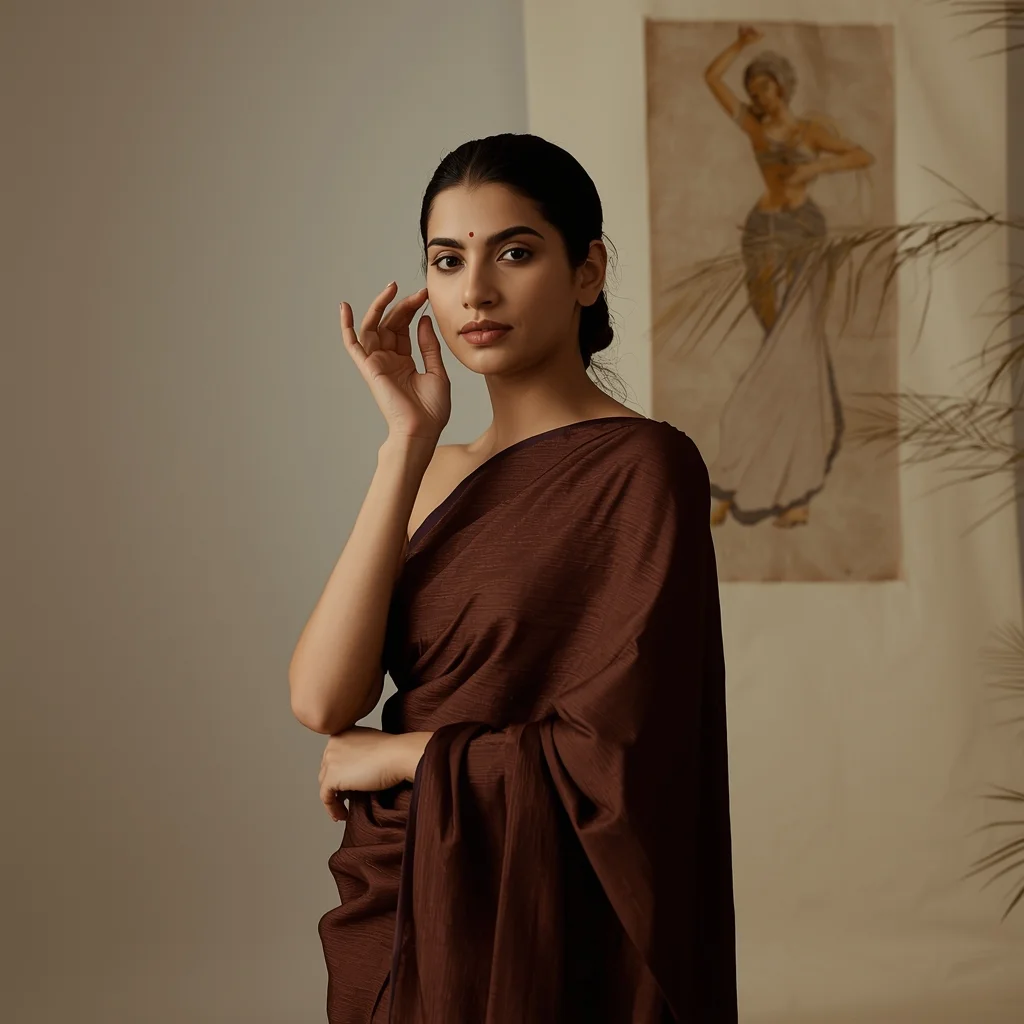
Artistic fashion portrait of an Indian woman standing in a studio, making a subtle classical dance hand gesture near her face, calm and introspective mood, soft ambient lighting, neutral earth tones, minimal background with traditional art elements, realistic fabric folds of a silk outfit, editorial magazine aesthetic, ultra-detailed textures
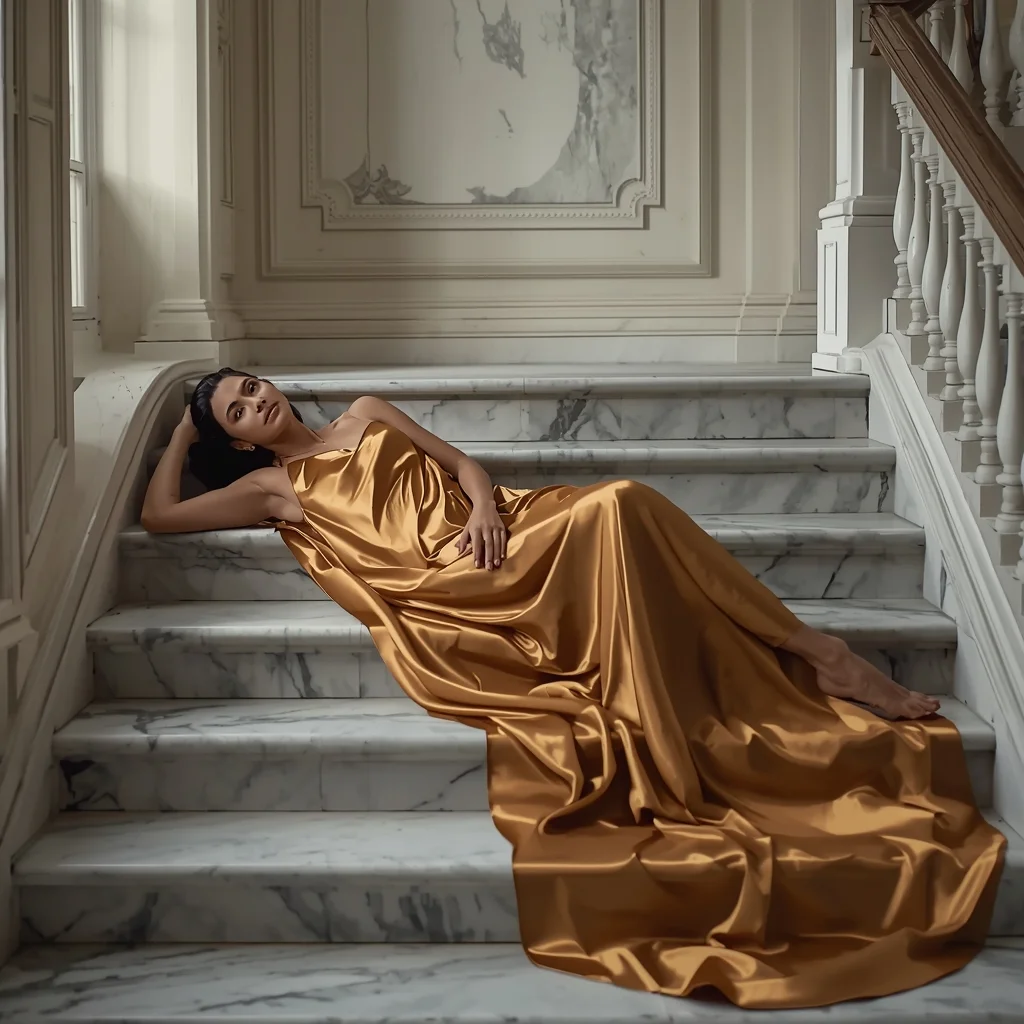
Prompt: An elegant interior shot of a woman reclining on a marble staircase in a "diagonal" pose, her body creating a long, flowing line across the frame. She wears a liquid-gold satin slip dress that drapes realistically over the steps. The style is "New European Chic," with soft, natural light spilling from a tall window. The image highlights the cool temperature of the marble against the warm glow of her skin, with hyper-detailed reflections in the satin fabric.
Confident Urban Street Queen Pose | Creative Image Prompt
2516 mos ago
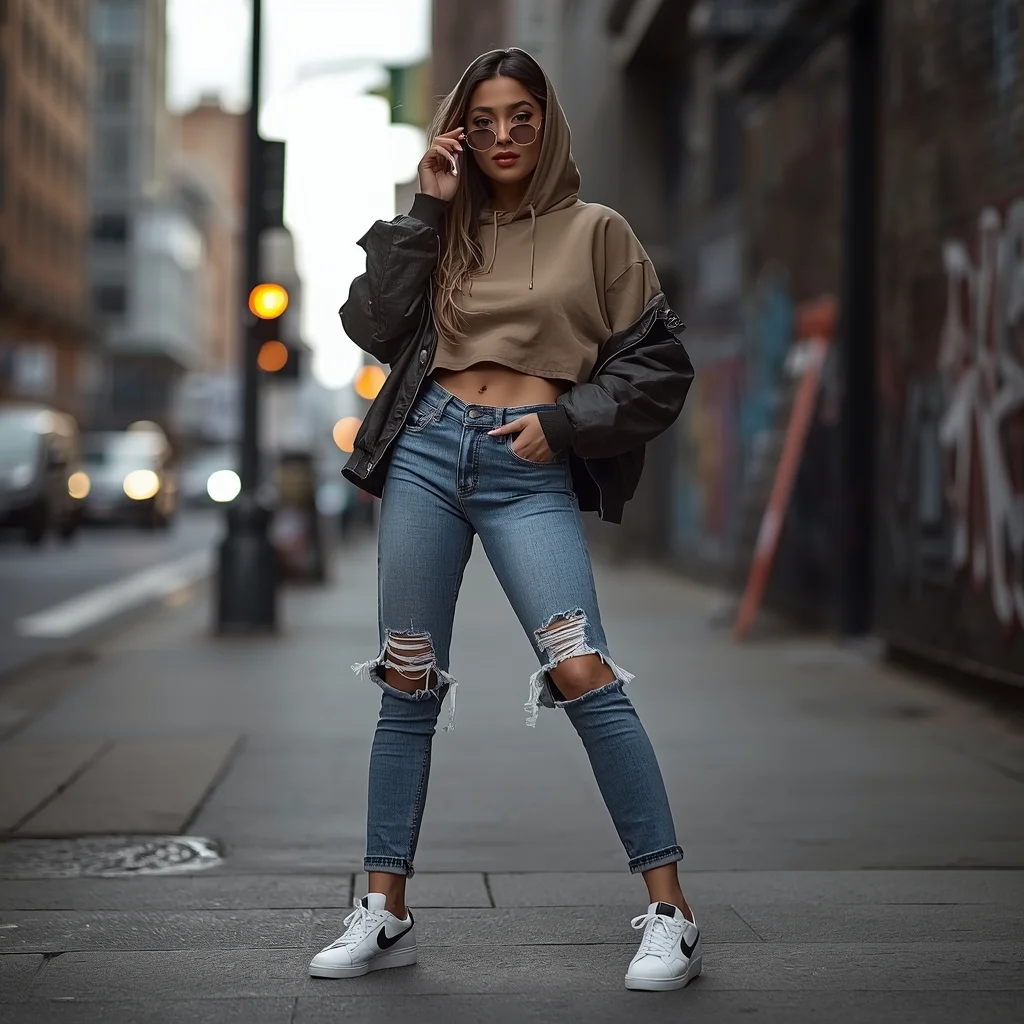
Prompt: A stylish young woman posing confidently on a modern city street, wearing an oversized hoodie layered with a cropped jacket, ripped high-waist jeans, and trendy sneakers. She stands with one hand in her pocket and the other holding sunglasses, chin slightly raised, expressing bold urban confidence. The background shows blurred city traffic, graffiti walls, street lights, and concrete textures. Shot in cinematic street photography style, natural daylight mixed with soft shadows, shallow depth of field, ultra-realistic skin texture, detailed facial features, sharp focus, fashion editorial look, 4K realism.
AI Influencer One-Hand Jacket Adjust Pose | Design Prompt
2406 mos ago
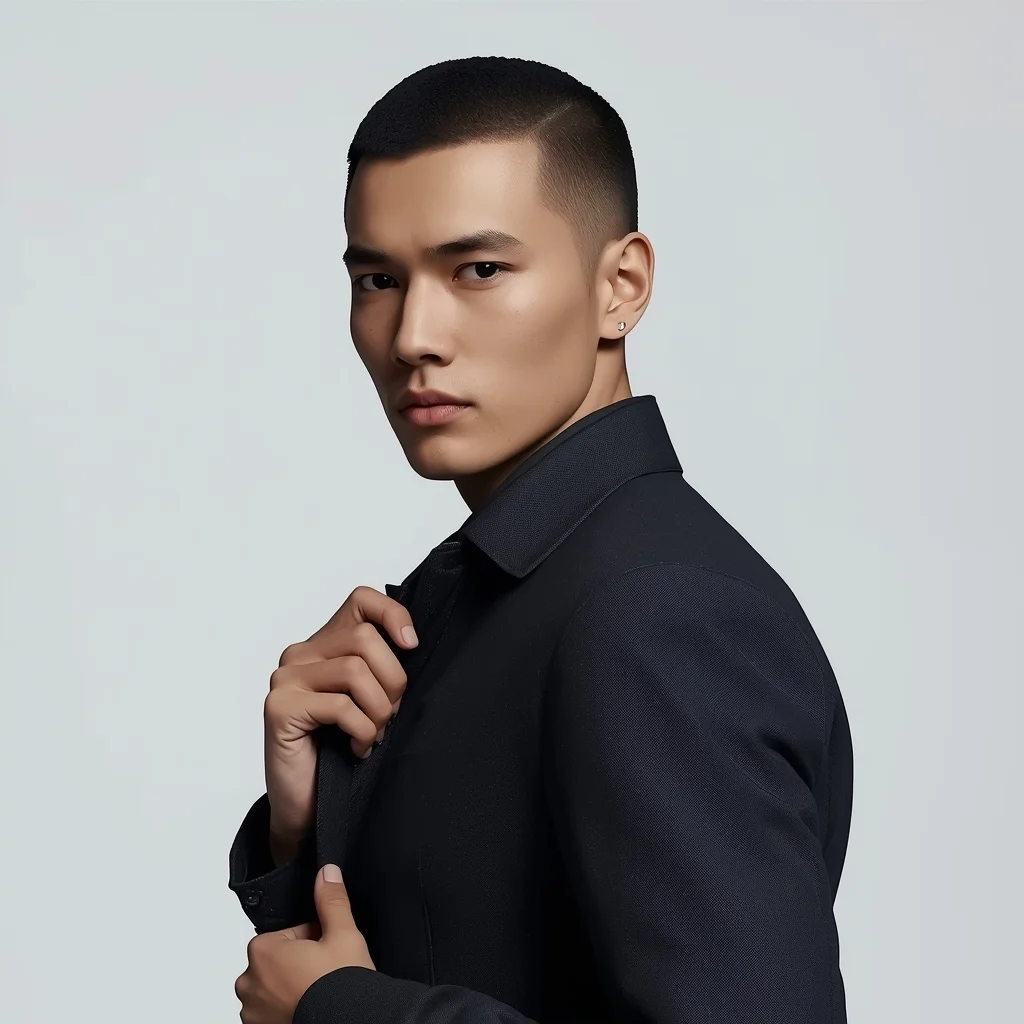
Prompt: A modern AI influencer male slightly angled toward the camera, one hand adjusting a minimalist jacket, relaxed stance, sharp jawline, calm confident gaze, premium studio lighting, smooth skin detail, simple background, high-end influencer portrait, hyper-realistic rendering.
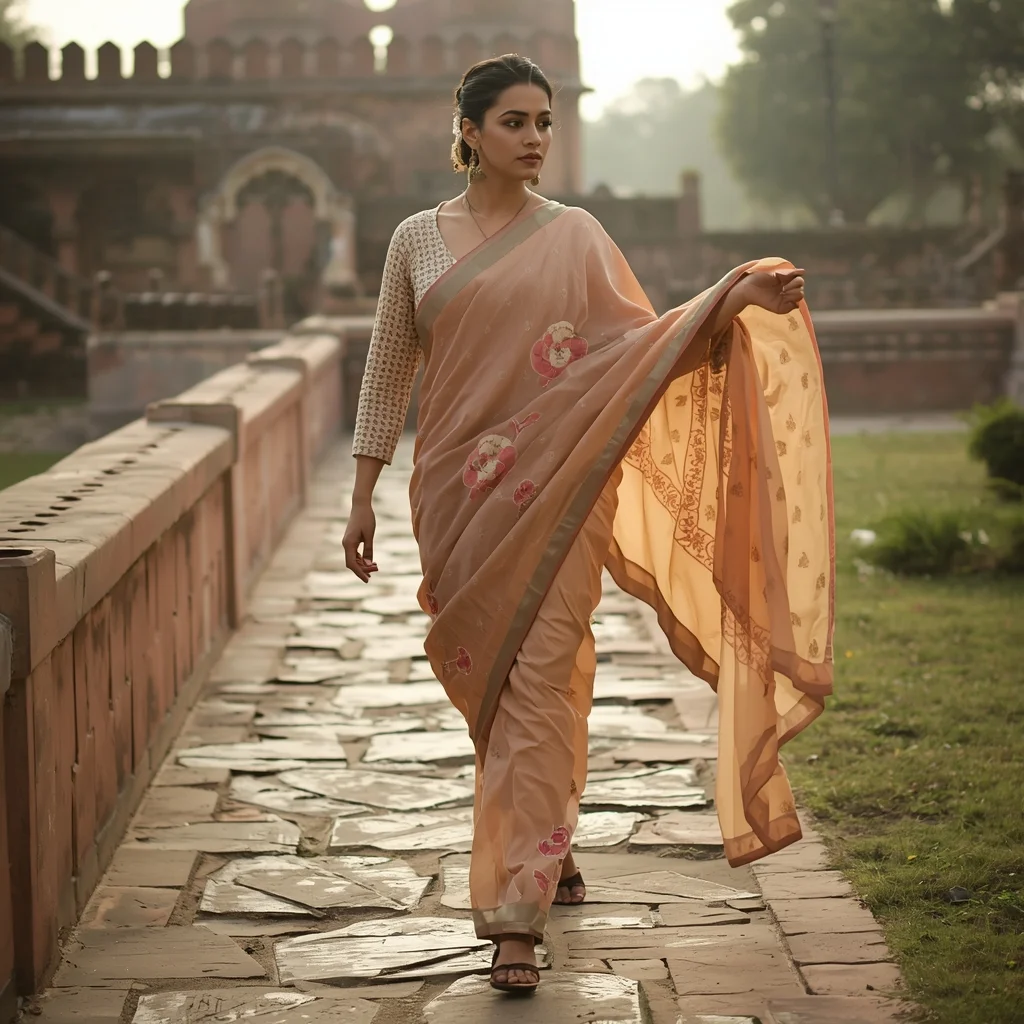
Traditional Indian Dress Walking Pose | Ai Prompt Style
2446 mos ago
Prompt: A cinematic scene of a woman walking slowly along a stone pathway, wearing a beautifully draped Indian traditional outfit inspired by regional culture. Her pose is fluid and graceful, one hand gently managing the fabric as she walks. Historic architecture in the background, soft golden-hour lighting, realistic fabric movement, natural expression, cultural storytelling mood, ultra-detailed 8K realism.
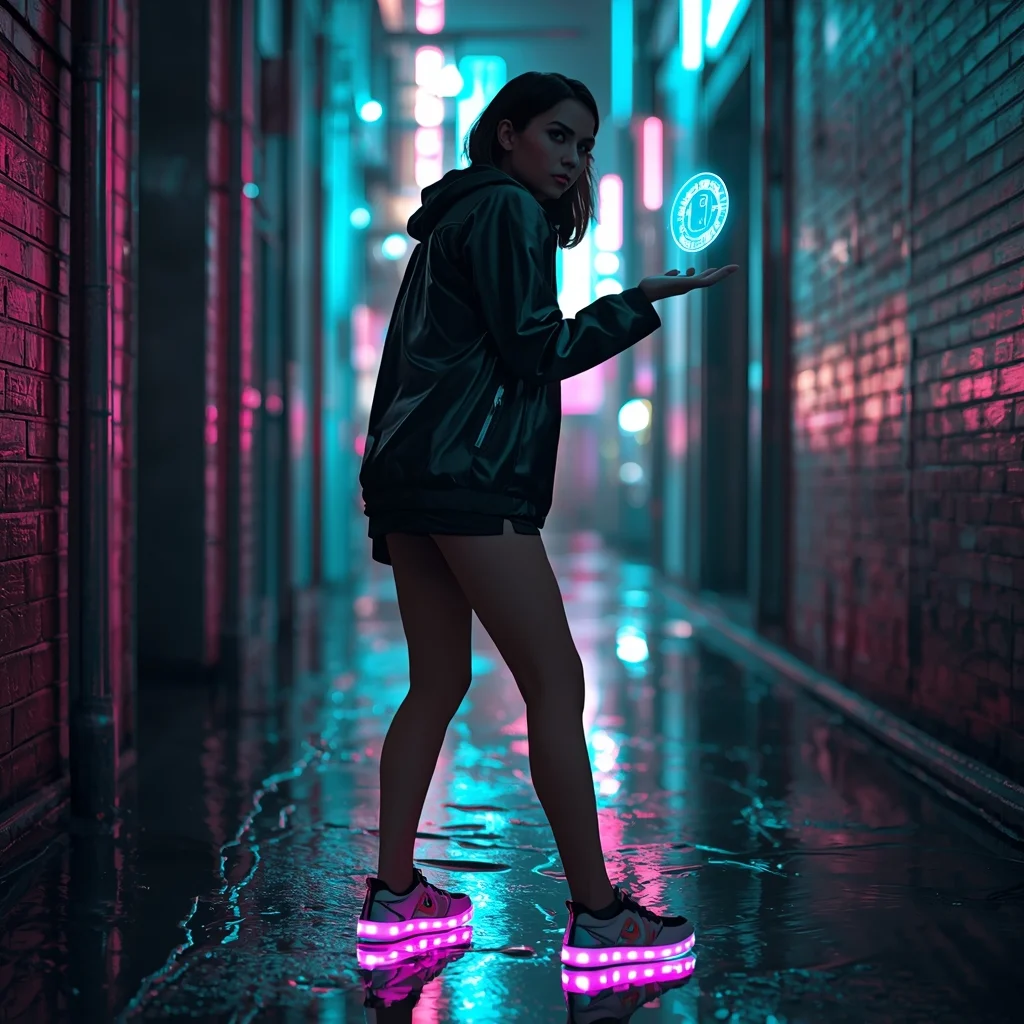
The Cyberpunk Urbanite (Futuristic) | Expert Level Ai Prompt
2496 mos ago
Prompt: A cinematic shot of a woman standing in a narrow, rain-slicked alleyway in a neon-lit futuristic city. She wears a matte black techwear jacket and glowing LED-embedded sneakers.
Pose: Slightly hunched forward in a defensive yet curious stance, looking over her shoulder with a mysterious expression while her hand interacts with a floating blue holographic interface.
Technical: Hyper-realistic, ray-tracing reflections in puddles, vibrant teal and magenta neon lighting, sharp focus on the face with a blurred busy city background.
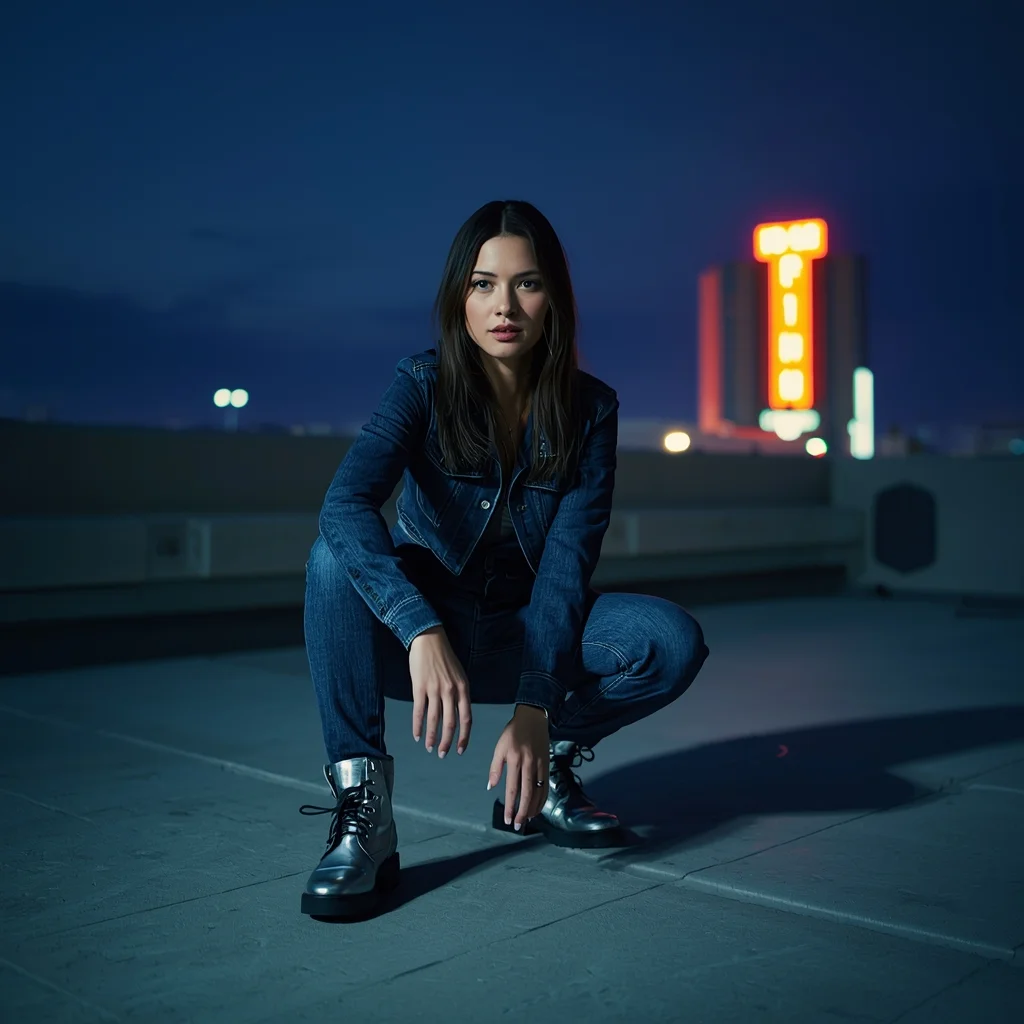
Prompt: A full-body "crouching" pose of a woman on a modern rooftop at night. She is wearing a deep indigo denim-on-denim outfit with silver metallic boots. She is crouched low, one arm resting on her knee, looking directly into the lens. The lighting is a mix of cool blue ambient light from the city and a warm "key light" from a nearby building sign. The image features realistic "ISO noise" and a cinematic color grade that feels like a still from a 2026 high-budget film.
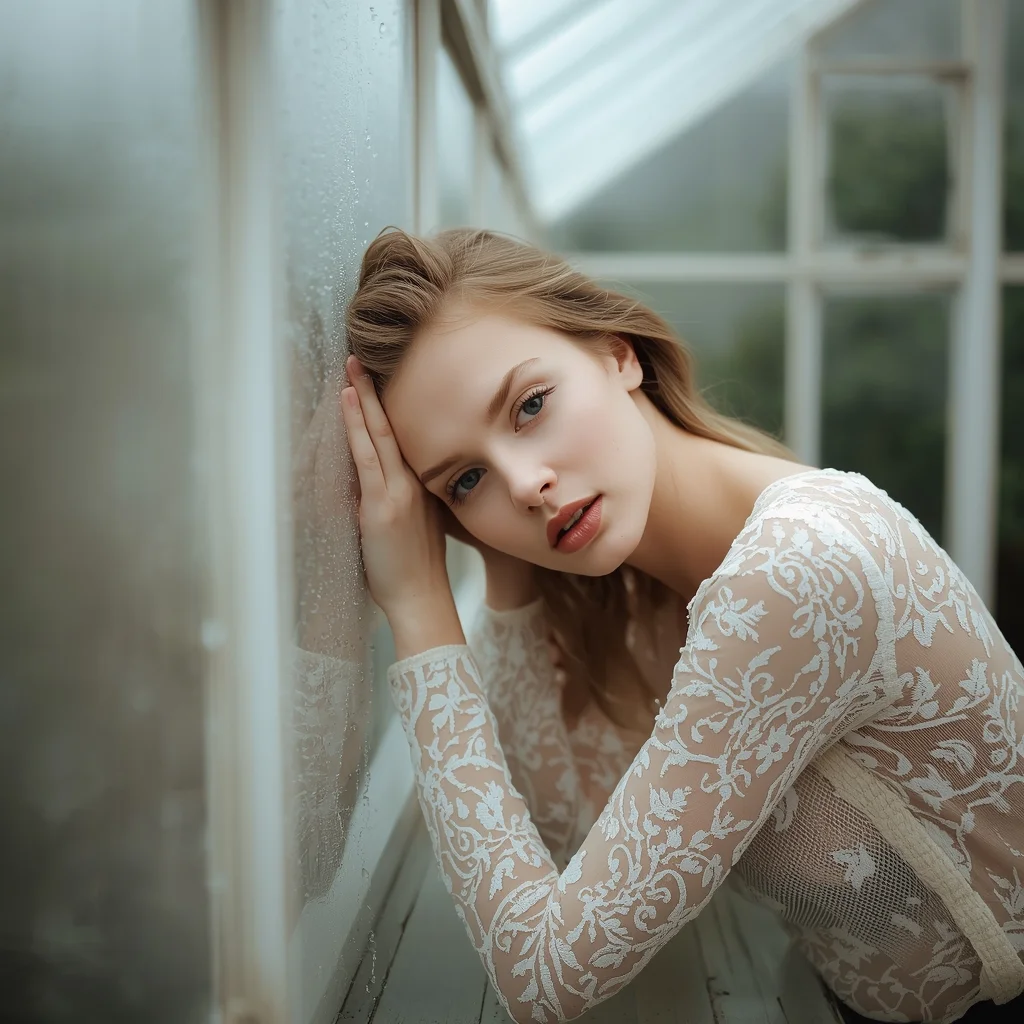
Prompt: A dreamlike but photorealistic image of a woman leaning her forehead against a fogged-up glass window in a greenhouse. She wears a delicate, sheer lace top. Her pose is "contemplative and soft." The style focuses on "multi-layered focus," where the condensation droplets on the glass are sharp, and her facial features are visible through the blur. Natural, overcast daylight creates a soft, even skin tone with no artificial smoothing. 85mm lens, f/1.2, creating a creamy, shallow depth of field.
Frequently Asked Questions
Common questions regarding this AI prompt.
What is the optimal workflow for upscaling Modern Street-Chic Saree | Cinematic Lighting Prompt to print-quality resolution?
Do not generate at massive resolutions directly, as it causes compositional duplication (like two heads). Instead, generate Modern Street-Chic Saree | Cinematic Lighting Prompt at a native resolution (e.g., 1024x1024), and then use a dedicated AI upscaler. Tools like Topaz Gigapixel AI, Magnific AI, or the '4x-UltraSharp' model in Automatic1111 will enhance the micro-textures of the Woman Pose Art without destroying the original composition.
How do I modify Modern Street-Chic Saree | Cinematic Lighting Prompt to fit into a dark fantasy or gothic horror setting?
Change the environmental descriptors. Add 'dark fantasy concept art, gothic architecture, eerie volumetric fog, corrupted ruins, ominous atmosphere, Bloodborne aesthetic'. This forces the AI to reinterpret the Modern Street-Chic Saree | Cinematic Lighting Prompt prompt through a grim, terrifying lens, drastically altering the mood of the Woman Pose Art output.
How does Midjourney v6 process the intricate details of Modern Street-Chic Saree | Cinematic Lighting Prompt?
Midjourney v6 excels at understanding natural language nuances. This prompt is specifically written to take advantage of v6's semantic comprehension. You do not need to use 'prompt salad' (randomly throwing words). The detailed, descriptive sentences regarding the Woman Pose Art elements are parsed accurately, giving you photographic or highly illustrative perfection.
Can I convert the scene into a post-apocalyptic wasteland?
Yes, by adding 'post-apocalyptic, overgrown ruins, rusted metal, decayed urban environment, survival aesthetic, cinematic fallout style'. The AI will take the core structure of Modern Street-Chic Saree | Cinematic Lighting Prompt and age it by decades, adding immense weathering and environmental storytelling to the Woman Pose Art image.
How can I transform Modern Street-Chic Saree | Cinematic Lighting Prompt into a vector graphic or logo style?
To strip away the photorealism, replace the camera keywords with 'flat vector illustration, minimalist design, UI/UX asset, Adobe Illustrator style, solid colors, clean crisp lines, no gradients'. This transforms the Woman Pose Art subject into a scalable, graphic-design-ready asset perfect for web design or branding.
How does the prompt simulate physical camera lenses for Modern Street-Chic Saree | Cinematic Lighting Prompt?
The prompt acts as a virtual director of photography by explicitly stating lens focal lengths and aperture settings. By including phrases like 'shot on 35mm lens' or 'f/1.4 aperture', the AI mathematically simulates the optical distortion, compression, and background blur (bokeh) characteristic of high-end photography, elevating the Woman Pose Art image from a flat digital render to a lifelike photo.
What should I do if the background of Modern Street-Chic Saree | Cinematic Lighting Prompt becomes too cluttered?
If the AI over-complicates the background, you need to assert control over the depth of field. Add strict modifiers like 'clean minimalist background, studio backdrop, heavy bokeh, blurred environment' to the prompt. Additionally, placing the subject-specific keywords at the very front of the prompt ensures the AI prioritizes the main Modern Street-Chic Saree | Cinematic Lighting Prompt element.
What rendering engines should I reference to maximize the quality of Modern Street-Chic Saree | Cinematic Lighting Prompt?
Modern AI image generators respond incredibly well to 3D software references. By appending terms like 'Unreal Engine 5 render', 'OctaneRender', 'Redshift', 'V-Ray', and 'Global Illumination', you are signaling the AI to utilize its highest quality datasets for lighting physics and material textures within the Woman Pose Art image.
Can I use Image-to-Image (Img2Img) techniques with the Modern Street-Chic Saree | Cinematic Lighting Prompt prompt?
Absolutely. Using a rough sketch or a reference photo alongside this prompt in an Img2Img workflow is highly effective. We recommend setting your Denoising Strength between 0.45 and 0.65. This range is the 'sweet spot' that allows the AI to apply the high-quality textures and lighting of the Modern Street-Chic Saree | Cinematic Lighting Prompt prompt while strictly respecting the structural layout of your reference image.
What if the AI completely ignores a specific detail I added to the Modern Street-Chic Saree | Cinematic Lighting Prompt prompt?
If a detail is ignored, it lacks 'weight'. Move that specific word closer to the very beginning of the prompt. Alternatively, if using Midjourney, use the double colon syntax (Keyword::2) to force the AI to pay attention. In Stable Diffusion, wrap the keyword in parentheses like (Keyword:1.5) to boost its importance in the Woman Pose Art scene.
How do I ensure the skin textures in Modern Street-Chic Saree | Cinematic Lighting Prompt look photorealistic and not plastic?
AI often defaults to overly smooth, airbrushed skin. To counter this, you must explicitly demand imperfections. Add 'subsurface scattering, visible skin pores, peach fuzz, micro-wrinkles, highly detailed skin texture, raw unedited photograph' to the prompt. This forces the model to render the human elements of the Woman Pose Art scene with authentic, biological realism.