High-quality AI-generated image. Optimized for detailed rendering, perfect for creative projects and inspiration.
191Views
0 Likes
100%Quality
FreeLicense
AI Prompt
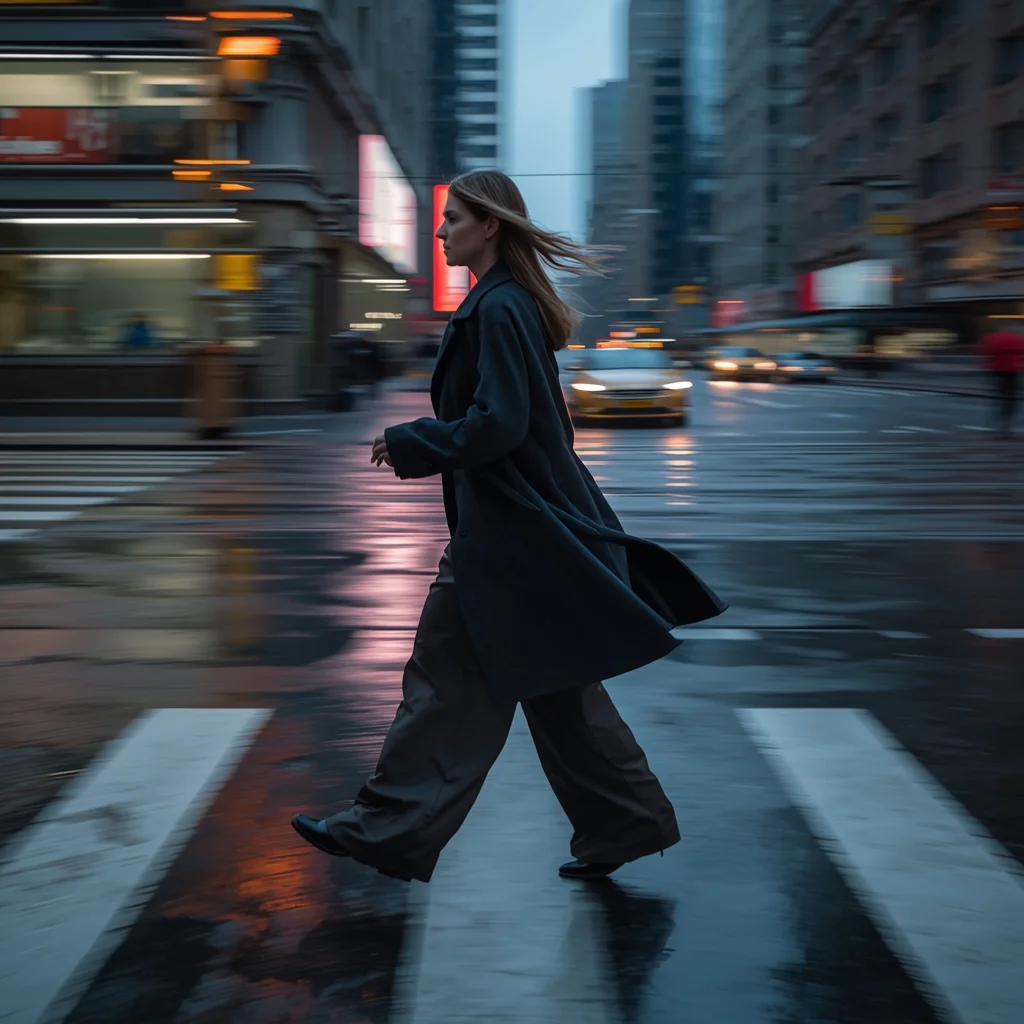
Prompt: A high-motion, 4k photorealistic shot of a woman captured mid-stride while crossing a rain-slicked city street. She is wearing a structured charcoal wool overcoat and wide-leg silk trousers that billow with her movement. Her pose is a natural, wide-stepping walk, head turned slightly as if caught by a candid photographer. The lighting is "blue hour" twilight, with realistic puddles on the ground reflecting neon city signs. Shot on a Sony A7R V with a 35mm lens, featuring slight motion blur on the background and ultra-detailed skin textures including fine lines and natural highlights.
Want to create this with your own face? Use this instruction:
No distortion, no smoothing, no reshaping of the face. Prompt: A high-motion, 4k photorealistic shot of a woman captured mid-stride while crossing a rain-slicked city street. She is wearing a structured charcoal wool overcoat and wide-leg silk trousers that billow with her movement. Her pose is a natural, wide-stepping walk, head turned slightly as if caught by a candid photographer. The lighting is "blue hour" twilight, with realistic puddles on the ground reflecting neon city signs. Shot on a Sony A7R V with a 35mm lens, featuring slight motion blur on the background and ultra-detailed skin textures including fine lines and natural highlights.
About this Prompt
Reinvent your entire approach to generative design with the staggering capabilities of 'Urban Velocity | Must Try Ai Prompt Today'. By viewing the Woman Pose Art aesthetic from a radical, fresh angle, this prompt allows you to maximize the sheer potential of your AI tools and produce undeniably iconic artwork. Flawless geometric precision beautifully meets wild, untamed organic chaos in a duality that drives the intense visual interest of this piece. The bold, instantly iconic silhouette defined by powerful, stark shapes leaves a massive, incredibly lasting imprint on the viewer's immediate memory.
Perfectly tailored for premium commercial weddings, high-end festive celebrations, elite influencer content, and professional mood boards, it helps ambitious creators effortlessly establish a deeply classy, highly refined, and consistently viral digital style. Stop endlessly scrolling through mediocre inspiration and start aggressively creating your own. This exact, flawless text string is the absolute perfect digital catalyst you have been desperately, exhaustively searching for to upgrade your online portfolio.
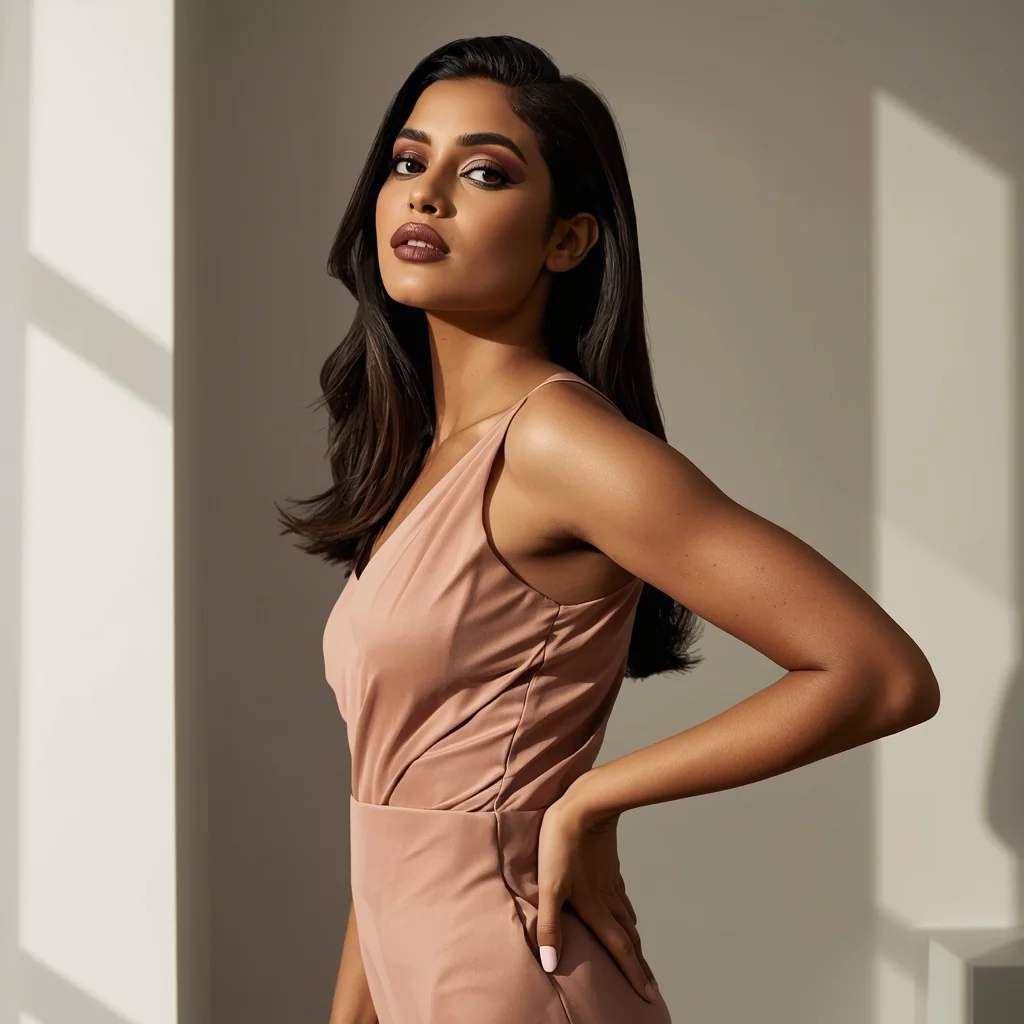
Modern Indian Viral Reel Pose – Side Angle Fashion Shot | Magic Ai Prompt
1674 mos ago
Prompt: An Indian woman in a modern Indian fashion dress, captured at a stylish side angle as if pausing mid-reel. One hip slightly shifted, shoulders relaxed, creating a fashionable silhouette. Hair smooth or softly waved. Expression composed, confident, and editorial. Makeup is matte glam with glowing skin. Lighting is clean and modern. Background minimal and aesthetic. High-resolution realism, cinematic depth, influencer fashion vibe, viral-ready visual.
Modern Women Girl Viral Reel Bold Standing Pose | Photo Prompt
2444 mos ago
Prompt: A woman dressed in a bold modern women dress, standing confidently in a reel-style pose. Weight placed on one leg, body balanced, arms relaxed but expressive. Posture strong and elegant. Hair styled neatly with subtle motion. Expression fearless and confident. Makeup refined and camera-ready. Lighting bright and controlled, enhancing contrast and sharpness. Background minimal and modern. High clarity, fashion-editorial aesthetic, cinematic framing, ultra-realistic textures.
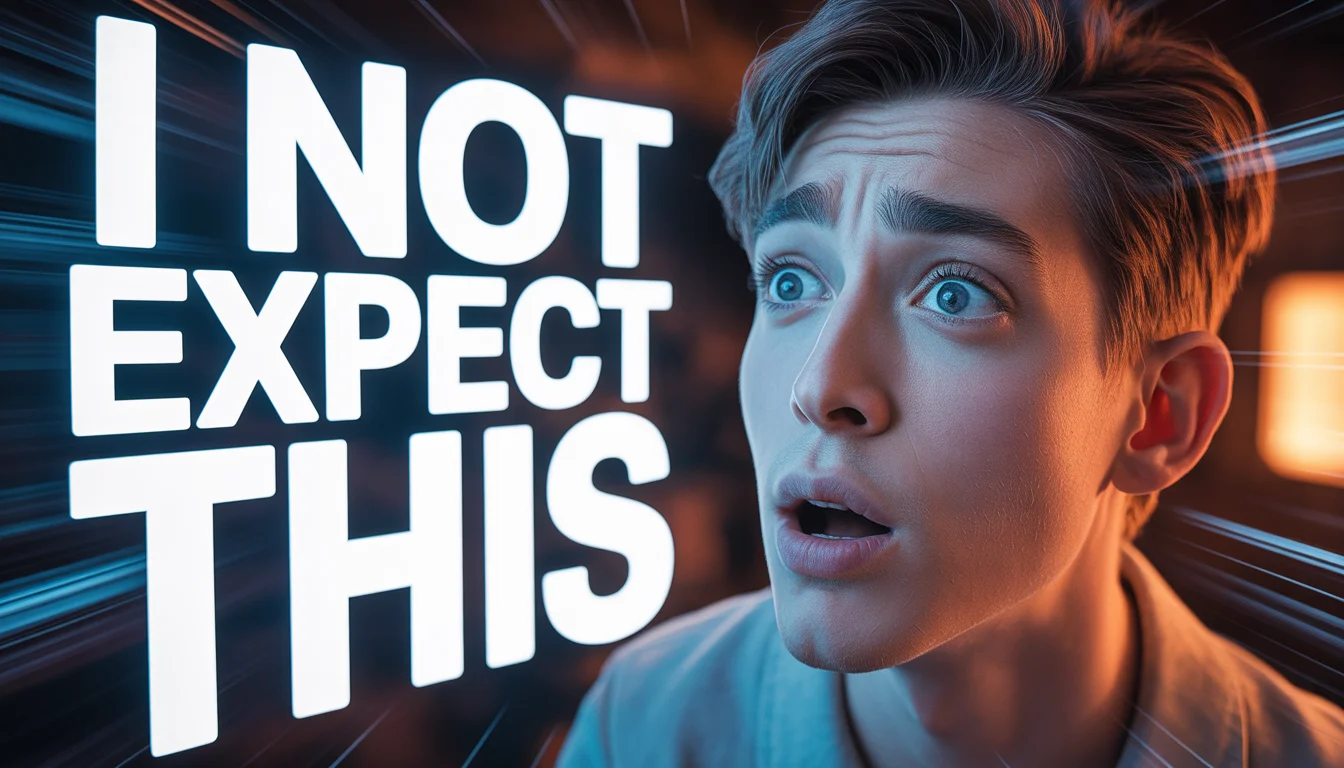
I DID NOT EXPECT THIS 😳 | Ultimate Prompt Collection
1574 mos ago
Prompt: Hyper-realistic YouTube thumbnail featuring a confused yet surprised creator looking sideways at large glowing text, eyebrows raised, lips pressed in disbelief, soft cinematic lighting from one side, cool blue and warm orange contrast tones, blurred background with subtle motion streaks, sharp focus on face, realistic skin pores, dramatic shadows, professional DSLR look, viral YouTube thumbnail composition, high saturation, bold emotional storytelling, 4K resolution, optimized for mobile viewers.
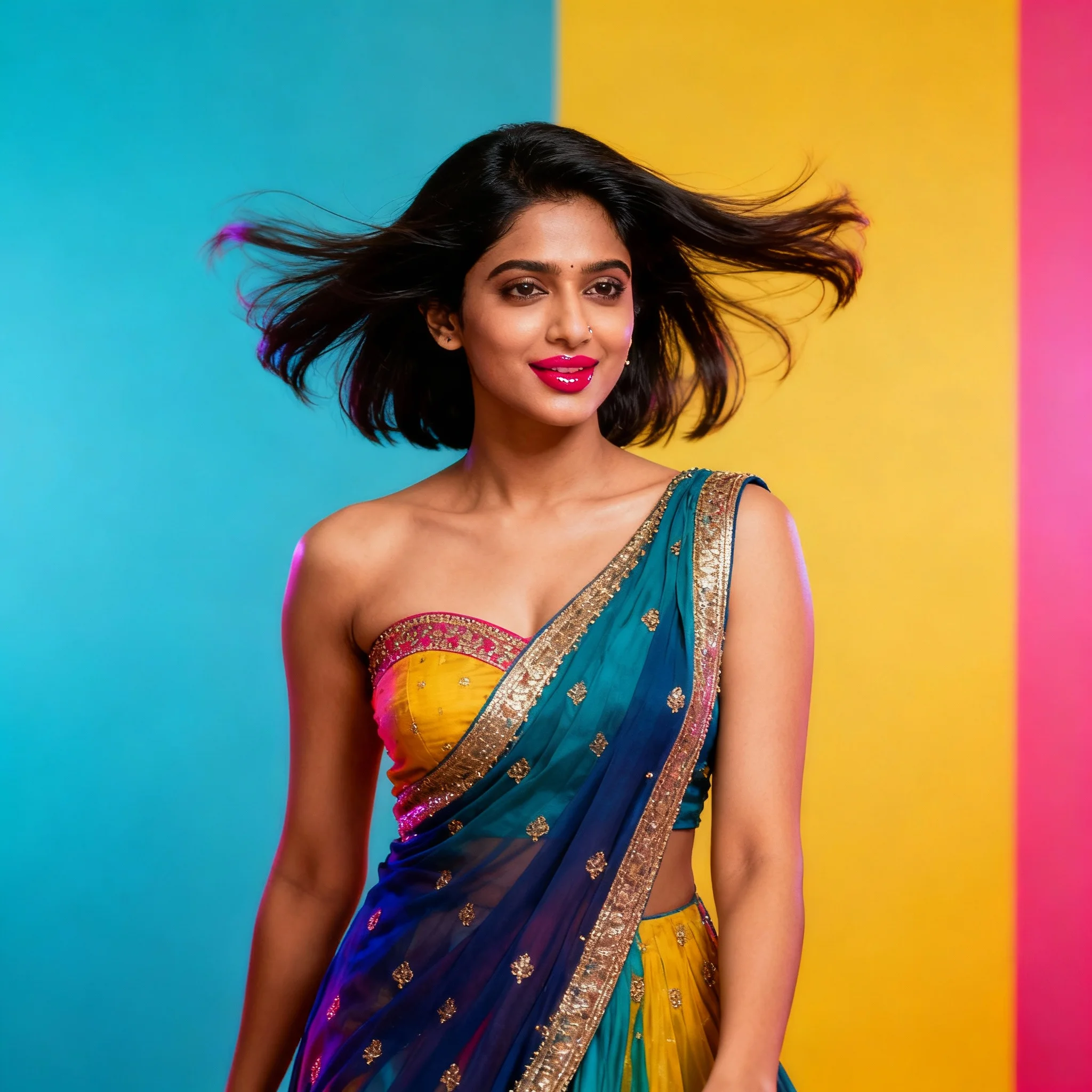
Modern Indian Viral Reel Pose – Hair Motion Freeze Frame | Ai Prompt That Go Viral
1624 mos ago
Prompt: An Indian woman in a modern Indian party dress, captured in a reel-style freeze moment during a subtle hair flip. Hair is suspended mid-air creating dynamic energy. Body posture upright with a relaxed stance, one shoulder slightly raised. Expression is bold yet playful. Makeup features glowing skin and glossy lips. Lighting is vibrant and directional to highlight motion. Background clean and colorful. Ultra-realistic textures, influencer-grade clarity, cinematic framing, optimized for high engagement.
Modern Indian Viral Reel Pose – Lean Forward Engagement | Color Grading Prompt
1974 mos ago
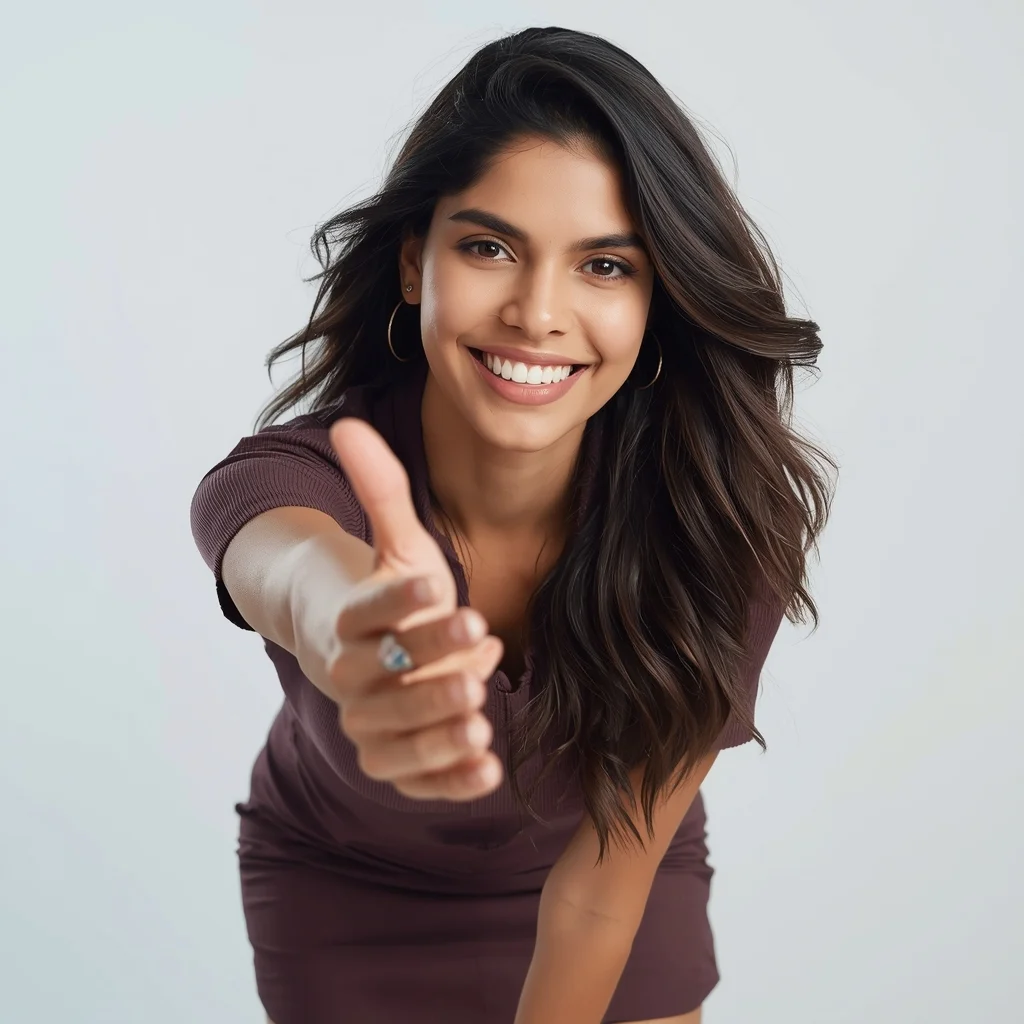
Prompt: An Indian woman wearing a trendy modern Indian dress, captured leaning slightly forward toward the camera in a reel-style pose. Body language engaging and expressive. Hair textured with subtle movement. Expression confident, friendly, and magnetic. Makeup fresh and camera-ready. Lighting bright with controlled contrast. Background minimal to keep focus on subject. Ultra-high realism, cinematic reel composition, influencer-grade polish, designed for viral engagement.
Poetic Autumn Saree Pose in Kashmir | Sharp Image Prompt
1674 mos ago
Prompt: A poetic visual of a woman standing in an open autumn field, wearing a mustard-toned saree-style dress inspired by Kashmiri traditions. Her posture is upright and serene, hands gently holding the drape. Light mist, falling chinar leaves, muted earthy colors, natural light, cinematic mood, high-resolution cultural portrait.
Prompt: A glamorous evening shot of a woman on a high-rise balcony overlooking a glittering city skyline at night. She is wearing a floor-length, sequined evening gown in deep emerald green that catches the light, with elegant diamond earrings. She holds a champagne flute and looks out at the view with a subtle smile. The lighting is dramatic, with cool city lights below and warm ambient light from the building, emphasizing the sparkle of the dress. Cinematic composition, sharp focus.
Prompt: A confident man sitting on a modern chair with ankles crossed, one arm resting on chair arm, other hand lightly touching chin, composed intelligent expression, wearing tailored smart-casual clothing, soft indoor lighting, controlled shadows, premium editorial portrait style, ultra-detailed face and fabric texture, professional realism.
Frequently Asked Questions
Common questions regarding this AI prompt.
How do I create a surreal, dream-like version of Urban Velocity | Must Try Ai Prompt Today?
To break the laws of physics, use keywords like 'surrealism, dreamscape, floating objects, defying gravity, Salvador Dali style, mind-bending geometry, ethereal'. The AI will take the familiar elements of Urban Velocity | Must Try Ai Prompt Today and arrange them in illogical, fascinating ways, creating a truly unique Woman Pose Art art piece.
How do I give Urban Velocity | Must Try Ai Prompt Today a retro, 1980s synthwave aesthetic?
Inject keywords that define that specific era's pop culture. Use 'vaporwave aesthetic, 1980s synthwave, neon grid background, cyan and magenta color palette, VHS glitch effect, retro-futurism'. This overrides the standard lighting and wraps the Urban Velocity | Must Try Ai Prompt Today subject in a highly stylized, nostalgic digital atmosphere.
What is the best Stylize (--s) value to use in Midjourney for this prompt?
The stylize parameter dictates how strongly Midjourney applies its default aesthetic. For strict adherence to the realistic details of Urban Velocity | Must Try Ai Prompt Today, keep it around --s 100 to --s 250. If you want the AI to take artistic liberties and make the Woman Pose Art scene look more like a digital masterpiece, push the value up to --s 500 or --s 750.
What is the best way to force an ultra-wide or panoramic view?
To force a panoramic composition, you must combine aspect ratio parameters with specific camera descriptors. In Midjourney, use '--ar 21:9'. Within the prompt text itself, include 'ultra-wide panoramic landscape, 14mm lens, expansive horizon, sweeping view'. This ensures the Urban Velocity | Must Try Ai Prompt Today subject matter is distributed correctly across a massive, cinematic canvas.
Can I use Image-to-Image (Img2Img) techniques with the Urban Velocity | Must Try Ai Prompt Today prompt?
Absolutely. Using a rough sketch or a reference photo alongside this prompt in an Img2Img workflow is highly effective. We recommend setting your Denoising Strength between 0.45 and 0.65. This range is the 'sweet spot' that allows the AI to apply the high-quality textures and lighting of the Urban Velocity | Must Try Ai Prompt Today prompt while strictly respecting the structural layout of your reference image.
What is the best way to shift the artistic medium of Urban Velocity | Must Try Ai Prompt Today to an oil painting?
To completely transform the medium, append powerful style modifiers. Injecting phrases like 'intricate oil painting on canvas, thick impasto strokes, palette knife technique, classical fine art, museum masterpiece' will completely override the default realism, offering a traditional artistic variation for your Woman Pose Art project.
How do I deal with unwanted text or watermarks appearing in the image?
AI models are trained on stock photos which often contain watermarks. To aggressively filter this out, ensure words like 'text, watermark, signature, username, website url, copyright stamp' are heavily weighted in your negative prompt box. This is especially crucial when generating commercial-grade Woman Pose Art content.
Why might the colors in my Urban Velocity | Must Try Ai Prompt Today generation appear washed out, and how do I fix it?
Washed-out colors typically result from a missing VAE file in local setups, or a lack of color-grading instructions. To immediately fix this within the text prompt itself, append phrases such as 'vibrant technicolor, rich saturation, HDR, cinematic color grading, high contrast'. This forces the AI to map a wider, more dynamic color range to your image.
How do I create a dramatic, low-light version of Urban Velocity | Must Try Ai Prompt Today?
To plunge the scene into dramatic darkness, modify the prompt to include 'chiaroscuro', 'low-key lighting', 'underexposed', and 'stark shadows'. This tells the AI to plunge the majority of the Woman Pose Art environment into darkness while intensely illuminating only the most critical parts of the Urban Velocity | Must Try Ai Prompt Today subject, creating a moody, cinematic masterpiece.
Does this prompt work with DALL-E 3 inside ChatGPT?
Yes, it works exceptionally well. DALL-E 3 thrives on conversational, highly descriptive text. Because this prompt for Urban Velocity | Must Try Ai Prompt Today is structured with clear nouns and adjectives, DALL-E 3 will translate it almost perfectly into an image, ensuring that multiple complex elements within the Woman Pose Art scene interact logically.
How does the prompt establish the historical or futuristic era of Urban Velocity | Must Try Ai Prompt Today?
Era-specific aesthetics are locked in using targeted chronological keywords. Whether leaning towards a neo-futuristic cyberpunk vibe or a classical Renaissance look, the prompt forces the AI to draw from specific historical datasets. This ensures that the clothing, architecture, and props within the Woman Pose Art scene remain historically or thematically accurate.