Regional Indian Heritage Pose | High Detail Ai Prompt
High-quality AI-generated image. Optimized for detailed rendering, perfect for creative projects and inspiration.
225Views
0 Likes
100%Quality
FreeLicense
AI Prompt
Prompt: Indian woman wearing a regional traditional dress, posed in a dignified upright stance, hands gently folded or resting gracefully, authentic cultural jewelry, natural earthy background, soft sunlight, realistic fabric textures, heritage storytelling mood, documentary-style portrait with artistic depth.
Want to create this with your own face? Use this instruction:
Use reference face only. Ignore any alternative face generation. Prompt: Indian woman wearing a regional traditional dress, posed in a dignified upright stance, hands gently folded or resting gracefully, authentic cultural jewelry, natural earthy background, soft sunlight, realistic fabric textures, heritage storytelling mood, documentary-style portrait with artistic depth.
About this Prompt
Navigate the deeply complex, often chaotic waters of AI generation safely with 'Regional Indian Heritage Pose | High Detail Ai Prompt', your perfect, reliable compass for consistent Indian wonder. The razor-sharp precision engineered into this specific prompt is exactly what sets it vastly apart in the highly crowded digital marketplace. Extremely High Dynamic Range (HDR) tonemapping parameters make the final render insanely vivid, utilizing the absolute maximum available light spectrum. The brilliant, pure visual minimalism creates a massive, staggering impact by stripping away all unnecessary noise to reveal the pure, unadulterated Indian essence.
Whether you are actively designing complex character concepts, deeply atmospheric cinematic scenery, or ultra-premium fashion editorials, this generative asset provides an incredibly robust, deeply reliable foundation for any serious, forward-thinking digital artist. Your massive, highly frustrating creative block officially ends exactly right here, right now. Rendering this specific text will instantly flood your artistic brain with infinite, highly profitable inspiration, pulling you entirely out of your digital slump.
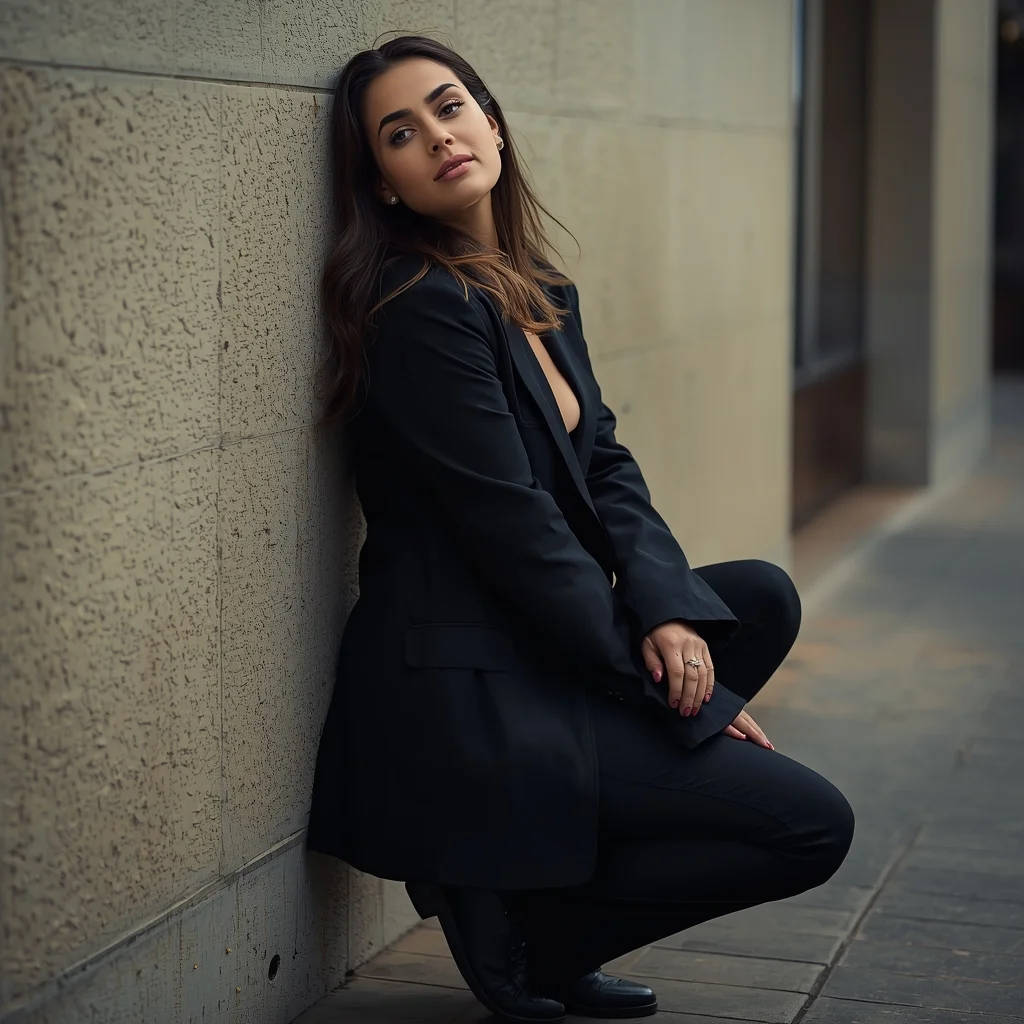
Relaxed Leaning Wall Pose Woman Street Editorial | Viral Prompt Idea You Need
2486 mos ago
Prompt: A stylish editorial portrait of a woman leaning casually against a textured wall, one knee slightly bent, shoulders relaxed, body language confident and effortless. Her head tilts slightly as she gazes calmly toward the camera. Directional lighting creates depth and contrast, highlighting facial features and clothing textures. Urban environment softly blurred in the background. Modern street fashion styling, cinematic framing, ultra-realistic skin and fabric details, high-resolution clarity, professional photography composition.
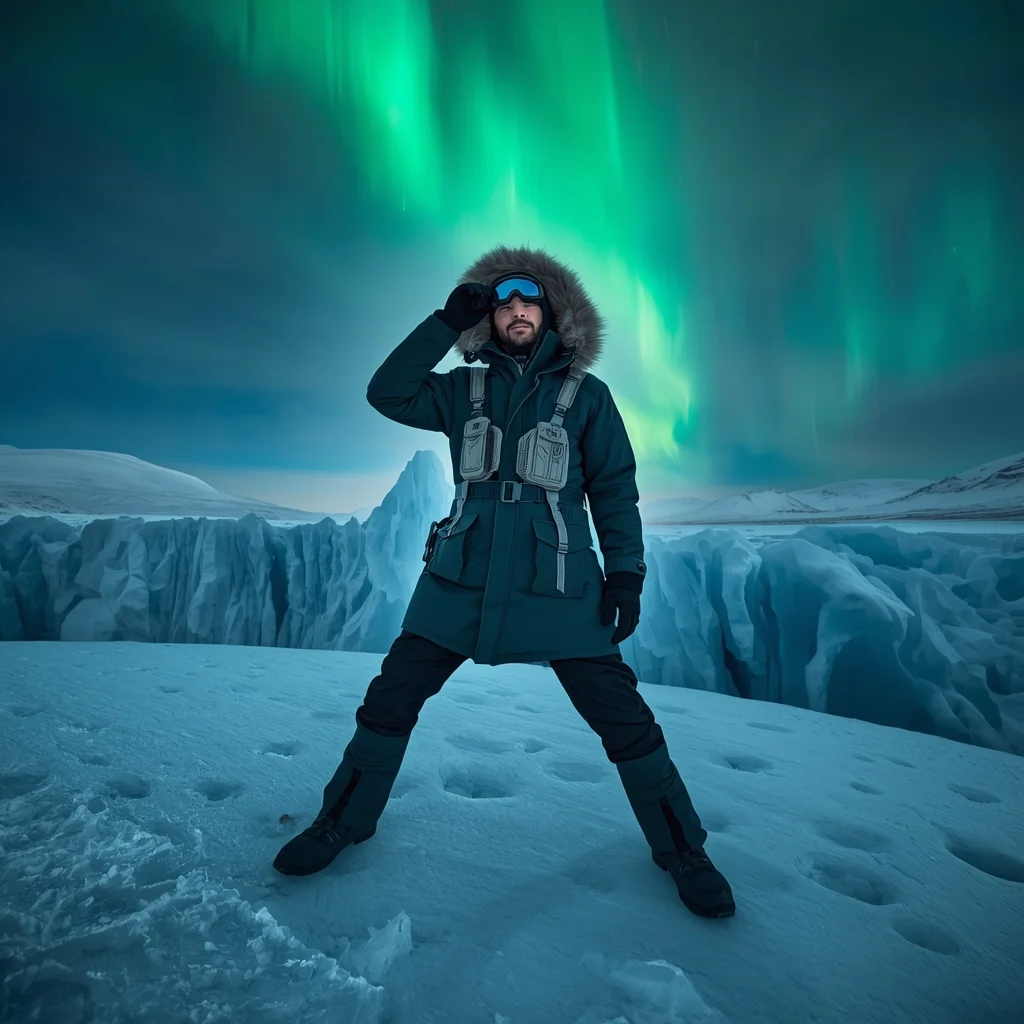
Prompt: A rugged man in a heavy fur-lined parka and tactical winter gear, standing on a massive blue glacier in Iceland. The sky is filled with a vibrant Aurora Borealis (Northern Lights) casting green light on his face.
Pose: "The Horizon Look" - standing with feet wide apart, one hand adjusted on his goggles, looking intensely toward the distant icy mountains.
Technical: Ultra-wide 16mm lens, high dynamic range (HDR), cold blue color palette, hyper-realistic snow textures.
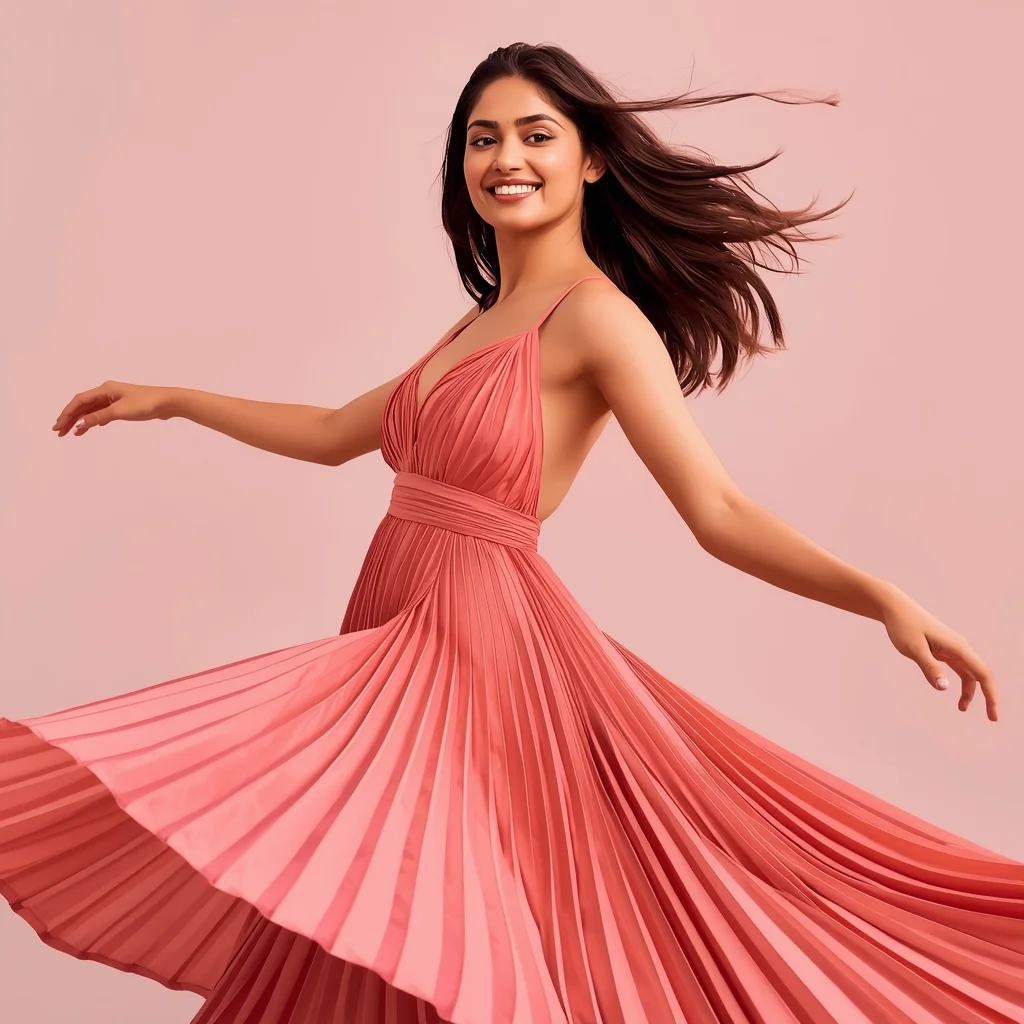
Modern Indian Viral Reel Pose – Light Spin Capture | Ultra Realistic Prompt
2666 mos ago
Prompt: An Indian woman in a modern Indian elegant dress, captured mid light spin as if transitioning between reel clips. Dress flares gently, showing graceful motion. Body posture balanced and fluid. Hair moving naturally with the spin. Expression joyful, confident, and stylish. Makeup soft glam with radiant finish. Lighting cinematic and smooth. Background minimal or pastel. Ultra-realistic textures, influencer elegance, viral-ready cinematic framing.
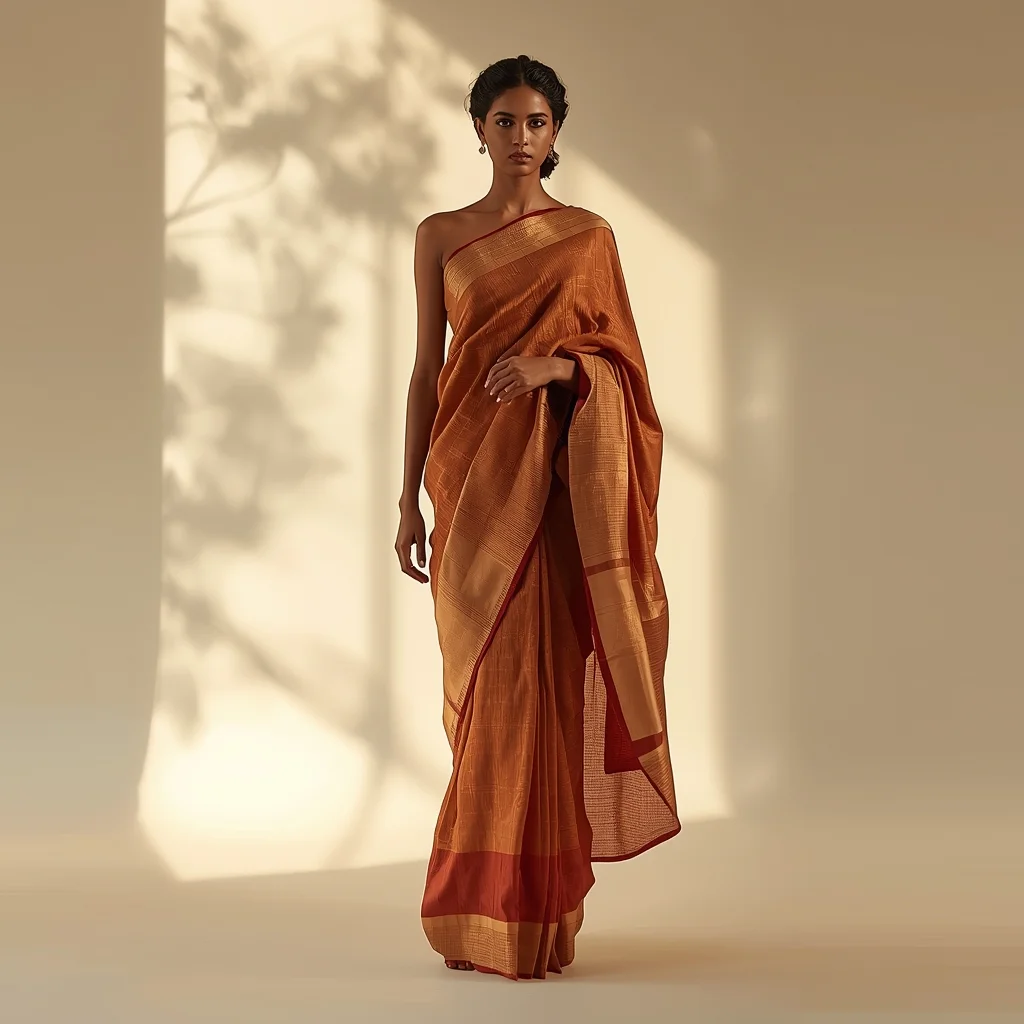
Saree Style Dress in Soft Cultural Light | Universal Ai Prompt
2396 mos ago
Prompt: A full-length cultural image of a woman standing under soft natural light, wearing a saree-style dress inspired by traditional Indian draping. Her stance is balanced and graceful, one foot slightly forward, gaze serene. Flowing fabric, realistic folds, warm color palette, professional fashion photography look, cinematic realism, ultra-sharp focus.
Urban Streetwear and Gritty City Vibes | Gemini Vision Prompt
2636 mos ago
Prompt: A full-body shot of a young man with a buzz cut and tattoos leaning against a red brick wall in a rainy London alleyway. He is wearing an oversized black hoodie, cargo pants, and high-top sneakers. The pavement is wet, reflecting neon signs from a nearby shop. The pose is relaxed with one leg crossed over the other. Moody lighting, cinematic teal and orange color grading, volumetric fog, highly detailed fabric textures, street photography style.
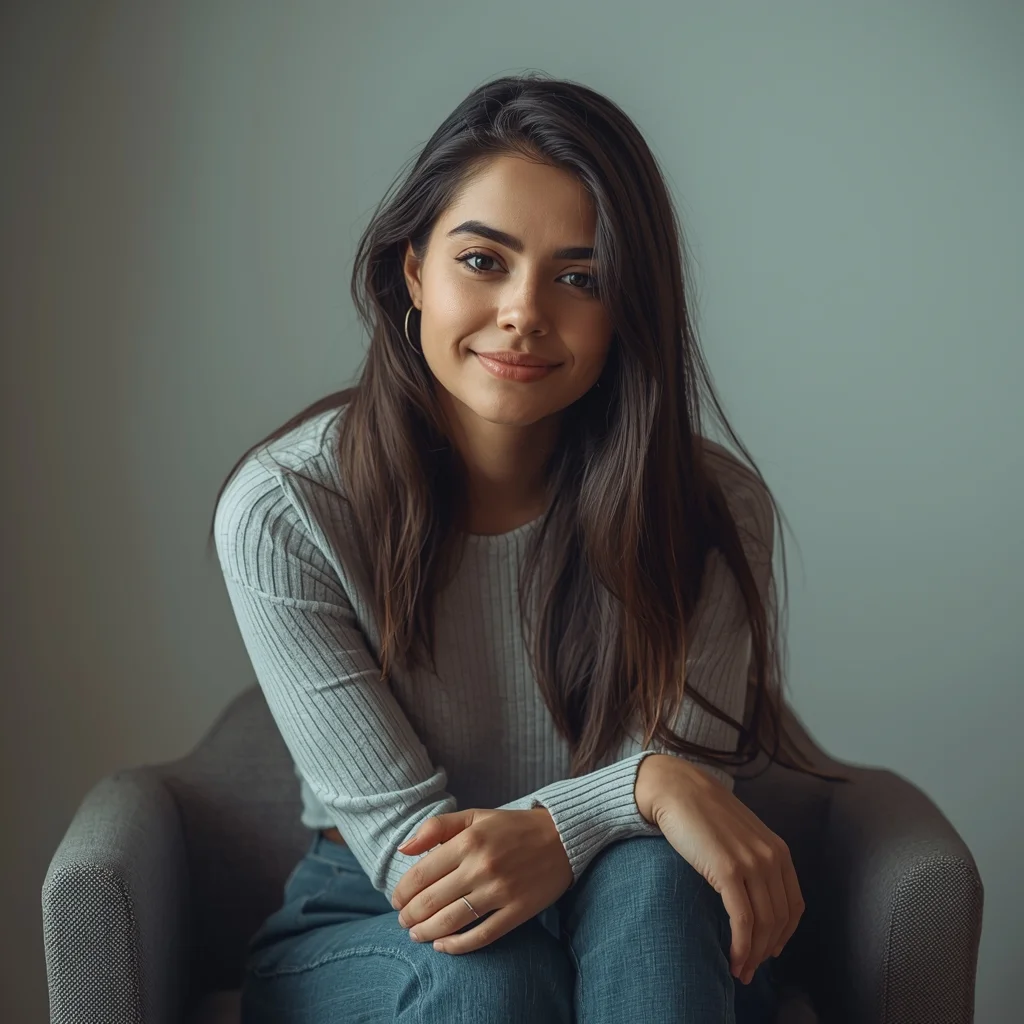
Young Woman Sitting Relaxed Portrait Pose | Ai Prompt For Aesthetic Photo
2456 mos ago
Prompt: A young woman sitting comfortably on a chair or bench, slightly leaning forward, hands resting on lap, calm and friendly expression. Soft indoor lighting, neutral background, editorial portrait photography, natural skin tones, shallow depth of field, ultra-sharp focus
THIS ONE HABIT MAKES YOU SUCCESSFUL 🔥 | Sora Video Prompt
2516 mos ago
Prompt: Cinematic YouTube thumbnail featuring a confident creator standing tall with focused expression, soft golden light illuminating the face, blurred background with glowing light rays, warm and cool color contrast, ultra-sharp facial features, realistic skin detail, shallow depth of field, professional studio photography look, inspirational mood, bold clean composition, emotional storytelling, high saturation, 4K ultra-HD, optimized for maximum click-through rate.
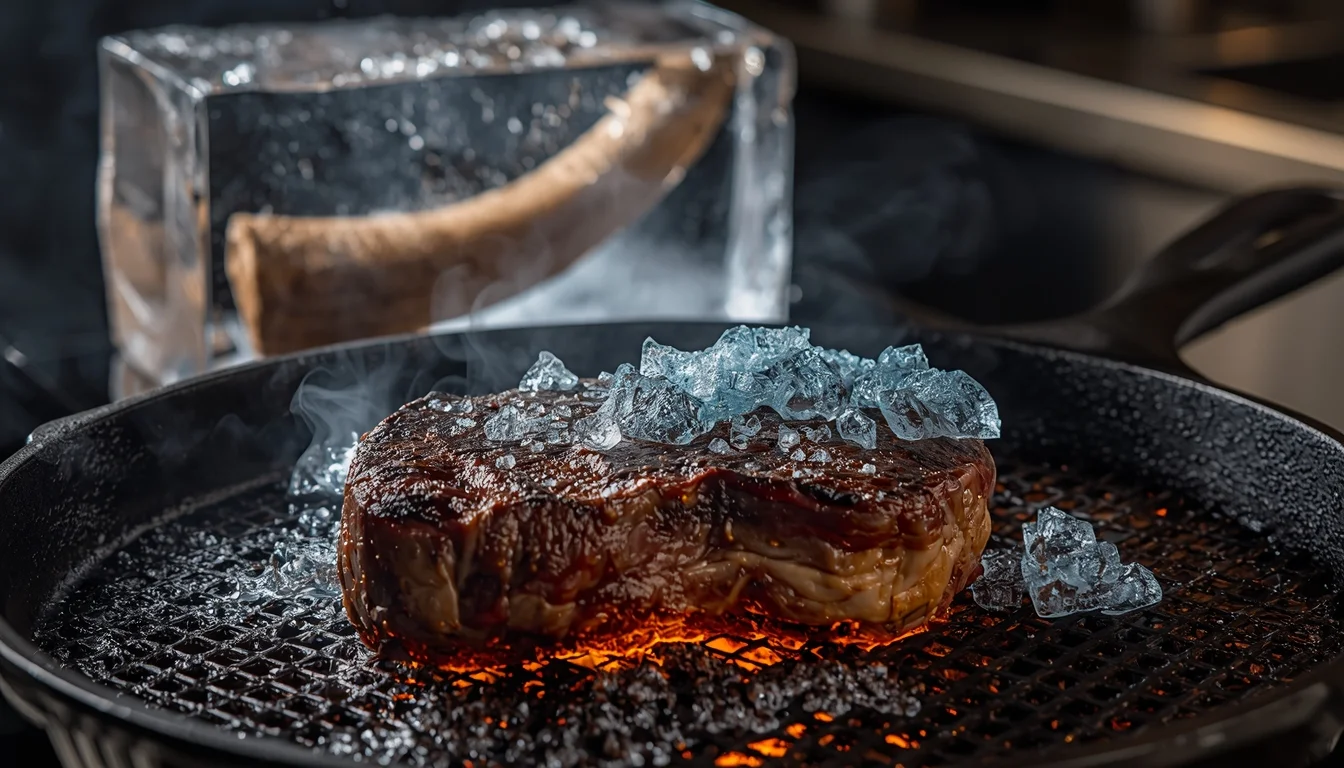
Cooking a 10,000 Year Old Woolly Mammoth Steak | Color Grading Prompt
2376 mos ago
Prompt: An extreme close-up, high-impact food photography shot of a culinary rarity. A thick, dark, prehistoric-looking steak with a distinct layer of ancient, frosty yellow fat is hitting a scorching hot cast iron grill. Blue ice crystals are rapidly melting and sizzling off the meat, creating dynamic steam and smoke. In the blurred background, a large block of clear ice containing a furry mammoth tusk section is visible on a stainless steel counter. The lighting is dramatic and warm, highlighting the searing texture. Rich colors, high detail, 8k resolution, "culinary curiosity" vibe.
Frequently Asked Questions
Common questions regarding this AI prompt.
Why might the colors in my Regional Indian Heritage Pose | High Detail Ai Prompt generation appear washed out, and how do I fix it?
Washed-out colors typically result from a missing VAE file in local setups, or a lack of color-grading instructions. To immediately fix this within the text prompt itself, append phrases such as 'vibrant technicolor, rich saturation, HDR, cinematic color grading, high contrast'. This forces the AI to map a wider, more dynamic color range to your image.
What are the recommended parameters for generating Regional Indian Heritage Pose | High Detail Ai Prompt in Stable Diffusion XL (SDXL)?
For optimal results in SDXL, we recommend pairing this prompt with a high-quality checkpoint like Juggernaut XL. Use the DPM++ 2M Karras sampler with approximately 35-40 steps and a CFG scale between 6.5 and 8.0. This combination strikes the perfect balance between adhering strictly to the Regional Indian Heritage Pose | High Detail Ai Prompt description and allowing the model's creative freedom.
Can I simulate bioluminescence or neon lighting in this prompt?
Yes, you can easily shift the scene into a sci-fi or fantasy realm by adding terms like 'bioluminescent glow', 'neon tube lighting', 'emissive materials', or 'fluorescent accents'. These modifiers will cause the objects within the Indian scene to act as their own light sources, casting incredibly realistic colored reflections onto surrounding surfaces.
What architectural composition techniques are embedded in the Regional Indian Heritage Pose | High Detail Ai Prompt prompt?
The Regional Indian Heritage Pose | High Detail Ai Prompt prompt utilizes advanced compositional frameworks such as the golden ratio and leading lines. By strategically placing the core Indian subject matter at intersection points, it guides the viewer's eye naturally through the scene. This mathematical approach to AI generation ensures the final output feels balanced and visually arresting without requiring post-crop adjustments.
What is the best way to force an ultra-wide or panoramic view?
To force a panoramic composition, you must combine aspect ratio parameters with specific camera descriptors. In Midjourney, use '--ar 21:9'. Within the prompt text itself, include 'ultra-wide panoramic landscape, 14mm lens, expansive horizon, sweeping view'. This ensures the Regional Indian Heritage Pose | High Detail Ai Prompt subject matter is distributed correctly across a massive, cinematic canvas.
Is this prompt compatible with the new Flux.1 AI model?
Yes, Flux.1 is incredibly responsive to detailed structural prompts just like this one. Because Flux handles complex spatial relationships and typography better than previous models, the composition instructions embedded in the Regional Indian Heritage Pose | High Detail Ai Prompt prompt will be rendered with astonishing accuracy, making it ideal for high-end Indian generation.
How can I transform Regional Indian Heritage Pose | High Detail Ai Prompt into a vector graphic or logo style?
To strip away the photorealism, replace the camera keywords with 'flat vector illustration, minimalist design, UI/UX asset, Adobe Illustrator style, solid colors, clean crisp lines, no gradients'. This transforms the Indian subject into a scalable, graphic-design-ready asset perfect for web design or branding.
What is the best Stylize (--s) value to use in Midjourney for this prompt?
The stylize parameter dictates how strongly Midjourney applies its default aesthetic. For strict adherence to the realistic details of Regional Indian Heritage Pose | High Detail Ai Prompt, keep it around --s 100 to --s 250. If you want the AI to take artistic liberties and make the Indian scene look more like a digital masterpiece, push the value up to --s 500 or --s 750.
How can I use Inpainting to fix specific errors in the generated Regional Indian Heritage Pose | High Detail Ai Prompt image?
Inpainting is essential for perfection. If 90% of the Regional Indian Heritage Pose | High Detail Ai Prompt image is flawless but a hand or eye is distorted, send the image to an Inpaint tab. Mask only the flawed area, keep the original prompt, and set the denoising strength high (around 0.7). The AI will regenerate only that specific zone, seamlessly blending the fixed Indian elements into the surrounding artwork.
How do I modify Regional Indian Heritage Pose | High Detail Ai Prompt to fit into a dark fantasy or gothic horror setting?
Change the environmental descriptors. Add 'dark fantasy concept art, gothic architecture, eerie volumetric fog, corrupted ruins, ominous atmosphere, Bloodborne aesthetic'. This forces the AI to reinterpret the Regional Indian Heritage Pose | High Detail Ai Prompt prompt through a grim, terrifying lens, drastically altering the mood of the Indian output.
Can I generate a 3D claymation or toy-like version of Regional Indian Heritage Pose | High Detail Ai Prompt?
Yes, you can mimic physical models easily. Add terms such as 'made of polymer clay, tilt-shift photography, miniature diorama, cute 3D render, smooth plasticine, vibrant pastel colors' to the prompt. The AI will instantly convert the Indian scene into a charming, tactile 3D object.
How do I give Regional Indian Heritage Pose | High Detail Ai Prompt a retro, 1980s synthwave aesthetic?
Inject keywords that define that specific era's pop culture. Use 'vaporwave aesthetic, 1980s synthwave, neon grid background, cyan and magenta color palette, VHS glitch effect, retro-futurism'. This overrides the standard lighting and wraps the Regional Indian Heritage Pose | High Detail Ai Prompt subject in a highly stylized, nostalgic digital atmosphere.
How do I create a dramatic, low-light version of Regional Indian Heritage Pose | High Detail Ai Prompt?
To plunge the scene into dramatic darkness, modify the prompt to include 'chiaroscuro', 'low-key lighting', 'underexposed', and 'stark shadows'. This tells the AI to plunge the majority of the Indian environment into darkness while intensely illuminating only the most critical parts of the Regional Indian Heritage Pose | High Detail Ai Prompt subject, creating a moody, cinematic masterpiece.