High-quality AI-generated image. Optimized for detailed rendering, perfect for creative projects and inspiration.
307Views
0 Likes
100%Quality
FreeLicense
AI Prompt
A product captured with dynamic motion elements, water or liquid splash effect around the product, high-speed photography look, sharp focus on product, dramatic lighting, dark or gradient background, premium advertising style, ultra-detailed textures, cinematic composition, ultra-realistic, 8K quality
Want to create this with your own face? Use this instruction:
Maintain perfect facial consistency with the reference image. The identity, expression style, realism, and skin details must match exactly, with zero deviation. A product captured with dynamic motion elements, water or liquid splash effect around the product, high-speed photography look, sharp focus on product, dramatic lighting, dark or gradient background, premium advertising style, ultra-detailed textures, cinematic composition, ultra-realistic, 8K quality
About this Prompt
Immerse your senses in the incredibly complex architectural structure of 'Motion Splash Product Image | Dall-e Prompt Idea', a visionary creation that perfectly captures the beating heart of the Product Images universe. It unveils a hidden dimension of artistic flair, meticulously crafted to challenge digital norms and redefine visual excellence. An absolutely stunning display of dramatic chiaroscuro lighting forcefully pushes this image into the elite realm of classical renaissance art. The glossy, hyper-realistic wet-look specular highlights make the surface appear absolutely pristine and freshly painted in this supreme high-fidelity render.
It is the absolute perfect digital tool for conceptualizing high-fashion editorial shoots, establishing luxury corporate brand aesthetics, and generating deeply emotional storytelling visuals without requiring countless, frustrating hours of manual Photoshop editing. Whether you are a highly seasoned digital pro or an eager AI hobbyist, simply pasting this brilliantly structured prompt instantly unlocks entirely new, wildly exciting creative possibilities that will drastically elevate your personal design portfolio.
This One Change Doubled My Views | Top Trending Ai Prompt Style
2468 mos ago
Prompt: Create a powerful thumbnail with a confident creator pointing at a massive upward arrow made of glowing light. Behind them, YouTube analytics charts are rising dramatically. Use bold neon colors, futuristic UI elements, and dynamic motion blur. Facial expression should show confidence and excitement. Apply ultra-sharp details, cinematic contrast, dramatic lighting, bold framing, high clarity, and visual hierarchy optimized for fast scrolling audiences.
This One Video Changed My Life | Lighting Prompt Idea
2638 mos ago
Prompt: Design an emotional YouTube thumbnail featuring a creator staring at a laptop screen in disbelief, eyes wide and mouth slightly open. The laptop screen glows brightly, reflecting success symbols like subscribers, likes, and trophies onto the face. Background fades into darkness with soft light rays coming from the screen. Use cinematic lighting, realistic skin texture, emotional storytelling, high contrast, sharp focus on the face, blurred background, vibrant highlights, and visually powerful composition optimized for clicks.
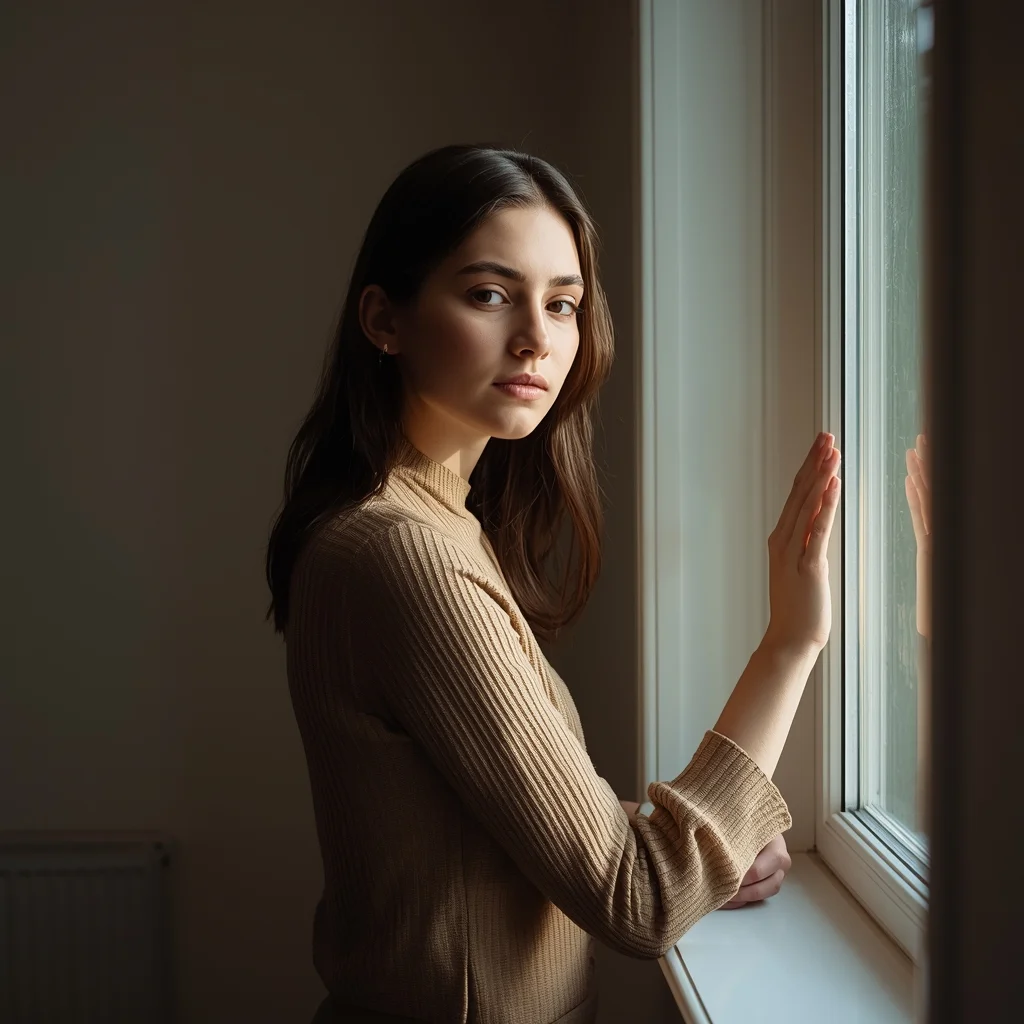
Young Woman Window Light Thoughtful Pose | Next Gen Ai Prompt Idea
3278 mos ago
Prompt: A young woman standing near a window, soft natural light illuminating her face, thoughtful expression, relaxed posture. One hand lightly touching the window frame. Minimal indoor setting, calm mood, fine-art portrait photography, realistic shadows, ultra-detailed textures.
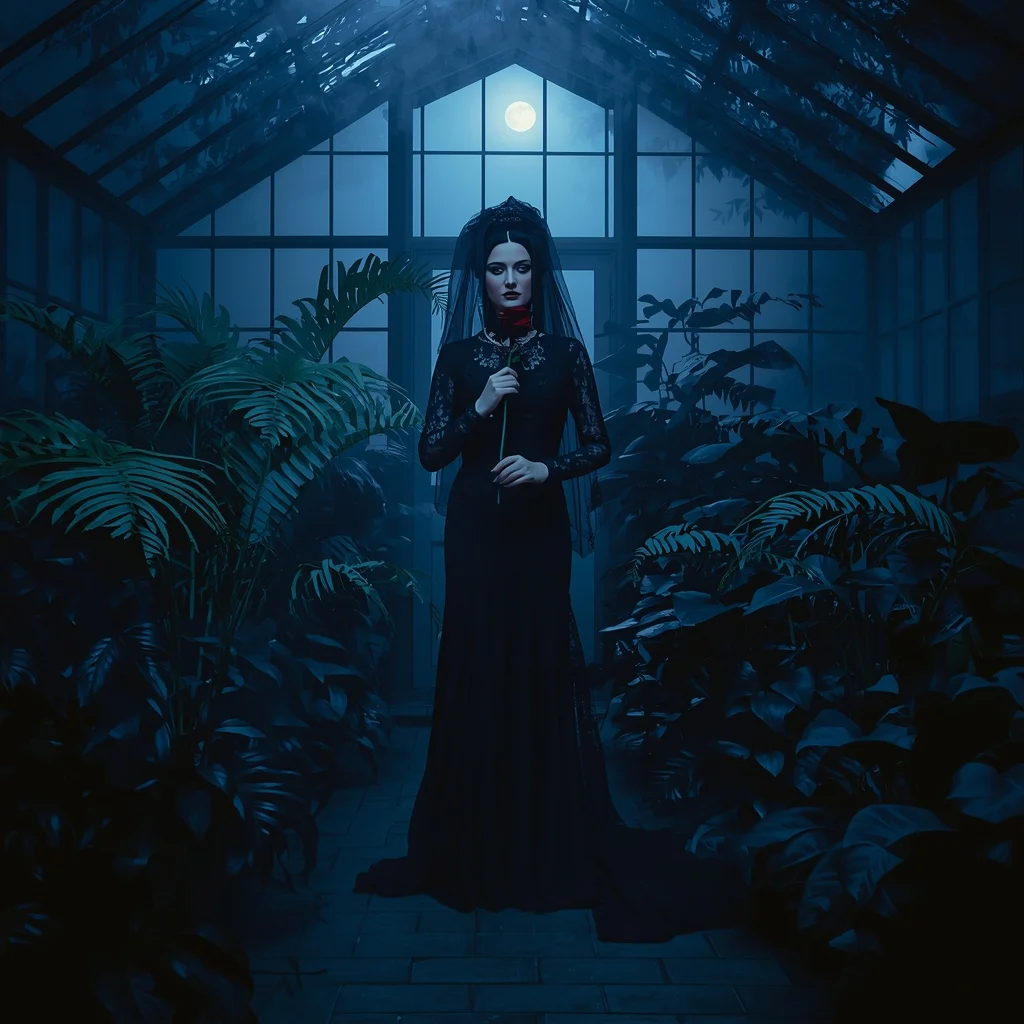
Victorian Gothic Greenhouse | High Demand Ai Prompt
3358 mos ago
Prompt: A woman in a dramatic black lace Victorian gown with a high veil, standing inside a fog-filled glass greenhouse at night. Huge exotic ferns and black lilies surround her. Moonlight filters through the glass panes, creating blue-tinted highlights.
Pose: Standing centrally, holding a single dark red rose to her chest, looking toward the camera with a melancholic and mysterious "Gothic Romance" expression.
Technical: Low-key lighting, moody blue and black color palette, 85mm lens, f/1.2, soft focus edges, cinematic atmospheric fog, 8k.
I WISH I KNEW THIS EARLIER 😳 | Best Prompt Collection 2026
2718 mos ago
Prompt: Cinematic YouTube thumbnail featuring a thoughtful creator touching their forehead in realization, eyes looking upward, expression of regret and surprise, soft dramatic lighting with cool blue and warm orange tones, blurred gradient background, shallow depth of field, ultra-realistic facial details, subtle rim lighting, professional color grading, clean composition, emotional storytelling, high clarity, 4K ultra-HD quality, optimized for high click-through rate.
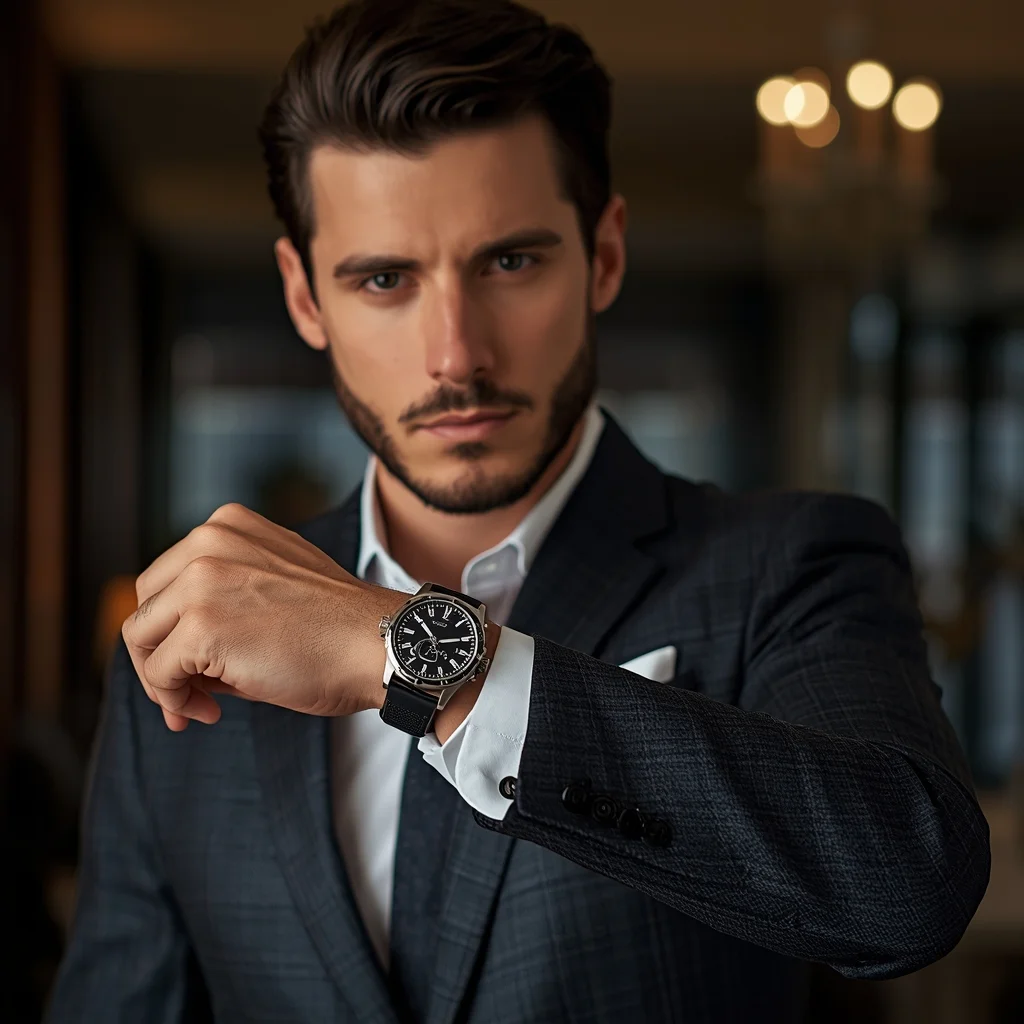
Luxury Watch Showcase Pose | Daily Updated Ai Prompt
2878 mos ago
Prompt: A stylish man slightly raising his wrist toward the camera, elegant posture, confident gaze, wearing a tailored suit, luxury watch in focus, softly blurred upscale interior background, warm lighting, premium fashion advertising style, ultra-sharp realism, professional studio quality.
Odissi Classical Dance Sculpture Pose | Trending Ai Prompt
3318 mos ago
Prompt: An Odissi dancer inspired woman frozen in a sculptural tribhangi pose, wearing a traditional silver headpiece and jewelry, richly detailed costume, expressive eyes and facial expressions, temple carvings in the background, dramatic side lighting highlighting body posture, cultural elegance, sharp focus, museum-quality realism, ultra-high resolution, cinematic storytelling
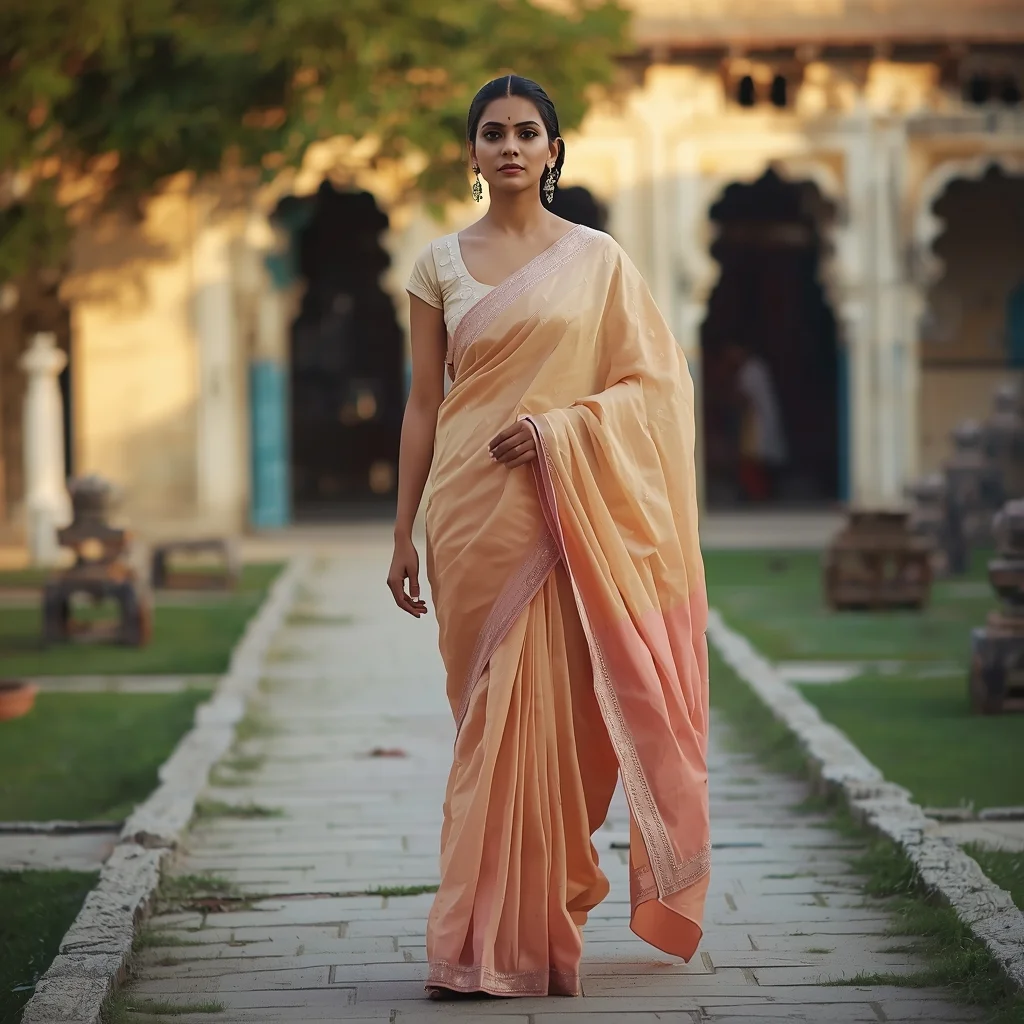
Traditional Saree Walk Pose with Heritage Mood | Best Free Ai Prompt
3068 mos ago
Prompt: A cinematic scene of a woman walking slowly along a stone pathway, wearing a beautifully draped saree in pastel shades with subtle embroidery. Her pose is fluid and graceful, one hand holding the pleats as she walks. Heritage architecture in the background, soft golden hour lighting, natural expressions, realistic fabric movement, cultural storytelling, ultra-detailed 8K realism.
Frequently Asked Questions
Common questions regarding this AI prompt.
How does the prompt simulate physical camera lenses for Motion Splash Product Image | Dall-e Prompt Idea?
The prompt acts as a virtual director of photography by explicitly stating lens focal lengths and aperture settings. By including phrases like 'shot on 35mm lens' or 'f/1.4 aperture', the AI mathematically simulates the optical distortion, compression, and background blur (bokeh) characteristic of high-end photography, elevating the Product Images image from a flat digital render to a lifelike photo.
Can I easily integrate the Motion Splash Product Image | Dall-e Prompt Idea output into a professional design workflow?
Absolutely. The outputs generated by this prompt are designed with commercial and professional workflows in mind. Because it emphasizes crisp edges, balanced contrast, and high-resolution keywords, the resulting Product Images images are perfect for immediate use in UI/UX design, marketing materials, or further post-processing in software like Adobe Photoshop.
How do I modify Motion Splash Product Image | Dall-e Prompt Idea to fit into a dark fantasy or gothic horror setting?
Change the environmental descriptors. Add 'dark fantasy concept art, gothic architecture, eerie volumetric fog, corrupted ruins, ominous atmosphere, Bloodborne aesthetic'. This forces the AI to reinterpret the Motion Splash Product Image | Dall-e Prompt Idea prompt through a grim, terrifying lens, drastically altering the mood of the Product Images output.
How can I adjust the emotional tone or mood of Motion Splash Product Image | Dall-e Prompt Idea?
The mood is heavily dictated by lighting and color grading keywords. To make Motion Splash Product Image | Dall-e Prompt Idea feel more melancholic, replace warm lighting terms with 'cool blue tones, rainy atmosphere, and dramatic shadows'. Conversely, adding 'vibrant saturation, golden hour sunlight, and joyful expressions' will instantly uplift the emotional resonance of the Product Images scene.
How do I create a surreal, dream-like version of Motion Splash Product Image | Dall-e Prompt Idea?
To break the laws of physics, use keywords like 'surrealism, dreamscape, floating objects, defying gravity, Salvador Dali style, mind-bending geometry, ethereal'. The AI will take the familiar elements of Motion Splash Product Image | Dall-e Prompt Idea and arrange them in illogical, fascinating ways, creating a truly unique Product Images art piece.
Can I make the image look like vintage, degraded film?
Absolutely. To strip away the ultra-modern crispness, inject phrases like 'shot on Kodak Portra 400', 'heavy film grain', 'light leaks', 'chromatic aberration', and 'vintage 1970s polaroid'. This introduces beautiful, nostalgic imperfections into the Product Images scene, making the Motion Splash Product Image | Dall-e Prompt Idea generation look like a discovered relic rather than a digital creation.
What should I do if the background of Motion Splash Product Image | Dall-e Prompt Idea becomes too cluttered?
If the AI over-complicates the background, you need to assert control over the depth of field. Add strict modifiers like 'clean minimalist background, studio backdrop, heavy bokeh, blurred environment' to the prompt. Additionally, placing the subject-specific keywords at the very front of the prompt ensures the AI prioritizes the main Motion Splash Product Image | Dall-e Prompt Idea element.
How does the prompt establish the historical or futuristic era of Motion Splash Product Image | Dall-e Prompt Idea?
Era-specific aesthetics are locked in using targeted chronological keywords. Whether leaning towards a neo-futuristic cyberpunk vibe or a classical Renaissance look, the prompt forces the AI to draw from specific historical datasets. This ensures that the clothing, architecture, and props within the Product Images scene remain historically or thematically accurate.
How does this prompt handle lighting and atmospheric effects?
This prompt utilizes a sophisticated combination of cinematic lighting descriptors and atmospheric keywords tailored for Product Images. By specifying light direction, diffusion, and volumetric properties like 'god rays' or 'softbox lighting', it forces modern AI engines like Midjourney v6 and Flux to calculate highly realistic light bounces, creating a deeply immersive environment.
How do I achieve an extreme close-up or macro shot of Motion Splash Product Image | Dall-e Prompt Idea?
Modify the perspective by heavily weighting keywords like 'extreme macro photography', '100mm macro lens', 'microscopic detail', and 'extreme close up'. This forces the AI engine to ignore the broader Product Images environment and dedicate all of its rendering power to the microscopic textures, fibers, or surface imperfections of the primary subject.
How can I dictate the camera angle to make the subject look more powerful?
Camera angle completely changes the psychological impact. To make the subject of Motion Splash Product Image | Dall-e Prompt Idea appear dominant or towering, insert 'low angle shot' or 'worm's-eye view'. Conversely, to make the Product Images scene feel vast and the subject small, use 'drone shot', 'bird's-eye view', or 'extreme high angle'.
What are the recommended parameters for generating Motion Splash Product Image | Dall-e Prompt Idea in Stable Diffusion XL (SDXL)?
For optimal results in SDXL, we recommend pairing this prompt with a high-quality checkpoint like Juggernaut XL. Use the DPM++ 2M Karras sampler with approximately 35-40 steps and a CFG scale between 6.5 and 8.0. This combination strikes the perfect balance between adhering strictly to the Motion Splash Product Image | Dall-e Prompt Idea description and allowing the model's creative freedom.
Does this prompt support blending multiple concepts together?
Yes, advanced users can use this prompt as a base for concept blending. By utilizing syntax like [Concept A : Concept B : 0.5] in Automatic1111 or simply describing a hybrid scenario, the strong foundational parameters of the Motion Splash Product Image | Dall-e Prompt Idea prompt will ensure the merged concepts render cohesively without degrading into visual noise.