Cinematic Movie Scene Woman Pose | Ultra Realistic Prompt
High-quality AI-generated image. Optimized for detailed rendering, perfect for creative projects and inspiration.
316Views
0 Likes
100%Quality
FreeLicense
AI Prompt
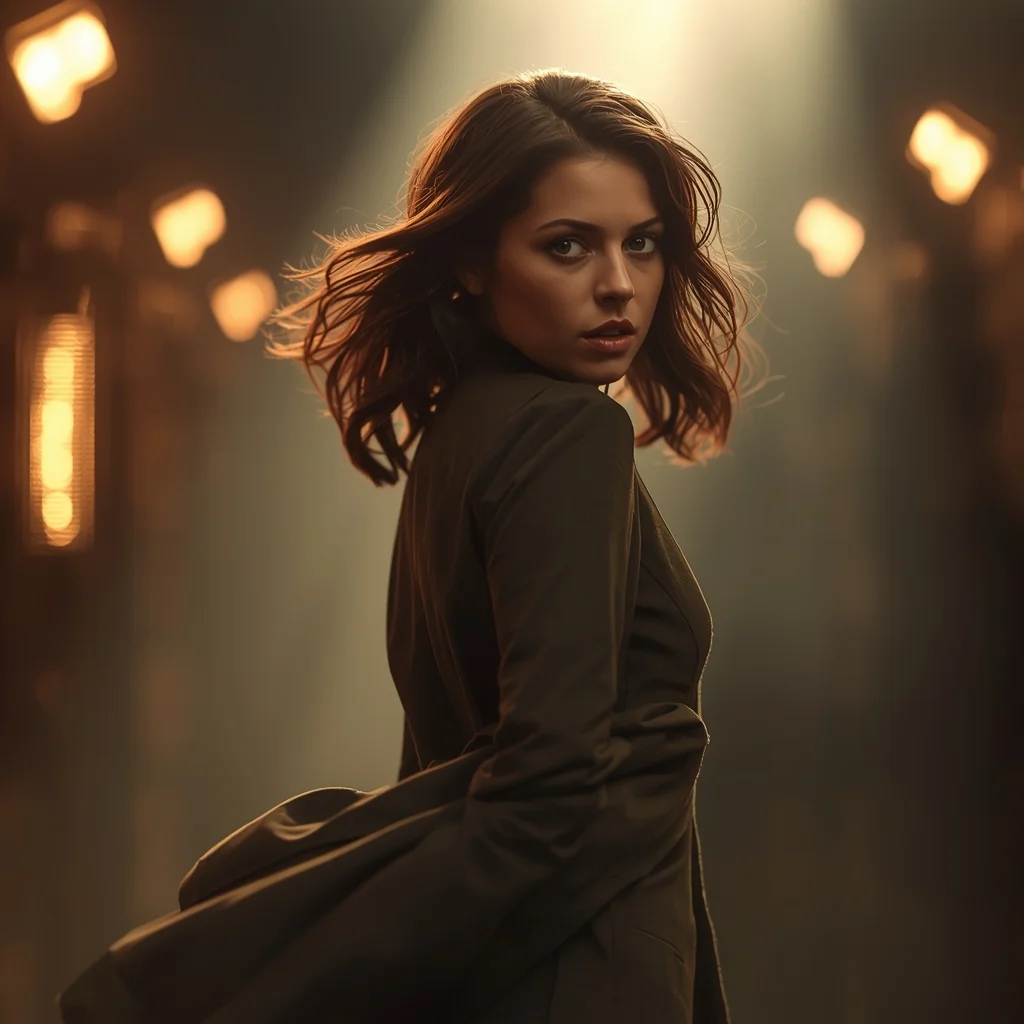
Prompt: A cinematic woman pose inspired by a movie scene, captured mid-moment as she turns slightly over her shoulder, expression filled with emotion and mystery. Outfit flows naturally with movement, hair subtly windswept. Lighting resembles film set lighting with soft rim light and atmospheric depth. Background looks like a dramatic film location with blurred lights and cinematic color grading. Shot on a cinematic lens look, shallow depth of field, ultra-realistic textures, storytelling composition, movie poster quality, ultra-high resolution.
Want to create this with your own face? Use this instruction:
The reference image fully controls facial identity. Do not generate a new face, do not blend with other faces, and do not apply beauty filters or stylization. Prompt: A cinematic woman pose inspired by a movie scene, captured mid-moment as she turns slightly over her shoulder, expression filled with emotion and mystery. Outfit flows naturally with movement, hair subtly windswept. Lighting resembles film set lighting with soft rim light and atmospheric depth. Background looks like a dramatic film location with blurred lights and cinematic color grading. Shot on a cinematic lens look, shallow depth of field, ultra-realistic textures, storytelling composition, movie poster quality, ultra-high resolution.
About this Prompt
Say hello to your new favorite creative asset, 'Cinematic Movie Scene Woman Pose | Ultra Realistic Prompt', a breathtaking fusion of hyper-advanced prompting techniques and classic Woman Pose Art storytelling. The sheer elegance embedded in this prompt is entirely unmatched, guaranteeing a mesmerizing and deeply evocative output every single time. Intense macro details completely reveal a microscopic hidden world of fidelity, radically changing your perspective on what Woman Pose Art generation can achieve. The smooth, pearlescent chromatic aberration at the extreme edges gives it an incredibly premium, high-end, and highly expensive DSLR camera lens feel.
Whether you are actively designing complex character concepts, deeply atmospheric cinematic scenery, or ultra-premium fashion editorials, this generative asset provides an incredibly robust, deeply reliable foundation for any serious, forward-thinking digital artist. Fuel your raw artistic fire and radically expand your digital horizons. This prompt is not just a simple text string; it is a highly foundational masterclass in advanced digital rendering, spatial composition, and professional aesthetics.
Modern Indian Viral Reel Pose – Power Confidence Stand | Easy Ai Prompt
3508 mos ago
Prompt: An Indian woman dressed in a bold modern Indian dress, captured standing confidently as if pausing a reel for impact. Feet grounded, shoulders squared, posture strong. Hair neatly styled with subtle volume. Expression bold, fearless, and self-assured. Makeup clean glam with sharp features. Lighting crisp and studio-clean. Background minimal. Ultra-realistic textures, cinematic influencer framing, high-impact viral composition.
Casual Walking Indian Woman | Gemini Advanced Prompt
3098 mos ago
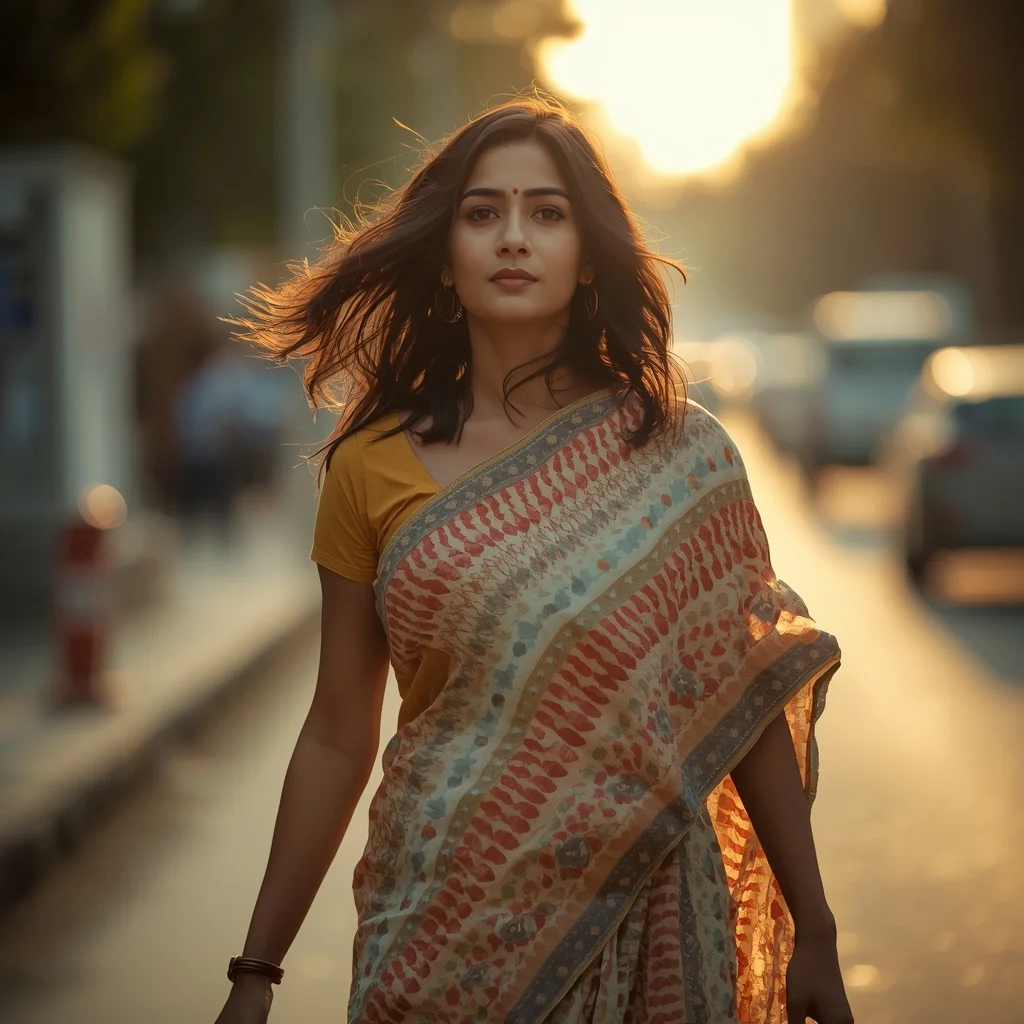
Candid lifestyle photography of an Indian woman walking forward naturally, mid-step motion, flowing hair, calm confident expression, modern urban Indian street softly blurred, golden hour sunlight, cinematic color grading, realistic fabric movement, shallow depth of field, ultra-detailed realism
Prompt: A vibrant, high-energy anime-style gaming illustration of a female mage casting a powerful ultimate ability. She is floating in the air, surrounded by spinning magical runes and a massive glowing phoenix made of blue and gold flames. Her hair and robes are billowing in the magical wind. The background is a dark starry void that is being ripped open by the spell’s power. High-saturation colors, dynamic composition, "Genshin Impact" art style, shimmering particle effects, 4k digital art.
The Urban Minimalist | Viral Image Generator Prompt
3128 mos ago
Prompt: A modern woman in a minimalist beige oversized suit and white sneakers. She is standing against a clean, brutalist concrete wall with sharp geometric shadows. The aesthetic is "Vogue" editorial style—clean, sharp, and high-fashion.
Pose: Leaning casually against the wall with one leg bent, hands tucked into her pockets, looking away from the camera with a neutral, high-fashion expression.
Technical: Hasselblad medium format look, sharp focus, hard shadows, minimalist color palette, 8k, architectural photography style.
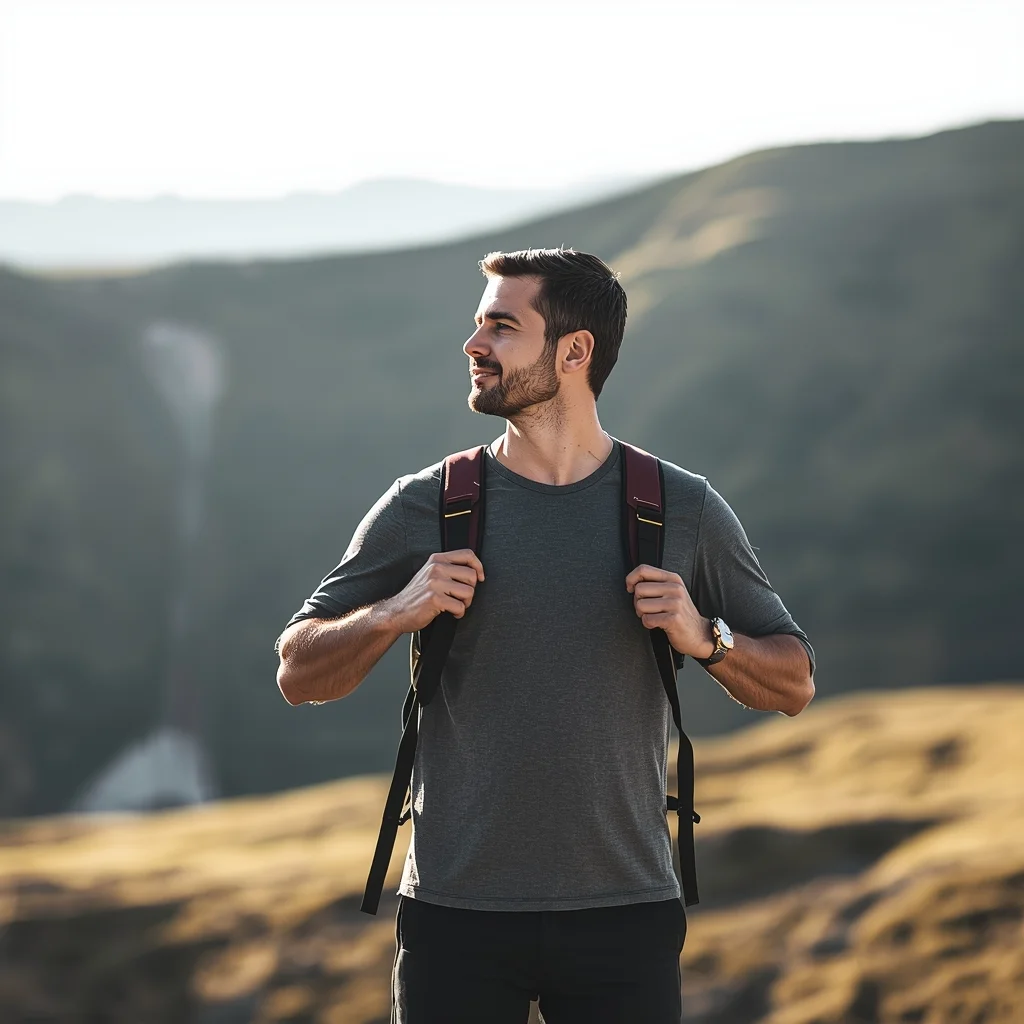
Prompt: A man standing on a scenic outdoor location, hands on backpack straps, relaxed adventurous posture, looking into the distance, travel lifestyle photography, natural colors, soft sunlight, cinematic wide-angle view, realistic textures, inspirational explorer mood.
Modern Indian Viral Reel Pose – Minimal Studio Motion Look | Gemini Advanced Prompt
3418 mos ago
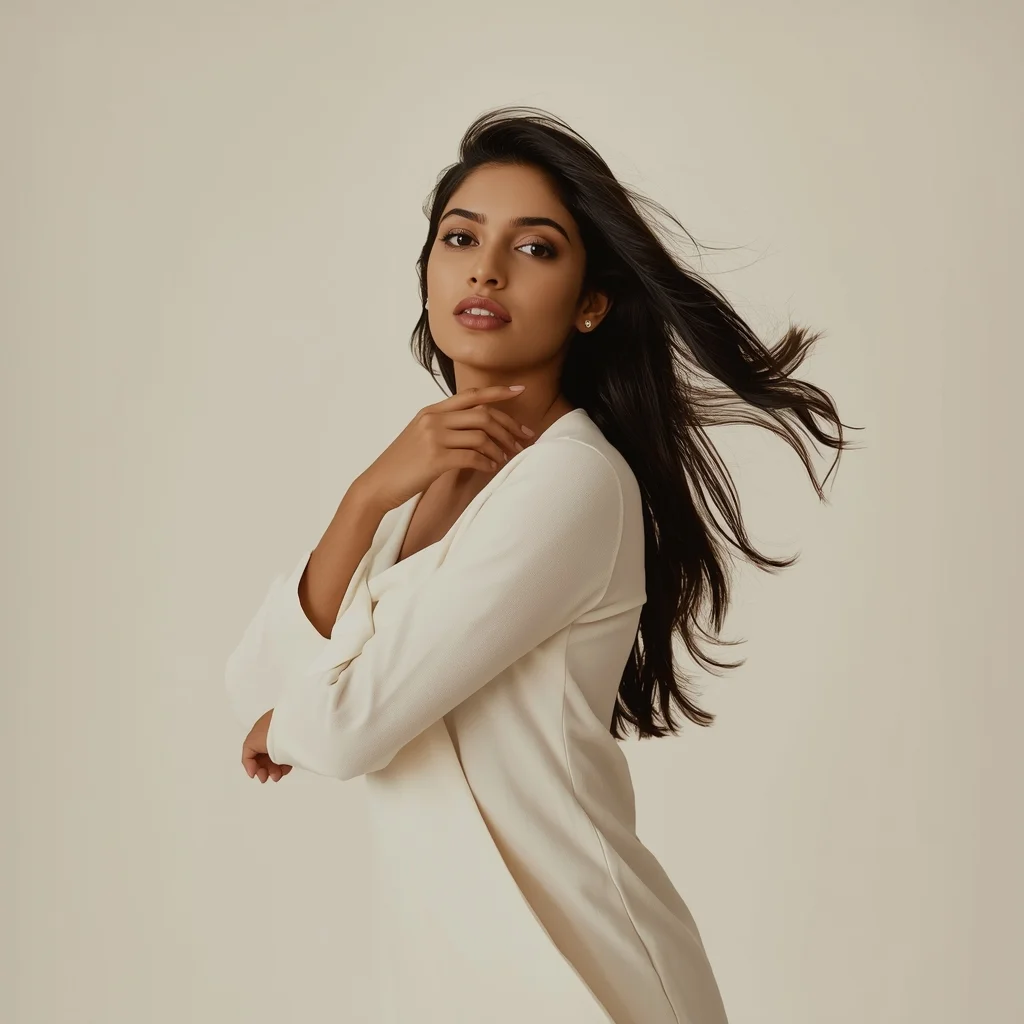
Prompt: An Indian woman wearing a minimalist modern Indian dress, captured in a subtle body-shift pose inside a clean studio environment. Movement gentle and elegant, posture relaxed. Hair neatly styled with soft motion. Expression calm, confident, and contemporary. Makeup natural and luminous. Lighting even, soft, and high quality. Background plain or pastel. Ultra-realistic textures, cinematic minimalism, modern influencer aesthetic, optimized for social media virality.
Wedding Wear Royal Elegance Pose | Cinematic Lighting Prompt
2918 mos ago
Prompt: An Indian woman wearing luxurious wedding or bridal guest attire, posed with royal calm and elegance. She stands upright, shoulders relaxed, one hand gently touching her jewelry or dupatta. Her expression is composed, serene, and regal. Makeup is refined with glowing skin and traditional accents. Hair is styled elegantly, complementing heavy attire. The background is grand and palace-inspired or softly lit indoor luxury space. Warm cinematic lighting enhances richness and depth. Every detail—from embroidery to posture—reflects grace, tradition, and premium wedding fashion aesthetics.
We Found The "Lost City of Gold" in the Amazon Jungle | Lighting Prompt Idea
3188 mos ago
Prompt: An epic adventure discovery thumbnail. Deep in a dense, overgrown Amazon rainforest, a team of muddy explorers with machetes and headlamps are pushing through thick vines. They are stopped dead, looking up at a massive, ancient pyramid structure completely covered in shimmering gold plates and emerald jewels that reflect the sunlight piercing the jungle canopy. A hidden waterfall flows around the golden structure. The atmosphere is misty and mysterious. Cinematic "Indiana Jones" style lighting, high contrast, 8k, photorealistic, sense of awe and treasure.
Frequently Asked Questions
Common questions regarding this AI prompt.
How customizable are the character and environment details in the Cinematic Movie Scene Woman Pose | Ultra Realistic Prompt prompt?
Highly customizable. The prompt serves as a robust architectural framework. You can easily swap out specific nouns or color palettes while retaining the core Woman Pose Art style. For example, changing the time of day or the primary clothing material will seamlessly adapt the scene while maintaining the high-definition rendering quality originally intended for Cinematic Movie Scene Woman Pose | Ultra Realistic Prompt.
Can I use Image-to-Image (Img2Img) techniques with the Cinematic Movie Scene Woman Pose | Ultra Realistic Prompt prompt?
Absolutely. Using a rough sketch or a reference photo alongside this prompt in an Img2Img workflow is highly effective. We recommend setting your Denoising Strength between 0.45 and 0.65. This range is the 'sweet spot' that allows the AI to apply the high-quality textures and lighting of the Cinematic Movie Scene Woman Pose | Ultra Realistic Prompt prompt while strictly respecting the structural layout of your reference image.
How does this prompt handle lighting and atmospheric effects?
This prompt utilizes a sophisticated combination of cinematic lighting descriptors and atmospheric keywords tailored for Woman Pose Art. By specifying light direction, diffusion, and volumetric properties like 'god rays' or 'softbox lighting', it forces modern AI engines like Midjourney v6 and Flux to calculate highly realistic light bounces, creating a deeply immersive environment.
What specific lighting setup is best to highlight the details of Cinematic Movie Scene Woman Pose | Ultra Realistic Prompt?
For maximum texture reveal, a 'three-point studio lighting' or 'Rembrandt lighting' setup works best. By incorporating keywords like 'rim light', 'key light', and 'soft fill', you instruct the AI to sculpt the Woman Pose Art subject out of the background, ensuring that micro-details like skin pores, fabric weaves, or metallic reflections are perfectly visible.
What is the best Stylize (--s) value to use in Midjourney for this prompt?
The stylize parameter dictates how strongly Midjourney applies its default aesthetic. For strict adherence to the realistic details of Cinematic Movie Scene Woman Pose | Ultra Realistic Prompt, keep it around --s 100 to --s 250. If you want the AI to take artistic liberties and make the Woman Pose Art scene look more like a digital masterpiece, push the value up to --s 500 or --s 750.
Is it possible to make the image look like an architectural blueprint?
Absolutely. Strip all color and realism by adding 'technical architectural blueprint, white lines on blue background, schematics, precise measurements, cross-section view, drafted by an engineer'. This is a highly creative way to present the Woman Pose Art subject from an analytical, structural perspective.
Is it possible to use this static image prompt as a base for AI video animation?
Yes, this is a very popular workflow. Once you generate the perfect still image of Cinematic Movie Scene Woman Pose | Ultra Realistic Prompt, you can import it into cutting-edge AI video generators like Luma Dream Machine, Kling AI, Runway Gen-3, or Pika Labs. The high detail and clear focus provided by this Woman Pose Art prompt make it an ideal initial keyframe, resulting in smooth, artifact-free animations.
How do I create a surreal, dream-like version of Cinematic Movie Scene Woman Pose | Ultra Realistic Prompt?
To break the laws of physics, use keywords like 'surrealism, dreamscape, floating objects, defying gravity, Salvador Dali style, mind-bending geometry, ethereal'. The AI will take the familiar elements of Cinematic Movie Scene Woman Pose | Ultra Realistic Prompt and arrange them in illogical, fascinating ways, creating a truly unique Woman Pose Art art piece.
What is the optimal workflow for upscaling Cinematic Movie Scene Woman Pose | Ultra Realistic Prompt to print-quality resolution?
Do not generate at massive resolutions directly, as it causes compositional duplication (like two heads). Instead, generate Cinematic Movie Scene Woman Pose | Ultra Realistic Prompt at a native resolution (e.g., 1024x1024), and then use a dedicated AI upscaler. Tools like Topaz Gigapixel AI, Magnific AI, or the '4x-UltraSharp' model in Automatic1111 will enhance the micro-textures of the Woman Pose Art without destroying the original composition.
Can I make the characters or subjects in Cinematic Movie Scene Woman Pose | Ultra Realistic Prompt look like cyborgs?
Easily. Append 'cybernetic enhancements, robotic limbs, glowing optical sensors, biomechanical plating, android'. The AI seamlessly blends biological flesh with metallic machinery, maintaining the high-quality rendering of the original Woman Pose Art prompt while shifting the character design.
What is the best way to force an ultra-wide or panoramic view?
To force a panoramic composition, you must combine aspect ratio parameters with specific camera descriptors. In Midjourney, use '--ar 21:9'. Within the prompt text itself, include 'ultra-wide panoramic landscape, 14mm lens, expansive horizon, sweeping view'. This ensures the Cinematic Movie Scene Woman Pose | Ultra Realistic Prompt subject matter is distributed correctly across a massive, cinematic canvas.