Building a Pro Level Website Using Only AI in 10 Minutes | Detailed Image Prompt
High-quality AI-generated image. Optimized for detailed rendering, perfect for creative projects and inspiration.
239Views
0 Likes
100%Quality
FreeLicense
AI Prompt
Prompt: A high-impact, professional tech-studio thumbnail focusing on a high-end web development setup. A massive, ultra-wide curved monitor displays a complex and beautiful "Pro Level" website interface with thousands of lines of glowing code in PHP, CSS, and HTML floating in a 3D holographic space in front of the screen. A person’s hands are seen typing on a minimalist mechanical keyboard that glows with customizable RGB lighting. Floating digital icons of AI neural networks and server clusters surround the workstation. The background is a dark, modern home office with acoustic foam panels and soft blue LED rim lighting. The focus is razor-sharp on the glowing code and the sleek design of the website on the screen. 8k, photorealistic, macro-detail, clean lines, professional studio lighting, and a sense of extreme productivity and high-tech innovation.
Want to create this with your own face? Use this instruction:
The generated image must preserve the reference face with absolute accuracy. Keep the same eyes, nose, lips, jawline, cheekbones, forehead, and overall face shape. No smoothing, no reshaping, no morphing, no artistic variation. Prompt: A high-impact, professional tech-studio thumbnail focusing on a high-end web development setup. A massive, ultra-wide curved monitor displays a complex and beautiful "Pro Level" website interface with thousands of lines of glowing code in PHP, CSS, and HTML floating in a 3D holographic space in front of the screen. A person’s hands are seen typing on a minimalist mechanical keyboard that glows with customizable RGB lighting. Floating digital icons of AI neural networks and server clusters surround the workstation. The background is a dark, modern home office with acoustic foam panels and soft blue LED rim lighting. The focus is razor-sharp on the glowing code and the sleek design of the website on the screen. 8k, photorealistic, macro-detail, clean lines, professional studio lighting, and a sense of extreme productivity and high-tech innovation.
About this Prompt
Discover the well-kept secret to flawless, ultra-realistic generations with 'Building a Pro Level Website Using Only AI in 10 Minutes | Detailed Image Prompt', specifically formulated to bring out the most luxurious, stylish, and deeply captivating aspects of the YouTube Thumbnail genre. It is a true generative gem designed for creators who refuse to compromise on quality. Intense macro details completely reveal a microscopic hidden world of fidelity, radically changing your perspective on what YouTube Thumbnail generation can achieve. The smooth, pearlescent chromatic aberration at the extreme edges gives it an incredibly premium, high-end, and highly expensive DSLR camera lens feel.
Highly useful for independent musicians, podcast hosts, and digital audio creators needing incredibly striking, professionally rendered YouTube Thumbnail album cover art or thumbnail graphics that perfectly match the deep, emotional tone of their digital content. It is officially time to completely revolutionize your digital artistry. Join the highly elite, global community of visionary creators who are already using this exact prompt structure to aggressively dominate the modern YouTube Thumbnail digital landscape.
Prompt: A confident modern man captured mid-walk on a stylish urban street, shoulders relaxed, chin slightly raised, natural arm swing showing confidence and leadership, wearing a premium streetwear outfit with long coat, fitted t-shirt, slim pants, and clean sneakers, textured beard, sharp facial features, cinematic city background with soft motion blur, golden hour lighting, ultra-realistic skin texture, fashion editorial photography, depth of field, 8k high-detail realism.
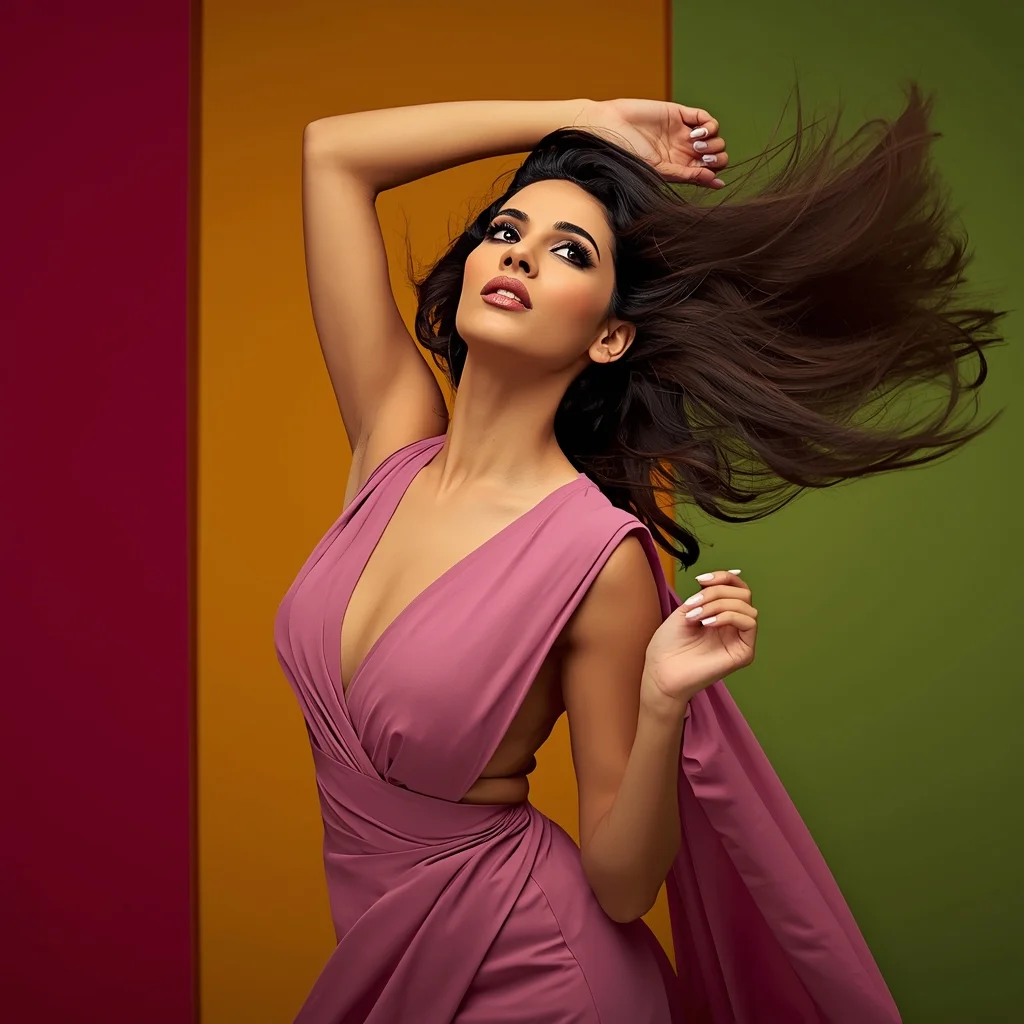
Modern Indian Viral Reel Pose – Hair Flip Motion Shot | Copy Paste Ai Prompt
2286 mos ago
Prompt: An Indian woman in a modern Indian party dress with flowing fabric, captured mid hair-flip in a reel-style action pose. Head tilted slightly back, hair frozen in motion creating dynamic arcs. Body posture relaxed yet expressive, one hand lifted naturally. Expression is fearless and confident with a bold gaze. Makeup is glamorous but fresh, emphasizing eyes and cheekbones. Lighting is vibrant and directional to capture motion crisply. Background is minimal studio or colorful wall. Ultra-sharp focus, influencer-grade realism, cinematic energy, viral social media composition.
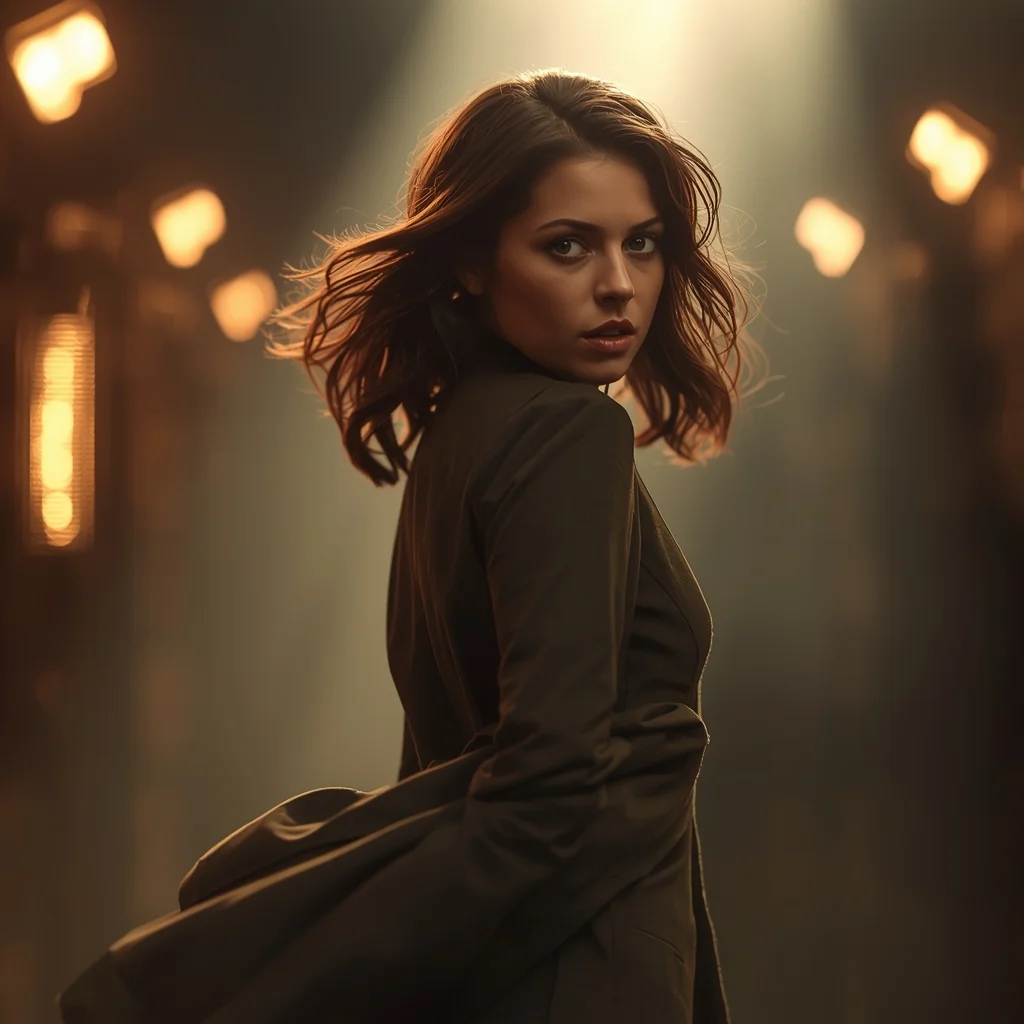
Cinematic Movie Scene Woman Pose | Ultra Realistic Prompt
2596 mos ago
Prompt: A cinematic woman pose inspired by a movie scene, captured mid-moment as she turns slightly over her shoulder, expression filled with emotion and mystery. Outfit flows naturally with movement, hair subtly windswept. Lighting resembles film set lighting with soft rim light and atmospheric depth. Background looks like a dramatic film location with blurred lights and cinematic color grading. Shot on a cinematic lens look, shallow depth of field, ultra-realistic textures, storytelling composition, movie poster quality, ultra-high resolution.
Prompt: Ultra-realistic YouTube thumbnail capturing a creator in a moment of panic and surprise, eyes widened, eyebrows raised sharply, mouth slightly open, hands frozen mid-gesture, dramatic cinematic lighting with strong side light and deep shadows, dark blurred background with subtle red and blue glow, ultra-sharp facial focus, realistic skin texture and pores, shallow depth of field, intense emotional storytelling, bold color grading, professional studio photography look, high saturation highlights, clean powerful composition optimized for YouTube homepage, 4K ultra-HD quality.
Editorial Elegance (High Fashion) | Daily Updated Ai Prompt
2876 mos ago
Prompt: A high-fashion editorial shot of a woman reclining on a grand, sweeping marble staircase inside a sun-drenched European palace. She is wearing a voluminous, emerald green silk gown with a three-meter train that cascades down the steps.
Pose: One hand rests gracefully on a step above her head, her body angled in a soft "S" curve, with a confident, piercing gaze directed at the lens.
Technical: 8k resolution, cinematic lighting, shot on 35mm lens, soft dramatic side-lighting from a tall window, deep shadows and intricate silk textures.
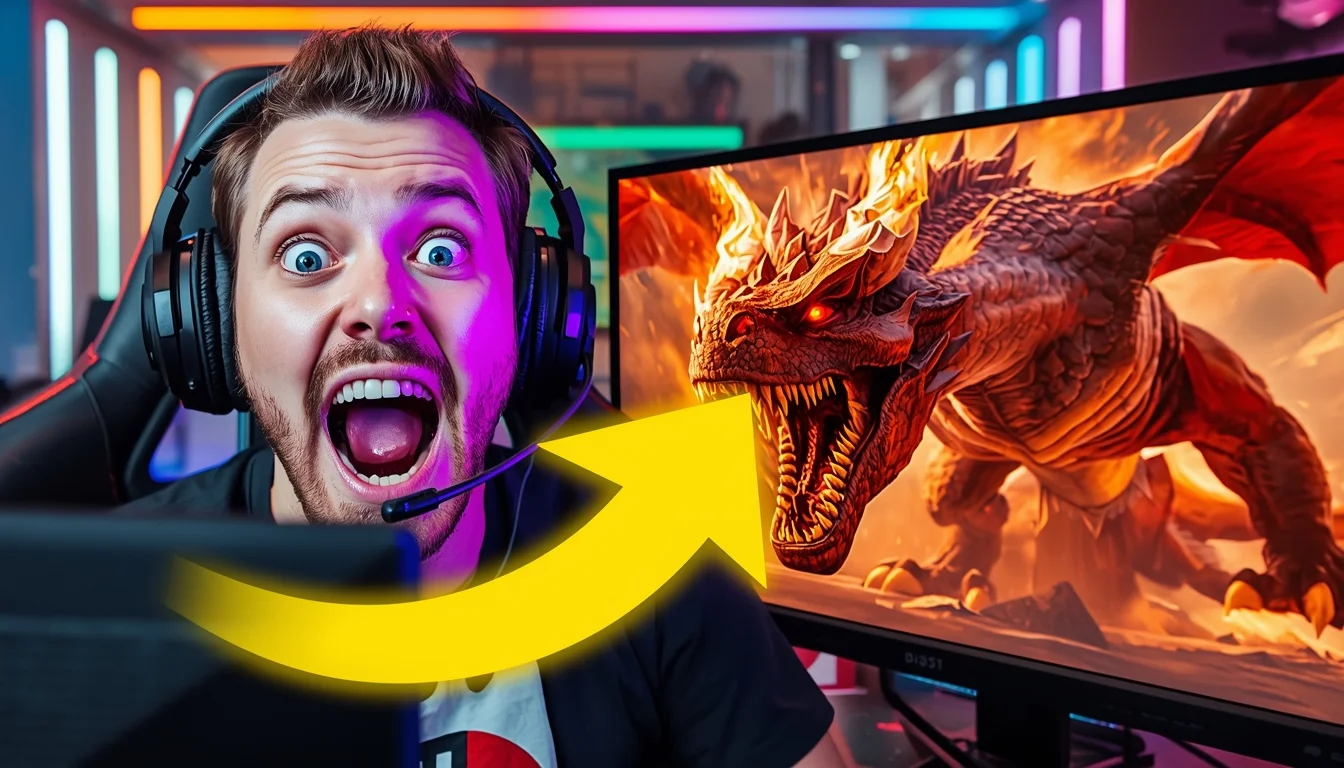
The "Epic Gaming Moment" Thumbnail Niche: Gaming / Let's Play | Nature Image Prompt
3226 mos ago
A high-energy YouTube thumbnail composition. On the left side, a close-up of a popular streamer in a gaming chair wearing a headset, making an incredibly exaggerated, wide-eyed "jaw dropped" shocked face at the camera. Their face is lit by dramatic purple and blue LED key lighting from their monitor. On the right side of the split screen, a vibrant, high-contrast screenshot from the game "Elden Ring," showing a massive, fiery dragon boss filling the frame mid-attack. A large, glowing yellow arrow graphic (implied as part of the image structure) points from the streamer's face to the dragon. The background behind the streamer is a blurred room with RGB light strips. Aspect ratio 16:9.
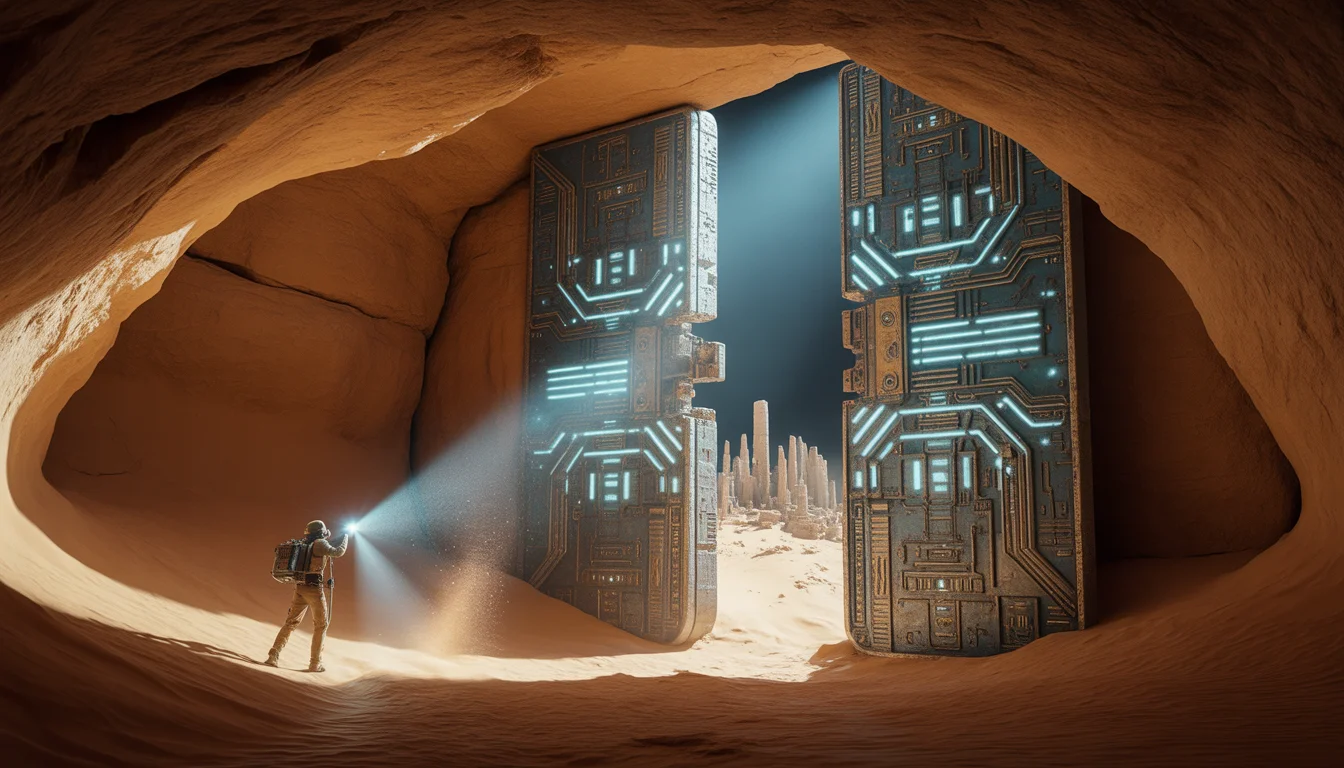
We Found an Ancient High-Tech City Under the Sahara | Hyper Realistic Prompt
2256 mos ago
Prompt: An epic archaeological discovery shot inside a vast, cavernous underground chamber hidden beneath the sand. An explorer's flashlight beam cuts through the darkness, hitting a massive, 50-foot tall metallic door covered in a mix of ancient Egyptian hieroglyphs and glowing, geometric circuit-like patterns. The door is slightly cracked open, revealing a blindingly bright blue light from the city inside. Dust motes dance in the light beam. The walls of the cavern are rough sandstone, but the city structures visible in the gap are made of polished obsidian and white ceramic. 8k resolution, wide-angle lens, cinematic lighting, high-contrast "teal and orange" color grading, and hyper-detailed textures of sand and metal.
The Vanishing of Flight 370: What We Found | Viral Gemini Prompt
2536 mos ago
Prompt: A moody, deep-sea exploration thumbnail. The camera looks out from the viewport of a submersible into the crushing darkness of the ocean floor. Bright searchlights illuminate a large, barnacle-covered section of an airplane wing bearing a faded airline logo, half-buried in the silt. A remote-operated vehicle (ROV) with robotic arms is inspecting the wreckage. The water is murky and blue-green. Textures of rust, deep-sea marine life, and decay are prominent. Documentary photography style, grainy, high suspense, 8k photorealistic.
Frequently Asked Questions
Common questions regarding this AI prompt.
How do I create a dramatic, low-light version of Building a Pro Level Website Using Only AI in 10 Minutes | Detailed Image Prompt?
To plunge the scene into dramatic darkness, modify the prompt to include 'chiaroscuro', 'low-key lighting', 'underexposed', and 'stark shadows'. This tells the AI to plunge the majority of the YouTube Thumbnail environment into darkness while intensely illuminating only the most critical parts of the Building a Pro Level Website Using Only AI in 10 Minutes | Detailed Image Prompt subject, creating a moody, cinematic masterpiece.
What is the optimal workflow for upscaling Building a Pro Level Website Using Only AI in 10 Minutes | Detailed Image Prompt to print-quality resolution?
Do not generate at massive resolutions directly, as it causes compositional duplication (like two heads). Instead, generate Building a Pro Level Website Using Only AI in 10 Minutes | Detailed Image Prompt at a native resolution (e.g., 1024x1024), and then use a dedicated AI upscaler. Tools like Topaz Gigapixel AI, Magnific AI, or the '4x-UltraSharp' model in Automatic1111 will enhance the micro-textures of the YouTube Thumbnail without destroying the original composition.
How can I transform Building a Pro Level Website Using Only AI in 10 Minutes | Detailed Image Prompt into a vector graphic or logo style?
To strip away the photorealism, replace the camera keywords with 'flat vector illustration, minimalist design, UI/UX asset, Adobe Illustrator style, solid colors, clean crisp lines, no gradients'. This transforms the YouTube Thumbnail subject into a scalable, graphic-design-ready asset perfect for web design or branding.
How does Midjourney v6 process the intricate details of Building a Pro Level Website Using Only AI in 10 Minutes | Detailed Image Prompt?
Midjourney v6 excels at understanding natural language nuances. This prompt is specifically written to take advantage of v6's semantic comprehension. You do not need to use 'prompt salad' (randomly throwing words). The detailed, descriptive sentences regarding the YouTube Thumbnail elements are parsed accurately, giving you photographic or highly illustrative perfection.
How does Google's Gemini (Imagen 3) respond to the Building a Pro Level Website Using Only AI in 10 Minutes | Detailed Image Prompt prompt?
Gemini's Imagen 3 engine is exceptionally strong at adhering to safe, high-quality, photorealistic requests. It reads the descriptive narrative of the Building a Pro Level Website Using Only AI in 10 Minutes | Detailed Image Prompt prompt perfectly, ensuring that the subject anatomy and environmental physics are logical, highly detailed, and free from the typical warping artifacts seen in older generation models.
What specific lighting setup is best to highlight the details of Building a Pro Level Website Using Only AI in 10 Minutes | Detailed Image Prompt?
For maximum texture reveal, a 'three-point studio lighting' or 'Rembrandt lighting' setup works best. By incorporating keywords like 'rim light', 'key light', and 'soft fill', you instruct the AI to sculpt the YouTube Thumbnail subject out of the background, ensuring that micro-details like skin pores, fabric weaves, or metallic reflections are perfectly visible.
How does this prompt handle lighting and atmospheric effects?
This prompt utilizes a sophisticated combination of cinematic lighting descriptors and atmospheric keywords tailored for YouTube Thumbnail. By specifying light direction, diffusion, and volumetric properties like 'god rays' or 'softbox lighting', it forces modern AI engines like Midjourney v6 and Flux to calculate highly realistic light bounces, creating a deeply immersive environment.
Is this prompt compatible with the new Flux.1 AI model?
Yes, Flux.1 is incredibly responsive to detailed structural prompts just like this one. Because Flux handles complex spatial relationships and typography better than previous models, the composition instructions embedded in the Building a Pro Level Website Using Only AI in 10 Minutes | Detailed Image Prompt prompt will be rendered with astonishing accuracy, making it ideal for high-end YouTube Thumbnail generation.
What is the best way to shift the artistic medium of Building a Pro Level Website Using Only AI in 10 Minutes | Detailed Image Prompt to an oil painting?
To completely transform the medium, append powerful style modifiers. Injecting phrases like 'intricate oil painting on canvas, thick impasto strokes, palette knife technique, classical fine art, museum masterpiece' will completely override the default realism, offering a traditional artistic variation for your YouTube Thumbnail project.
What is the best way to force an ultra-wide or panoramic view?
To force a panoramic composition, you must combine aspect ratio parameters with specific camera descriptors. In Midjourney, use '--ar 21:9'. Within the prompt text itself, include 'ultra-wide panoramic landscape, 14mm lens, expansive horizon, sweeping view'. This ensures the Building a Pro Level Website Using Only AI in 10 Minutes | Detailed Image Prompt subject matter is distributed correctly across a massive, cinematic canvas.