I Followed This Routine for 30 Days | Gemini Pro Prompt
High-quality AI-generated image. Optimized for detailed rendering, perfect for creative projects and inspiration.
241Views
0 Likes
100%Quality
FreeLicense
AI Prompt
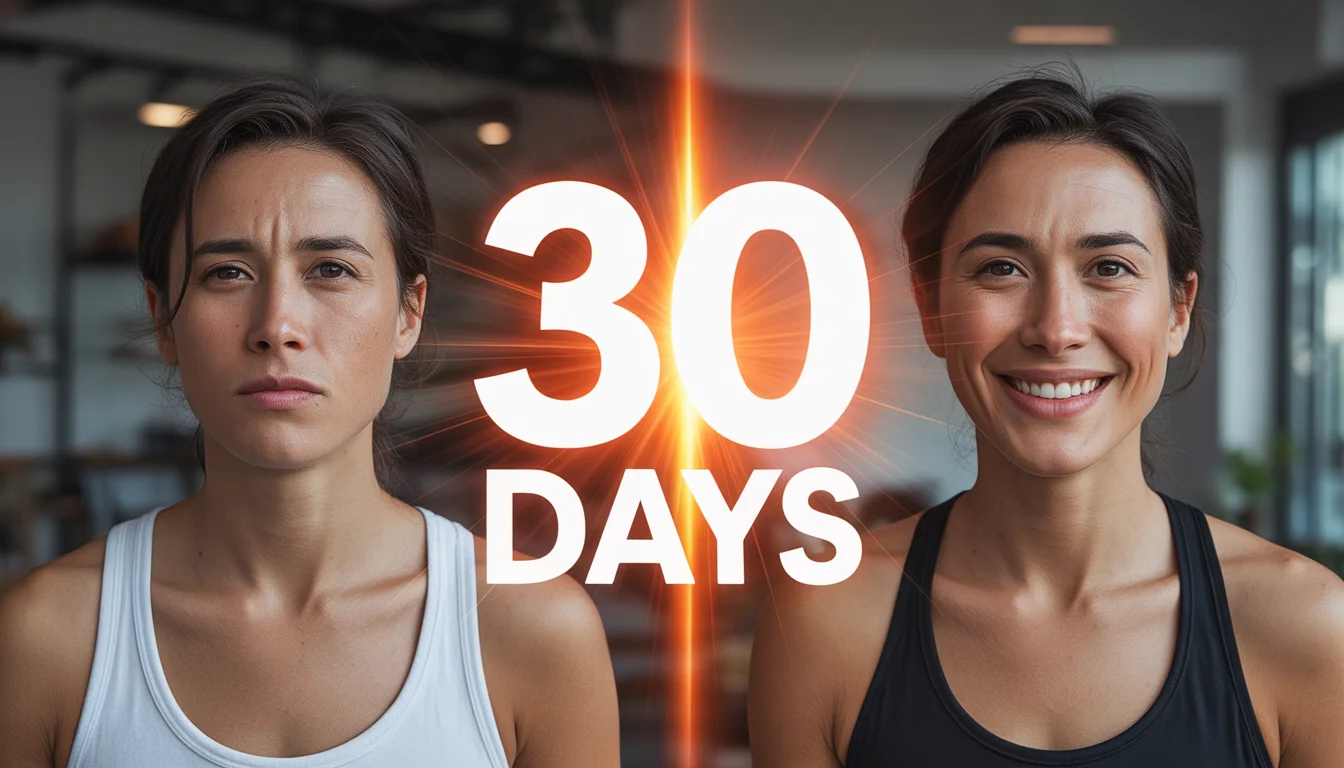
Prompt: Generate a transformation-style thumbnail with a split screen: left side shows a tired, unmotivated person; right side shows the same person confident, energetic, and successful. Add a bold glowing “30 DAYS” visual element between the two versions. Use bright motivational lighting on the right, dull tones on the left, sharp facial expressions, cinematic contrast, high clarity, and strong emotional storytelling designed for high click-through rates.
Want to create this with your own face? Use this instruction:
Reference image controls facial identity. Do not override it. Prompt: Generate a transformation-style thumbnail with a split screen: left side shows a tired, unmotivated person; right side shows the same person confident, energetic, and successful. Add a bold glowing “30 DAYS” visual element between the two versions. Use bright motivational lighting on the right, dull tones on the left, sharp facial expressions, cinematic contrast, high clarity, and strong emotional storytelling designed for high click-through rates.
About this Prompt
Let your creative journey soar to unprecedented heights with 'I Followed This Routine for 30 Days | Gemini Pro Prompt', an exceptional digital masterpiece that radically elevates the standard of YouTube Thumbnail generation. This prompt acts as a pure conduit for raw artistic energy, transforming simple concepts into extraordinary visual spectacles. It utilizes incredibly dramatic, high-contrast lighting alongside a highly sophisticated cinematic color grade to make the visuals pop instantly off the screen. The strict structured geometry interacting with the organic, natural flow within the image creates an incredibly pleasing and highly hypnotic visual rhythm.
Absolutely perfect for creating deeply immersive, visually staggering YouTube Thumbnail background environments for virtual production, VTuber streaming setups, or highly detailed, premium digital zoom backgrounds that project ultimate professional authority. The final, highly sought-after ultimate truth of generative AI art is cleverly hidden right within this structure. Render it confidently right now to fully unlock the deepest, most highly guarded secrets of elite visual digital creation.
THIS ONE HABIT MAKES YOU SUCCESSFUL 🔥 | Sora Video Prompt
2516 mos ago
Prompt: Cinematic YouTube thumbnail featuring a confident creator standing tall with focused expression, soft golden light illuminating the face, blurred background with glowing light rays, warm and cool color contrast, ultra-sharp facial features, realistic skin detail, shallow depth of field, professional studio photography look, inspirational mood, bold clean composition, emotional storytelling, high saturation, 4K ultra-HD, optimized for maximum click-through rate.
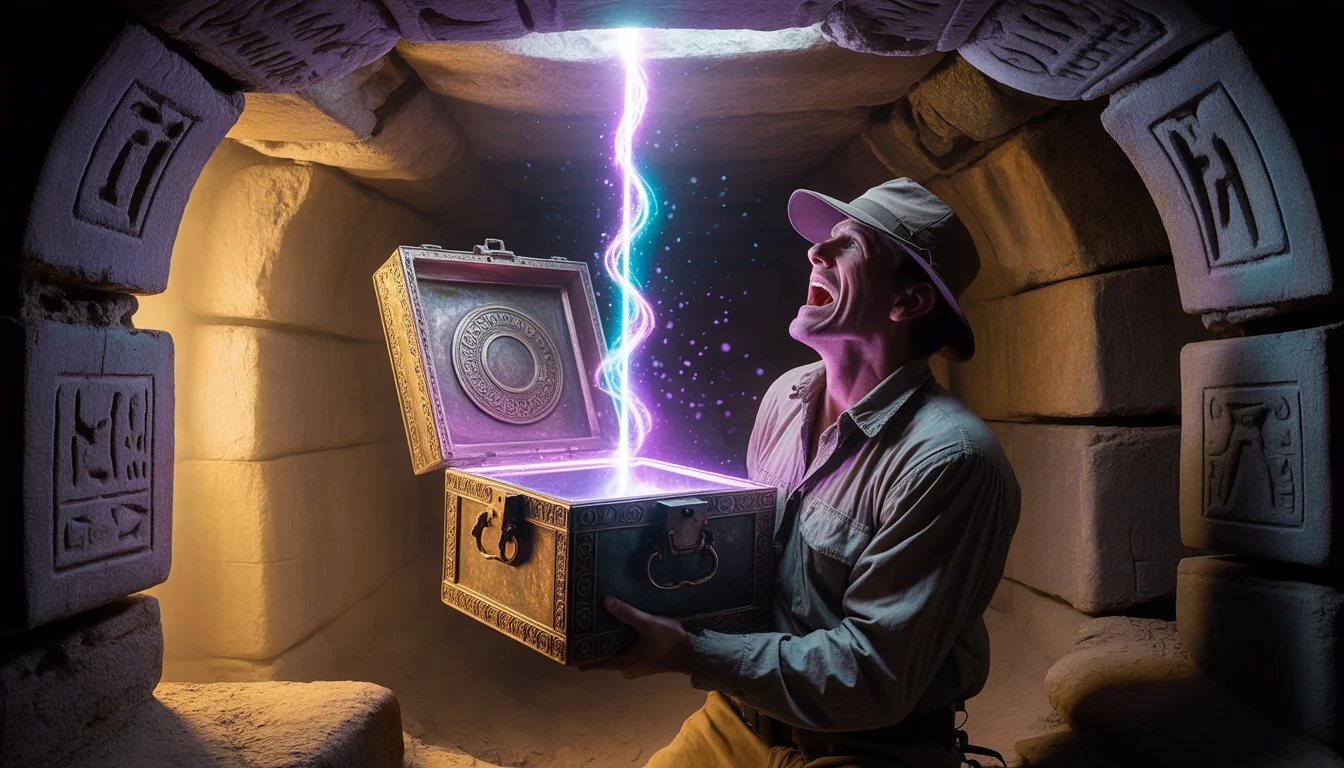
Prompt: A mysterious, Indiana Jones-style adventure thumbnail. Deep inside a dusty, cobweb-filled ancient stone tomb, an explorer in dusty field gear holds an ornate, heavily corroded bronze chest. The lid is cracked open just an inch, and a blinding, supernatural purple and blue energy beam is shooting upwards, illuminating the terrified face of the explorer. Ancient hieroglyphs on the tomb walls are glowing faintly in response to the box. Dust motes dance in the light beams. Cinematic lighting, high suspense, rich textures of aged metal and stone, 8k resolution.
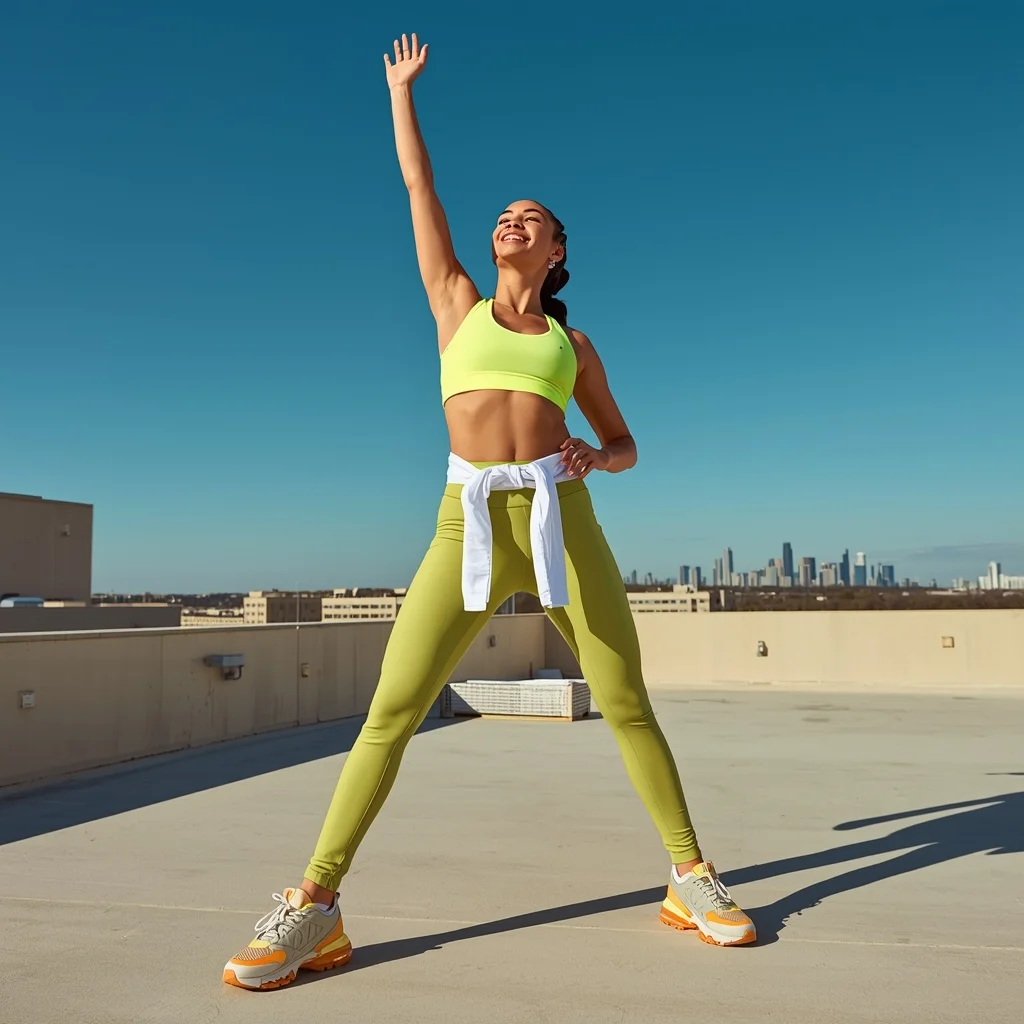
Prompt: A fit woman wearing a matching neon green athleisure set (sports bra and leggings) with a white windbreaker tied around her waist and chunky sneakers. She is posing on a rooftop with a city skyline in the background, stretching one arm up towards the sky while looking at the camera with a bright, energetic smile. The lighting is bright and crisp, emphasizing vibrant colors. Fitness influencer aesthetic, high energy, sharp focus, dynamic composition, blue sky background, ultra-realistic.
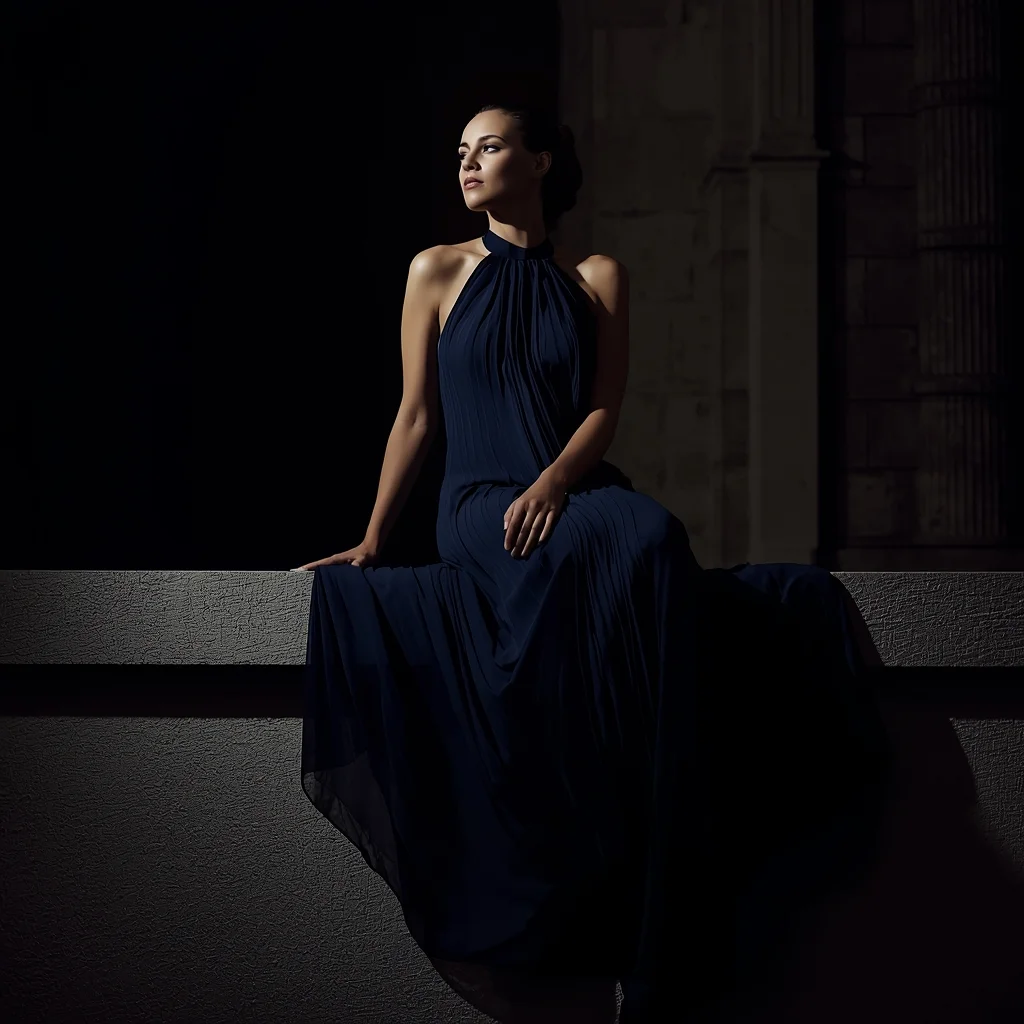
Prompt: A dramatic evening shot of a woman sitting on a stone ledge wearing a floor-length navy blue pleated chiffon gown with a high neck. The fabric flows elegantly around her. The lighting is moody and cinematic, highlighting the silhouette of the dress against a dark architectural background. Luxury gala aesthetic, deep shadows, elegant composition.
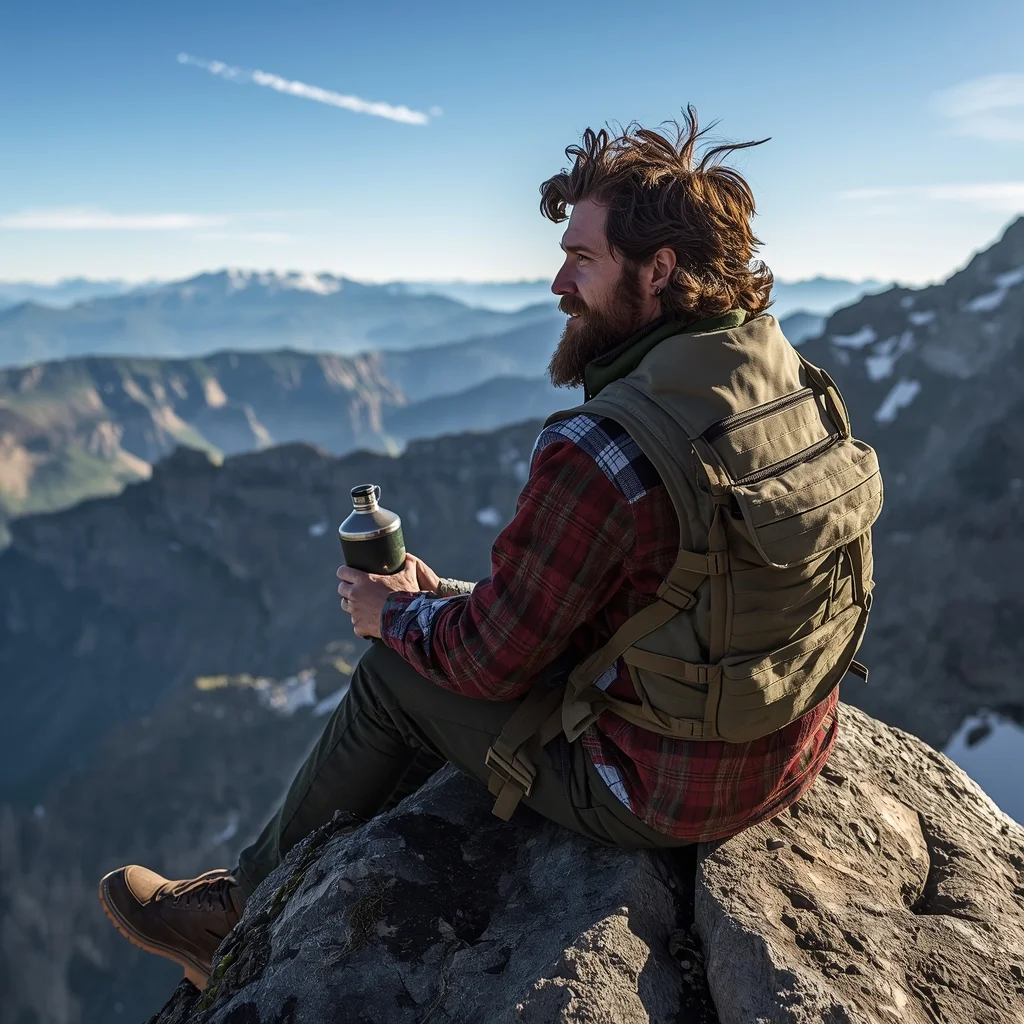
The Rugged Mountain Adventurer | Realistic Photo Prompt
2616 mos ago
Prompt: A wide-angle shot of a rugged man with a thick beard and messy hair sitting on the edge of a jagged cliff. He is wearing a heavy flannel shirt, a tactical vest, and hiking boots, looking out toward a range of snow-capped mountains. He is holding a vintage metal canteen. The lighting is bright and natural morning sun. Realistic textures of wool and leather, 8k, ultra-detailed, National Geographic photography style, epic scale.
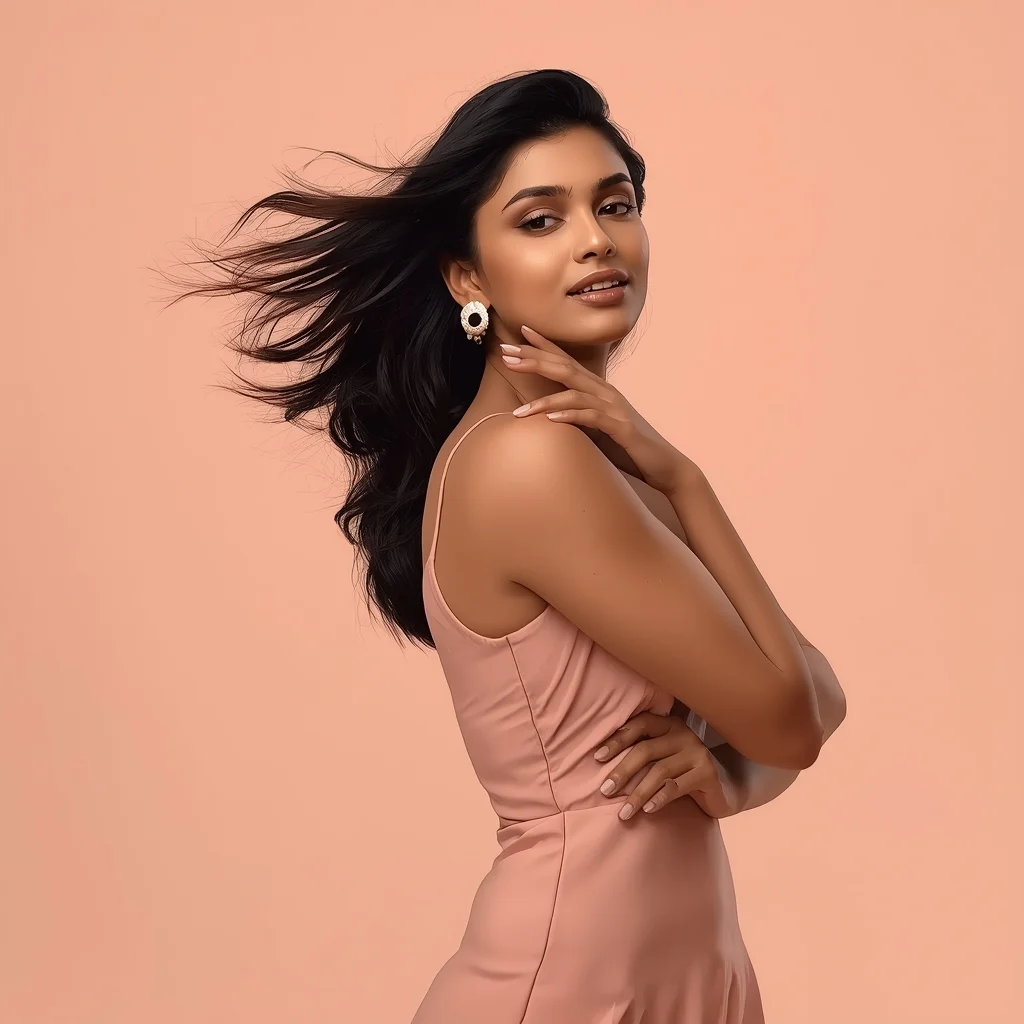
Modern Indian Viral Reel Pose – Minimal Motion Studio Look | Top Ai Image Prompt Today
2566 mos ago
Prompt: An Indian woman wearing a minimalist modern Indian dress, captured in a subtle motion pose inside a clean studio setup. Slight shift in posture, gentle body movement, calm elegance. Hair neatly styled with soft motion. Expression relaxed, confident, and modern. Makeup is natural and luminous. Lighting is even, soft, and high-quality. Background plain or pastel. Ultra-realistic detail, cinematic minimalism, modern influencer aesthetic, optimized for social media virality.
Prompt: An ultra-cinematic YouTube thumbnail design with deep depth-of-field, dramatic studio lighting, strong foreground-background separation, soft atmospheric haze, rich cinematic color grading, high contrast highlights and shadows, premium film-look aesthetics, visually powerful framing, perfectly balanced composition, hyper-realistic details, social-media optimized layout, no text, no letters, no numbers, no symbols.
Frequently Asked Questions
Common questions regarding this AI prompt.
Why is this prompt highly effective for generating I Followed This Routine for 30 Days | Gemini Pro Prompt?
Its effectiveness lies in the structured syntax. It separates the core subject definition from the style and technical parameters. This 'block structure' prevents AI confusion, ensuring that the details of I Followed This Routine for 30 Days | Gemini Pro Prompt remain razor-sharp while the background and artistic medium seamlessly blend to match the YouTube Thumbnail aesthetic without overpowering the main focus.
How do I deal with unwanted text or watermarks appearing in the image?
AI models are trained on stock photos which often contain watermarks. To aggressively filter this out, ensure words like 'text, watermark, signature, username, website url, copyright stamp' are heavily weighted in your negative prompt box. This is especially crucial when generating commercial-grade YouTube Thumbnail content.
What is the best Stylize (--s) value to use in Midjourney for this prompt?
The stylize parameter dictates how strongly Midjourney applies its default aesthetic. For strict adherence to the realistic details of I Followed This Routine for 30 Days | Gemini Pro Prompt, keep it around --s 100 to --s 250. If you want the AI to take artistic liberties and make the YouTube Thumbnail scene look more like a digital masterpiece, push the value up to --s 500 or --s 750.
How does the prompt simulate physical camera lenses for I Followed This Routine for 30 Days | Gemini Pro Prompt?
The prompt acts as a virtual director of photography by explicitly stating lens focal lengths and aperture settings. By including phrases like 'shot on 35mm lens' or 'f/1.4 aperture', the AI mathematically simulates the optical distortion, compression, and background blur (bokeh) characteristic of high-end photography, elevating the YouTube Thumbnail image from a flat digital render to a lifelike photo.
How do I create a dramatic, low-light version of I Followed This Routine for 30 Days | Gemini Pro Prompt?
To plunge the scene into dramatic darkness, modify the prompt to include 'chiaroscuro', 'low-key lighting', 'underexposed', and 'stark shadows'. This tells the AI to plunge the majority of the YouTube Thumbnail environment into darkness while intensely illuminating only the most critical parts of the I Followed This Routine for 30 Days | Gemini Pro Prompt subject, creating a moody, cinematic masterpiece.
How do I ensure the skin textures in I Followed This Routine for 30 Days | Gemini Pro Prompt look photorealistic and not plastic?
AI often defaults to overly smooth, airbrushed skin. To counter this, you must explicitly demand imperfections. Add 'subsurface scattering, visible skin pores, peach fuzz, micro-wrinkles, highly detailed skin texture, raw unedited photograph' to the prompt. This forces the model to render the human elements of the YouTube Thumbnail scene with authentic, biological realism.
Is it possible to make the image look like an architectural blueprint?
Absolutely. Strip all color and realism by adding 'technical architectural blueprint, white lines on blue background, schematics, precise measurements, cross-section view, drafted by an engineer'. This is a highly creative way to present the YouTube Thumbnail subject from an analytical, structural perspective.
Can I easily integrate the I Followed This Routine for 30 Days | Gemini Pro Prompt output into a professional design workflow?
Absolutely. The outputs generated by this prompt are designed with commercial and professional workflows in mind. Because it emphasizes crisp edges, balanced contrast, and high-resolution keywords, the resulting YouTube Thumbnail images are perfect for immediate use in UI/UX design, marketing materials, or further post-processing in software like Adobe Photoshop.
Can I change the material composition of objects in the I Followed This Routine for 30 Days | Gemini Pro Prompt prompt?
Yes, AI handles material transformation brilliantly. If you want to change a standard object into something surreal, use explicit material descriptors like 'made of translucent frosted glass', 'brushed anodized aluminum', 'woven carbon fiber', or 'wet shimmering obsidian'. This will completely recalculate the reflections and refractions in the YouTube Thumbnail output.
Can I generate a 3D claymation or toy-like version of I Followed This Routine for 30 Days | Gemini Pro Prompt?
Yes, you can mimic physical models easily. Add terms such as 'made of polymer clay, tilt-shift photography, miniature diorama, cute 3D render, smooth plasticine, vibrant pastel colors' to the prompt. The AI will instantly convert the YouTube Thumbnail scene into a charming, tactile 3D object.
How do I add realistic weather effects like rain or snow to the scene?
Weather completely alters the physics of light. If you add 'torrential rain, wet asphalt reflecting neon, water droplets clinging to surfaces', the AI will not just draw rain; it will change the specularity of the I Followed This Routine for 30 Days | Gemini Pro Prompt subject. For snow, use 'heavy blizzard, frost-covered edges, soft diffused winter light' to change the entire atmosphere of the YouTube Thumbnail generation.