High-quality AI-generated image. Optimized for detailed rendering, perfect for creative projects and inspiration.
362Views
0 Likes
100%Quality
FreeLicense
AI Prompt
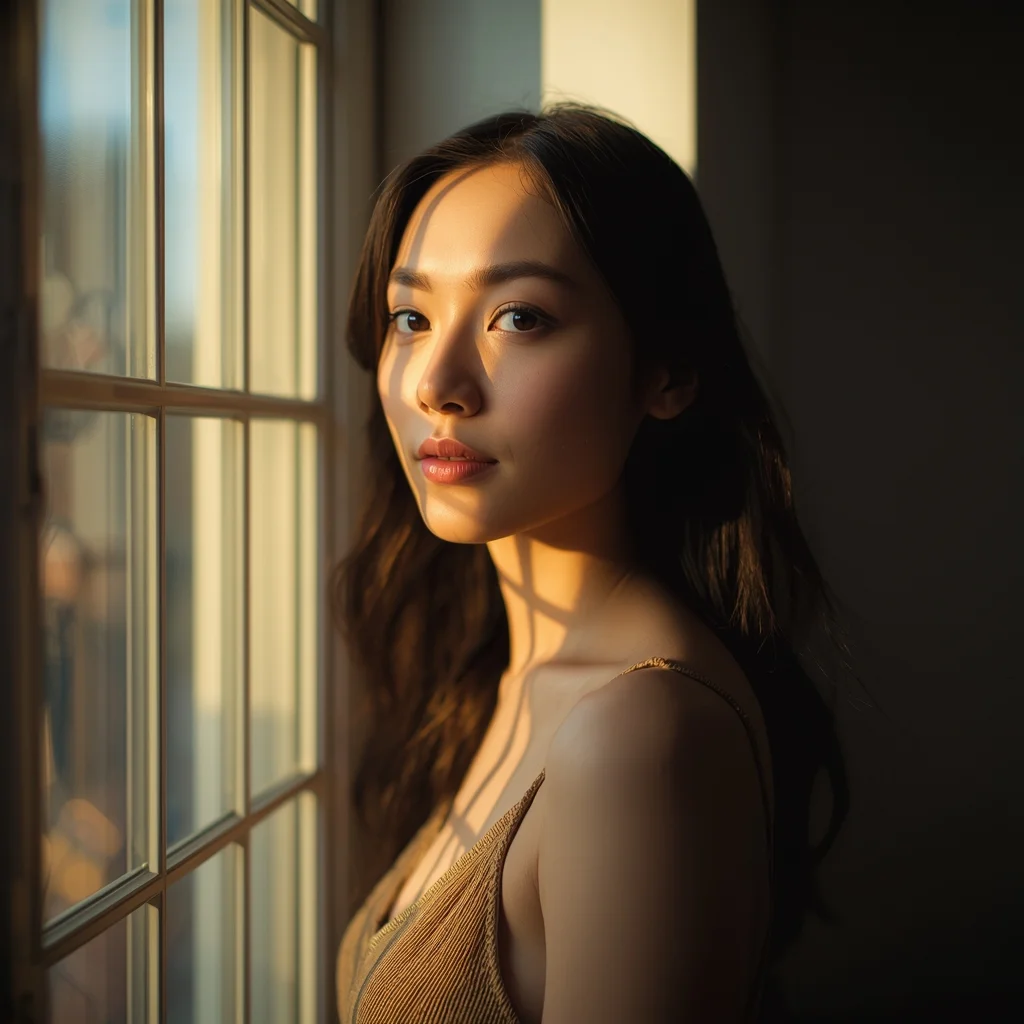
Natural light portrait of a woman standing beside a large window, soft sunlight falling across face and hair, gentle shadows, thoughtful calm expression, minimalist interior background, warm color tones, realistic skin highlights, cinematic depth of field, lifestyle photography aesthetic, professional ultra-detailed quality
Want to create this with your own face? Use this instruction:
The output must clearly resemble the exact same person from the reference image with perfect identity preservation. Natural light portrait of a woman standing beside a large window, soft sunlight falling across face and hair, gentle shadows, thoughtful calm expression, minimalist interior background, warm color tones, realistic skin highlights, cinematic depth of field, lifestyle photography aesthetic, professional ultra-detailed quality
About this Prompt
Step into a world of flawless, high-definition digital artistry with 'Window Light Thoughtful Pose | Ai Prompt Template'. Expertly engineered for Woman Pose Art enthusiasts, this advanced prompt bridges the gap between raw imagination and photorealistic execution, bringing unseen concepts to life with breathtaking precision and an unapologetically premium vibe. The visual precision engineered here is simply unmatched, incorporating incredibly soft, soothing pastel undertones or striking, aggressive bold contrasts depending on the specific generation. It effortlessly balances highly complex, cluttered background elements with a totally isolated, beautifully focused hero subject.
Absolutely ideal for visionary digital storytellers, bold concept artists, and modern designers looking to aggressively push the known boundaries of AI art. It drastically reduces iteration time while massively maximizing the sheer visual quality. Become the absolute, undeniable envy of your entire digital art network. By exclusively utilizing the sheer, raw, and unbridled power of this incredibly specific prompt, you firmly secure your permanent place in the absolute upper echelon of creators.
Kashmiri Pheran Inspired Saree Walk Pose | Simple Ai Prompt
3568 mos ago
Prompt: A cinematic scene of a woman walking slowly along a leaf-covered path, wearing a saree-style dress that combines traditional saree draping with pheran-inspired embroidery. Her pose is fluid and elegant, one hand holding the pleats as she walks. Wooden houses and chinar trees appear softly in the background. Golden hour lighting, realistic motion in fabric, cultural storytelling mood, ultra-detailed 8K realism.
The Silver Fox Executive Candid | Trending Prompt Idea Daily
3148 mos ago
Prompt: A candid, photorealistic shot of a distinguished older businessman with salt-and-pepper hair and a tailored navy suit. He is standing on a busy downtown street corner, laughing as he checks his smartphone. One hand is in his pocket. Pedestrians blur past him in the background. The lighting is overcast diffused daylight, creating soft shadows. Shot with an 85mm lens, shallow depth of field focusing sharply on his expression and the fabric weave of his suit.
The Urban Architect | Ai Prompt For Social Media Post
2888 mos ago
Prompt: A high-fashion editorial shot of a woman in a structured, oversized charcoal suit standing on a minimalist concrete staircase of a brutalist building. | Pose: A sharp 'power stance' with feet wide apart and weight centered. One hand is resting on her hip, and the other is holding a pair of thick-rimmed designer glasses. Her chin is tilted down, looking up at the camera with a fierce, commanding gaze. | Technical: Low-angle shot to emphasize height and authority. High-contrast black and white photography style. Sharp focus across the entire frame. Visible architectural textures on the concrete background.
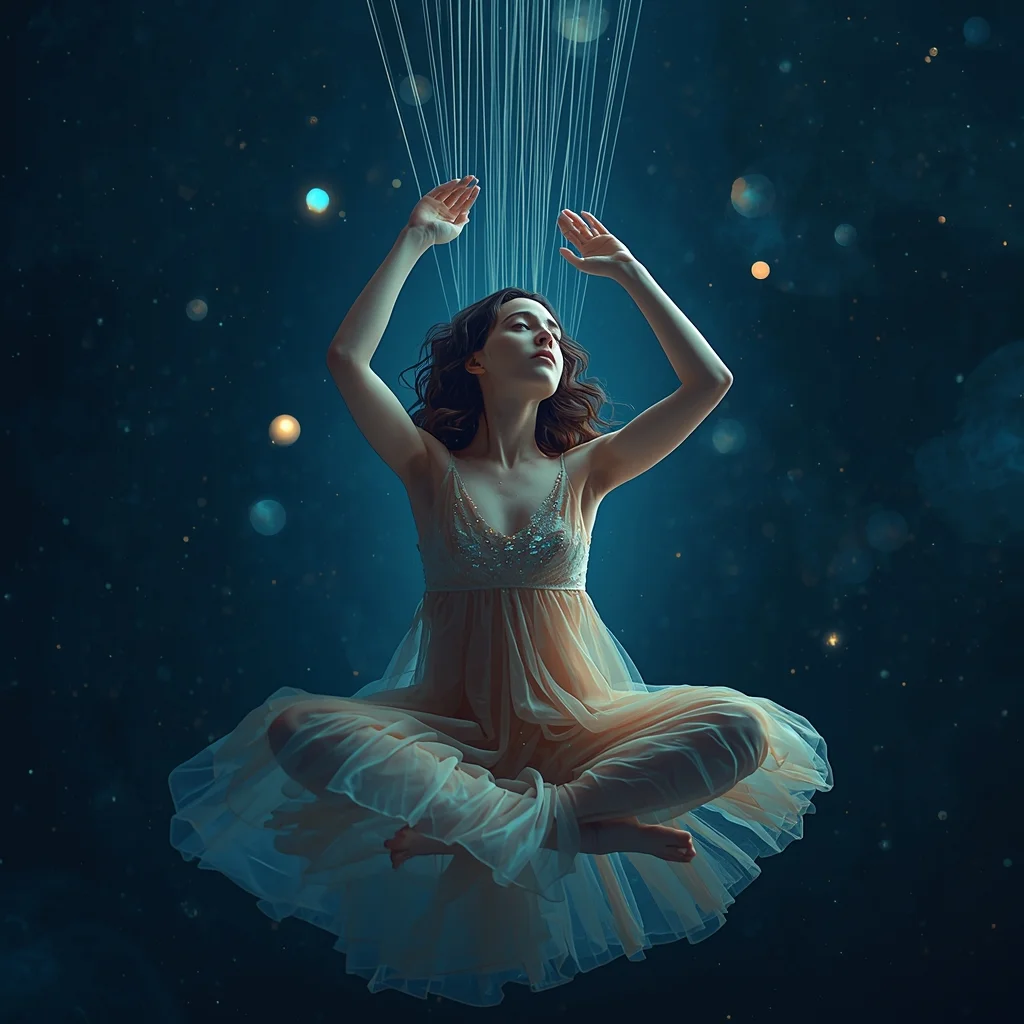
Prompt: A mesmerizing, surreal portrait of a young woman weaving threads of starlight into a tapestry of the night sky. She is wearing a flowing, translucent gown that seems to be made of nebula dust. Her expression is serene and focused, surrounded by floating orbs of soft light. The background is a deep, cosmic void filled with faint constellations.
Pose: Floating cross-legged in mid-air, hands gracefully raised as if pulling invisible strings from the air above her, head tilted slightly down watching her work.
Technical: 8k resolution, dreamy soft focus, bioluminescent lighting, shot on 85mm f/1.2, ethereal aesthetic, octane render style.
A woman in a low tactical crouch inside a dark ventilation shaft, red emergency lights flickering, glowing tech-visor, metallic surfaces, steam in the air, hyper-realistic, wide angle, UE5 render
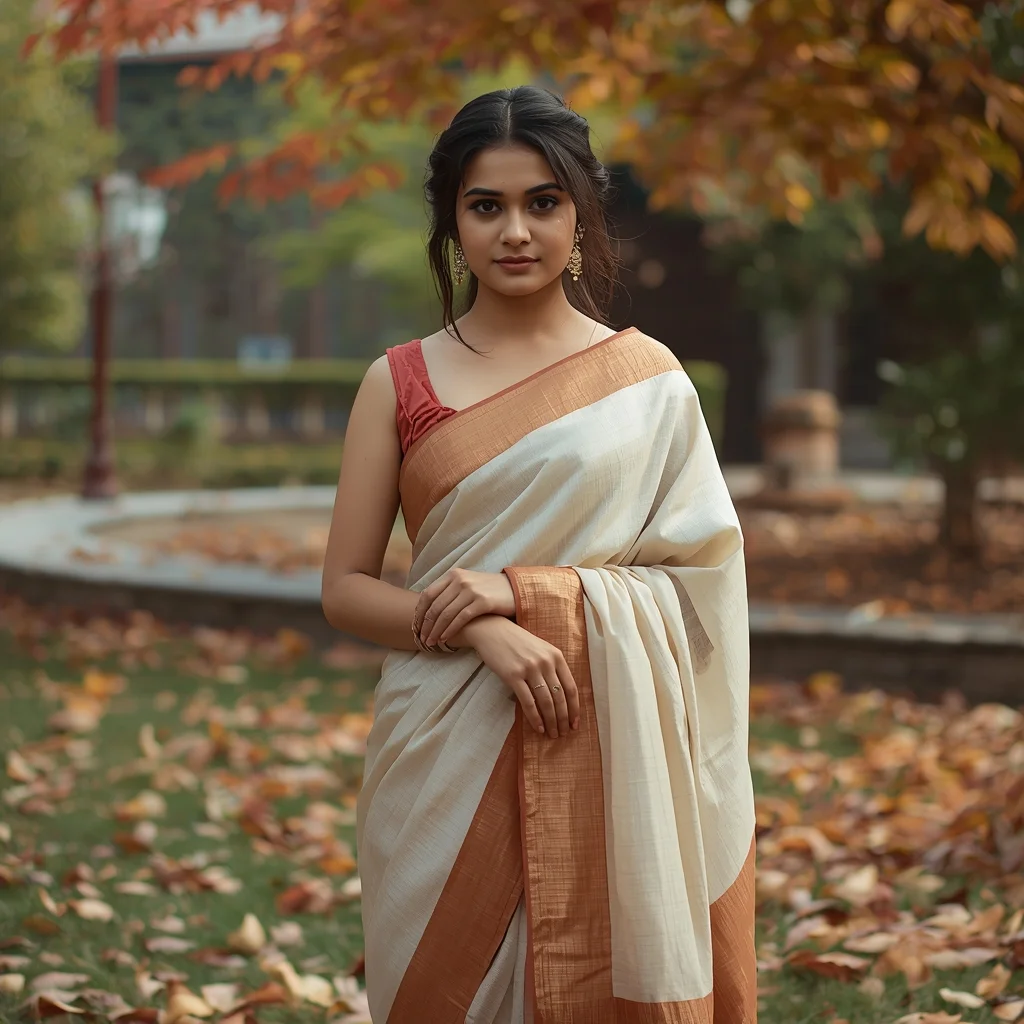
Young Kashmiri Woman in Saree with Autumn Backdrop | Best Prompt For Realistic Image
3408 mos ago
Prompt: A cinematic portrait of a young Kashmiri woman wearing a traditional silk saree in soft ivory and autumn-inspired rust tones, standing in a garden filled with fallen chinar leaves. Her pose is graceful and youthful, one hand holding the saree pallu, the other resting naturally. Minimal jewelry, fresh makeup, warm natural light, realistic fabric texture, cultural elegance, shallow depth of field, ultra-detailed 8K realism.
Royal Heritage Cultural Portrait Pose | Viral Prompt Idea You Need
3108 mos ago
Prompt: An Indian woman dressed in royal or heritage Indian attire, posed with dignified elegance and cultural pride. Her posture is upright, hands placed gracefully, expression calm and regal. Jewelry and attire are rich and traditional. Makeup is refined, hair styled classically. Lighting is warm and soft, enhancing depth and heritage richness. Background reflects cultural architecture or textured elegance. Ultra-detailed realism, timeless Indian royal portrait photography.
Frequently Asked Questions
Common questions regarding this AI prompt.
How can I use Inpainting to fix specific errors in the generated Window Light Thoughtful Pose | Ai Prompt Template image?
Inpainting is essential for perfection. If 90% of the Window Light Thoughtful Pose | Ai Prompt Template image is flawless but a hand or eye is distorted, send the image to an Inpaint tab. Mask only the flawed area, keep the original prompt, and set the denoising strength high (around 0.7). The AI will regenerate only that specific zone, seamlessly blending the fixed Woman Pose Art elements into the surrounding artwork.
How do I add realistic weather effects like rain or snow to the scene?
Weather completely alters the physics of light. If you add 'torrential rain, wet asphalt reflecting neon, water droplets clinging to surfaces', the AI will not just draw rain; it will change the specularity of the Window Light Thoughtful Pose | Ai Prompt Template subject. For snow, use 'heavy blizzard, frost-covered edges, soft diffused winter light' to change the entire atmosphere of the Woman Pose Art generation.
Can I simulate bioluminescence or neon lighting in this prompt?
Yes, you can easily shift the scene into a sci-fi or fantasy realm by adding terms like 'bioluminescent glow', 'neon tube lighting', 'emissive materials', or 'fluorescent accents'. These modifiers will cause the objects within the Woman Pose Art scene to act as their own light sources, casting incredibly realistic colored reflections onto surrounding surfaces.
How customizable are the character and environment details in the Window Light Thoughtful Pose | Ai Prompt Template prompt?
Highly customizable. The prompt serves as a robust architectural framework. You can easily swap out specific nouns or color palettes while retaining the core Woman Pose Art style. For example, changing the time of day or the primary clothing material will seamlessly adapt the scene while maintaining the high-definition rendering quality originally intended for Window Light Thoughtful Pose | Ai Prompt Template.
How do I ensure the skin textures in Window Light Thoughtful Pose | Ai Prompt Template look photorealistic and not plastic?
AI often defaults to overly smooth, airbrushed skin. To counter this, you must explicitly demand imperfections. Add 'subsurface scattering, visible skin pores, peach fuzz, micro-wrinkles, highly detailed skin texture, raw unedited photograph' to the prompt. This forces the model to render the human elements of the Woman Pose Art scene with authentic, biological realism.
Can I use Image-to-Image (Img2Img) techniques with the Window Light Thoughtful Pose | Ai Prompt Template prompt?
Absolutely. Using a rough sketch or a reference photo alongside this prompt in an Img2Img workflow is highly effective. We recommend setting your Denoising Strength between 0.45 and 0.65. This range is the 'sweet spot' that allows the AI to apply the high-quality textures and lighting of the Window Light Thoughtful Pose | Ai Prompt Template prompt while strictly respecting the structural layout of your reference image.
What is the core conceptual focus of the Window Light Thoughtful Pose | Ai Prompt Template prompt?
The Window Light Thoughtful Pose | Ai Prompt Template prompt is meticulously engineered to focus on high-fidelity visual storytelling within the Woman Pose Art genre. By leveraging advanced keyword weighting and specific rendering tokens, it ensures that the AI prioritizes both the primary subject matter and the intricate atmospheric details, resulting in a highly professional and polished final image.
How does this prompt handle lighting and atmospheric effects?
This prompt utilizes a sophisticated combination of cinematic lighting descriptors and atmospheric keywords tailored for Woman Pose Art. By specifying light direction, diffusion, and volumetric properties like 'god rays' or 'softbox lighting', it forces modern AI engines like Midjourney v6 and Flux to calculate highly realistic light bounces, creating a deeply immersive environment.
Does this prompt support blending multiple concepts together?
Yes, advanced users can use this prompt as a base for concept blending. By utilizing syntax like [Concept A : Concept B : 0.5] in Automatic1111 or simply describing a hybrid scenario, the strong foundational parameters of the Window Light Thoughtful Pose | Ai Prompt Template prompt will ensure the merged concepts render cohesively without degrading into visual noise.
What should I do if the background of Window Light Thoughtful Pose | Ai Prompt Template becomes too cluttered?
If the AI over-complicates the background, you need to assert control over the depth of field. Add strict modifiers like 'clean minimalist background, studio backdrop, heavy bokeh, blurred environment' to the prompt. Additionally, placing the subject-specific keywords at the very front of the prompt ensures the AI prioritizes the main Window Light Thoughtful Pose | Ai Prompt Template element.
How can I adjust the emotional tone or mood of Window Light Thoughtful Pose | Ai Prompt Template?
The mood is heavily dictated by lighting and color grading keywords. To make Window Light Thoughtful Pose | Ai Prompt Template feel more melancholic, replace warm lighting terms with 'cool blue tones, rainy atmosphere, and dramatic shadows'. Conversely, adding 'vibrant saturation, golden hour sunlight, and joyful expressions' will instantly uplift the emotional resonance of the Woman Pose Art scene.
What architectural composition techniques are embedded in the Window Light Thoughtful Pose | Ai Prompt Template prompt?
The Window Light Thoughtful Pose | Ai Prompt Template prompt utilizes advanced compositional frameworks such as the golden ratio and leading lines. By strategically placing the core Woman Pose Art subject matter at intersection points, it guides the viewer's eye naturally through the scene. This mathematical approach to AI generation ensures the final output feels balanced and visually arresting without requiring post-crop adjustments.
Why might the colors in my Window Light Thoughtful Pose | Ai Prompt Template generation appear washed out, and how do I fix it?
Washed-out colors typically result from a missing VAE file in local setups, or a lack of color-grading instructions. To immediately fix this within the text prompt itself, append phrases such as 'vibrant technicolor, rich saturation, HDR, cinematic color grading, high contrast'. This forces the AI to map a wider, more dynamic color range to your image.