High-quality AI-generated image. Optimized for detailed rendering, perfect for creative projects and inspiration.
99Views
0 Likes
100%Quality
FreeLicense
AI Prompt
A close-up portrait of an elderly fisherman with weathered skin and deep wrinkles, wearing a coarse wool beanie. The setting is a misty coastline at sunrise. Golden hour lighting hits the side of his face, illuminating individual stray facial hairs. Shot on a 85mm lens, f/1.8, extremely detailed skin texture, photorealistic.
Want to create this with your own face? Use this instruction:
The output must clearly resemble the exact same person from the reference image with perfect identity preservation. A close-up portrait of an elderly fisherman with weathered skin and deep wrinkles, wearing a coarse wool beanie. The setting is a misty coastline at sunrise. Golden hour lighting hits the side of his face, illuminating individual stray facial hairs. Shot on a 85mm lens, f/1.8, extremely detailed skin texture, photorealistic.
About this Prompt
Discover the ultimate creative potential hidden within 'Golden Hour Portrait | Fantasy Image Prompt', an incredibly sophisticated generative asset designed to produce premium, studio-quality Realistic Photos photography. This prompt serves as a masterclass in modern digital artistry, ensuring that every output radiates with a luxurious, royal aesthetic and timeless beauty. Notice exactly how the prompt naturally forces the AI to enhance volumetric lighting and subtle, diffuse shadows, creating a true, deeply convincing 3D illusion. Every micro-detail is sharply defined, ensuring the artwork holds up beautifully even when upscaled to extreme 8k or 16k resolutions.
A highly essential asset for modern social media managers and digital marketers seeking to aggressively disrupt the algorithmic feed. The incredibly striking, bold nature of this specific art style makes it insanely eye-catching and highly clickable. When you confidently deploy this exact prompt, you are actively creating digital history. There is absolutely no better time like the present to start rendering this essential asset and massively streamlining your daily, professional creative workflow.
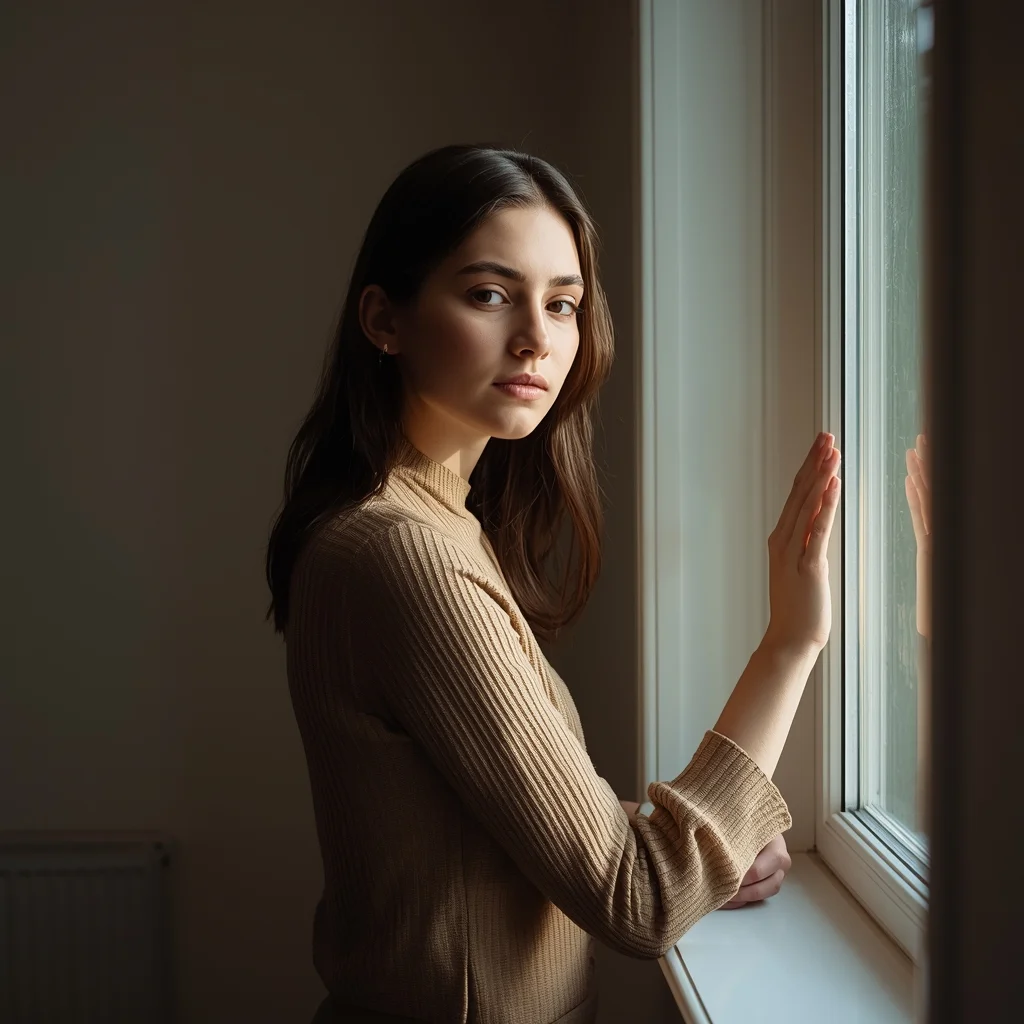
Young Woman Window Light Thoughtful Pose | Next Gen Ai Prompt Idea
993 mos ago
Prompt: A young woman standing near a window, soft natural light illuminating her face, thoughtful expression, relaxed posture. One hand lightly touching the window frame. Minimal indoor setting, calm mood, fine-art portrait photography, realistic shadows, ultra-detailed textures.
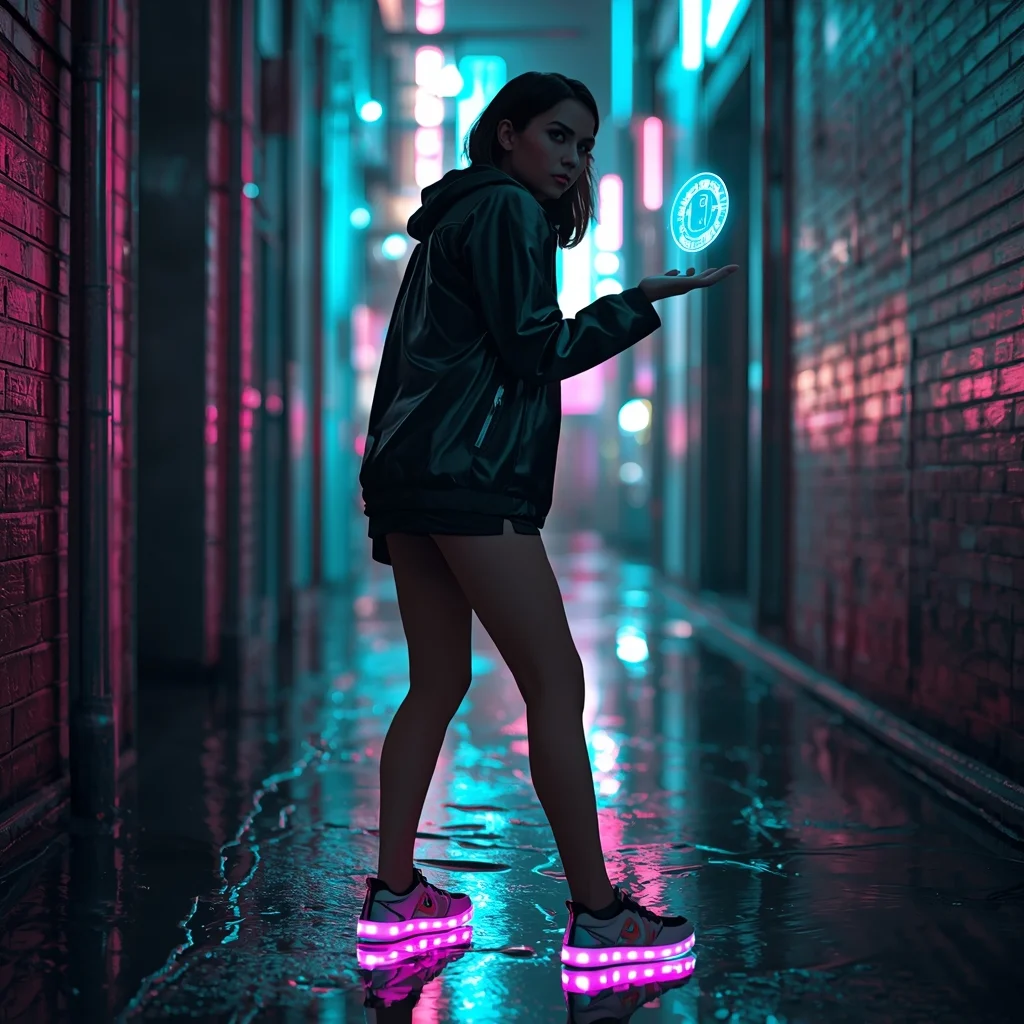
The Cyberpunk Urbanite (Futuristic) | Expert Level Ai Prompt
1033 mos ago
Prompt: A cinematic shot of a woman standing in a narrow, rain-slicked alleyway in a neon-lit futuristic city. She wears a matte black techwear jacket and glowing LED-embedded sneakers.
Pose: Slightly hunched forward in a defensive yet curious stance, looking over her shoulder with a mysterious expression while her hand interacts with a floating blue holographic interface.
Technical: Hyper-realistic, ray-tracing reflections in puddles, vibrant teal and magenta neon lighting, sharp focus on the face with a blurred busy city background.
Casual Lean-Against-Wall Attitude Pose | Ai Prompt For Perfect Photo
1323 mos ago
Prompt: A young man leaning against a textured concrete wall, one leg bent, hands in pockets, relaxed yet confident body language, casual denim jacket and white sneakers, soft natural daylight, realistic skin texture, lifestyle photography style, urban editorial mood, high resolution, cinematic color grading.
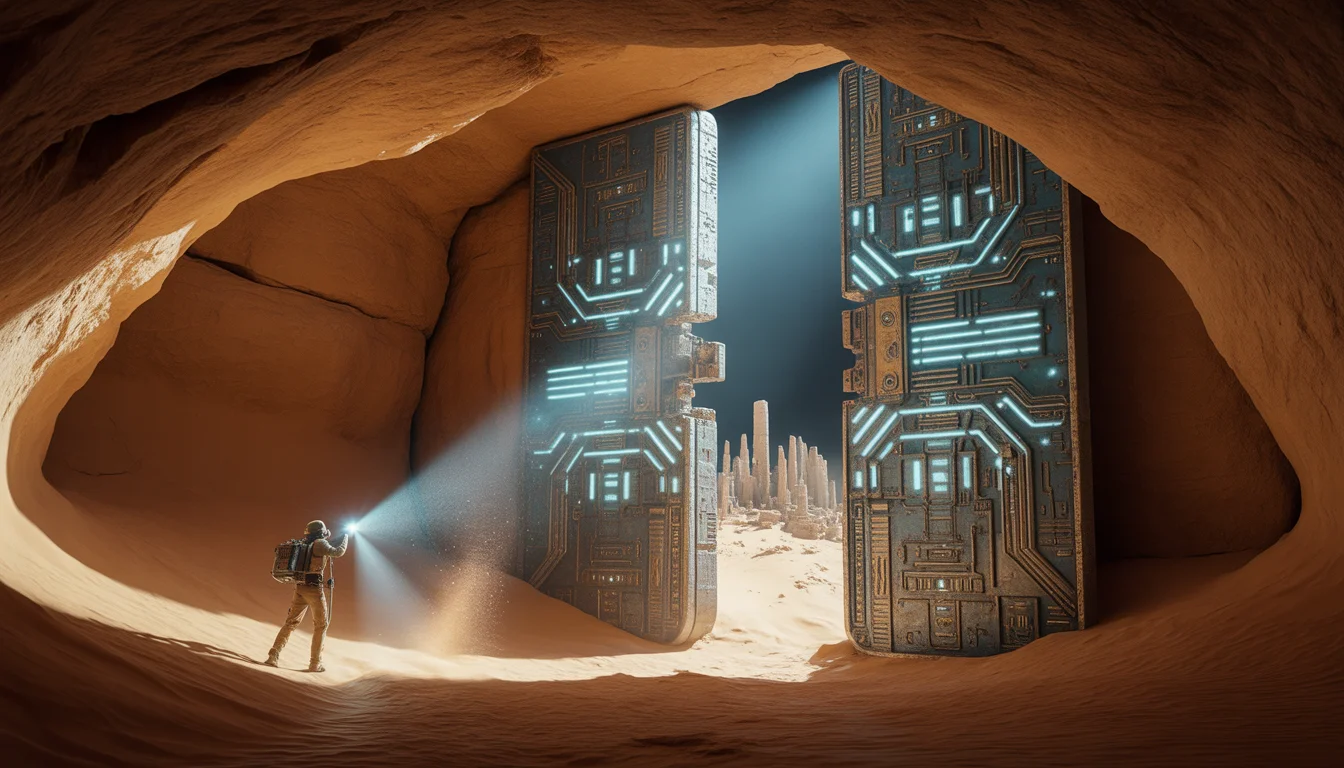
We Found an Ancient High-Tech City Under the Sahara | Hyper Realistic Prompt
953 mos ago
Prompt: An epic archaeological discovery shot inside a vast, cavernous underground chamber hidden beneath the sand. An explorer's flashlight beam cuts through the darkness, hitting a massive, 50-foot tall metallic door covered in a mix of ancient Egyptian hieroglyphs and glowing, geometric circuit-like patterns. The door is slightly cracked open, revealing a blindingly bright blue light from the city inside. Dust motes dance in the light beam. The walls of the cavern are rough sandstone, but the city structures visible in the gap are made of polished obsidian and white ceramic. 8k resolution, wide-angle lens, cinematic lighting, high-contrast "teal and orange" color grading, and hyper-detailed textures of sand and metal.
Modern Indian Viral Reel Pose – Casual Turn Smile | High Demand Ai Prompt
1263 mos ago
Prompt: An Indian woman wearing a modern Indian casual dress, captured mid-turn with a relaxed smile in a lifestyle reel pose. Body language natural and effortless. Hair moving softly with the turn. Expression warm, confident, and friendly. Makeup minimal glam with natural glow. Lighting soft and bright. Background clean and modern. Ultra-high resolution, cinematic softness, influencer lifestyle aesthetic, designed for social media virality.
Golden Autumn Evening Kashmiri Pheran Pose | Pro Ai Prompt For Creator
1013 mos ago
Prompt: A cinematic evening portrait of a Kashmiri woman standing under fading golden autumn light, wearing a deep burgundy traditional pheran with hand-embroidered borders. Her posture is relaxed and graceful, hands loosely folded. Soft glowing leaves in the background, natural skin tones, realistic wool texture, high-detail lighting, cultural authenticity, ultra-realistic 8K portrait.
GTA 7 Gameplay: This Level of Realism is Scary (Unreal Engine 5.5) | Instagram Image Prompt
943 mos ago
Prompt: A stunning screenshot from a hyper-realistic open-world video game. A third-person view of a player character in a futuristic tech-wear jacket walking down a rain-soaked, neon-lit street in a cyberpunk Tokyo. Every reflection in the puddles, the texture of the asphalt, and the individual raindrops are indistinguishable from real life. A sleek, minimalist futuristic game HUD (Heads Up Display) with a mini-map and health bar is visible in the corners. Ray-tracing enabled, incredibly sharp detail, 8k render, high saturation.
Frequently Asked Questions
Common questions regarding this AI prompt.
How do I deal with unwanted text or watermarks appearing in the image?
AI models are trained on stock photos which often contain watermarks. To aggressively filter this out, ensure words like 'text, watermark, signature, username, website url, copyright stamp' are heavily weighted in your negative prompt box. This is especially crucial when generating commercial-grade Realistic Photos content.
Why might the colors in my Golden Hour Portrait | Fantasy Image Prompt generation appear washed out, and how do I fix it?
Washed-out colors typically result from a missing VAE file in local setups, or a lack of color-grading instructions. To immediately fix this within the text prompt itself, append phrases such as 'vibrant technicolor, rich saturation, HDR, cinematic color grading, high contrast'. This forces the AI to map a wider, more dynamic color range to your image.
Can I make the image look like vintage, degraded film?
Absolutely. To strip away the ultra-modern crispness, inject phrases like 'shot on Kodak Portra 400', 'heavy film grain', 'light leaks', 'chromatic aberration', and 'vintage 1970s polaroid'. This introduces beautiful, nostalgic imperfections into the Realistic Photos scene, making the Golden Hour Portrait | Fantasy Image Prompt generation look like a discovered relic rather than a digital creation.
How do I achieve an extreme close-up or macro shot of Golden Hour Portrait | Fantasy Image Prompt?
Modify the perspective by heavily weighting keywords like 'extreme macro photography', '100mm macro lens', 'microscopic detail', and 'extreme close up'. This forces the AI engine to ignore the broader Realistic Photos environment and dedicate all of its rendering power to the microscopic textures, fibers, or surface imperfections of the primary subject.
Is it possible to make the image look like an architectural blueprint?
Absolutely. Strip all color and realism by adding 'technical architectural blueprint, white lines on blue background, schematics, precise measurements, cross-section view, drafted by an engineer'. This is a highly creative way to present the Realistic Photos subject from an analytical, structural perspective.
How can I adjust the emotional tone or mood of Golden Hour Portrait | Fantasy Image Prompt?
The mood is heavily dictated by lighting and color grading keywords. To make Golden Hour Portrait | Fantasy Image Prompt feel more melancholic, replace warm lighting terms with 'cool blue tones, rainy atmosphere, and dramatic shadows'. Conversely, adding 'vibrant saturation, golden hour sunlight, and joyful expressions' will instantly uplift the emotional resonance of the Realistic Photos scene.
How do I modify Golden Hour Portrait | Fantasy Image Prompt to fit into a dark fantasy or gothic horror setting?
Change the environmental descriptors. Add 'dark fantasy concept art, gothic architecture, eerie volumetric fog, corrupted ruins, ominous atmosphere, Bloodborne aesthetic'. This forces the AI to reinterpret the Golden Hour Portrait | Fantasy Image Prompt prompt through a grim, terrifying lens, drastically altering the mood of the Realistic Photos output.
Can I generate a 3D claymation or toy-like version of Golden Hour Portrait | Fantasy Image Prompt?
Yes, you can mimic physical models easily. Add terms such as 'made of polymer clay, tilt-shift photography, miniature diorama, cute 3D render, smooth plasticine, vibrant pastel colors' to the prompt. The AI will instantly convert the Realistic Photos scene into a charming, tactile 3D object.
How does Google's Gemini (Imagen 3) respond to the Golden Hour Portrait | Fantasy Image Prompt prompt?
Gemini's Imagen 3 engine is exceptionally strong at adhering to safe, high-quality, photorealistic requests. It reads the descriptive narrative of the Golden Hour Portrait | Fantasy Image Prompt prompt perfectly, ensuring that the subject anatomy and environmental physics are logical, highly detailed, and free from the typical warping artifacts seen in older generation models.
How can I dictate the camera angle to make the subject look more powerful?
Camera angle completely changes the psychological impact. To make the subject of Golden Hour Portrait | Fantasy Image Prompt appear dominant or towering, insert 'low angle shot' or 'worm's-eye view'. Conversely, to make the Realistic Photos scene feel vast and the subject small, use 'drone shot', 'bird's-eye view', or 'extreme high angle'.
What is the best Stylize (--s) value to use in Midjourney for this prompt?
The stylize parameter dictates how strongly Midjourney applies its default aesthetic. For strict adherence to the realistic details of Golden Hour Portrait | Fantasy Image Prompt, keep it around --s 100 to --s 250. If you want the AI to take artistic liberties and make the Realistic Photos scene look more like a digital masterpiece, push the value up to --s 500 or --s 750.