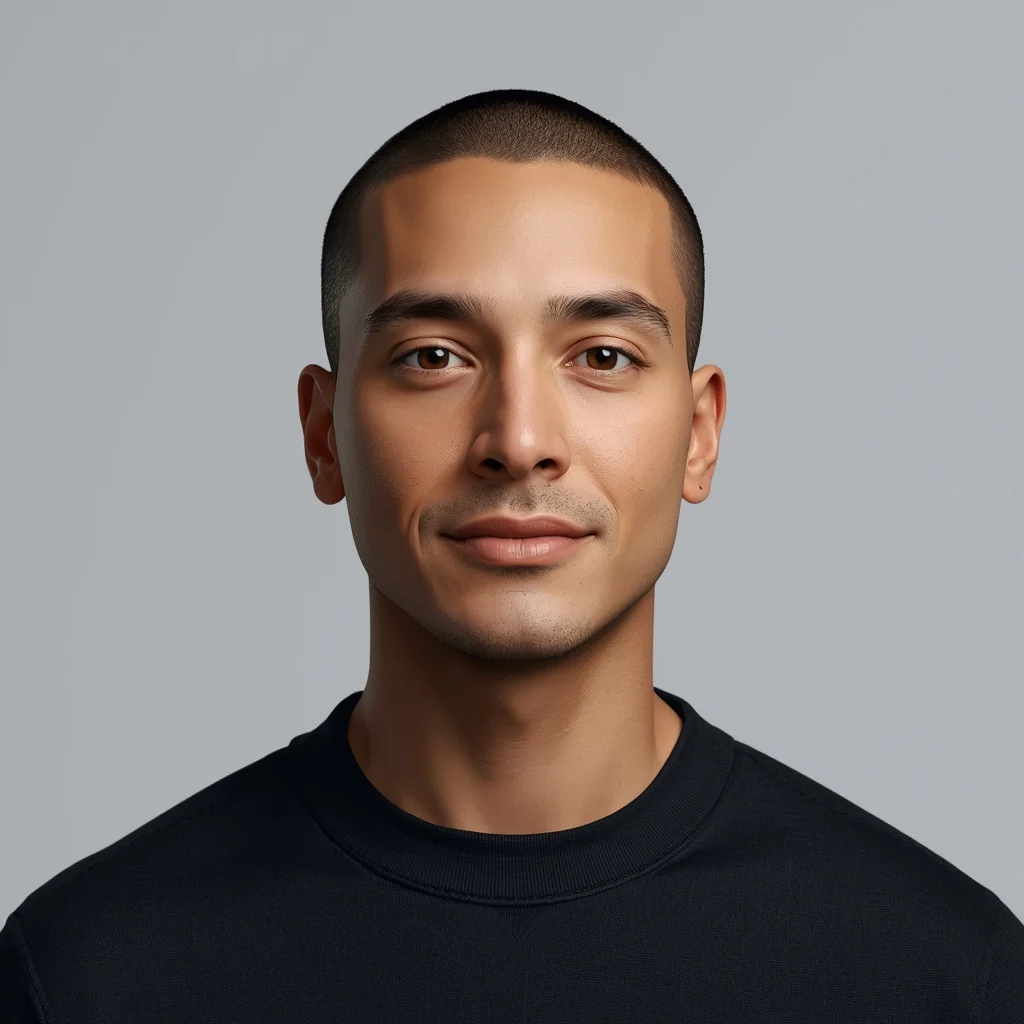
Want to create this with your own face? Use this instruction:
Maintain original facial details and micro-textures. Prompt: Photorealistic YouTube thumbnail showing a creator sitting slightly slouched, hands clasped, tired but alert eyes looking straight at the viewer, expression of pressure and surprise, soft overhead cinematic lighting creating gentle shadows, muted dark background with subtle vignette, ultra-detailed facial realism, sharp eye focus, realistic skin tones, professional DSLR look, emotional narrative pose, viral thumbnail framing, 4K resolution optimized for mobile screens.
About this Prompt
Say hello to your new favorite creative asset, 'I ALMOST GAVE UP HERE 😳 | Ready To Use Ai Prompt', a breathtaking fusion of hyper-advanced prompting techniques and classic YouTube Thumbnail storytelling. The sheer elegance embedded in this prompt is entirely unmatched, guaranteeing a mesmerizing and deeply evocative output every single time. The absolute core strength of this generative text lies in its meticulous, obsessive attention to environmental storytelling and micro-surface material textures. From glossy, wet-look reflections to deep, crushing matte shadows, it renders a flawlessly balanced and strikingly realistic YouTube Thumbnail image.
Specifically designed from the ground up to meet the incredibly rigorous, uncompromising demands of elite digital content creators. This prompt is your ultimate, highly guarded shortcut to achieving a polished, pristine, magazine-cover aesthetic instantly. Your massive, highly frustrating creative block officially ends exactly right here, right now. Rendering this specific text will instantly flood your artistic brain with infinite, highly profitable inspiration, pulling you entirely out of your digital slump.
Modern Women Girl Viral Reel Half-Turn Motion Pose | Ai Design Prompt
1742 mos ago
Prompt: A fashionable woman in a modern women dress, captured during a half-turn motion for a reel-style shot. Upper body rotating gracefully, shoulders relaxed, head turning toward the camera. Dress fabric moving naturally, adding motion depth. Hair slightly airborne, enhancing realism. Expression confident, fun, and stylish. Makeup glowing and balanced. Lighting crisp and bright, enhancing facial detail. Background clean and colorful for reels. Ultra-high clarity, cinematic depth, influencer photography vibe, ultra-realistic finish.
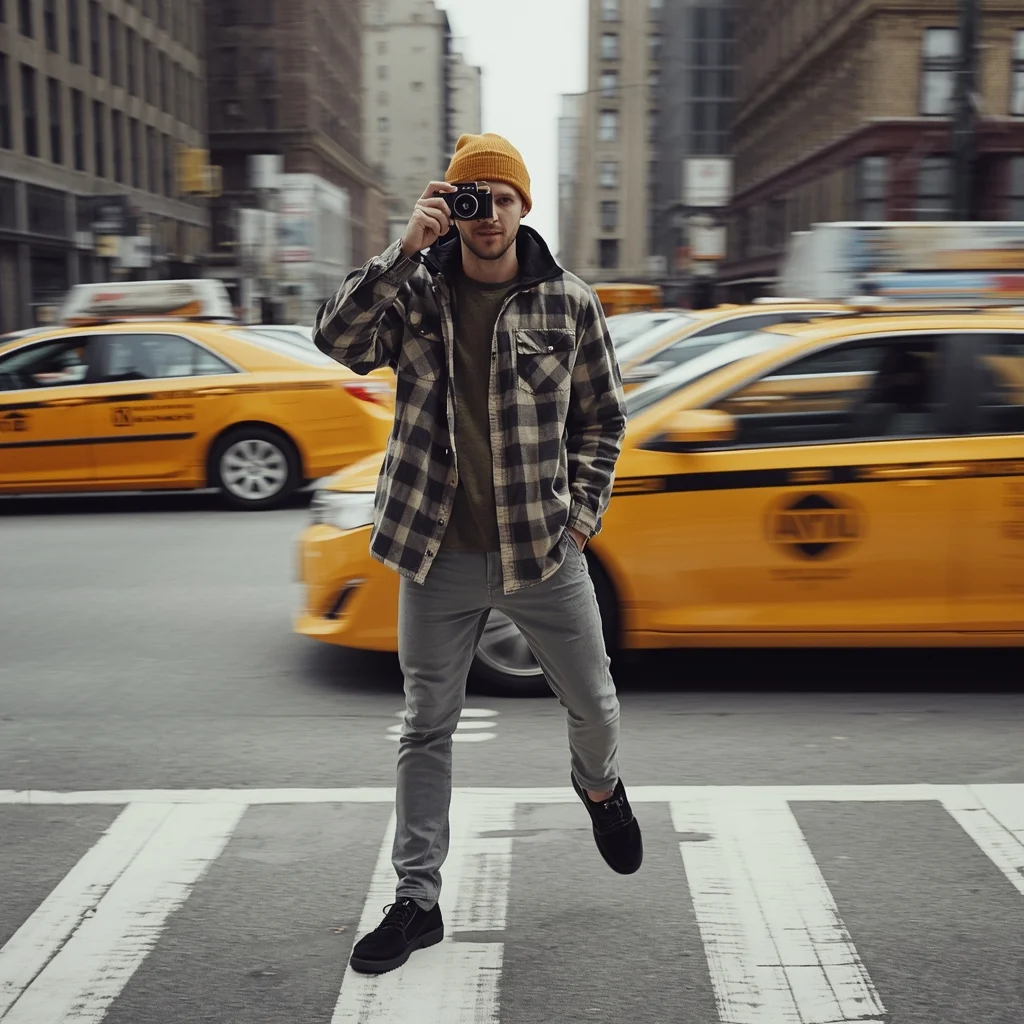
Prompt: A man in a trendy mustard-colored beanie and an oversized flannel shirt standing in a busy New York City intersection. Yellow taxis are blurred in the background, creating a sense of movement. Pose: Holding a vintage film camera up to his eye, preparing to take a shot. One leg is slightly forward, suggesting he is mid-stride but stopped for the perfect moment. Technical:Motion blur background, f/1.8 for shallow depth of field, street photography style, 4k resolution.
Pose: Holding a vintage film camera up to his eye, preparing to take a shot. One leg is slightly forward, suggesting he is mid-stride but stopped for the perfect moment. Technical:Motion blur background, f/1.8 for shallow depth of field, street photography style, 4k resolution.
Technical: Motion blur background, f/1.8 for shallow depth of field, street photography style, 4k resolution.
Luxury Premium Gold Theme Thumbnail | Best Gemini Prompt
1003 mos ago
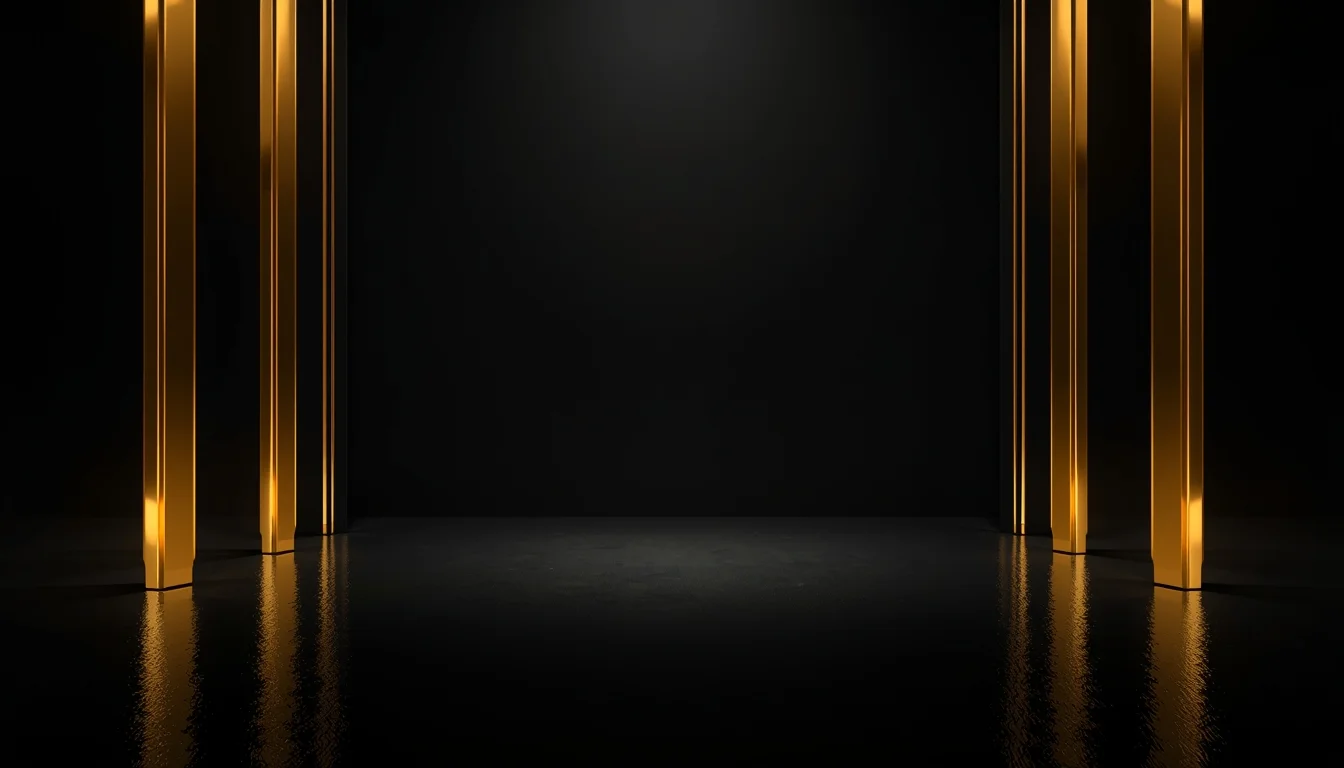
Prompt: A luxury-inspired YouTube thumbnail design with rich gold accents, deep black background, glossy reflections, premium studio lighting, elegant shadows, cinematic depth, high-end visual aesthetic, smooth gradients, ultra-detailed textures, professional YouTube thumbnail style, no text, no captions, no symbols.
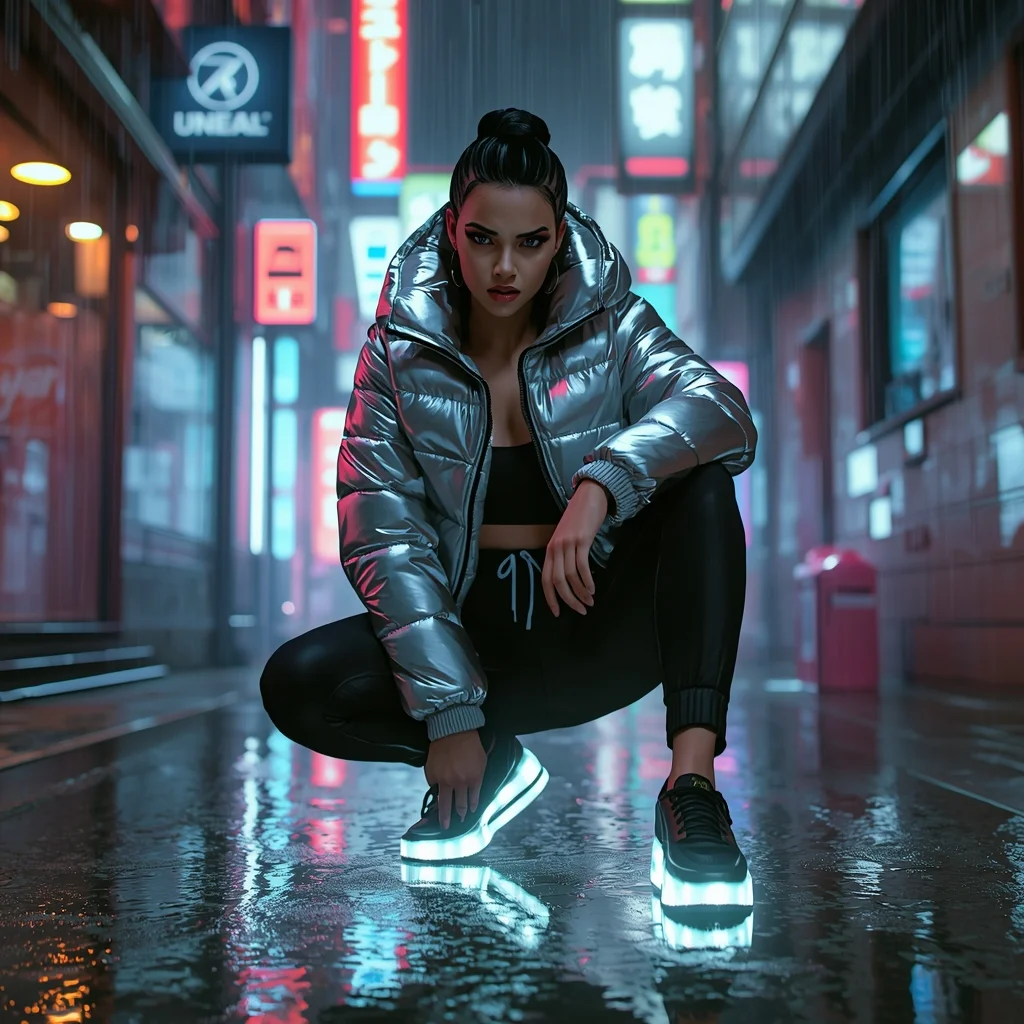
Prompt: A bold woman in a futuristic "streetstyle" outfit: a cropped metallic puffer jacket, high-waisted techwear joggers, and glowing LED sneakers. She is in a narrow Tokyo alleyway filled with vibrant neon signs and holographic rain. The vibe is "cyber-modern" and edgy.
Pose: Crouching low on one foot in the middle of the street, looking into the camera lens with a fierce, intense "power" gaze, one hand touching the damp ground.
Technical: Ray-traced neon reflections, volumetric fog, 24mm wide-angle lens, f/1.8, high contrast, cinematic film grain, Unreal Engine 5 render style.
Prompt: A woman submerged in clear turquoise water, wearing a long, sheer white silk dress that floats around her like a cloud. Bubbles are rising toward the surface, and sunlight shimmers through the water ripples from above.
Pose: Curled in a graceful, weightless fetal position, eyes open and looking toward the surface light, hair fanning out in all directions.
Technical: Underwater photography, GoPro Hero 12 style but with cinematic depth, caustics lighting effects, 8k, hyper-realistic.
Prompt: A woman standing near a large window bathed in soft natural daylight, body angled slightly toward the light source, one arm resting gently on the window frame while the other hangs relaxed. Her expression is calm and thoughtful, capturing a peaceful lifestyle moment. The soft light enhances natural skin tones and fine facial details. Minimal interior background, warm neutral colors, realistic fabric textures, subtle shadows, cinematic softness, lifestyle photography mood, high-resolution clarity, elegant and natural composition.
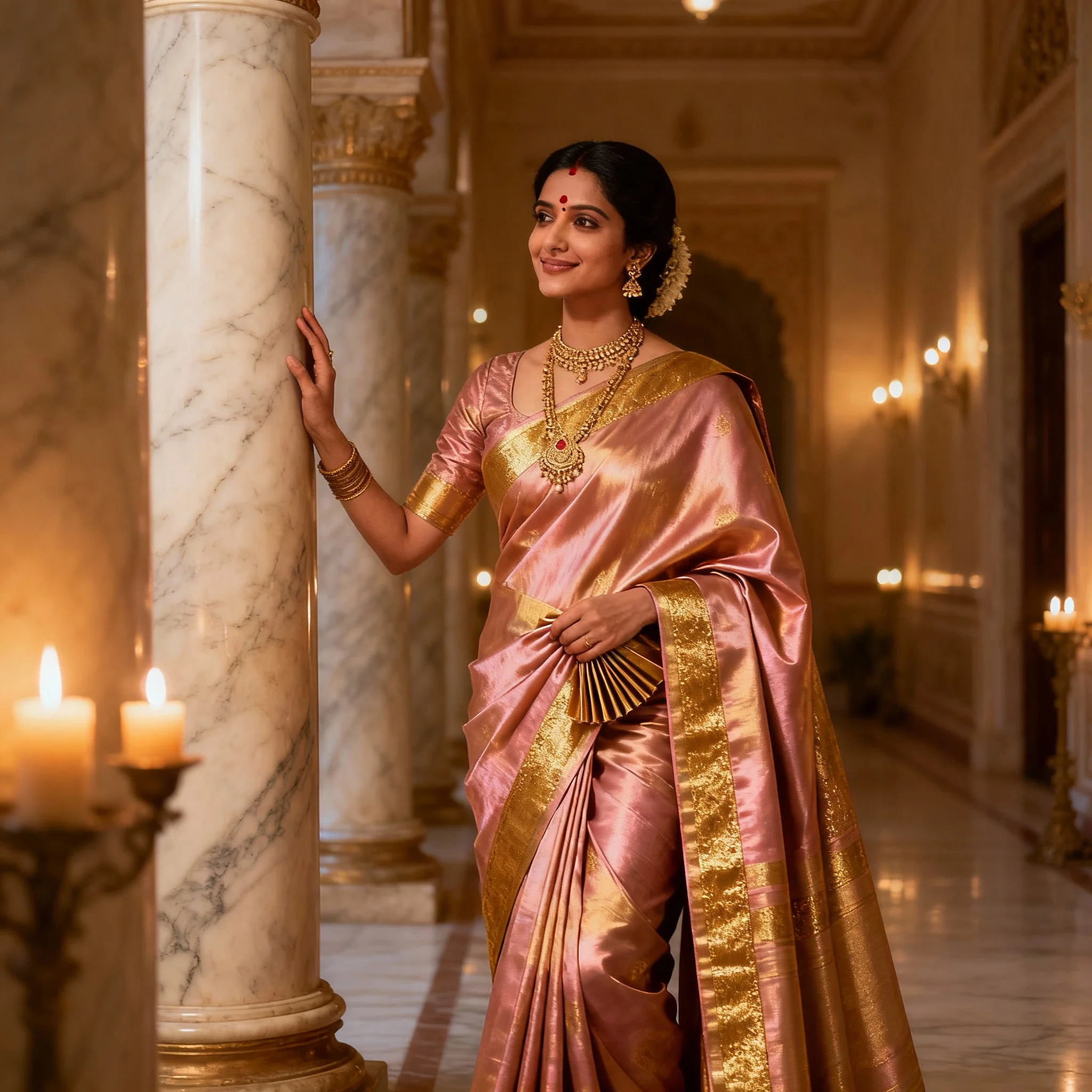
Prompt: A graceful Indian woman wearing a shimmering rose-gold Kanjivaram silk saree with a wide gold zari border. She is standing in a grand palace hallway with marble pillars and warm candlelight. She wears traditional temple jewelry and a small bindi. The atmosphere is royal and timeless.
Pose: Standing with one hand gently resting on a marble pillar and the other holding a pleated section of her saree, looking slightly away from the camera with a soft, regal smile.
Technical: Shot on Fujifilm GFX 100S, 80mm lens, f/2.0, soft golden lighting, intricate silk texture, cinematic depth of field, 8k resolution.
Frequently Asked Questions
Common questions regarding this AI prompt.
Why might the colors in my I ALMOST GAVE UP HERE ? | Ready To Use Ai Prompt generation appear washed out, and how do I fix it?
Washed-out colors typically result from a missing VAE file in local setups, or a lack of color-grading instructions. To immediately fix this within the text prompt itself, append phrases such as 'vibrant technicolor, rich saturation, HDR, cinematic color grading, high contrast'. This forces the AI to map a wider, more dynamic color range to your image.
How does the prompt simulate physical camera lenses for I ALMOST GAVE UP HERE ? | Ready To Use Ai Prompt?
The prompt acts as a virtual director of photography by explicitly stating lens focal lengths and aperture settings. By including phrases like 'shot on 35mm lens' or 'f/1.4 aperture', the AI mathematically simulates the optical distortion, compression, and background blur (bokeh) characteristic of high-end photography, elevating the YouTube Thumbnail image from a flat digital render to a lifelike photo.
Can I change the material composition of objects in the I ALMOST GAVE UP HERE ? | Ready To Use Ai Prompt prompt?
Yes, AI handles material transformation brilliantly. If you want to change a standard object into something surreal, use explicit material descriptors like 'made of translucent frosted glass', 'brushed anodized aluminum', 'woven carbon fiber', or 'wet shimmering obsidian'. This will completely recalculate the reflections and refractions in the YouTube Thumbnail output.
Does this prompt work with DALL-E 3 inside ChatGPT?
Yes, it works exceptionally well. DALL-E 3 thrives on conversational, highly descriptive text. Because this prompt for I ALMOST GAVE UP HERE ? | Ready To Use Ai Prompt is structured with clear nouns and adjectives, DALL-E 3 will translate it almost perfectly into an image, ensuring that multiple complex elements within the YouTube Thumbnail scene interact logically.
What is the best way to force an ultra-wide or panoramic view?
To force a panoramic composition, you must combine aspect ratio parameters with specific camera descriptors. In Midjourney, use '--ar 21:9'. Within the prompt text itself, include 'ultra-wide panoramic landscape, 14mm lens, expansive horizon, sweeping view'. This ensures the I ALMOST GAVE UP HERE ? | Ready To Use Ai Prompt subject matter is distributed correctly across a massive, cinematic canvas.
Can I make the characters or subjects in I ALMOST GAVE UP HERE ? | Ready To Use Ai Prompt look like cyborgs?
Easily. Append 'cybernetic enhancements, robotic limbs, glowing optical sensors, biomechanical plating, android'. The AI seamlessly blends biological flesh with metallic machinery, maintaining the high-quality rendering of the original YouTube Thumbnail prompt while shifting the character design.
How do I modify I ALMOST GAVE UP HERE ? | Ready To Use Ai Prompt to fit into a dark fantasy or gothic horror setting?
Change the environmental descriptors. Add 'dark fantasy concept art, gothic architecture, eerie volumetric fog, corrupted ruins, ominous atmosphere, Bloodborne aesthetic'. This forces the AI to reinterpret the I ALMOST GAVE UP HERE ? | Ready To Use Ai Prompt prompt through a grim, terrifying lens, drastically altering the mood of the YouTube Thumbnail output.
How does Midjourney v6 process the intricate details of I ALMOST GAVE UP HERE ? | Ready To Use Ai Prompt?
Midjourney v6 excels at understanding natural language nuances. This prompt is specifically written to take advantage of v6's semantic comprehension. You do not need to use 'prompt salad' (randomly throwing words). The detailed, descriptive sentences regarding the YouTube Thumbnail elements are parsed accurately, giving you photographic or highly illustrative perfection.
How can I use Inpainting to fix specific errors in the generated I ALMOST GAVE UP HERE ? | Ready To Use Ai Prompt image?
Inpainting is essential for perfection. If 90% of the I ALMOST GAVE UP HERE ? | Ready To Use Ai Prompt image is flawless but a hand or eye is distorted, send the image to an Inpaint tab. Mask only the flawed area, keep the original prompt, and set the denoising strength high (around 0.7). The AI will regenerate only that specific zone, seamlessly blending the fixed YouTube Thumbnail elements into the surrounding artwork.
Is it possible to use this static image prompt as a base for AI video animation?
Yes, this is a very popular workflow. Once you generate the perfect still image of I ALMOST GAVE UP HERE ? | Ready To Use Ai Prompt, you can import it into cutting-edge AI video generators like Luma Dream Machine, Kling AI, Runway Gen-3, or Pika Labs. The high detail and clear focus provided by this YouTube Thumbnail prompt make it an ideal initial keyframe, resulting in smooth, artifact-free animations.
What if the AI completely ignores a specific detail I added to the I ALMOST GAVE UP HERE ? | Ready To Use Ai Prompt prompt?
If a detail is ignored, it lacks 'weight'. Move that specific word closer to the very beginning of the prompt. Alternatively, if using Midjourney, use the double colon syntax (Keyword::2) to force the AI to pay attention. In Stable Diffusion, wrap the keyword in parentheses like (Keyword:1.5) to boost its importance in the YouTube Thumbnail scene.
How can I transform I ALMOST GAVE UP HERE ? | Ready To Use Ai Prompt into a vector graphic or logo style?
To strip away the photorealism, replace the camera keywords with 'flat vector illustration, minimalist design, UI/UX asset, Adobe Illustrator style, solid colors, clean crisp lines, no gradients'. This transforms the YouTube Thumbnail subject into a scalable, graphic-design-ready asset perfect for web design or branding.
Is it possible to make the image look like an architectural blueprint?
Absolutely. Strip all color and realism by adding 'technical architectural blueprint, white lines on blue background, schematics, precise measurements, cross-section view, drafted by an engineer'. This is a highly creative way to present the YouTube Thumbnail subject from an analytical, structural perspective.
Does this prompt support blending multiple concepts together?
Yes, advanced users can use this prompt as a base for concept blending. By utilizing syntax like [Concept A : Concept B : 0.5] in Automatic1111 or simply describing a hybrid scenario, the strong foundational parameters of the I ALMOST GAVE UP HERE ? | Ready To Use Ai Prompt prompt will ensure the merged concepts render cohesively without degrading into visual noise.