Modern Interior Design | Best Ai Prompt For Beginner
High-quality AI-generated image. Optimized for detailed rendering, perfect for creative projects and inspiration.
174Views
1 Likes
100%Quality
FreeLicense
AI Prompt
A spacious, minimalist living room with floor-to-ceiling windows overlooking a dense forest. Mid-century modern furniture, a beige linen sofa, and a walnut coffee table. Soft morning sunlight streams in, casting long shadows on the hardwood floor. Archviz style, 8k resolution, photorealistic rendering.
Want to create this with your own face? Use this instruction:
Face identity must remain untouched and unchanged. A spacious, minimalist living room with floor-to-ceiling windows overlooking a dense forest. Mid-century modern furniture, a beige linen sofa, and a walnut coffee table. Soft morning sunlight streams in, casting long shadows on the hardwood floor. Archviz style, 8k resolution, photorealistic rendering.
About this Prompt
Let your creative journey soar to unprecedented heights with 'Modern Interior Design | Best Ai Prompt For Beginner', an exceptional digital masterpiece that radically elevates the standard of Realistic Photos generation. This prompt acts as a pure conduit for raw artistic energy, transforming simple concepts into extraordinary visual spectacles. The deeply mesmerizing, incredibly vibrant patterns and motifs adorning the subject are utterly captivating, making it a highly decorative and intricately ornate digital wonder. Soothing tones mixed with hyper-kinetic energy make this Realistic Photos piece infinitely complex and visually deeply satisfying.
It is the absolute perfect digital tool for conceptualizing high-fashion editorial shoots, establishing luxury corporate brand aesthetics, and generating deeply emotional storytelling visuals without requiring countless, frustrating hours of manual Photoshop editing. Stop endlessly tweaking parameters and start aggressively creating. This brilliantly structured prompt reliably handles all the heavy, complex structural lifting, leaving you with absolutely nothing but pure, unadulterated visual perfection and ultimate creative freedom.
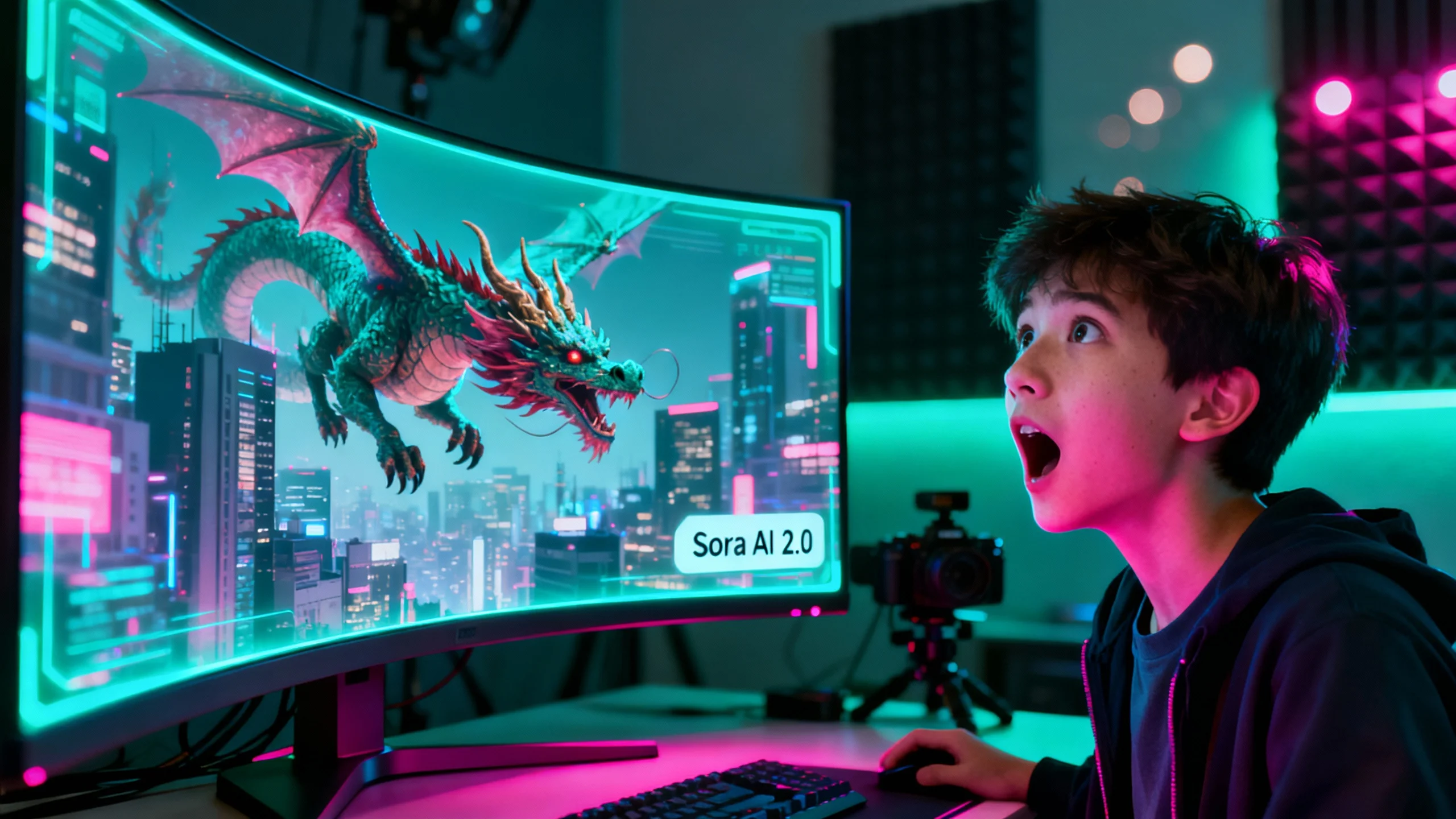
The AI Revolution: I Created a Movie with Just One Click | Next Gen Ai Prompt Idea
1524 mos ago
Prompt: A high-end tech studio setting where a young, expressive creator is looking at a massive, ultra-wide curved holographic monitor with a face of pure shock and awe. The screen displays a hyper-realistic, cinematic scene of a dragon flying over a futuristic neo-Tokyo, with "Sora AI 2.0" branding visible in a sleek, minimalist UI. The creator is illuminated by the intense neon teal and magenta glow from the screen, casting cinematic rim lighting on their face. In the background, professional studio equipment like a high-end camera and acoustic foam are softly blurred with a beautiful bokeh effect. The image quality is 8k, photorealistic, with ray-traced reflections, volumetric lighting, and a sharp focus on the creator's emotional reaction.
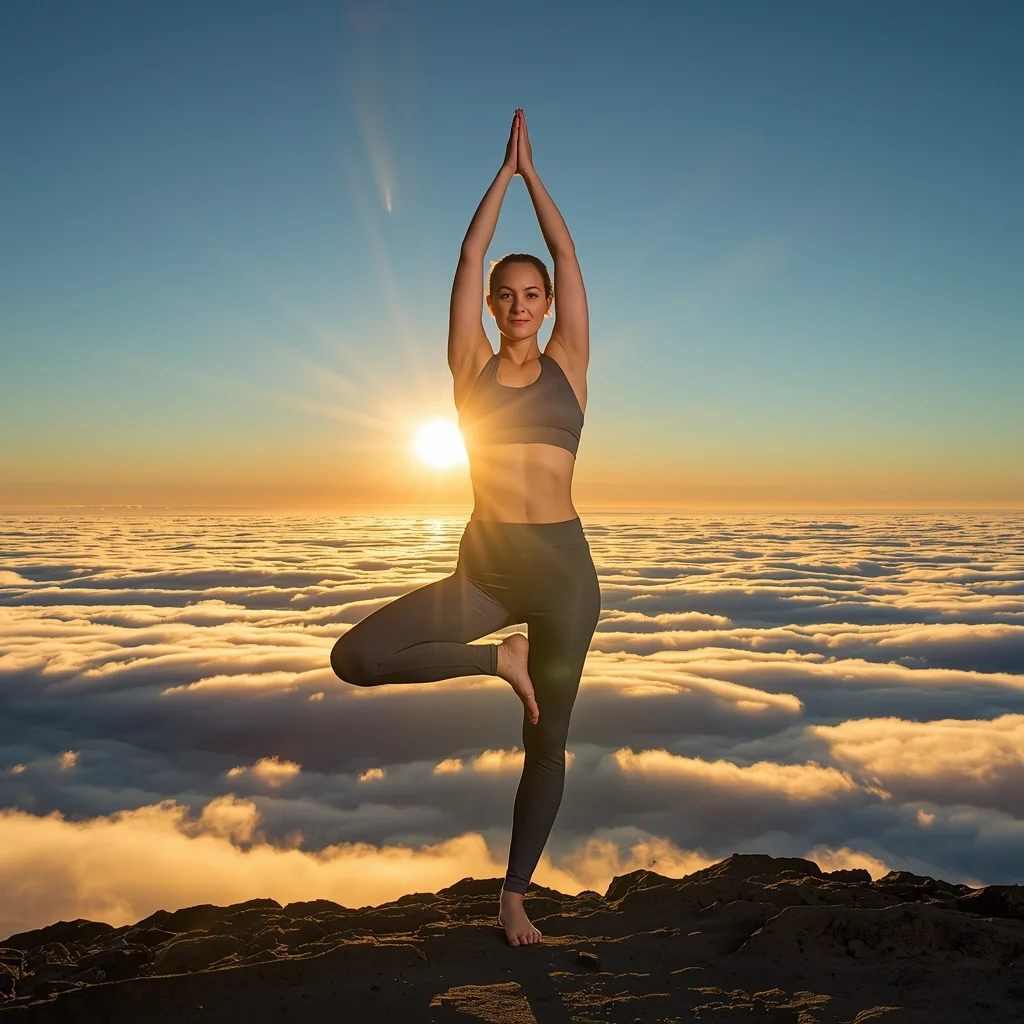
Prompt: A woman in sleek, charcoal-grey athletic wear practicing on a mountain peak at sunrise. The clouds are below her, creating an "ocean of clouds." The sun is just peeking over the horizon, creating a lens flare.
Pose: A complex and graceful yoga "Dancer’s Pose" (Natarajasana), showing perfect balance and strength.
Technical: National Geographic style, sharp focus, extreme detail on skin and fabric, 8k, vibrant morning light.
STOP DOING THIS RIGHT NOW ❌ | Cinematic Lighting Prompt
1534 mos ago
Prompt: Photorealistic YouTube thumbnail featuring a serious creator pointing directly at the viewer, warning expression, strong eye contact, bold red cross symbol beside them, dramatic top lighting, dark background with subtle texture, high contrast shadows, ultra-sharp face focus, expressive emotions, vibrant red accents, cinematic color grading, professional studio photography style, clean framing, 4K ultra-HD, thumbnail optimized for instant attention.
Traditional Dance Inspired Grace Woman Pose | Smart Prompt For Better Image
1854 mos ago
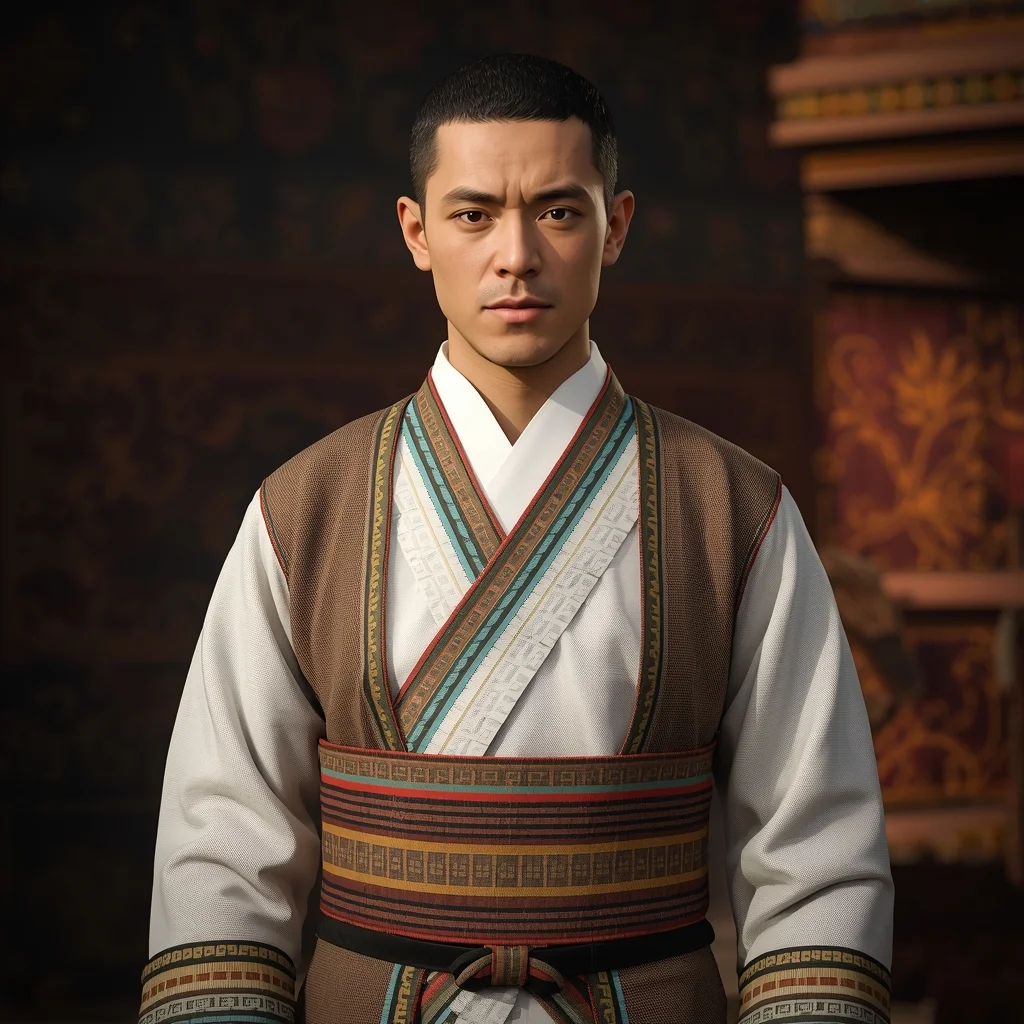
Prompt: A woman posed in a traditional dance-inspired stance, body slightly angled with expressive hand gestures and refined posture. The outfit is classic cultural attire with flowing elements that suggest movement even in stillness. Her facial expression is focused and expressive, capturing artistic tradition. Lighting highlights the contours of her body and the motion of fabric. Background is minimal to maintain focus on form and elegance. Ultra-detailed realism, cinematic framing, artistic cultural photography style.
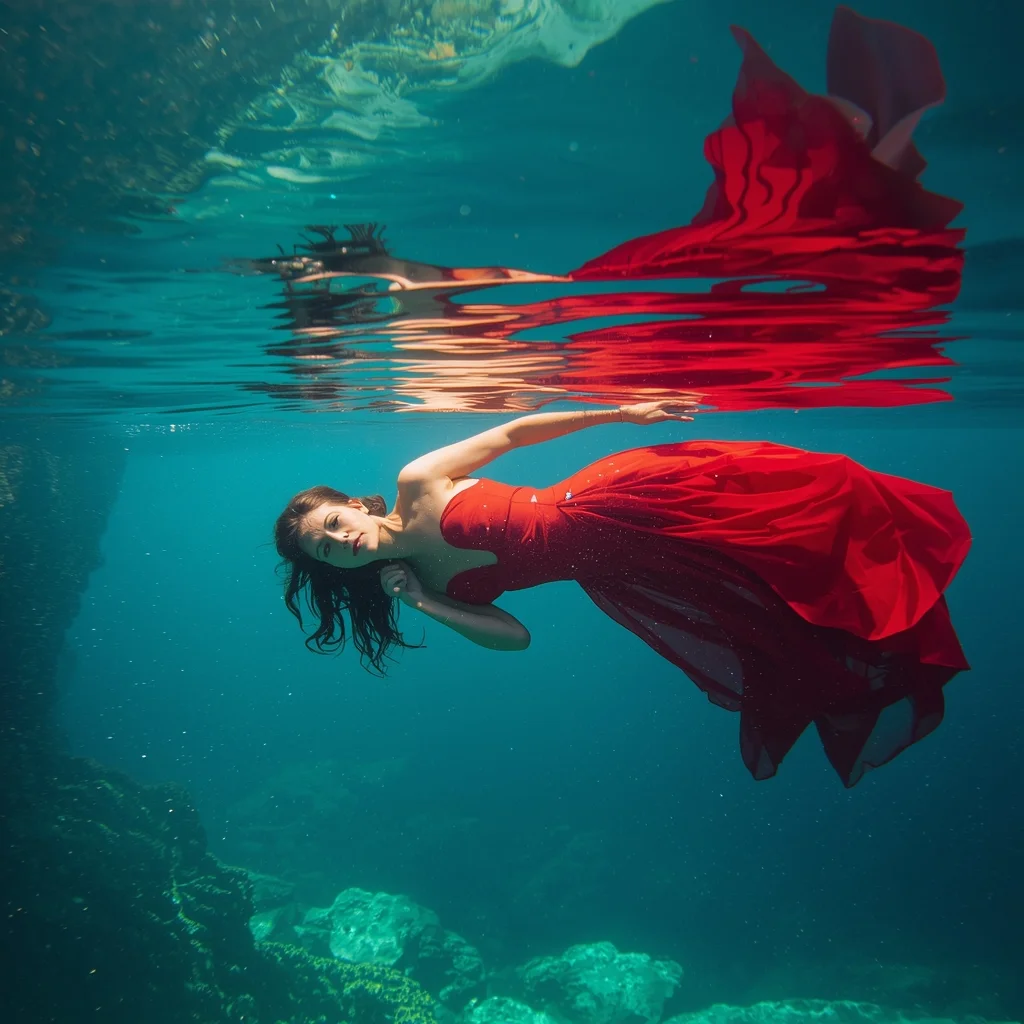
Prompt: A surreal underwater photograph of a woman in a sheer, floor-length crimson gown floating in the crystal-clear turquoise waters of a Caribbean cenote. Sunlight shafts pierce the water, creating a 'halo' effect. | Pose: A weightless, 'S-Curve' floating pose. She is suspended horizontally, facing the camera. Her arms are trailing softly behind her head, and her hair is fanned out in a perfect circle. Her eyes are open, looking calm and ethereal. | Technical: Underwater housing photography, high shutter speed to freeze bubbles. Vibrant color contrast between the turquoise water and red dress. Ray-traced light refraction. 8k, dreamlike atmosphere.
The Intense Athlete Post-Workout | Ai Prompt Guide
1834 mos ago
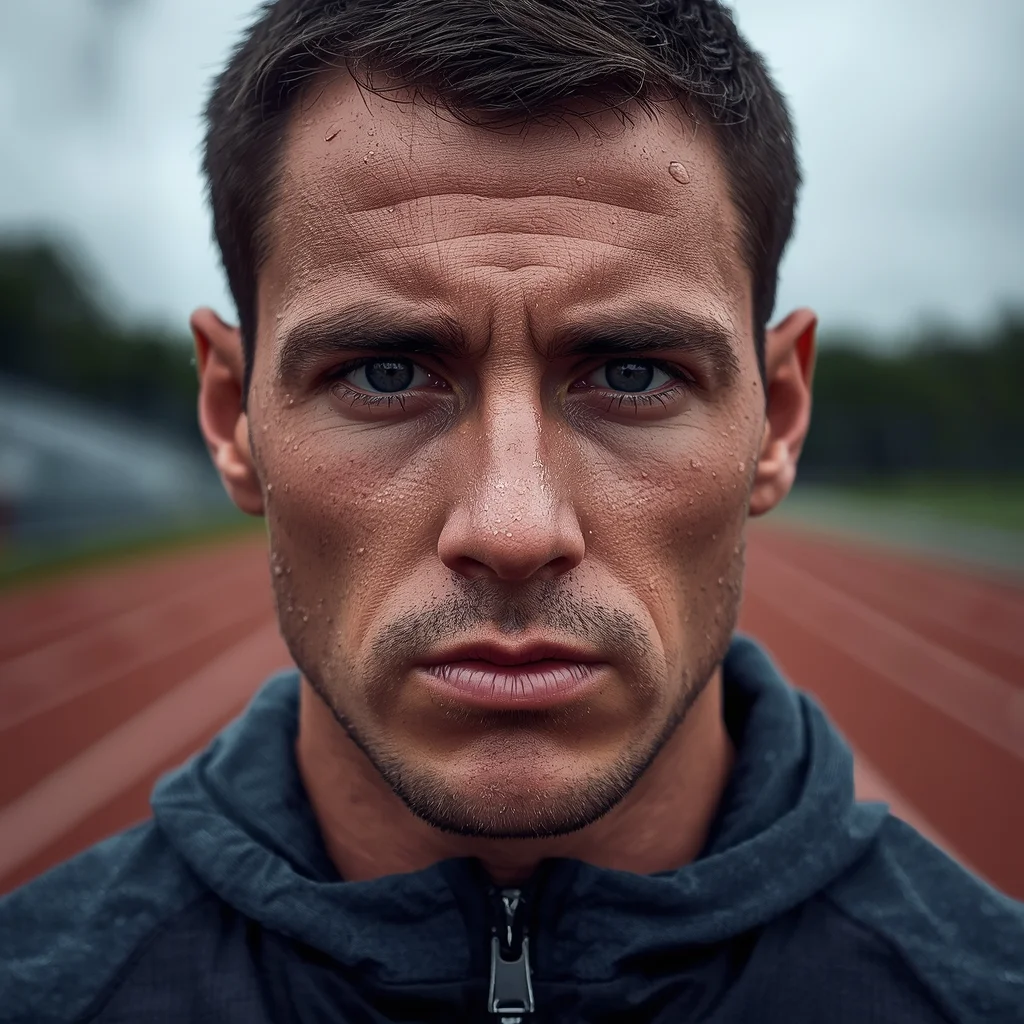
Prompt: A close-up portrait photo of a male athlete immediately after an intense outdoor workout. Sweat beads on his face and neck. He is breathing heavily, looking straight ahead with a look of exhaustion and determination. He is wearing a technical performance hoodie. The background is a blurred athletic track. The lighting is diffused overcast sky, highlighting the moisture on his skin. Hyper-realistic skin pores and sweat texture, shallow depth of field.
A product captured with dynamic motion elements, water or liquid splash effect around the product, high-speed photography look, sharp focus on product, dramatic lighting, dark or gradient background, premium advertising style, ultra-detailed textures, cinematic composition, ultra-realistic, 8K quality
Frequently Asked Questions
Common questions regarding this AI prompt.
Does this prompt support blending multiple concepts together?
Yes, advanced users can use this prompt as a base for concept blending. By utilizing syntax like [Concept A : Concept B : 0.5] in Automatic1111 or simply describing a hybrid scenario, the strong foundational parameters of the Modern Interior Design | Best Ai Prompt For Beginner prompt will ensure the merged concepts render cohesively without degrading into visual noise.
How do I achieve an extreme close-up or macro shot of Modern Interior Design | Best Ai Prompt For Beginner?
Modify the perspective by heavily weighting keywords like 'extreme macro photography', '100mm macro lens', 'microscopic detail', and 'extreme close up'. This forces the AI engine to ignore the broader Realistic Photos environment and dedicate all of its rendering power to the microscopic textures, fibers, or surface imperfections of the primary subject.
How do I give Modern Interior Design | Best Ai Prompt For Beginner a retro, 1980s synthwave aesthetic?
Inject keywords that define that specific era's pop culture. Use 'vaporwave aesthetic, 1980s synthwave, neon grid background, cyan and magenta color palette, VHS glitch effect, retro-futurism'. This overrides the standard lighting and wraps the Modern Interior Design | Best Ai Prompt For Beginner subject in a highly stylized, nostalgic digital atmosphere.
What rendering engines should I reference to maximize the quality of Modern Interior Design | Best Ai Prompt For Beginner?
Modern AI image generators respond incredibly well to 3D software references. By appending terms like 'Unreal Engine 5 render', 'OctaneRender', 'Redshift', 'V-Ray', and 'Global Illumination', you are signaling the AI to utilize its highest quality datasets for lighting physics and material textures within the Realistic Photos image.
How does Midjourney v6 process the intricate details of Modern Interior Design | Best Ai Prompt For Beginner?
Midjourney v6 excels at understanding natural language nuances. This prompt is specifically written to take advantage of v6's semantic comprehension. You do not need to use 'prompt salad' (randomly throwing words). The detailed, descriptive sentences regarding the Realistic Photos elements are parsed accurately, giving you photographic or highly illustrative perfection.
How do I deal with unwanted text or watermarks appearing in the image?
AI models are trained on stock photos which often contain watermarks. To aggressively filter this out, ensure words like 'text, watermark, signature, username, website url, copyright stamp' are heavily weighted in your negative prompt box. This is especially crucial when generating commercial-grade Realistic Photos content.
Can I easily integrate the Modern Interior Design | Best Ai Prompt For Beginner output into a professional design workflow?
Absolutely. The outputs generated by this prompt are designed with commercial and professional workflows in mind. Because it emphasizes crisp edges, balanced contrast, and high-resolution keywords, the resulting Realistic Photos images are perfect for immediate use in UI/UX design, marketing materials, or further post-processing in software like Adobe Photoshop.
What is the best way to force an ultra-wide or panoramic view?
To force a panoramic composition, you must combine aspect ratio parameters with specific camera descriptors. In Midjourney, use '--ar 21:9'. Within the prompt text itself, include 'ultra-wide panoramic landscape, 14mm lens, expansive horizon, sweeping view'. This ensures the Modern Interior Design | Best Ai Prompt For Beginner subject matter is distributed correctly across a massive, cinematic canvas.
Is it possible to make the image look like an architectural blueprint?
Absolutely. Strip all color and realism by adding 'technical architectural blueprint, white lines on blue background, schematics, precise measurements, cross-section view, drafted by an engineer'. This is a highly creative way to present the Realistic Photos subject from an analytical, structural perspective.
What if the AI completely ignores a specific detail I added to the Modern Interior Design | Best Ai Prompt For Beginner prompt?
If a detail is ignored, it lacks 'weight'. Move that specific word closer to the very beginning of the prompt. Alternatively, if using Midjourney, use the double colon syntax (Keyword::2) to force the AI to pay attention. In Stable Diffusion, wrap the keyword in parentheses like (Keyword:1.5) to boost its importance in the Realistic Photos scene.
How can I prevent anatomical distortions or 'extra limbs' when generating characters?
While modern models have improved, complex poses in Realistic Photos can still cause issues. To prevent this, use a strong negative prompt containing 'bad anatomy, extra limbs, mutated hands, deformed structure'. If generating locally via Stable Diffusion, utilizing ControlNet (specifically OpenPose or Depth) alongside this prompt will guarantee flawless anatomical structure.
How do I create a surreal, dream-like version of Modern Interior Design | Best Ai Prompt For Beginner?
To break the laws of physics, use keywords like 'surrealism, dreamscape, floating objects, defying gravity, Salvador Dali style, mind-bending geometry, ethereal'. The AI will take the familiar elements of Modern Interior Design | Best Ai Prompt For Beginner and arrange them in illogical, fascinating ways, creating a truly unique Realistic Photos art piece.
Can I simulate bioluminescence or neon lighting in this prompt?
Yes, you can easily shift the scene into a sci-fi or fantasy realm by adding terms like 'bioluminescent glow', 'neon tube lighting', 'emissive materials', or 'fluorescent accents'. These modifiers will cause the objects within the Realistic Photos scene to act as their own light sources, casting incredibly realistic colored reflections onto surrounding surfaces.