I TESTED IT SO YOU DON’T HAVE TO 😳 | Prompt For Background
High-quality AI-generated image. Optimized for detailed rendering, perfect for creative projects and inspiration.
266Views
0 Likes
100%Quality
FreeLicense
AI Prompt
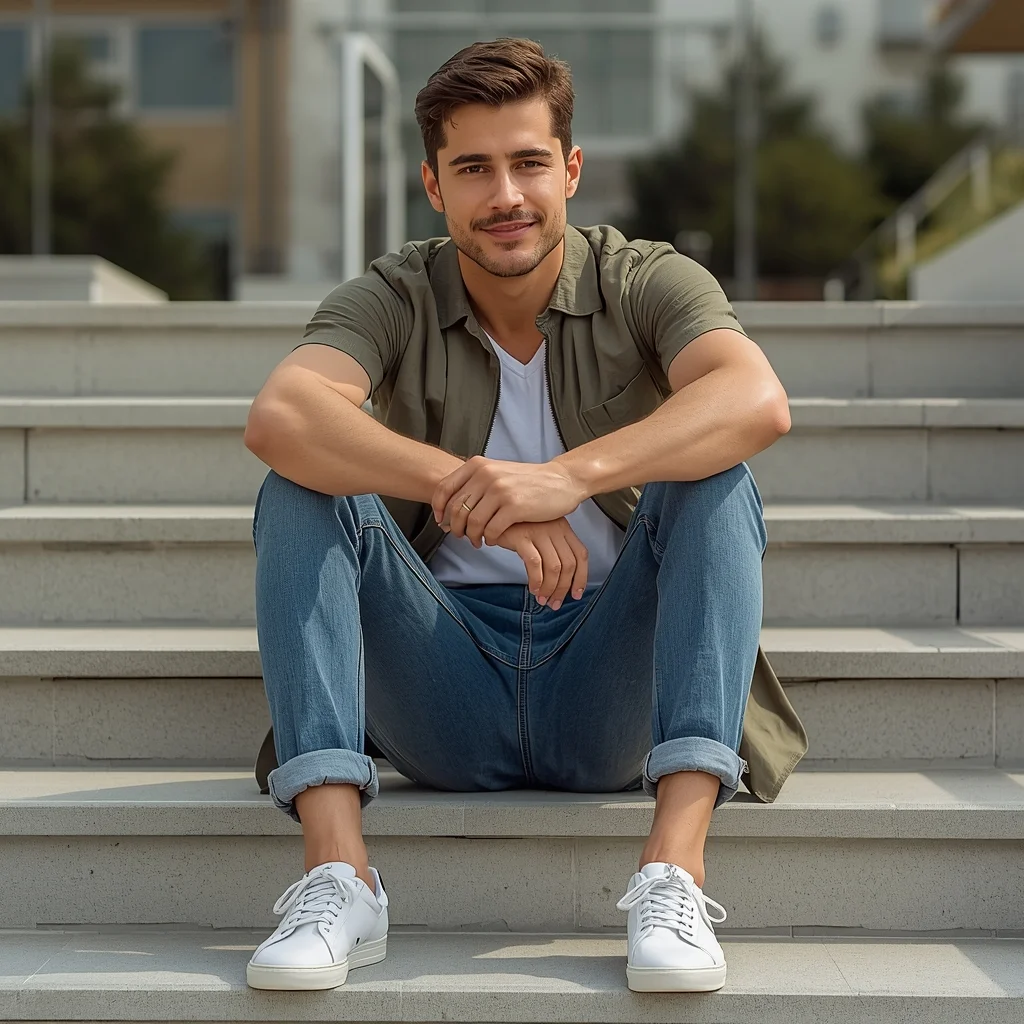
Prompt: Photorealistic YouTube thumbnail featuring a creator holding an object or pointing off-screen with cautious surprise, raised eyebrows and skeptical expression, cinematic lighting with warm highlights and cool shadows, blurred background with soft vignette, ultra-detailed eyes and facial realism, sharp focus on face, realistic skin tones, professional DSLR look, storytelling reaction pose, bold but clean color grading, viral thumbnail composition, 4K resolution, optimized for YouTube feed.
Want to create this with your own face? Use this instruction:
Reference face is final. Do not modify. Prompt: Photorealistic YouTube thumbnail featuring a creator holding an object or pointing off-screen with cautious surprise, raised eyebrows and skeptical expression, cinematic lighting with warm highlights and cool shadows, blurred background with soft vignette, ultra-detailed eyes and facial realism, sharp focus on face, realistic skin tones, professional DSLR look, storytelling reaction pose, bold but clean color grading, viral thumbnail composition, 4K resolution, optimized for YouTube feed.
About this Prompt
Transform your digital workspace into a high-end creative studio with 'I TESTED IT SO YOU DON’T HAVE TO 😳 | Prompt For Background', a masterful YouTube Thumbnail prompt that seamlessly fuses futuristic rendering techniques with classical, refined elegance. It is the ultimate starting point for generating artwork that looks indistinguishable from high-budget commercial photography. Intense macro details completely reveal a microscopic hidden world of fidelity, radically changing your perspective on what YouTube Thumbnail generation can achieve. The smooth, pearlescent chromatic aberration at the extreme edges gives it an incredibly premium, high-end, and highly expensive DSLR camera lens feel.
Deeply beneficial for interior designers, architects, and spatial planners looking to quickly generate hyper-realistic, beautifully lit YouTube Thumbnail atmospheric mood boards that effortlessly communicate luxury, space, and modern design principles to high-paying clients. Embrace the highly anticipated, bleeding-edge absolute future of pixel generation. This text string is widely considered the undisputed, heavily relied-upon heavyweight champion of modern prompts, guaranteeing an absolute visual ecstasy for your eager viewers' retinas.
Playing Super Mario Bros in Photorealistic Unreal Engine 5 | Gemini Ai Image Prompt
2818 mos ago
Prompt: A mind-bending gaming thumbnail that blends iconic retro imagery with hyper-realism. A photorealistic rendering of a classic Super Mario level. A realistic Italian plumber character (Mario) in denim overalls is jumping over a hyper-detailed green warp pipe. The "goomba" enemy is a realistic, textured mushroom creature. The background is a stunning, photorealistic landscape of rolling hills and detailed brick structures under a bright sun. The textures of dirt, brick, and denim are incredibly sharp. 8k resolution, cinematic game art style.
I Built a Fully Functional Iron Man Suit in my Garage | Ai Prompt Idea For Beginner
5368 mos ago
Prompt: A gritty "maker" style thumbnail. A creator in a grease-stained workshop is standing next to a life-sized, metallic red and gold armored suit that is partially disassembled, showing complex inner wiring, hydraulics, and glowing blue fiber-optics. The creator is holding a soldering iron, with sparks flying in the air. The suit's "Arc Reactor" chest piece is glowing brightly, illuminating the creator's determined face. The garage background is filled with tools, 3D printers, and blueprints pinned to the walls. 8k, cinematic lighting, sharp focus on the metallic textures and the glow of the electronics, high-speed "action" shot with motion-blurred sparks.
Royal Heritage Elegance Woman Pose | Creative Image Prompt
3288 mos ago
Prompt: A woman styled in regal traditional attire, standing tall with dignified posture and composed expression. Her hands are positioned gracefully near her waist, jewelry finely detailed and authentic. The outfit features luxurious fabrics with deep colors and traditional motifs. Warm golden lighting enhances richness and depth, highlighting facial features and textures. Background subtly suggests palace or heritage architecture. High-end cultural editorial photography, ultra-sharp focus, timeless royal elegance.
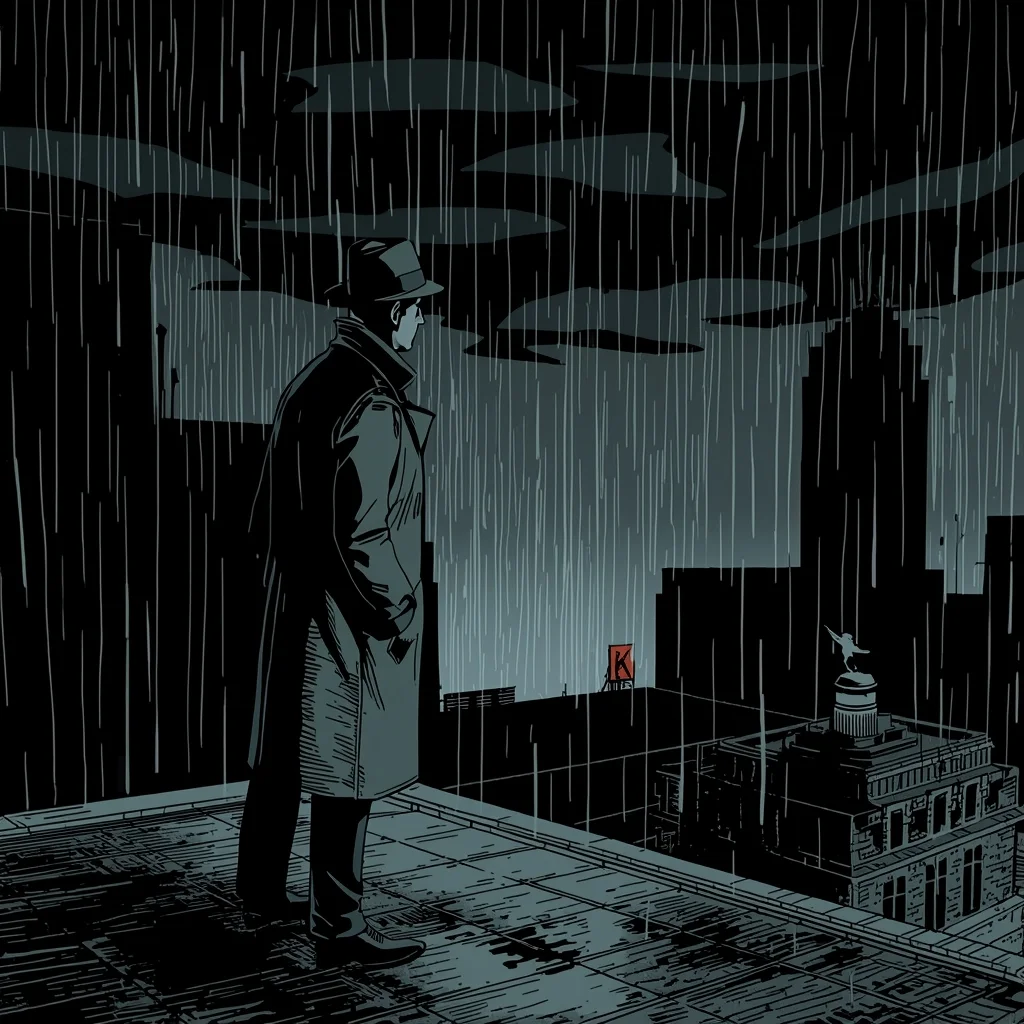
Gritty Noir Comic Cartoon | Secret Prompt For Stunning Image
2588 mos ago
Prompt: Noir comic book cartoon style, similar to Batman: The Animated Series or Sin City. A detective in a trench coat and fedora standing on a rainy rooftop at night. Heavy chiaroscuro lighting, deep shadows, and stark contrasts. Art deco cityscape in the background. Monochrome palette with a single splash of red on a neon sign.
Clean side-profile portrait of a woman facing left, defined jawline, soft rim lighting highlighting silhouette, neutral background, minimalist fashion aesthetic, calm and powerful mood, professional studio photography, ultra-realistic skin details
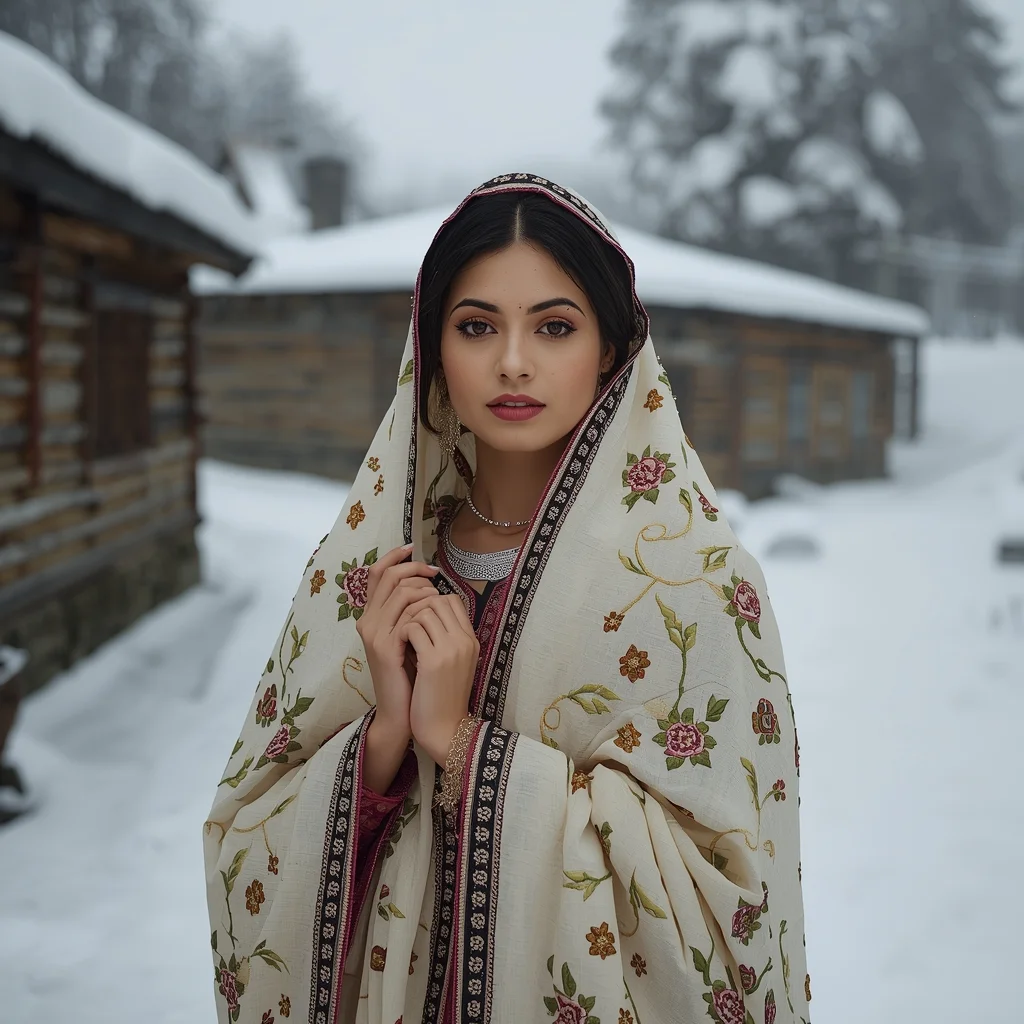
Kashmiri Traditional Winter Elegance | Prompt For Photo Editing
3108 mos ago
Prompt: A Kashmiri woman posing softly in a snowy mountain village, wrapped in a traditional embroidered pheran, hands gently folded, wearing delicate silver jewelry, subtle makeup, soft rosy cheeks from cold weather, wooden houses and snow-covered trees in the background, calm and poetic mood, diffused natural light, ultra-realistic winter textures, high-resolution cultural portrait, serene composition
Graceful Turning Woman Pose | Trending Prompt Idea Worldwide
2958 mos ago
Ultra-realistic editorial portrait of a woman captured mid-turn, body slightly angled, soft flowing movement in dress fabric, elegant posture, calm confident expression, professional studio lighting with gentle highlights, neutral seamless background, cinematic depth of field, high-end fashion magazine style, ultra-detailed skin texture, realistic proportions, 8K resolution, no text, no watermark
Frequently Asked Questions
Common questions regarding this AI prompt.
How does the prompt simulate physical camera lenses for I TESTED IT SO YOU DON’T HAVE TO ? | Prompt For Background?
The prompt acts as a virtual director of photography by explicitly stating lens focal lengths and aperture settings. By including phrases like 'shot on 35mm lens' or 'f/1.4 aperture', the AI mathematically simulates the optical distortion, compression, and background blur (bokeh) characteristic of high-end photography, elevating the YouTube Thumbnail image from a flat digital render to a lifelike photo.
What is the optimal workflow for upscaling I TESTED IT SO YOU DON’T HAVE TO ? | Prompt For Background to print-quality resolution?
Do not generate at massive resolutions directly, as it causes compositional duplication (like two heads). Instead, generate I TESTED IT SO YOU DON’T HAVE TO ? | Prompt For Background at a native resolution (e.g., 1024x1024), and then use a dedicated AI upscaler. Tools like Topaz Gigapixel AI, Magnific AI, or the '4x-UltraSharp' model in Automatic1111 will enhance the micro-textures of the YouTube Thumbnail without destroying the original composition.
What rendering engines should I reference to maximize the quality of I TESTED IT SO YOU DON’T HAVE TO ? | Prompt For Background?
Modern AI image generators respond incredibly well to 3D software references. By appending terms like 'Unreal Engine 5 render', 'OctaneRender', 'Redshift', 'V-Ray', and 'Global Illumination', you are signaling the AI to utilize its highest quality datasets for lighting physics and material textures within the YouTube Thumbnail image.
What should I do if the background of I TESTED IT SO YOU DON’T HAVE TO ? | Prompt For Background becomes too cluttered?
If the AI over-complicates the background, you need to assert control over the depth of field. Add strict modifiers like 'clean minimalist background, studio backdrop, heavy bokeh, blurred environment' to the prompt. Additionally, placing the subject-specific keywords at the very front of the prompt ensures the AI prioritizes the main I TESTED IT SO YOU DON’T HAVE TO ? | Prompt For Background element.
Can I generate a 3D claymation or toy-like version of I TESTED IT SO YOU DON’T HAVE TO ? | Prompt For Background?
Yes, you can mimic physical models easily. Add terms such as 'made of polymer clay, tilt-shift photography, miniature diorama, cute 3D render, smooth plasticine, vibrant pastel colors' to the prompt. The AI will instantly convert the YouTube Thumbnail scene into a charming, tactile 3D object.
Can I change the material composition of objects in the I TESTED IT SO YOU DON’T HAVE TO ? | Prompt For Background prompt?
Yes, AI handles material transformation brilliantly. If you want to change a standard object into something surreal, use explicit material descriptors like 'made of translucent frosted glass', 'brushed anodized aluminum', 'woven carbon fiber', or 'wet shimmering obsidian'. This will completely recalculate the reflections and refractions in the YouTube Thumbnail output.
How do I modify I TESTED IT SO YOU DON’T HAVE TO ? | Prompt For Background to fit into a dark fantasy or gothic horror setting?
Change the environmental descriptors. Add 'dark fantasy concept art, gothic architecture, eerie volumetric fog, corrupted ruins, ominous atmosphere, Bloodborne aesthetic'. This forces the AI to reinterpret the I TESTED IT SO YOU DON’T HAVE TO ? | Prompt For Background prompt through a grim, terrifying lens, drastically altering the mood of the YouTube Thumbnail output.
Why is this prompt highly effective for generating I TESTED IT SO YOU DON’T HAVE TO ? | Prompt For Background?
Its effectiveness lies in the structured syntax. It separates the core subject definition from the style and technical parameters. This 'block structure' prevents AI confusion, ensuring that the details of I TESTED IT SO YOU DON’T HAVE TO ? | Prompt For Background remain razor-sharp while the background and artistic medium seamlessly blend to match the YouTube Thumbnail aesthetic without overpowering the main focus.
How can I dictate the camera angle to make the subject look more powerful?
Camera angle completely changes the psychological impact. To make the subject of I TESTED IT SO YOU DON’T HAVE TO ? | Prompt For Background appear dominant or towering, insert 'low angle shot' or 'worm's-eye view'. Conversely, to make the YouTube Thumbnail scene feel vast and the subject small, use 'drone shot', 'bird's-eye view', or 'extreme high angle'.
What is the best way to force an ultra-wide or panoramic view?
To force a panoramic composition, you must combine aspect ratio parameters with specific camera descriptors. In Midjourney, use '--ar 21:9'. Within the prompt text itself, include 'ultra-wide panoramic landscape, 14mm lens, expansive horizon, sweeping view'. This ensures the I TESTED IT SO YOU DON’T HAVE TO ? | Prompt For Background subject matter is distributed correctly across a massive, cinematic canvas.
How do I create a dramatic, low-light version of I TESTED IT SO YOU DON’T HAVE TO ? | Prompt For Background?
To plunge the scene into dramatic darkness, modify the prompt to include 'chiaroscuro', 'low-key lighting', 'underexposed', and 'stark shadows'. This tells the AI to plunge the majority of the YouTube Thumbnail environment into darkness while intensely illuminating only the most critical parts of the I TESTED IT SO YOU DON’T HAVE TO ? | Prompt For Background subject, creating a moody, cinematic masterpiece.
Is it possible to use this static image prompt as a base for AI video animation?
Yes, this is a very popular workflow. Once you generate the perfect still image of I TESTED IT SO YOU DON’T HAVE TO ? | Prompt For Background, you can import it into cutting-edge AI video generators like Luma Dream Machine, Kling AI, Runway Gen-3, or Pika Labs. The high detail and clear focus provided by this YouTube Thumbnail prompt make it an ideal initial keyframe, resulting in smooth, artifact-free animations.
What architectural composition techniques are embedded in the I TESTED IT SO YOU DON’T HAVE TO ? | Prompt For Background prompt?
The I TESTED IT SO YOU DON’T HAVE TO ? | Prompt For Background prompt utilizes advanced compositional frameworks such as the golden ratio and leading lines. By strategically placing the core YouTube Thumbnail subject matter at intersection points, it guides the viewer's eye naturally through the scene. This mathematical approach to AI generation ensures the final output feels balanced and visually arresting without requiring post-crop adjustments.
How can I transform I TESTED IT SO YOU DON’T HAVE TO ? | Prompt For Background into a vector graphic or logo style?
To strip away the photorealism, replace the camera keywords with 'flat vector illustration, minimalist design, UI/UX asset, Adobe Illustrator style, solid colors, clean crisp lines, no gradients'. This transforms the YouTube Thumbnail subject into a scalable, graphic-design-ready asset perfect for web design or branding.
Is it possible to make the image look like an architectural blueprint?
Absolutely. Strip all color and realism by adding 'technical architectural blueprint, white lines on blue background, schematics, precise measurements, cross-section view, drafted by an engineer'. This is a highly creative way to present the YouTube Thumbnail subject from an analytical, structural perspective.