Luxury Designer Runway Freeze Pose | Prompt For Background
High-quality AI-generated image. Optimized for detailed rendering, perfect for creative projects and inspiration.
246Views
0 Likes
100%Quality
FreeLicense
AI Prompt
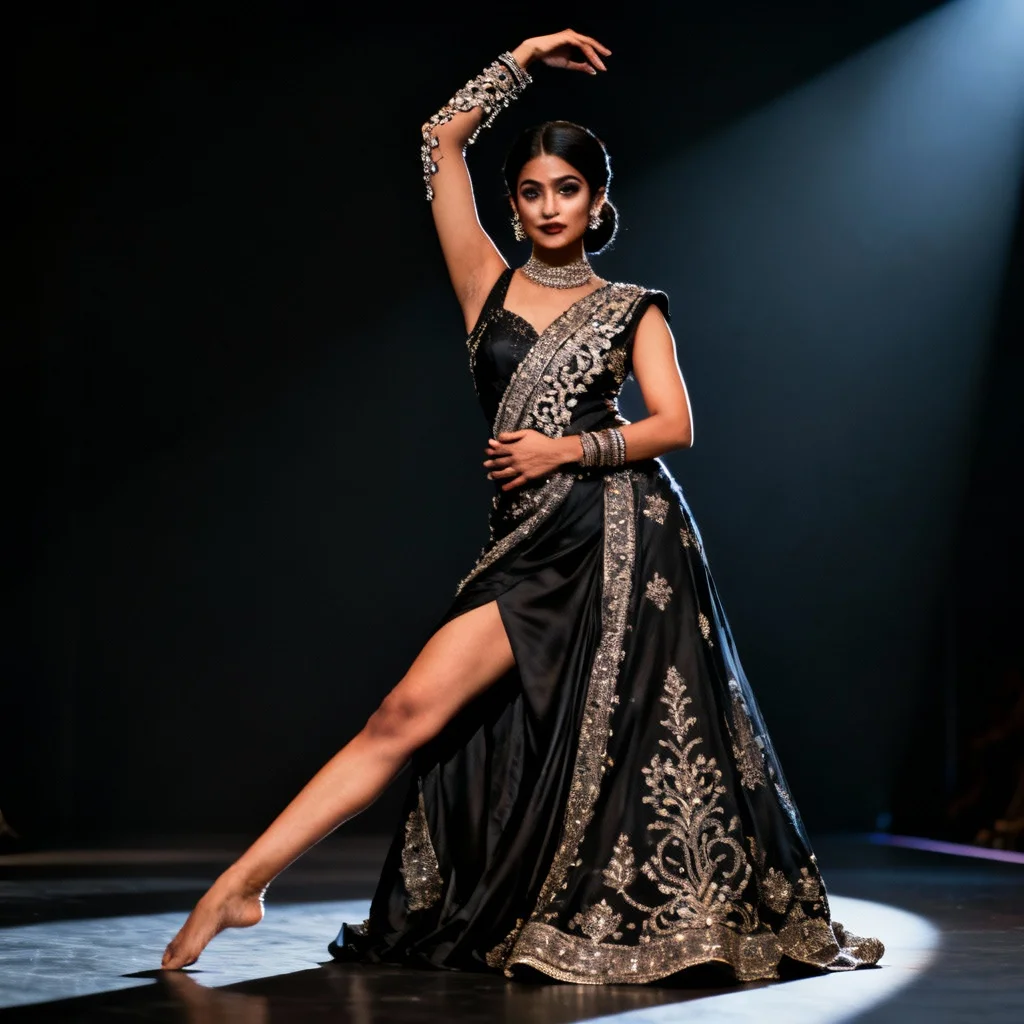
Prompt: An Indian woman dressed in a luxury designer Indian gown, captured mid-pose as if paused on a couture runway. Her body is slightly angled, one leg extended forward to create a dramatic stance. One arm is positioned gracefully to showcase intricate detailing, while the other rests near the waist. Her expression is poised and powerful, eyes locked confidently with the camera. Makeup is refined and sculpted, hair styled in a sleek fashion-forward look. Lighting is dramatic and directional, casting artistic shadows. The background is dark and elegant, allowing the dress to dominate the frame. Ultra-detailed textures, couture editorial mood, premium fashion storytelling.
Want to create this with your own face? Use this instruction:
Reference face is final. Do not modify. Prompt: An Indian woman dressed in a luxury designer Indian gown, captured mid-pose as if paused on a couture runway. Her body is slightly angled, one leg extended forward to create a dramatic stance. One arm is positioned gracefully to showcase intricate detailing, while the other rests near the waist. Her expression is poised and powerful, eyes locked confidently with the camera. Makeup is refined and sculpted, hair styled in a sleek fashion-forward look. Lighting is dramatic and directional, casting artistic shadows. The background is dark and elegant, allowing the dress to dominate the frame. Ultra-detailed textures, couture editorial mood, premium fashion storytelling.
About this Prompt
Your exhaustive quest for the absolute perfect Indian visual ends right here, right now, with 'Luxury Designer Runway Freeze Pose | Prompt For Background'. Designed for ultimate conceptual clarity and intense artistic flair, this prompt ensures your blank canvas instantly transforms into a breathtaking window to another vibrant universe. The absolute core strength of this generative text lies in its meticulous, obsessive attention to environmental storytelling and micro-surface material textures. From glossy, wet-look reflections to deep, crushing matte shadows, it renders a flawlessly balanced and strikingly realistic Indian image.
Deeply beneficial for interior designers, architects, and spatial planners looking to quickly generate hyper-realistic, beautifully lit Indian atmospheric mood boards that effortlessly communicate luxury, space, and modern design principles to high-paying clients. Take the massive, highly rewarding creative leap today. By seamlessly integrating this highly optimized prompt directly into your daily workflow, you guarantee stunning, deeply reliable, and absolutely beautiful Indian results every single time you hit render.
Elegant Red Carpet Glamour | Prompt For Background
2825 mos ago
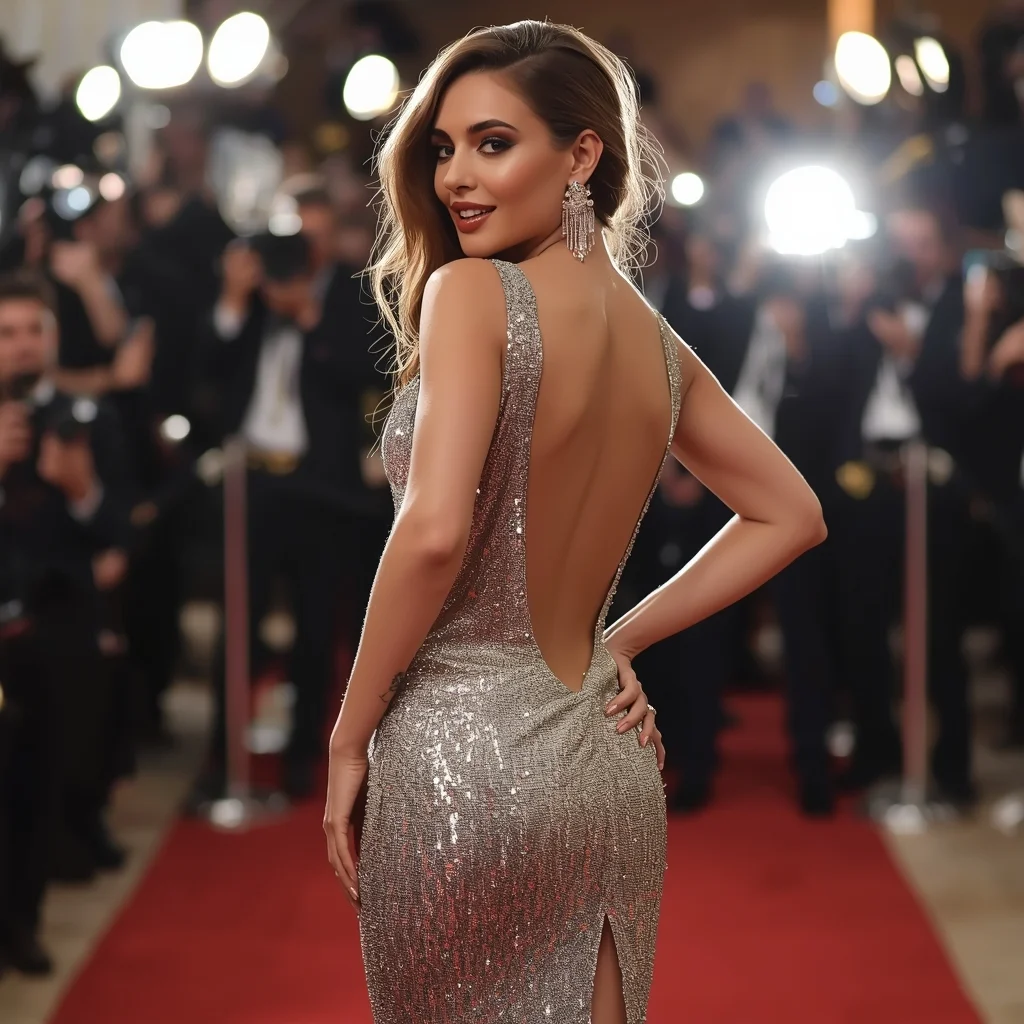
Prompt: A glamorous woman wearing a sparkling, silver sequined evening gown with a high slit and a backless design. She is posing on a red carpet, looking back over her shoulder with a sultry smile, one hand resting on her hip. Flashbulbs are going off in the background, creating a bokeh effect of bright lights. Her skin is glowing, and her jewelry sparkles under the lights. Cinematic event lighting, paparazzi style, sharp details on sequins, luxurious atmosphere, realistic skin texture, award show vibe.
Confident Urban Street Queen Pose | Creative Image Prompt
2566 mos ago
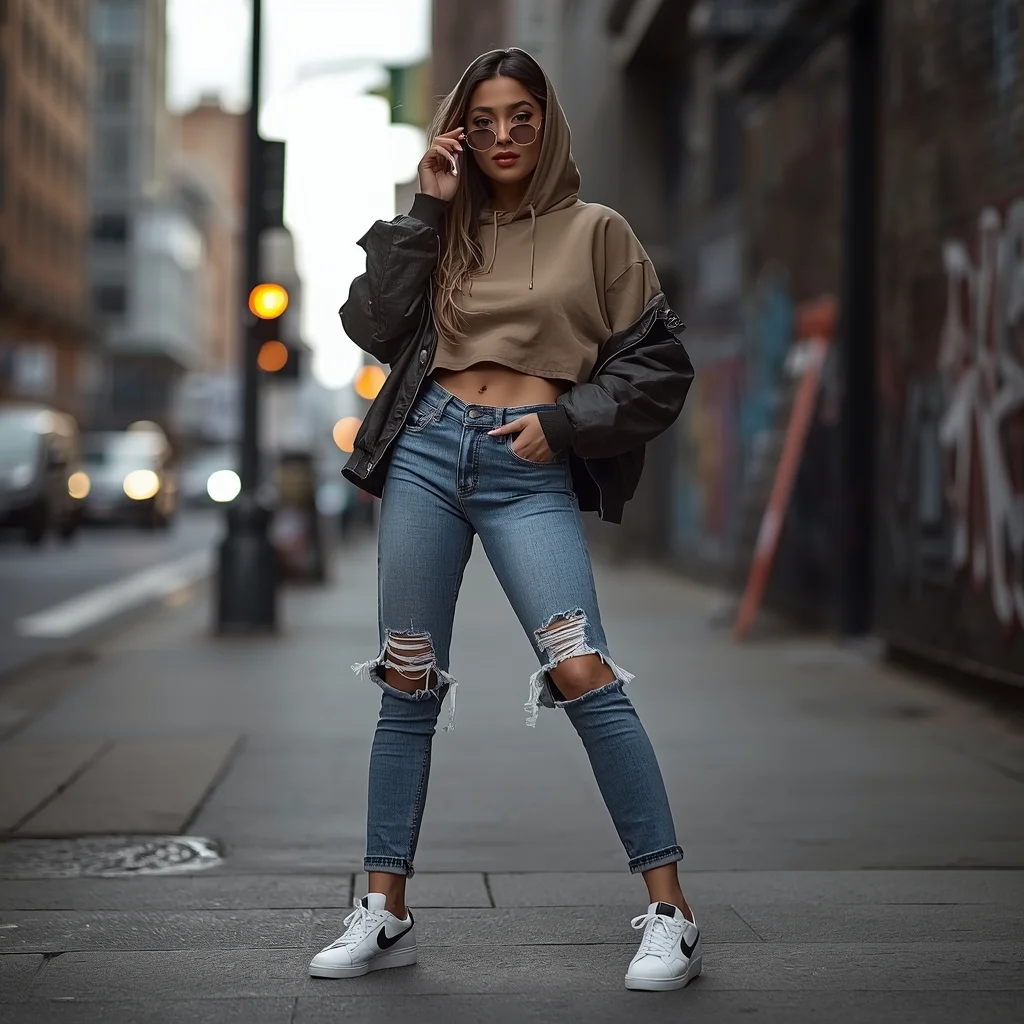
Prompt: A stylish young woman posing confidently on a modern city street, wearing an oversized hoodie layered with a cropped jacket, ripped high-waist jeans, and trendy sneakers. She stands with one hand in her pocket and the other holding sunglasses, chin slightly raised, expressing bold urban confidence. The background shows blurred city traffic, graffiti walls, street lights, and concrete textures. Shot in cinematic street photography style, natural daylight mixed with soft shadows, shallow depth of field, ultra-realistic skin texture, detailed facial features, sharp focus, fashion editorial look, 4K realism.
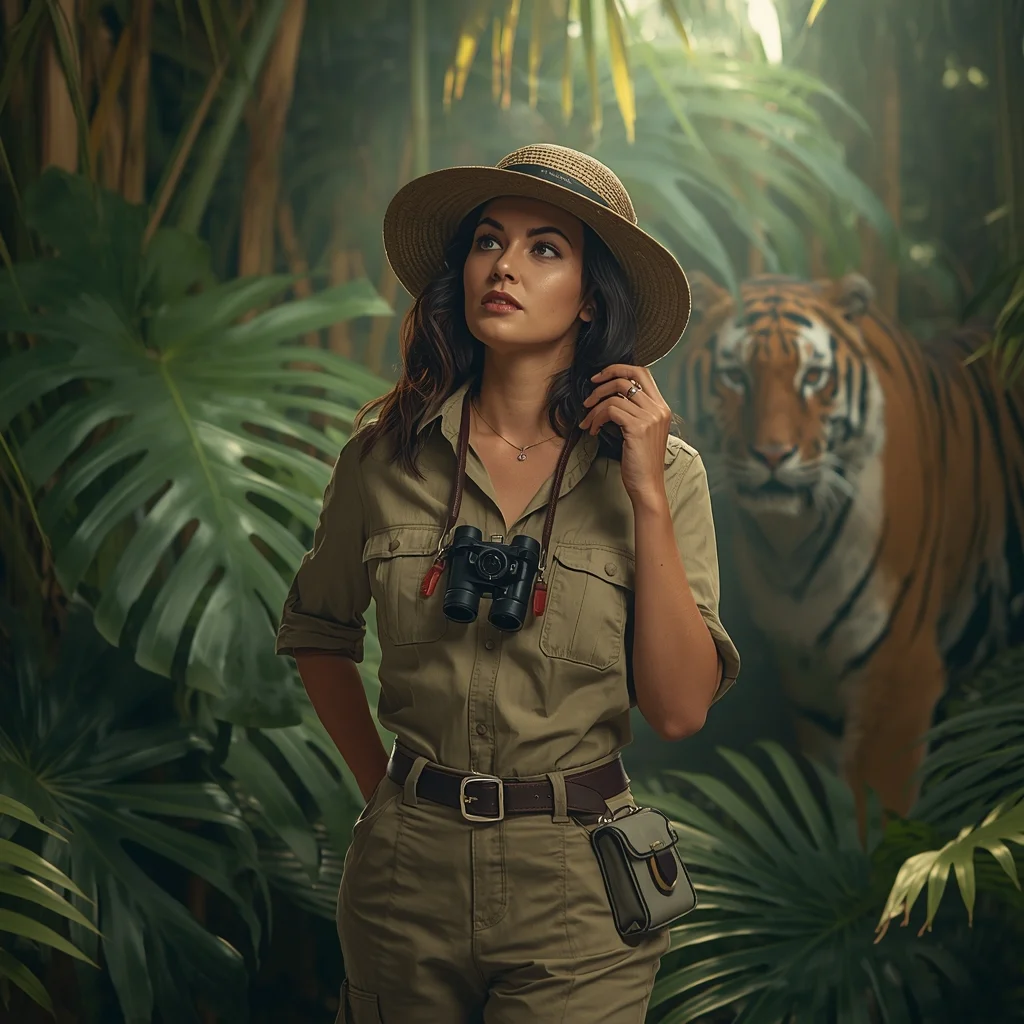
Prompt: A bold woman in khaki safari gear and a wide-brimmed hat, standing in a lush, tropical rainforest. Sunbeams filter through giant Monstera leaves. In the background, a majestic tiger is partially visible through the foliage. She has a vintage camera hanging around her neck. Pose: Holding a pair of binoculars around her neck with one hand, looking intensely toward the side as if she just spotted something rare. Technical: National Geographic style, deep jungle green tones, 85mm lens, f/1.8, realistic skin texture with slight sweat beads, cinematic lighting.
Pose: Holding a pair of binoculars around her neck with one hand, looking intensely toward the side as if she just spotted something rare. Technical: National Geographic style, deep jungle green tones, 85mm lens, f/1.8, realistic skin texture with slight sweat beads, cinematic lighting.
Technical: National Geographic style, deep jungle green tones, 85mm lens, f/1.8, realistic skin texture with slight sweat beads, cinematic lighting.
I DID NOT EXPECT THIS 😳 | Ultimate Prompt Collection
2146 mos ago
Prompt: Hyper-realistic YouTube thumbnail featuring a confused yet surprised creator looking sideways at large glowing text, eyebrows raised, lips pressed in disbelief, soft cinematic lighting from one side, cool blue and warm orange contrast tones, blurred background with subtle motion streaks, sharp focus on face, realistic skin pores, dramatic shadows, professional DSLR look, viral YouTube thumbnail composition, high saturation, bold emotional storytelling, 4K resolution, optimized for mobile viewers.
Timeless Autumn Pheran Cultural Portrait Pose | Ai Creative Prompt
2556 mos ago
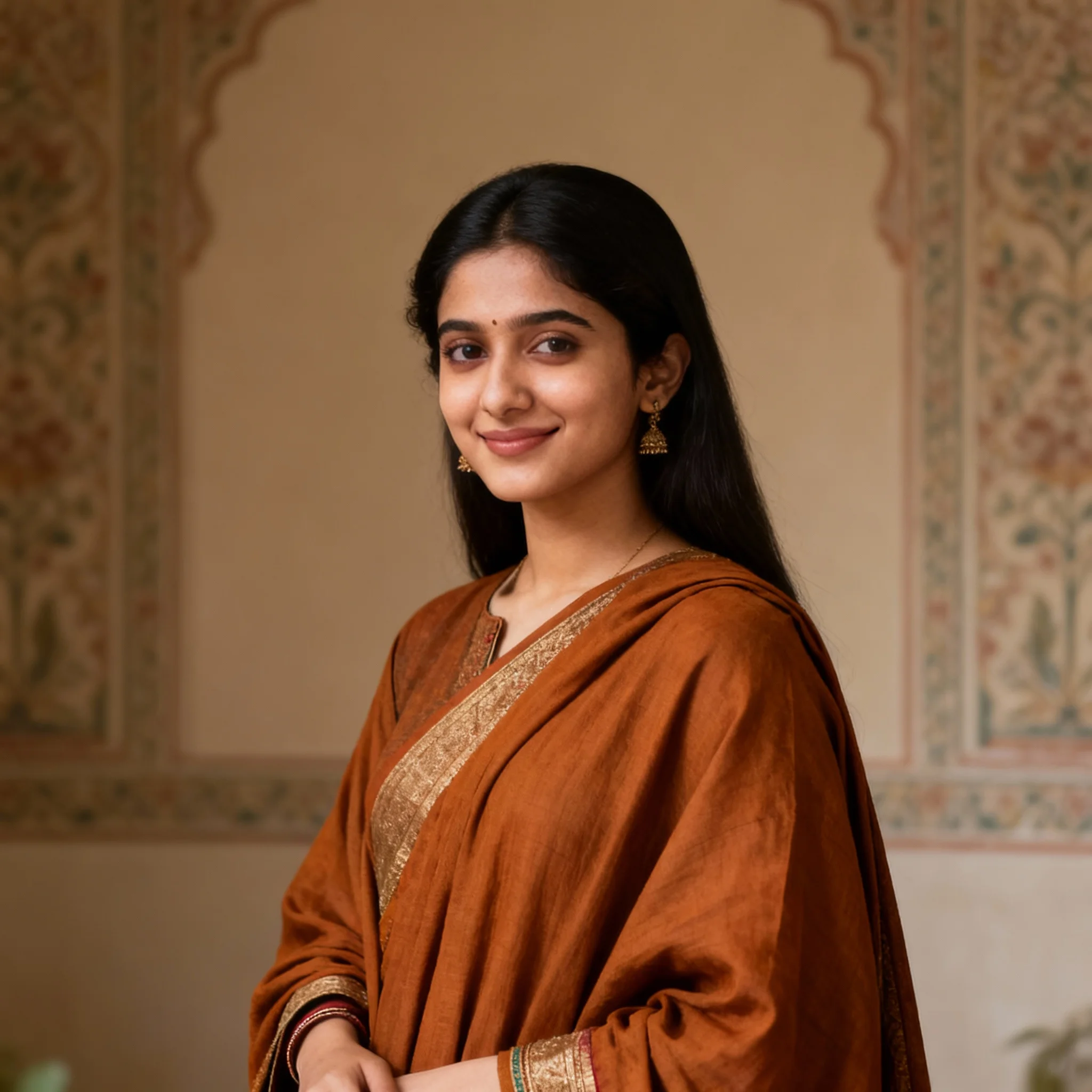
Prompt: A timeless portrait of a young woman wearing a classic autumn pheran, composed and dignified pose, subtle smile. Clean heritage-inspired background, balanced soft lighting, authentic Indian cultural portrait style, ultra-realistic facial detail, fine fabric texture, high-resolution finish.
The Steampunk Victorian Inventor | Ai Prompt Format
2456 mos ago
Prompt: A medium shot of a man in a Victorian-era workshop filled with brass gears and steaming pipes. He is wearing a leather apron over a pinstripe shirt, with brass-rimmed goggles perched on his forehead. He is holding a complex, glowing mechanical heart made of copper and glass. His hands are covered in soot and oil. The atmosphere is filled with golden light and faint steam. Authentic textures of polished brass, worn leather, and weathered wood. 4k, hyper-detailed, cinematic lighting.
Elegant Woman Seated in Traditional Saree | Magic Ai Prompt
2346 mos ago
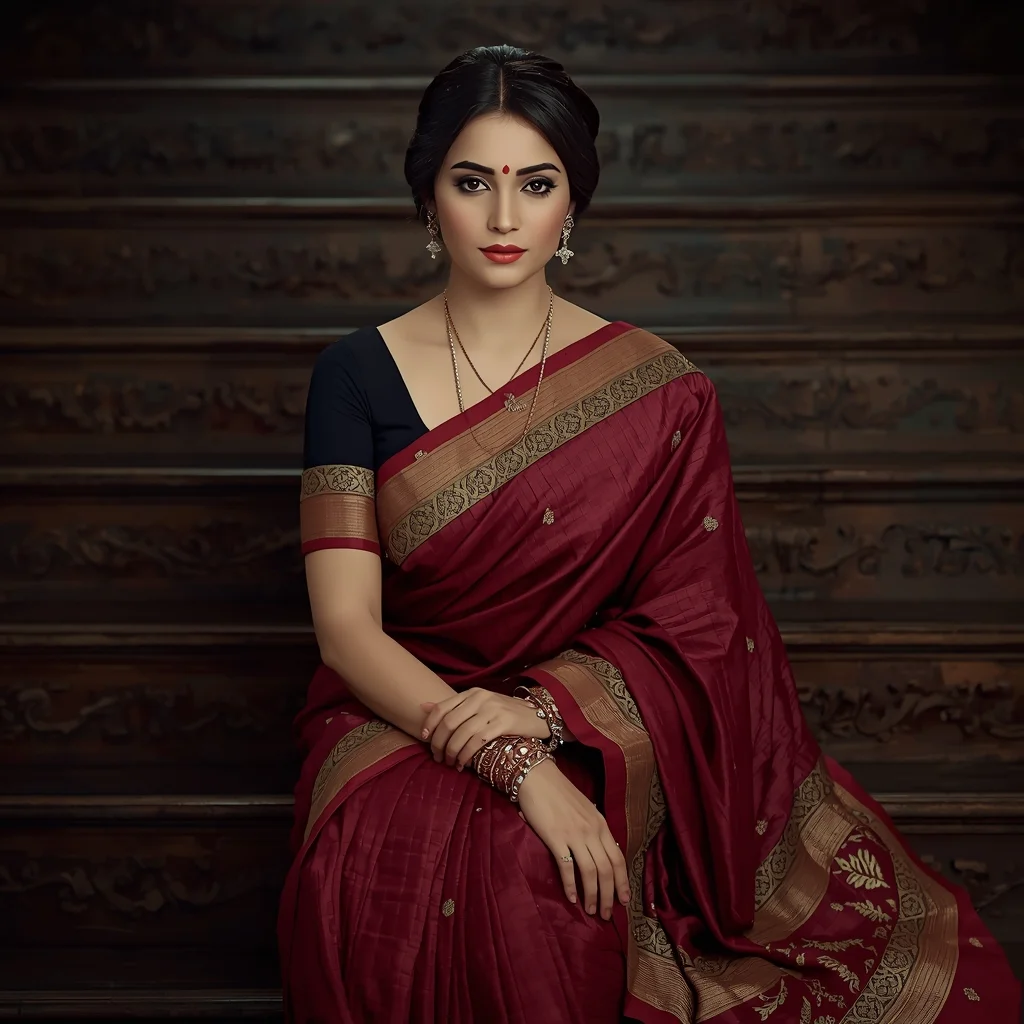
Prompt: A realistic portrait of a woman seated on carved wooden steps, dressed in a richly textured traditional saree with intricate border work. Her pose is calm and dignified, hands resting gently on her lap, expression peaceful. Soft diffused lighting highlights facial features and saree fabric. Traditional bangles, subtle makeup, cinematic color grading, ultra-realistic photography quality.
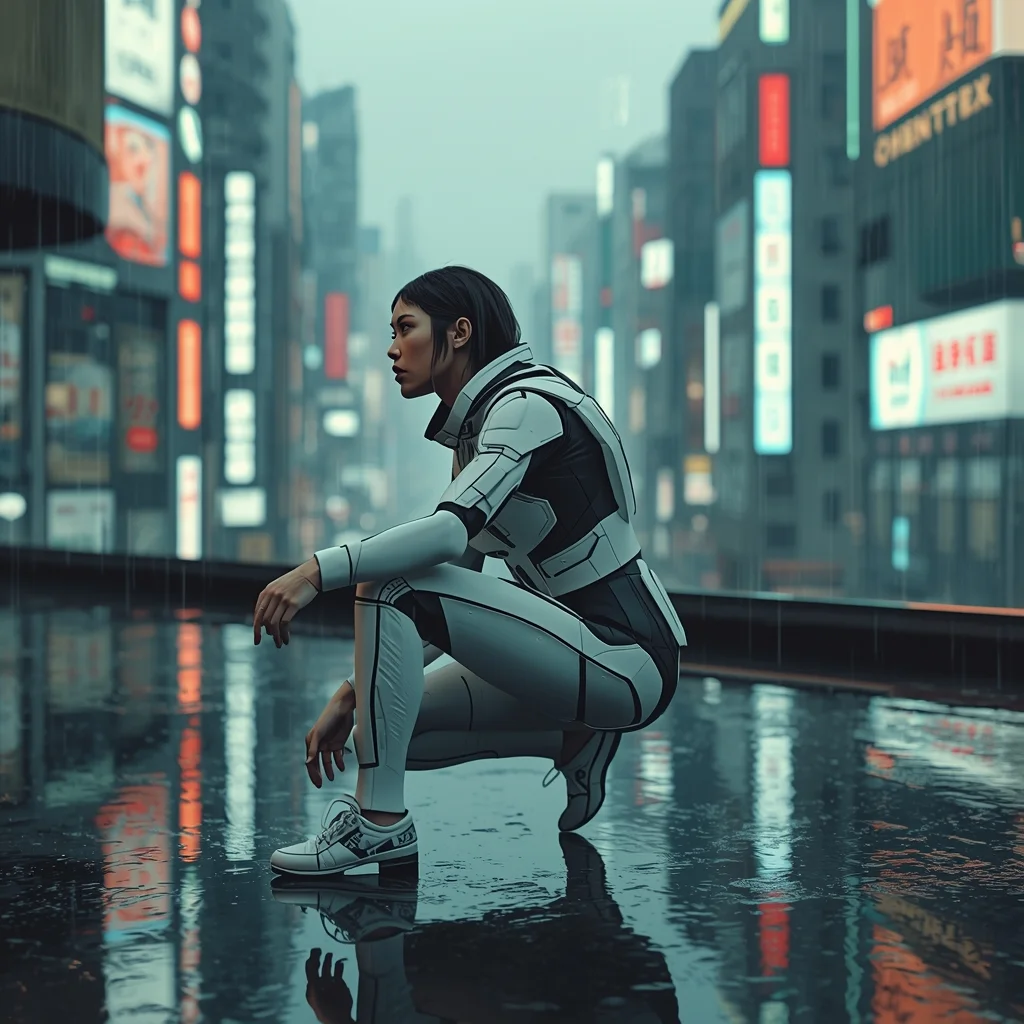
Prompt: A cinematic, tech-noir shot of a woman in a matte-white modular exosuit standing on a rain-slicked rooftop in Shibuya, Tokyo. The city is a forest of neon signs and holographic advertisements. | Pose: A low-profile 'crouching' pose on one knee, one hand touching the ground while the other holds a glowing data-shard. She is looking sharply to her left as if sensing an intruder, her expression guarded and fierce. | Technical: Ray-traced reflections, teal and orange neon lighting, shot on 35mm anamorphic lens, shallow depth of field, 16k resolution, hyper-detailed skin and armor textures.
Frequently Asked Questions
Common questions regarding this AI prompt.
Can I make the image look like vintage, degraded film?
Absolutely. To strip away the ultra-modern crispness, inject phrases like 'shot on Kodak Portra 400', 'heavy film grain', 'light leaks', 'chromatic aberration', and 'vintage 1970s polaroid'. This introduces beautiful, nostalgic imperfections into the Indian scene, making the Luxury Designer Runway Freeze Pose | Prompt For Background generation look like a discovered relic rather than a digital creation.
What if the AI completely ignores a specific detail I added to the Luxury Designer Runway Freeze Pose | Prompt For Background prompt?
If a detail is ignored, it lacks 'weight'. Move that specific word closer to the very beginning of the prompt. Alternatively, if using Midjourney, use the double colon syntax (Keyword::2) to force the AI to pay attention. In Stable Diffusion, wrap the keyword in parentheses like (Keyword:1.5) to boost its importance in the Indian scene.
How can I prevent anatomical distortions or 'extra limbs' when generating characters?
While modern models have improved, complex poses in Indian can still cause issues. To prevent this, use a strong negative prompt containing 'bad anatomy, extra limbs, mutated hands, deformed structure'. If generating locally via Stable Diffusion, utilizing ControlNet (specifically OpenPose or Depth) alongside this prompt will guarantee flawless anatomical structure.
How does Midjourney v6 process the intricate details of Luxury Designer Runway Freeze Pose | Prompt For Background?
Midjourney v6 excels at understanding natural language nuances. This prompt is specifically written to take advantage of v6's semantic comprehension. You do not need to use 'prompt salad' (randomly throwing words). The detailed, descriptive sentences regarding the Indian elements are parsed accurately, giving you photographic or highly illustrative perfection.
How do I add realistic weather effects like rain or snow to the scene?
Weather completely alters the physics of light. If you add 'torrential rain, wet asphalt reflecting neon, water droplets clinging to surfaces', the AI will not just draw rain; it will change the specularity of the Luxury Designer Runway Freeze Pose | Prompt For Background subject. For snow, use 'heavy blizzard, frost-covered edges, soft diffused winter light' to change the entire atmosphere of the Indian generation.
How do I deal with unwanted text or watermarks appearing in the image?
AI models are trained on stock photos which often contain watermarks. To aggressively filter this out, ensure words like 'text, watermark, signature, username, website url, copyright stamp' are heavily weighted in your negative prompt box. This is especially crucial when generating commercial-grade Indian content.
What is the core conceptual focus of the Luxury Designer Runway Freeze Pose | Prompt For Background prompt?
The Luxury Designer Runway Freeze Pose | Prompt For Background prompt is meticulously engineered to focus on high-fidelity visual storytelling within the Indian genre. By leveraging advanced keyword weighting and specific rendering tokens, it ensures that the AI prioritizes both the primary subject matter and the intricate atmospheric details, resulting in a highly professional and polished final image.
What should I do if the background of Luxury Designer Runway Freeze Pose | Prompt For Background becomes too cluttered?
If the AI over-complicates the background, you need to assert control over the depth of field. Add strict modifiers like 'clean minimalist background, studio backdrop, heavy bokeh, blurred environment' to the prompt. Additionally, placing the subject-specific keywords at the very front of the prompt ensures the AI prioritizes the main Luxury Designer Runway Freeze Pose | Prompt For Background element.
What rendering engines should I reference to maximize the quality of Luxury Designer Runway Freeze Pose | Prompt For Background?
Modern AI image generators respond incredibly well to 3D software references. By appending terms like 'Unreal Engine 5 render', 'OctaneRender', 'Redshift', 'V-Ray', and 'Global Illumination', you are signaling the AI to utilize its highest quality datasets for lighting physics and material textures within the Indian image.
What is the best Stylize (--s) value to use in Midjourney for this prompt?
The stylize parameter dictates how strongly Midjourney applies its default aesthetic. For strict adherence to the realistic details of Luxury Designer Runway Freeze Pose | Prompt For Background, keep it around --s 100 to --s 250. If you want the AI to take artistic liberties and make the Indian scene look more like a digital masterpiece, push the value up to --s 500 or --s 750.
What are the recommended parameters for generating Luxury Designer Runway Freeze Pose | Prompt For Background in Stable Diffusion XL (SDXL)?
For optimal results in SDXL, we recommend pairing this prompt with a high-quality checkpoint like Juggernaut XL. Use the DPM++ 2M Karras sampler with approximately 35-40 steps and a CFG scale between 6.5 and 8.0. This combination strikes the perfect balance between adhering strictly to the Luxury Designer Runway Freeze Pose | Prompt For Background description and allowing the model's creative freedom.
Can I use Image-to-Image (Img2Img) techniques with the Luxury Designer Runway Freeze Pose | Prompt For Background prompt?
Absolutely. Using a rough sketch or a reference photo alongside this prompt in an Img2Img workflow is highly effective. We recommend setting your Denoising Strength between 0.45 and 0.65. This range is the 'sweet spot' that allows the AI to apply the high-quality textures and lighting of the Luxury Designer Runway Freeze Pose | Prompt For Background prompt while strictly respecting the structural layout of your reference image.