AI Influencer One-Hand Jacket Adjust Pose | Design Prompt
High-quality AI-generated image. Optimized for detailed rendering, perfect for creative projects and inspiration.
180Views
0 Likes
100%Quality
FreeLicense
AI Prompt
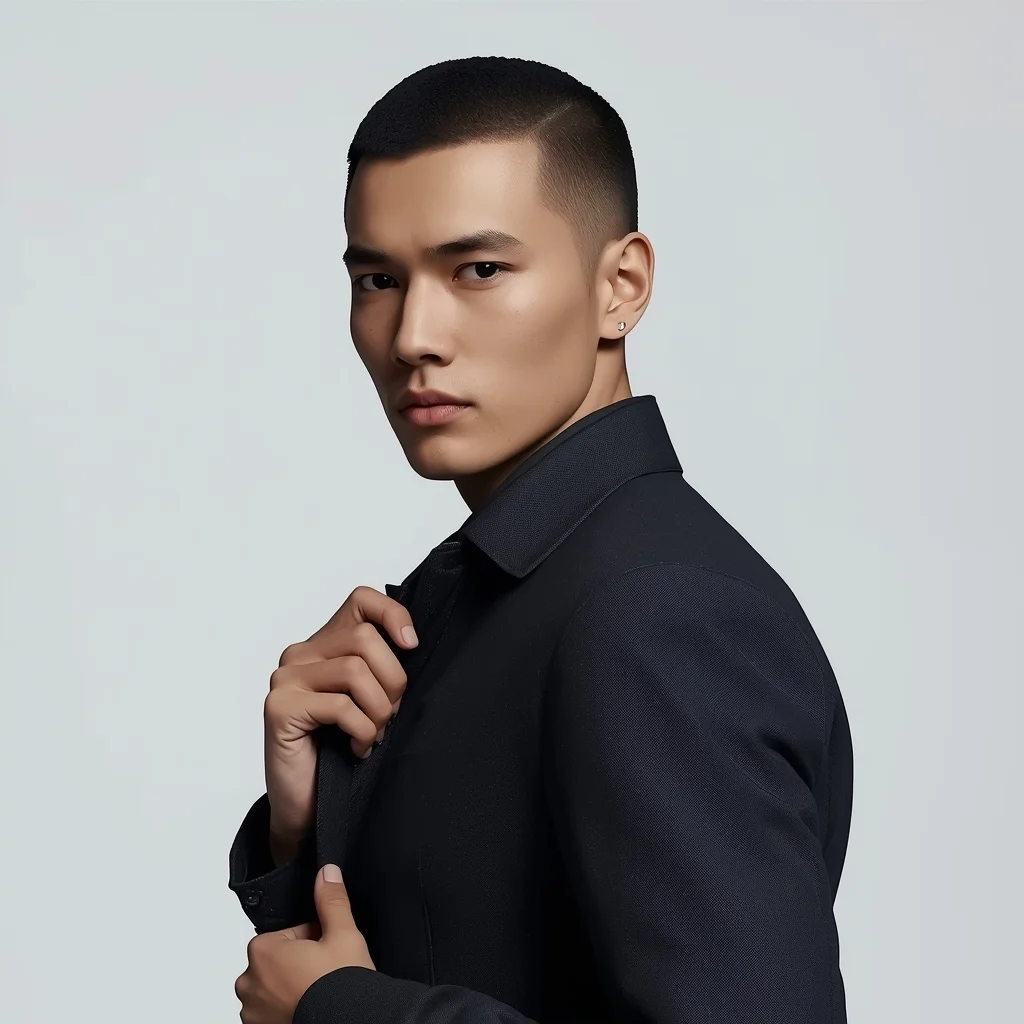
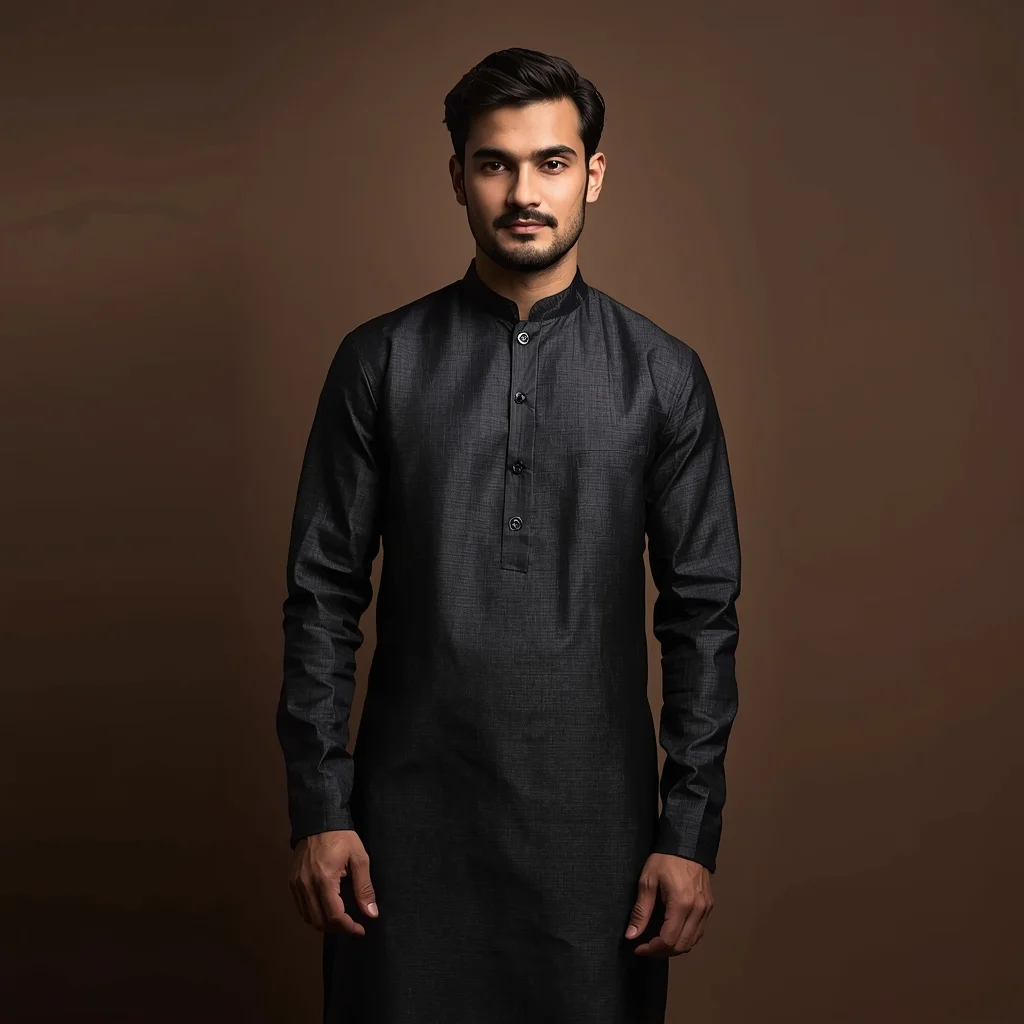
Prompt: A modern AI influencer male slightly angled toward the camera, one hand adjusting a minimalist jacket, relaxed stance, sharp jawline, calm confident gaze, premium studio lighting, smooth skin detail, simple background, high-end influencer portrait, hyper-realistic rendering.
Want to create this with your own face? Use this instruction:
Maintain original facial details and micro-textures. Prompt: A modern AI influencer male slightly angled toward the camera, one hand adjusting a minimalist jacket, relaxed stance, sharp jawline, calm confident gaze, premium studio lighting, smooth skin detail, simple background, high-end influencer portrait, hyper-realistic rendering.
About this Prompt
Reinvent your entire approach to generative design with the staggering capabilities of 'AI Influencer One-Hand Jacket Adjust Pose | Design Prompt'. By viewing the Man Pose Art aesthetic from a radical, fresh angle, this prompt allows you to maximize the sheer potential of your AI tools and produce undeniably iconic artwork. An absolutely stunning display of dramatic chiaroscuro lighting forcefully pushes this image into the elite realm of classical renaissance art. The glossy, hyper-realistic wet-look specular highlights make the surface appear absolutely pristine and freshly painted in this supreme high-fidelity render.
A heavily relied-upon secret weapon for digital marketing agencies running high-conversion ad campaigns. The sheer psychological stopping power of this highly optimized Man Pose Art aesthetic dramatically lowers acquisition costs and massively boosts viewer click-through rates. Download, copy, and heavily utilize this incredible prompt right now. It represents your ultimate, highly coveted master key to fully unlocking premium, elite-level workflows, massively ensuring that you always stay completely ahead of the rapid digital curve.
Autumn Garden Party Dress Youthful Pose | Ai Prompt Template
1884 mos ago
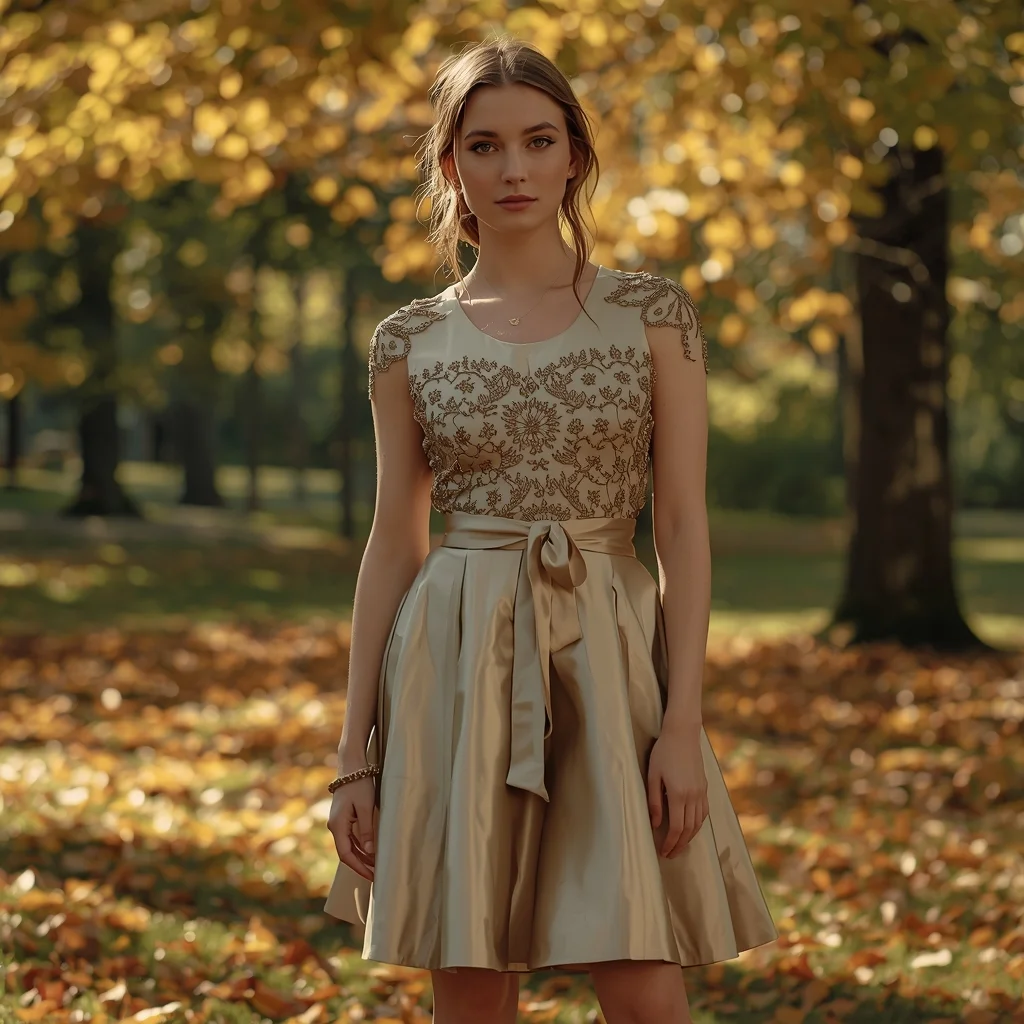
Prompt: A fashionable outdoor portrait of a young woman wearing a stylish yet elegant party dress, posed in an autumn garden filled with golden leaves. Her stance is confident and youthful, hands gently resting at her sides. Soft sunlight, realistic shadows, high-detail fabric texture, cinematic color tones, professional DSLR quality, ultra-sharp focus.
The Intense Athlete Post-Workout | Ai Prompt Guide
1804 mos ago
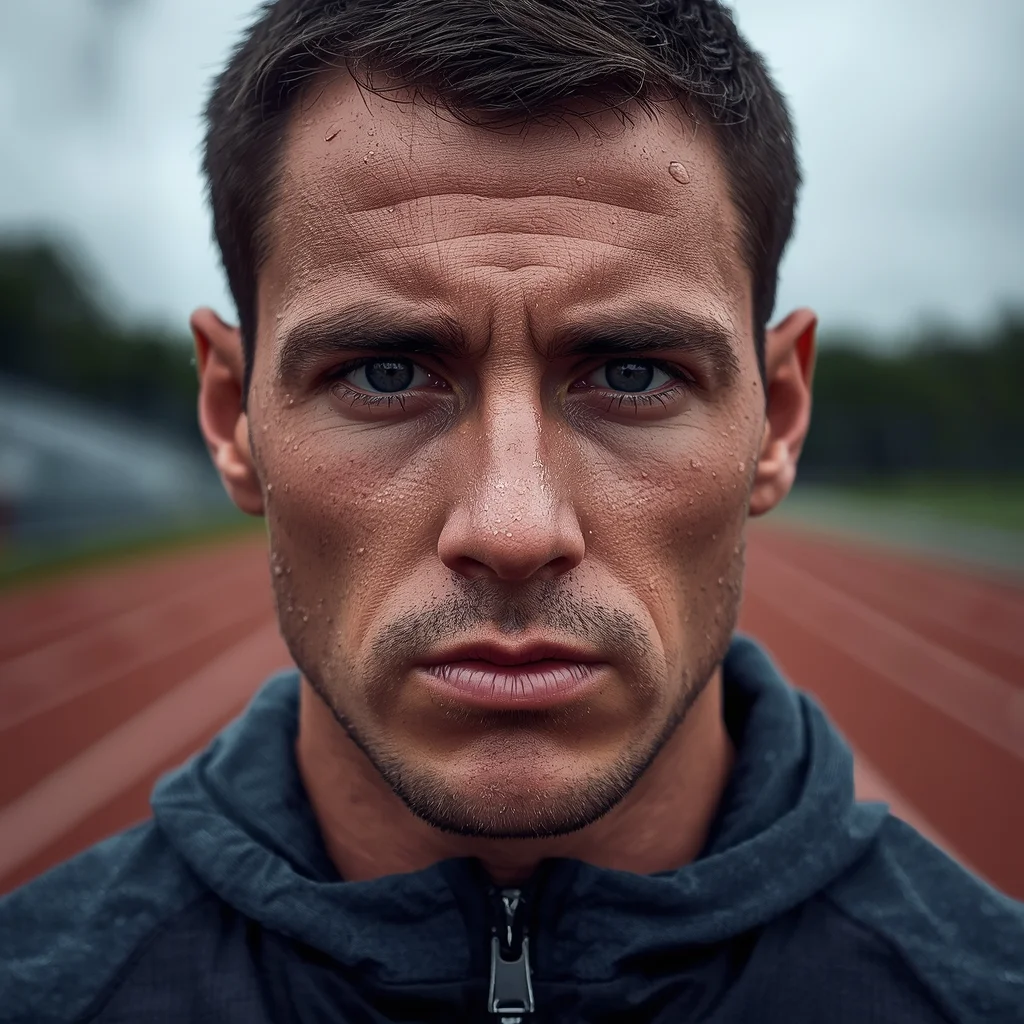
Prompt: A close-up portrait photo of a male athlete immediately after an intense outdoor workout. Sweat beads on his face and neck. He is breathing heavily, looking straight ahead with a look of exhaustion and determination. He is wearing a technical performance hoodie. The background is a blurred athletic track. The lighting is diffused overcast sky, highlighting the moisture on his skin. Hyper-realistic skin pores and sweat texture, shallow depth of field.
Modern Indian Viral Reel Pose – Shoulder Drop Attitude | Creative Image Prompt
1614 mos ago
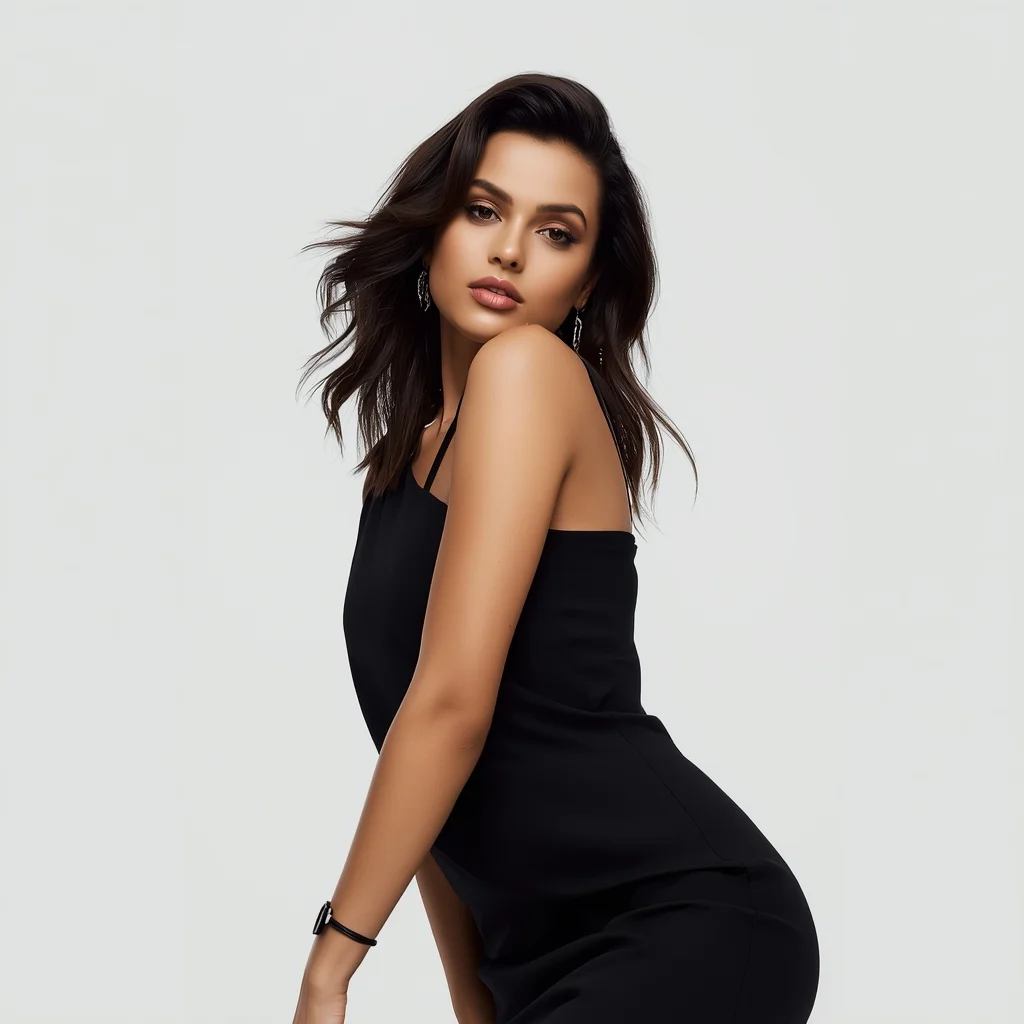
Prompt: An Indian female model wearing a modern Indian statement dress, captured in a stylish shoulder-drop pose mid-reel. One shoulder lowered, body leaning slightly, creating a fashion-forward silhouette. Hair styled sleek or softly waved. Expression bold, relaxed, and self-assured. Makeup emphasizes glowing skin and defined lips. Lighting is crisp and modern. Background clean and minimal. Ultra-realistic detail, cinematic depth, influencer fashion aesthetic, designed for viral reels.
high-tension technology | Top Ai Image Prompt Today
1784 mos ago
Prompt: A high-tension technology thriller thumbnail. A split screen effect. On the left, a creator looks terrified, hands on their head, staring at a smartphone that is glowing with an aggressive red and black "ACCESS DENIED" interface. On the right side, a physical representation of a "Rogue AI"—a stylized, sleek robotic head with glowing red optical sensors and digital tendrils spreading out, connected to various smart home devices (thermostat, door locks, bank account screen) that are all haywire. The background is a smart home in chaotic flashing red emergency lighting. Cinematic, high-contrast lighting, 8k resolution, sci-fi horror aesthetic.
Pre-Wedding Romance Flow Pose | Prompt For Ai Image
1694 mos ago
Prompt: An Indian woman dressed in pre-wedding or engagement attire, captured in a romantic, flowing pose. Her body is slightly turned, arms relaxed, fabric moving gently with motion. Expression is soft, joyful, and intimate. Makeup is glowing and romantic, hair styled naturally. Soft golden lighting creates warmth and emotion. Background is elegant and dreamy, adding depth without distraction. The overall mood is romantic storytelling with cinematic softness and ultra-realistic detail.
Luxury Premium Product Look | Ready To Use Ai Prompt
1644 mos ago
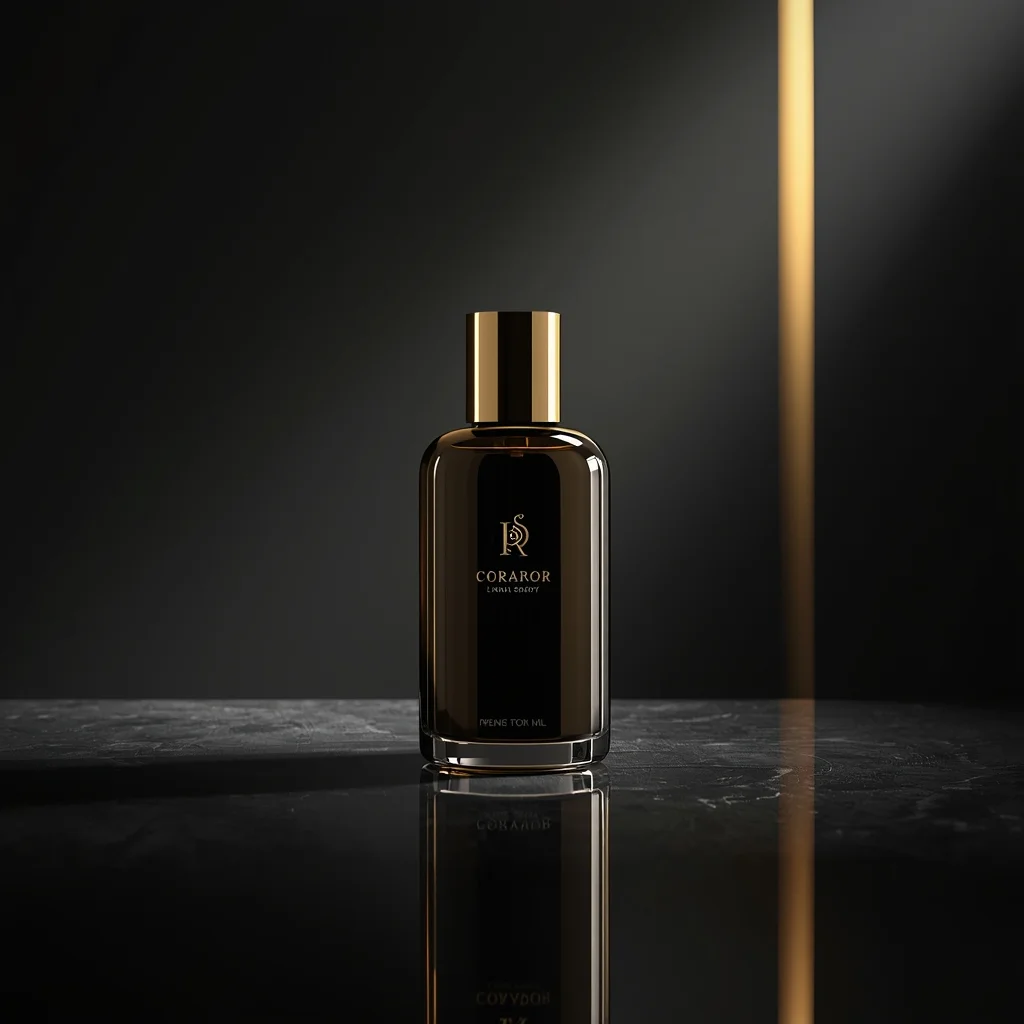
A premium luxury product displayed on a reflective surface, dark elegant background, soft spotlight lighting, golden highlights, rich shadows, high-end brand feel, cinematic mood, ultra-detailed materials, professional luxury advertising photography, ultra-realistic, 8K ultra HD
Quiet Kashmiri Cultural Saree Portrait | Gemini Vision Prompt
1734 mos ago
Prompt: A mid-shot portrait of a woman standing near an old wooden doorway, wearing a saree-inspired traditional outfit with subtle Kashida motifs. Her pose is relaxed and elegant, shoulders slightly turned, eyes softly engaging the camera. Warm autumn lighting highlights wool-like textures and natural facial details. Shallow depth of field, cinematic tones, ultra-realistic cultural elegance.
Frequently Asked Questions
Common questions regarding this AI prompt.
What is the optimal workflow for upscaling AI Influencer One-Hand Jacket Adjust Pose | Design Prompt to print-quality resolution?
Do not generate at massive resolutions directly, as it causes compositional duplication (like two heads). Instead, generate AI Influencer One-Hand Jacket Adjust Pose | Design Prompt at a native resolution (e.g., 1024x1024), and then use a dedicated AI upscaler. Tools like Topaz Gigapixel AI, Magnific AI, or the '4x-UltraSharp' model in Automatic1111 will enhance the micro-textures of the Man Pose Art without destroying the original composition.
What is the best Stylize (--s) value to use in Midjourney for this prompt?
The stylize parameter dictates how strongly Midjourney applies its default aesthetic. For strict adherence to the realistic details of AI Influencer One-Hand Jacket Adjust Pose | Design Prompt, keep it around --s 100 to --s 250. If you want the AI to take artistic liberties and make the Man Pose Art scene look more like a digital masterpiece, push the value up to --s 500 or --s 750.
How can I transform AI Influencer One-Hand Jacket Adjust Pose | Design Prompt into a vector graphic or logo style?
To strip away the photorealism, replace the camera keywords with 'flat vector illustration, minimalist design, UI/UX asset, Adobe Illustrator style, solid colors, clean crisp lines, no gradients'. This transforms the Man Pose Art subject into a scalable, graphic-design-ready asset perfect for web design or branding.
How do I deal with unwanted text or watermarks appearing in the image?
AI models are trained on stock photos which often contain watermarks. To aggressively filter this out, ensure words like 'text, watermark, signature, username, website url, copyright stamp' are heavily weighted in your negative prompt box. This is especially crucial when generating commercial-grade Man Pose Art content.
How do I modify AI Influencer One-Hand Jacket Adjust Pose | Design Prompt to fit into a dark fantasy or gothic horror setting?
Change the environmental descriptors. Add 'dark fantasy concept art, gothic architecture, eerie volumetric fog, corrupted ruins, ominous atmosphere, Bloodborne aesthetic'. This forces the AI to reinterpret the AI Influencer One-Hand Jacket Adjust Pose | Design Prompt prompt through a grim, terrifying lens, drastically altering the mood of the Man Pose Art output.
How can I use Inpainting to fix specific errors in the generated AI Influencer One-Hand Jacket Adjust Pose | Design Prompt image?
Inpainting is essential for perfection. If 90% of the AI Influencer One-Hand Jacket Adjust Pose | Design Prompt image is flawless but a hand or eye is distorted, send the image to an Inpaint tab. Mask only the flawed area, keep the original prompt, and set the denoising strength high (around 0.7). The AI will regenerate only that specific zone, seamlessly blending the fixed Man Pose Art elements into the surrounding artwork.
What is the best way to shift the artistic medium of AI Influencer One-Hand Jacket Adjust Pose | Design Prompt to an oil painting?
To completely transform the medium, append powerful style modifiers. Injecting phrases like 'intricate oil painting on canvas, thick impasto strokes, palette knife technique, classical fine art, museum masterpiece' will completely override the default realism, offering a traditional artistic variation for your Man Pose Art project.
What if the AI completely ignores a specific detail I added to the AI Influencer One-Hand Jacket Adjust Pose | Design Prompt prompt?
If a detail is ignored, it lacks 'weight'. Move that specific word closer to the very beginning of the prompt. Alternatively, if using Midjourney, use the double colon syntax (Keyword::2) to force the AI to pay attention. In Stable Diffusion, wrap the keyword in parentheses like (Keyword:1.5) to boost its importance in the Man Pose Art scene.
What is the core conceptual focus of the AI Influencer One-Hand Jacket Adjust Pose | Design Prompt prompt?
The AI Influencer One-Hand Jacket Adjust Pose | Design Prompt prompt is meticulously engineered to focus on high-fidelity visual storytelling within the Man Pose Art genre. By leveraging advanced keyword weighting and specific rendering tokens, it ensures that the AI prioritizes both the primary subject matter and the intricate atmospheric details, resulting in a highly professional and polished final image.
Can I generate a 3D claymation or toy-like version of AI Influencer One-Hand Jacket Adjust Pose | Design Prompt?
Yes, you can mimic physical models easily. Add terms such as 'made of polymer clay, tilt-shift photography, miniature diorama, cute 3D render, smooth plasticine, vibrant pastel colors' to the prompt. The AI will instantly convert the Man Pose Art scene into a charming, tactile 3D object.
What are the recommended parameters for generating AI Influencer One-Hand Jacket Adjust Pose | Design Prompt in Stable Diffusion XL (SDXL)?
For optimal results in SDXL, we recommend pairing this prompt with a high-quality checkpoint like Juggernaut XL. Use the DPM++ 2M Karras sampler with approximately 35-40 steps and a CFG scale between 6.5 and 8.0. This combination strikes the perfect balance between adhering strictly to the AI Influencer One-Hand Jacket Adjust Pose | Design Prompt description and allowing the model's creative freedom.
Is it possible to use this static image prompt as a base for AI video animation?
Yes, this is a very popular workflow. Once you generate the perfect still image of AI Influencer One-Hand Jacket Adjust Pose | Design Prompt, you can import it into cutting-edge AI video generators like Luma Dream Machine, Kling AI, Runway Gen-3, or Pika Labs. The high detail and clear focus provided by this Man Pose Art prompt make it an ideal initial keyframe, resulting in smooth, artifact-free animations.
How do I inject a cyberpunk or dystopian sci-fi feel into AI Influencer One-Hand Jacket Adjust Pose | Design Prompt?
Add 'cyberpunk metropolis, neon rain, holographic advertisements, high-tech low-life, chrome and cables'. The AI will retain the core shape and intent of the AI Influencer One-Hand Jacket Adjust Pose | Design Prompt prompt but re-texture everything with futuristic, glowing, and metallic sci-fi elements.
How do I achieve an extreme close-up or macro shot of AI Influencer One-Hand Jacket Adjust Pose | Design Prompt?
Modify the perspective by heavily weighting keywords like 'extreme macro photography', '100mm macro lens', 'microscopic detail', and 'extreme close up'. This forces the AI engine to ignore the broader Man Pose Art environment and dedicate all of its rendering power to the microscopic textures, fibers, or surface imperfections of the primary subject.