Outdoor Natural Light Product Shot | Simple Ai Prompt
High-quality AI-generated image. Optimized for detailed rendering, perfect for creative projects and inspiration.
209Views
0 Likes
100%Quality
FreeLicense
AI Prompt
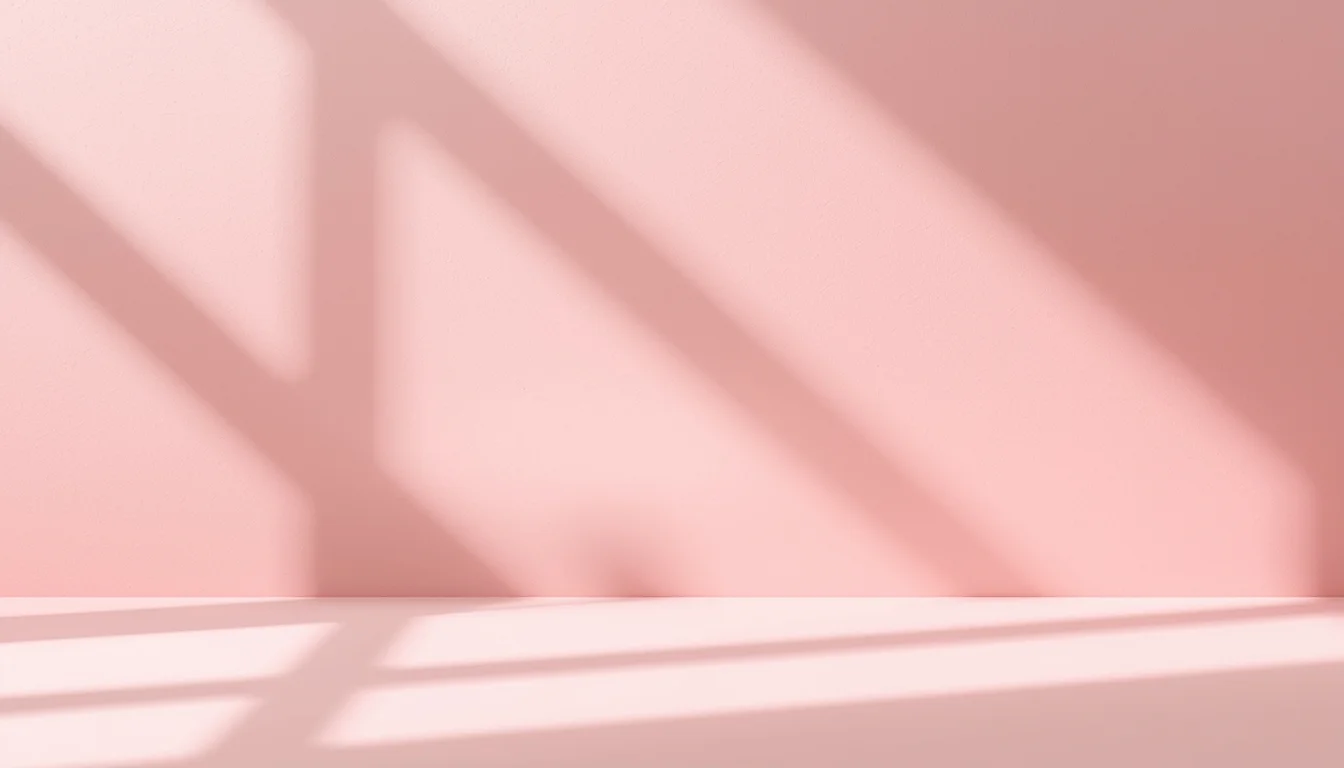
A product placed outdoors on a clean surface, natural sunlight, soft shadows, realistic environment, fresh and authentic look, natural color tones, detailed product texture, shallow depth of field, professional outdoor product photography style, ultra-realistic, high detail, 8K resolution
Want to create this with your own face? Use this instruction:
Reference face is final. Do not modify. A product placed outdoors on a clean surface, natural sunlight, soft shadows, realistic environment, fresh and authentic look, natural color tones, detailed product texture, shallow depth of field, professional outdoor product photography style, ultra-realistic, high detail, 8K resolution
About this Prompt
Discover the well-kept secret to flawless, ultra-realistic generations with 'Outdoor Natural Light Product Shot | Simple Ai Prompt', specifically formulated to bring out the most luxurious, stylish, and deeply captivating aspects of the Product Images genre. It is a true generative gem designed for creators who refuse to compromise on quality. Incredibly delicate, almost microscopic filigree work and obsessive attention to highly ornate craftsmanship define the physical space. The glowing transparency and beautiful subsurface scattering make the organic elements look remarkably fleshy, completely authentic, and terrifyingly alive in this Product Images context.
It acts as a deeply powerful catalyst for concept artists working in the highly demanding video game and cinematic film industries. This prompt effortlessly generates highly believable, deeply immersive Product Images worlds and character concepts in mere seconds. Your incredible journey to absolute generative perfection starts exactly right here. Seamlessly blend color, digital code, and raw creativity by confidently utilizing this ultimate prompt to bring your boldest, most ambitious Product Images visions to reality.
The Miniature Galaxy in a Lightbulb (Macro Surrealism) | Sharp Image Prompt
2456 mos ago
A breathtaking macro photograph of a surreal, impossible object: a vintage Edison-style lightbulb resting on a bed of dark velvet. Inside the glass bulb, instead of a filament, there is a miniature swirling galaxy with vibrant nebulae in violet and gold, tiny sparkling stars, and a small, detailed planet with rings. The glass of the bulb has realistic reflections of a dark laboratory setting. Small wisps of cosmic smoke are trapped inside. The lighting is low and moody, with the primary light source being the soft, ethereal glow from the galaxy inside the bulb. High-speed photography style, 100mm macro lens, f/2.8, hyper-detailed textures of the glass and metal base.
Midnight Neon Reflection | Top Trending Ai Prompt Style
2466 mos ago
Prompt: A hyper-realistic night-time shot of a woman in a "looking-back" pose while standing in a rain-slicked alleyway in Tokyo. She is wearing a reflective silver puffer jacket over a black turtleneck. The "new realistic" style captures the neon pink and blue light reflecting off her wet skin and the individual raindrops on her jacket. The camera is positioned at a low angle, using a 35mm f/1.4 lens to create a cinematic bokeh background of blurred city lights. Authentic skin grain, visible pores, and slightly messy, damp hair strands for a non-perfect, real-world aesthetic.
Heavy Mech Hangar Repairs | Powerful Ai Image Prompt
6026 mos ago
Prompt: A sprawling industrial sci-fi hangar bay. In the center, a massive, battle-damaged bipedal combat mech (robot) is being repaired by tiny human engineers using welding torches that create showers of bright sparks. Huge robotic arms are lifting heavy armor plating. The mech is covered in grime, oil streaks, and scorch marks from battle. Grating flooring, complex machinery details, steam venting from pipes. "Titanfall" aesthetic, detailed metallic textures, dramatic industrial lighting.
YouTube Thumbnail – Clean Minimal Aesthetic Design | Top Trending Ai Prompt Style
1986 mos ago
Prompt: A clean minimal YouTube thumbnail design with soft pastel background, balanced composition, smooth lighting, subtle shadows, aesthetic simplicity, modern professional look, calming yet attention-grabbing visual style, ultra-HD clarity, no text, no typography, no symbols.
Intense Sports Anime Action | Best Ai Prompt For Beginner
2226 mos ago
Prompt: High-octane sports anime style, like Haikyuu!! or Blue Lock. Dramatic action shot of a basketball player mid-dunk, surrounded by speed lines and impact effects. Sweat flying off the character, intense facial concentration. Dynamic camera angle from below. High contrast lighting in a packed gymnasium.
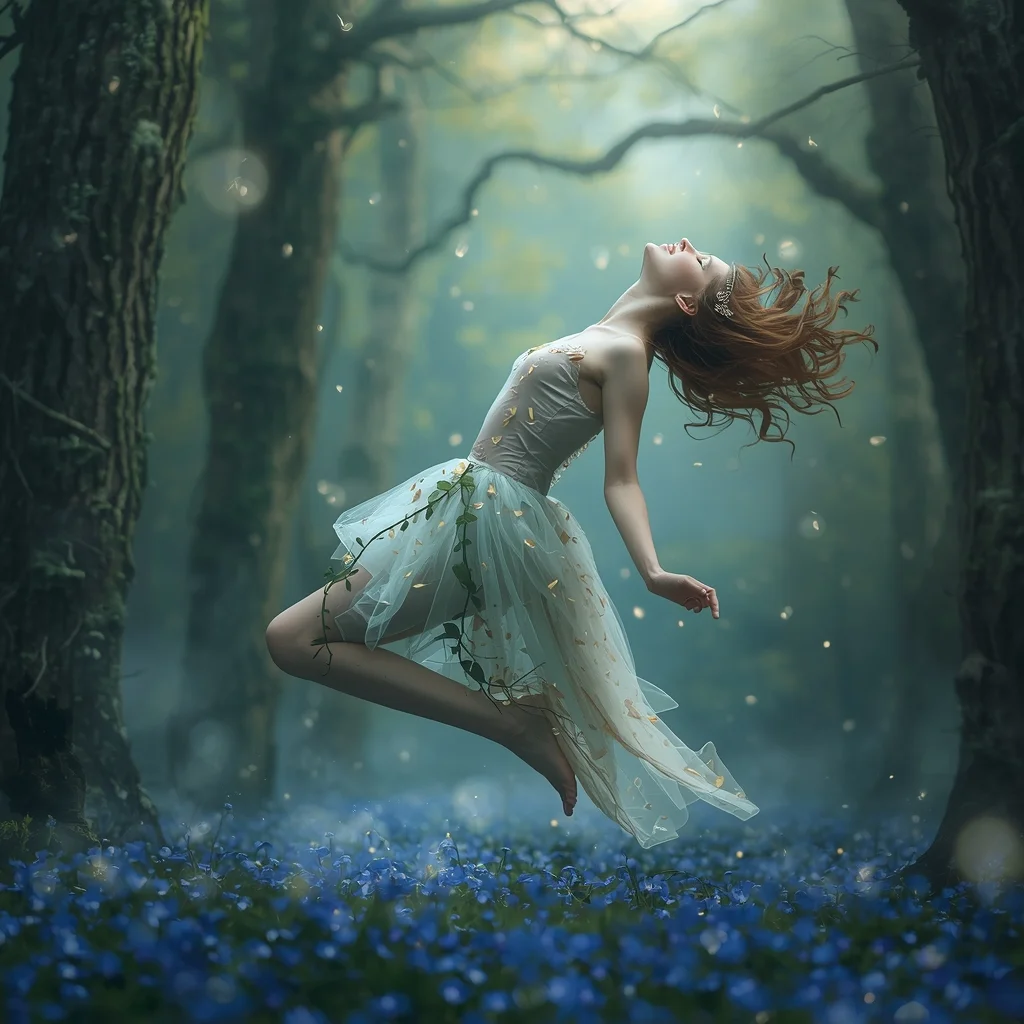
Prompt: A whimsical woman appearing like a forest spirit, wearing a dress made of translucent petals and ivy. She is surrounded by ancient trees, glowing fireflies, and soft morning mist. The forest floor is covered in vibrant blue flowers.
Pose: Floating slightly above the ground, her body tilted horizontally, hair flowing upwards as if underwater, eyes closed in a peaceful trance.
Technical: Soft focus, ethereal glow, dreamlike atmosphere, pastel color palette, 8k, digital art masterpiece.
Elegant Dupatta Flow Traditional Pose | Trending Gemini Prompt
2806 mos ago
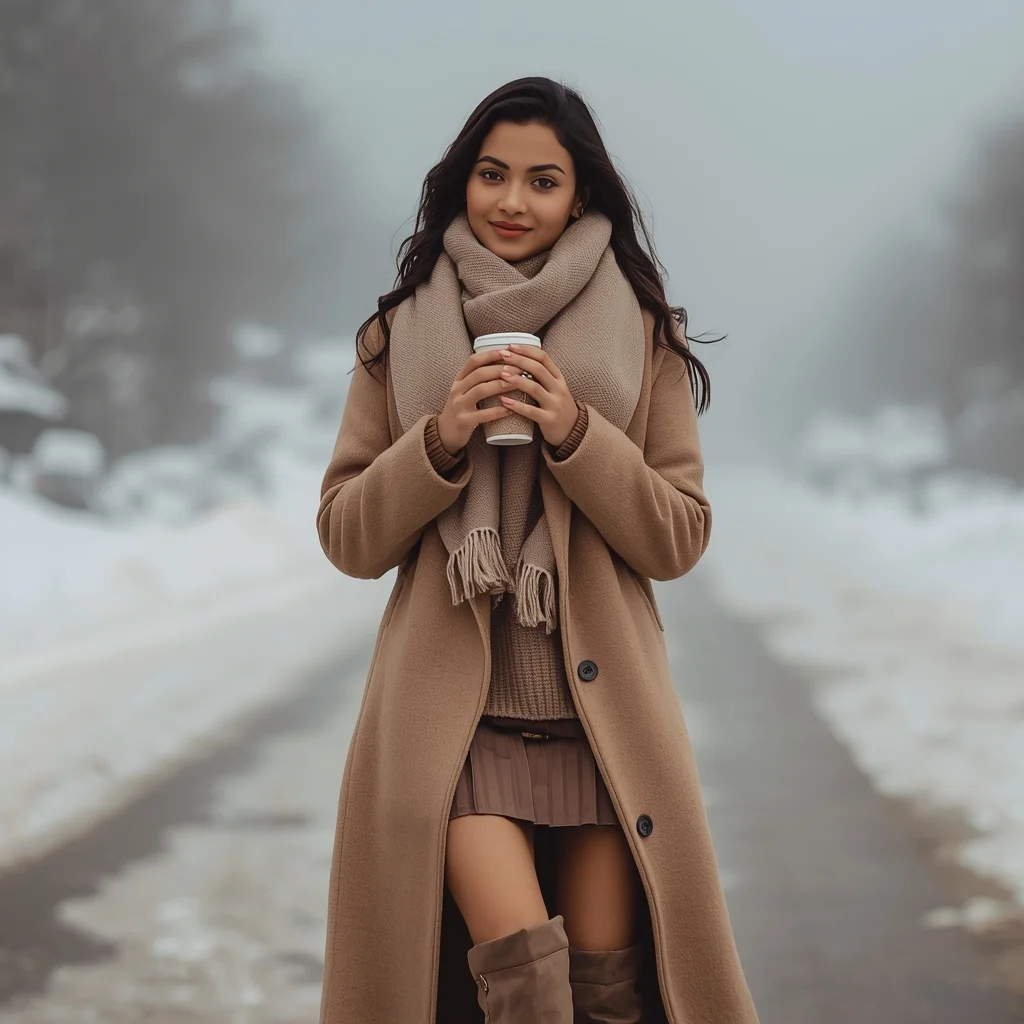
Prompt: A woman posing gracefully as her dupatta flows gently in the air, one hand lifted delicately to guide the fabric while her body remains poised and balanced. Outfit is traditional and elegant, emphasizing cultural craftsmanship. Expression is soft and graceful, with a subtle smile. Natural outdoor lighting or courtyard light creates beautiful shadows. Background minimal but culturally inspired. Ultra-realistic fabric motion, cinematic portrait composition, refined cultural elegance.
Frequently Asked Questions
Common questions regarding this AI prompt.
Can I convert the scene into a post-apocalyptic wasteland?
Yes, by adding 'post-apocalyptic, overgrown ruins, rusted metal, decayed urban environment, survival aesthetic, cinematic fallout style'. The AI will take the core structure of Outdoor Natural Light Product Shot | Simple Ai Prompt and age it by decades, adding immense weathering and environmental storytelling to the Product Images image.
Can I easily integrate the Outdoor Natural Light Product Shot | Simple Ai Prompt output into a professional design workflow?
Absolutely. The outputs generated by this prompt are designed with commercial and professional workflows in mind. Because it emphasizes crisp edges, balanced contrast, and high-resolution keywords, the resulting Product Images images are perfect for immediate use in UI/UX design, marketing materials, or further post-processing in software like Adobe Photoshop.
Is it possible to make the image look like an architectural blueprint?
Absolutely. Strip all color and realism by adding 'technical architectural blueprint, white lines on blue background, schematics, precise measurements, cross-section view, drafted by an engineer'. This is a highly creative way to present the Product Images subject from an analytical, structural perspective.
How do I deal with unwanted text or watermarks appearing in the image?
AI models are trained on stock photos which often contain watermarks. To aggressively filter this out, ensure words like 'text, watermark, signature, username, website url, copyright stamp' are heavily weighted in your negative prompt box. This is especially crucial when generating commercial-grade Product Images content.
How does the prompt establish the historical or futuristic era of Outdoor Natural Light Product Shot | Simple Ai Prompt?
Era-specific aesthetics are locked in using targeted chronological keywords. Whether leaning towards a neo-futuristic cyberpunk vibe or a classical Renaissance look, the prompt forces the AI to draw from specific historical datasets. This ensures that the clothing, architecture, and props within the Product Images scene remain historically or thematically accurate.
How customizable are the character and environment details in the Outdoor Natural Light Product Shot | Simple Ai Prompt prompt?
Highly customizable. The prompt serves as a robust architectural framework. You can easily swap out specific nouns or color palettes while retaining the core Product Images style. For example, changing the time of day or the primary clothing material will seamlessly adapt the scene while maintaining the high-definition rendering quality originally intended for Outdoor Natural Light Product Shot | Simple Ai Prompt.
Can I use Image-to-Image (Img2Img) techniques with the Outdoor Natural Light Product Shot | Simple Ai Prompt prompt?
Absolutely. Using a rough sketch or a reference photo alongside this prompt in an Img2Img workflow is highly effective. We recommend setting your Denoising Strength between 0.45 and 0.65. This range is the 'sweet spot' that allows the AI to apply the high-quality textures and lighting of the Outdoor Natural Light Product Shot | Simple Ai Prompt prompt while strictly respecting the structural layout of your reference image.
How do I ensure the skin textures in Outdoor Natural Light Product Shot | Simple Ai Prompt look photorealistic and not plastic?
AI often defaults to overly smooth, airbrushed skin. To counter this, you must explicitly demand imperfections. Add 'subsurface scattering, visible skin pores, peach fuzz, micro-wrinkles, highly detailed skin texture, raw unedited photograph' to the prompt. This forces the model to render the human elements of the Product Images scene with authentic, biological realism.
Does this prompt work with DALL-E 3 inside ChatGPT?
Yes, it works exceptionally well. DALL-E 3 thrives on conversational, highly descriptive text. Because this prompt for Outdoor Natural Light Product Shot | Simple Ai Prompt is structured with clear nouns and adjectives, DALL-E 3 will translate it almost perfectly into an image, ensuring that multiple complex elements within the Product Images scene interact logically.
Why might the colors in my Outdoor Natural Light Product Shot | Simple Ai Prompt generation appear washed out, and how do I fix it?
Washed-out colors typically result from a missing VAE file in local setups, or a lack of color-grading instructions. To immediately fix this within the text prompt itself, append phrases such as 'vibrant technicolor, rich saturation, HDR, cinematic color grading, high contrast'. This forces the AI to map a wider, more dynamic color range to your image.
How does Midjourney v6 process the intricate details of Outdoor Natural Light Product Shot | Simple Ai Prompt?
Midjourney v6 excels at understanding natural language nuances. This prompt is specifically written to take advantage of v6's semantic comprehension. You do not need to use 'prompt salad' (randomly throwing words). The detailed, descriptive sentences regarding the Product Images elements are parsed accurately, giving you photographic or highly illustrative perfection.