This Simple Change Boosted Everything | High Quality Ai Prompt List
High-quality AI-generated image. Optimized for detailed rendering, perfect for creative projects and inspiration.
162Views
0 Likes
100%Quality
FreeLicense
AI Prompt
Prompt: Design a bold thumbnail with a creator confidently flipping a switch labeled “ON.” As the switch flips, the scene transforms with bright colors, glowing arrows, and growth symbols. Use energetic lighting, vivid saturation, cinematic contrast, ultra-realistic details, sharp focus, strong visual motion, and a clean yet powerful composition optimized for instant attention.
Want to create this with your own face? Use this instruction:
Facial geometry must match the reference image perfectly. Prompt: Design a bold thumbnail with a creator confidently flipping a switch labeled “ON.” As the switch flips, the scene transforms with bright colors, glowing arrows, and growth symbols. Use energetic lighting, vivid saturation, cinematic contrast, ultra-realistic details, sharp focus, strong visual motion, and a clean yet powerful composition optimized for instant attention.
About this Prompt
Indulge in a glorious, high-definition visual feast with 'This Simple Change Boosted Everything | High Quality Ai Prompt List', a premium prompt that heavily celebrates the luxurious opulence inherent in the YouTube Thumbnail style. By selecting this highly optimized text string, you are actively choosing uncompromising, elite quality for your creative endeavors. Notice exactly how the prompt naturally forces the AI to enhance volumetric lighting and subtle, diffuse shadows, creating a true, deeply convincing 3D illusion. Every micro-detail is sharply defined, ensuring the artwork holds up beautifully even when upscaled to extreme 8k or 16k resolutions.
It acts as a deeply powerful catalyst for concept artists working in the highly demanding video game and cinematic film industries. This prompt effortlessly generates highly believable, deeply immersive YouTube Thumbnail worlds and character concepts in mere seconds. Take absolute, total control of the incredibly powerful neural network. This uniquely engineered prompt effectively bends the AI exactly to your precise, highly detailed creative will, translating raw thought into staggering digital reality with zero compromises.
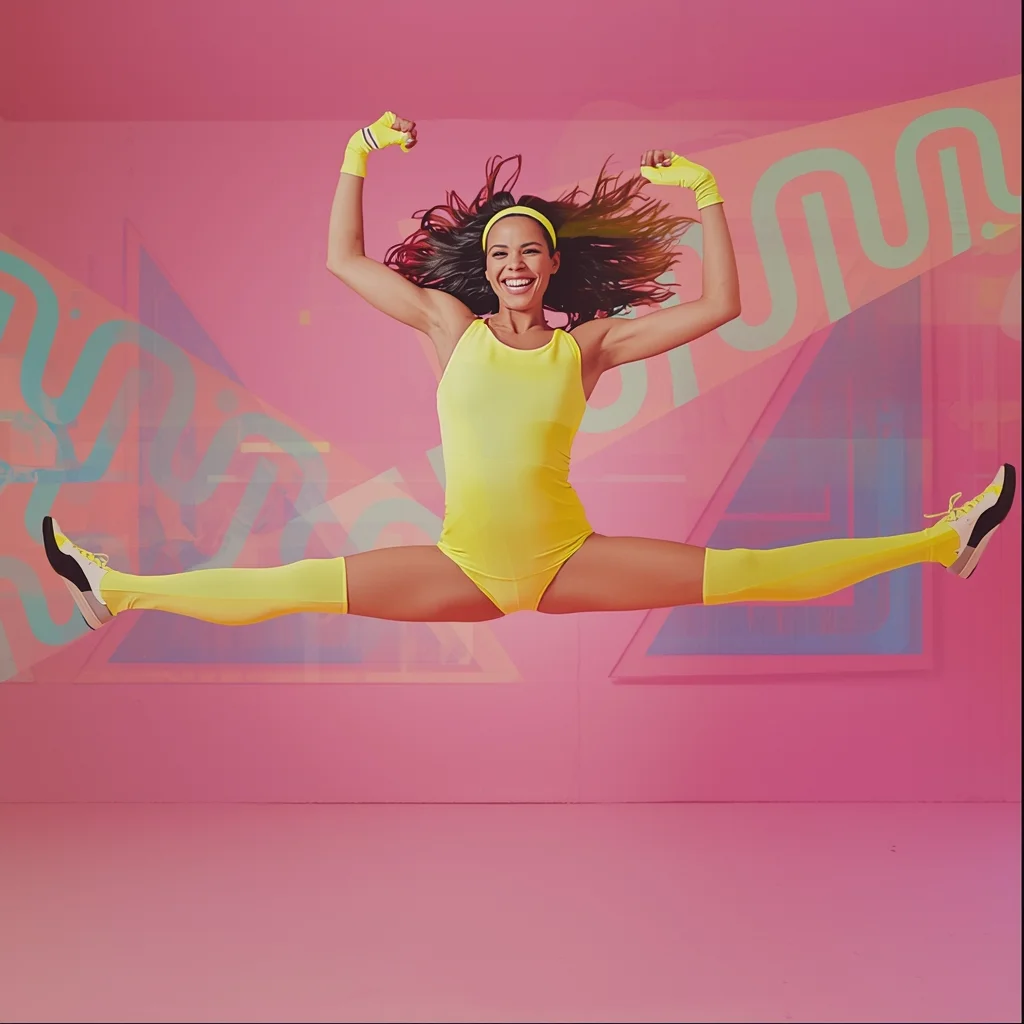
Prompt: A vibrant, energetic synthwave aesthetic image of a woman in an 80s aerobics studio. She is wearing a neon spandex leotard, leg warmers, and a headband. The background features Memphis design patterns (squiggles and triangles) in pastel colors.
Pose: Mid-air jump freeze frame; legs split in a hurdle jump, arms pumped high in the air, huge smile, hair flying dynamically.
Technical: Studio strobe lighting, bright pastel colors, VHS glitch effect overlay, high energy, commercial advertising style.
Traditional Ukiyo-e Woodblock Animation | Shadow Effect Prompt
1634 mos ago
Prompt: Highly stylized anime influenced by traditional Japanese ukiyo-e woodblock prints, similar to the art of Hokusai or the anime "Mononoke". A mythical fox spirit standing on a bridge under a giant, textured wave. Rice paper texture overlay, muted mineral color palette, prominent hand-drawn brushstroke outlines, flat perspective.
An artistic male portrait with side-face angle, thoughtful expression, soft dramatic lighting, dark blurred background, fine skin details, cinematic mood, shallow depth of field, professional portrait photography, ultra-high definition, realistic AI art
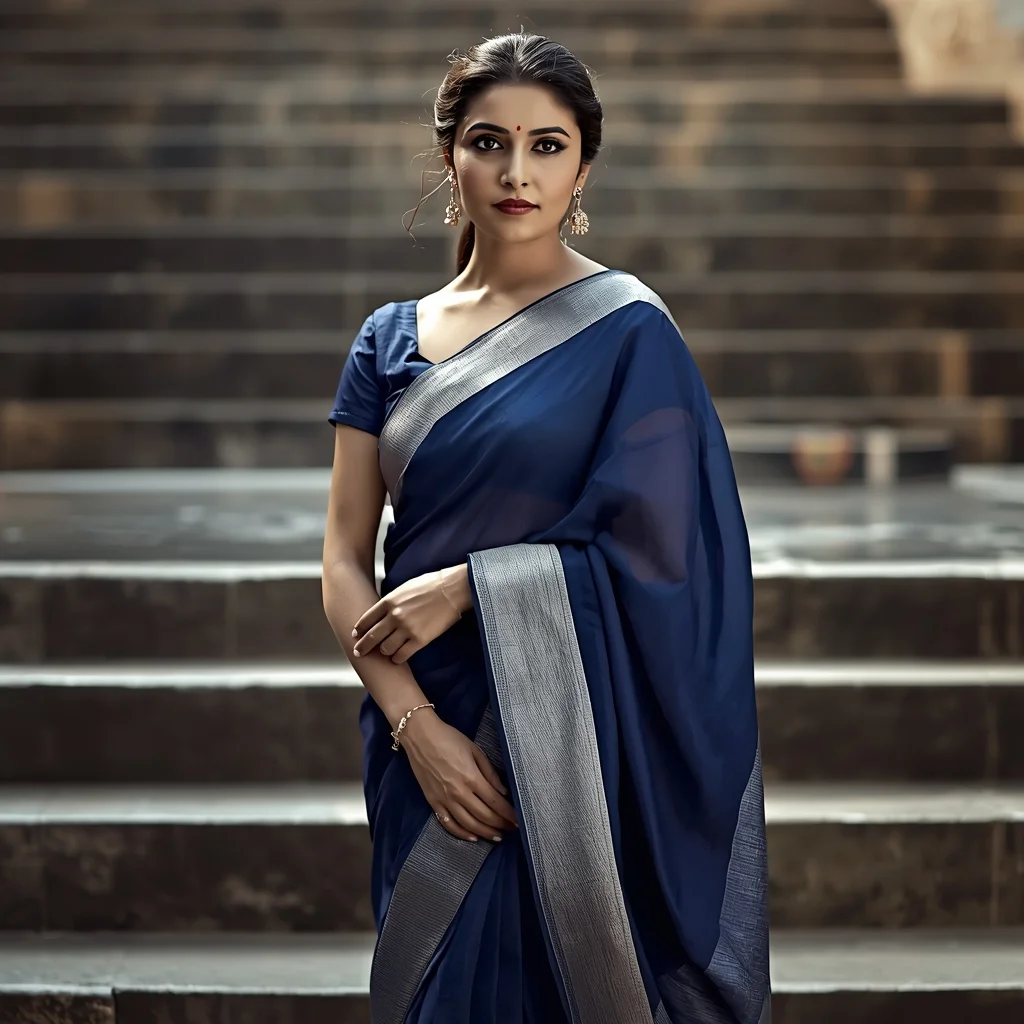
Classic Indian Saree Pose by Temple Steps | Ai Portrait Prompt
1844 mos ago
Prompt: A mid-to-full shot portrait of a woman standing near temple steps, wearing a traditional saree in deep blue and silver tones. Her pose is composed and elegant, shoulders slightly turned, eyes softly engaging the camera. Natural light enhances stone textures and fabric detail. Cultural authenticity, shallow depth of field, cinematic tones, ultra-realistic DSLR style.
Prompt: A man wearing an oversized sand-colored hoodie and cargo joggers, standing in a dusty, sun-bleached desert town. A vintage 4x4 vehicle is parked in the background, partially covered in sand. Pose: Squatting on the ground (low-angle shot), looking up at the camera with a "street-vibe" attitude. One hand is resting on his knee, the other is touching his sunglasses. Technical: Low-angle perspective, harsh sunlight with deep shadows, 35mm lens, high-fashion editorial style.
Pose: Squatting on the ground (low-angle shot), looking up at the camera with a "street-vibe" attitude. One hand is resting on his knee, the other is touching his sunglasses. Technical: Low-angle perspective, harsh sunlight with deep shadows, 35mm lens, high-fashion editorial style.
Technical: Low-angle perspective, harsh sunlight with deep shadows, 35mm lens, high-fashion editorial style.
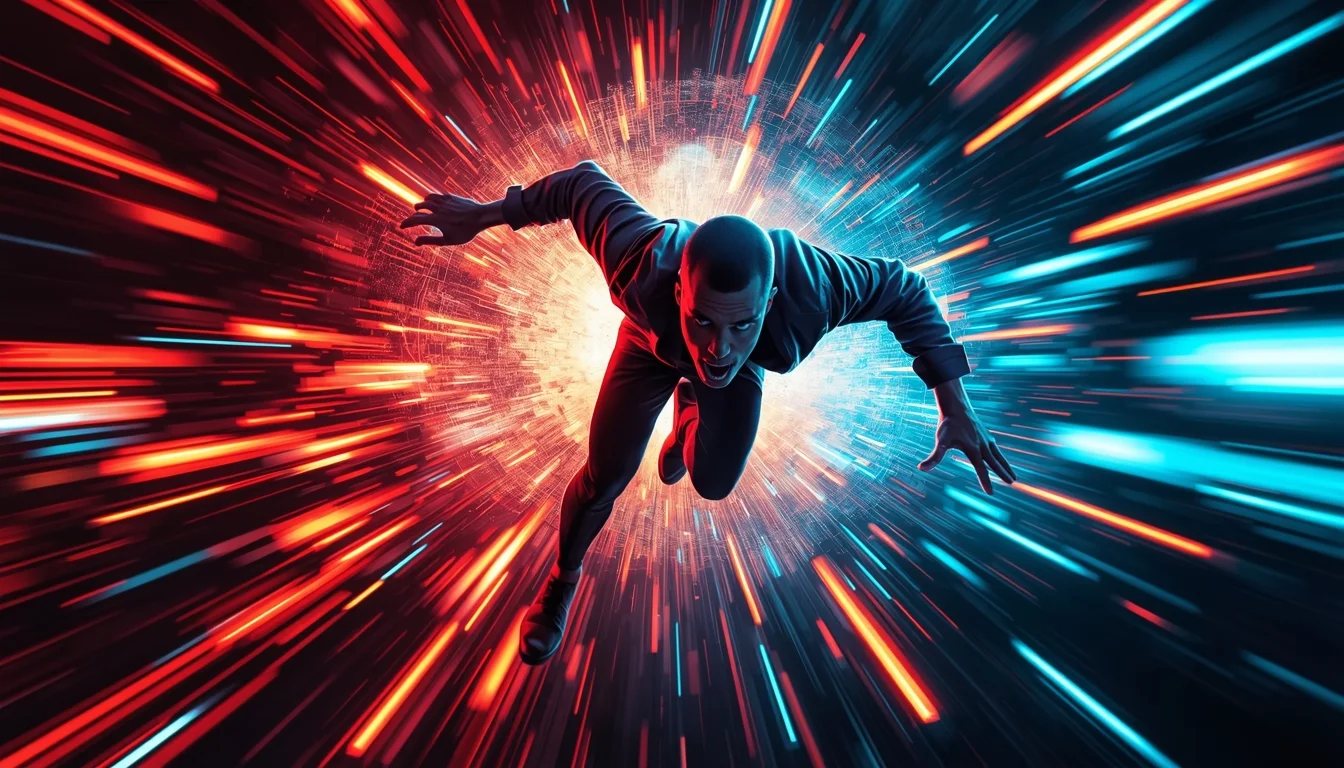
YouTube Thumbnail – Fast Motion Energy Burst Design | Ai Design Prompt
1874 mos ago
Prompt: A high-energy YouTube thumbnail design capturing motion, speed, and excitement. The subject appears mid-action with motion blur effects, dynamic angles, and exaggerated perspective. Background includes colorful motion streaks, digital particles, and energetic lighting flares. Strong contrast between subject and background for instant attention. Vibrant colors, punchy saturation, sharp subject clarity, dramatic lighting, cinematic action look, modern viral YouTube style, ultra-HD, thumbnail-optimized framing, no text, no words.
Prompt: A bold viral YouTube thumbnail design featuring exaggerated emotions, dynamic composition, vibrant colors, sharp lighting contrast, dramatic shadows, punchy saturation, energetic visual flow, modern social media aesthetic, ultra-clean background separation, professional thumbnail framing, no text, no typography, no words.
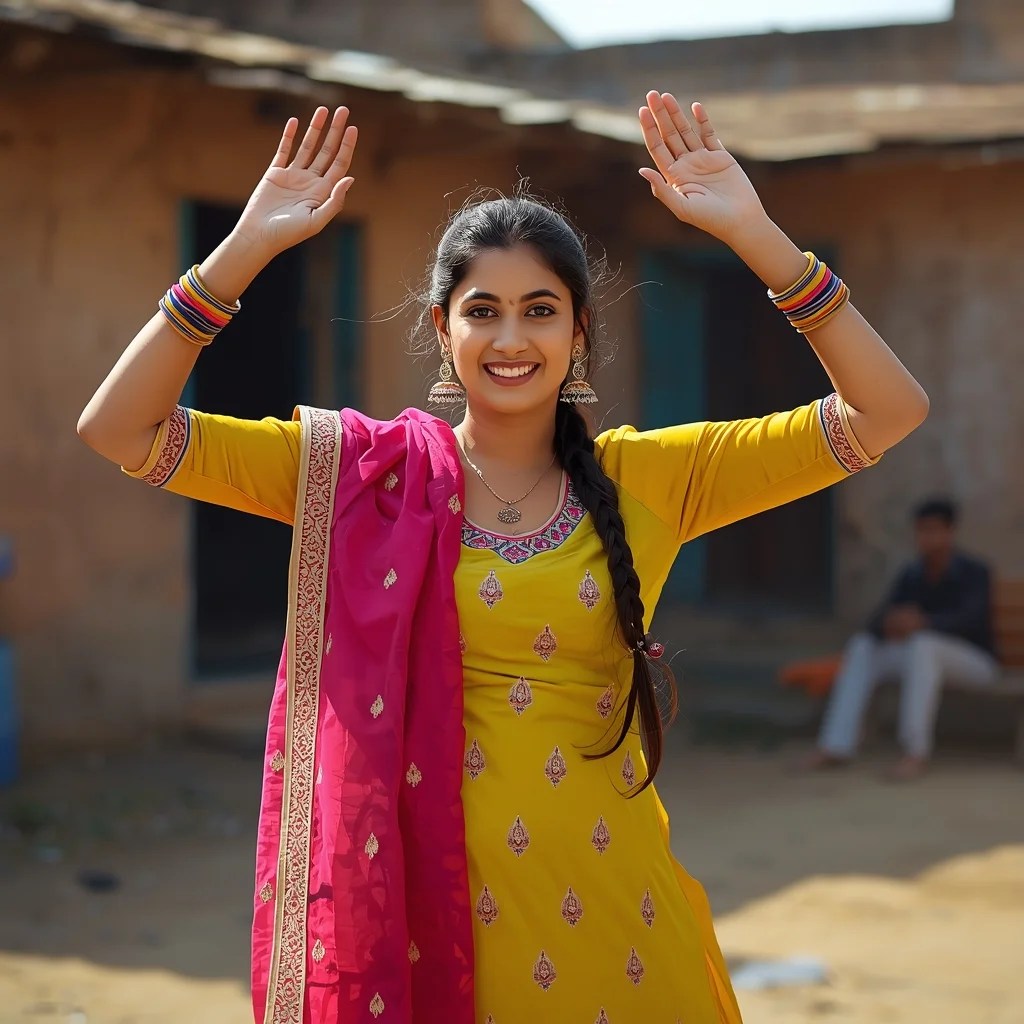
Prompt: A Punjabi woman captured in a lively Giddha dance pose, hands raised with expressive gestures, wearing a bright yellow and pink salwar kameez with phulkari dupatta, traditional jhumkas and colorful bangles, braided hair, rural village courtyard background, joyful smile, energetic body language, vibrant daylight, crisp motion details, ultra-realistic festival mood, cinematic composition
Frequently Asked Questions
Common questions regarding this AI prompt.
How do I add realistic weather effects like rain or snow to the scene?
Weather completely alters the physics of light. If you add 'torrential rain, wet asphalt reflecting neon, water droplets clinging to surfaces', the AI will not just draw rain; it will change the specularity of the This Simple Change Boosted Everything | High Quality Ai Prompt List subject. For snow, use 'heavy blizzard, frost-covered edges, soft diffused winter light' to change the entire atmosphere of the YouTube Thumbnail generation.
Can I convert the scene into a post-apocalyptic wasteland?
Yes, by adding 'post-apocalyptic, overgrown ruins, rusted metal, decayed urban environment, survival aesthetic, cinematic fallout style'. The AI will take the core structure of This Simple Change Boosted Everything | High Quality Ai Prompt List and age it by decades, adding immense weathering and environmental storytelling to the YouTube Thumbnail image.
Can I generate a 3D claymation or toy-like version of This Simple Change Boosted Everything | High Quality Ai Prompt List?
Yes, you can mimic physical models easily. Add terms such as 'made of polymer clay, tilt-shift photography, miniature diorama, cute 3D render, smooth plasticine, vibrant pastel colors' to the prompt. The AI will instantly convert the YouTube Thumbnail scene into a charming, tactile 3D object.
Can I use Image-to-Image (Img2Img) techniques with the This Simple Change Boosted Everything | High Quality Ai Prompt List prompt?
Absolutely. Using a rough sketch or a reference photo alongside this prompt in an Img2Img workflow is highly effective. We recommend setting your Denoising Strength between 0.45 and 0.65. This range is the 'sweet spot' that allows the AI to apply the high-quality textures and lighting of the This Simple Change Boosted Everything | High Quality Ai Prompt List prompt while strictly respecting the structural layout of your reference image.
How can I prevent anatomical distortions or 'extra limbs' when generating characters?
While modern models have improved, complex poses in YouTube Thumbnail can still cause issues. To prevent this, use a strong negative prompt containing 'bad anatomy, extra limbs, mutated hands, deformed structure'. If generating locally via Stable Diffusion, utilizing ControlNet (specifically OpenPose or Depth) alongside this prompt will guarantee flawless anatomical structure.
What specific lighting setup is best to highlight the details of This Simple Change Boosted Everything | High Quality Ai Prompt List?
For maximum texture reveal, a 'three-point studio lighting' or 'Rembrandt lighting' setup works best. By incorporating keywords like 'rim light', 'key light', and 'soft fill', you instruct the AI to sculpt the YouTube Thumbnail subject out of the background, ensuring that micro-details like skin pores, fabric weaves, or metallic reflections are perfectly visible.
What is the best way to shift the artistic medium of This Simple Change Boosted Everything | High Quality Ai Prompt List to an oil painting?
To completely transform the medium, append powerful style modifiers. Injecting phrases like 'intricate oil painting on canvas, thick impasto strokes, palette knife technique, classical fine art, museum masterpiece' will completely override the default realism, offering a traditional artistic variation for your YouTube Thumbnail project.
Can I simulate bioluminescence or neon lighting in this prompt?
Yes, you can easily shift the scene into a sci-fi or fantasy realm by adding terms like 'bioluminescent glow', 'neon tube lighting', 'emissive materials', or 'fluorescent accents'. These modifiers will cause the objects within the YouTube Thumbnail scene to act as their own light sources, casting incredibly realistic colored reflections onto surrounding surfaces.
How does the prompt simulate physical camera lenses for This Simple Change Boosted Everything | High Quality Ai Prompt List?
The prompt acts as a virtual director of photography by explicitly stating lens focal lengths and aperture settings. By including phrases like 'shot on 35mm lens' or 'f/1.4 aperture', the AI mathematically simulates the optical distortion, compression, and background blur (bokeh) characteristic of high-end photography, elevating the YouTube Thumbnail image from a flat digital render to a lifelike photo.
Can I easily integrate the This Simple Change Boosted Everything | High Quality Ai Prompt List output into a professional design workflow?
Absolutely. The outputs generated by this prompt are designed with commercial and professional workflows in mind. Because it emphasizes crisp edges, balanced contrast, and high-resolution keywords, the resulting YouTube Thumbnail images are perfect for immediate use in UI/UX design, marketing materials, or further post-processing in software like Adobe Photoshop.
Is it possible to use this static image prompt as a base for AI video animation?
Yes, this is a very popular workflow. Once you generate the perfect still image of This Simple Change Boosted Everything | High Quality Ai Prompt List, you can import it into cutting-edge AI video generators like Luma Dream Machine, Kling AI, Runway Gen-3, or Pika Labs. The high detail and clear focus provided by this YouTube Thumbnail prompt make it an ideal initial keyframe, resulting in smooth, artifact-free animations.
Why might the colors in my This Simple Change Boosted Everything | High Quality Ai Prompt List generation appear washed out, and how do I fix it?
Washed-out colors typically result from a missing VAE file in local setups, or a lack of color-grading instructions. To immediately fix this within the text prompt itself, append phrases such as 'vibrant technicolor, rich saturation, HDR, cinematic color grading, high contrast'. This forces the AI to map a wider, more dynamic color range to your image.
Can I change the material composition of objects in the This Simple Change Boosted Everything | High Quality Ai Prompt List prompt?
Yes, AI handles material transformation brilliantly. If you want to change a standard object into something surreal, use explicit material descriptors like 'made of translucent frosted glass', 'brushed anodized aluminum', 'woven carbon fiber', or 'wet shimmering obsidian'. This will completely recalculate the reflections and refractions in the YouTube Thumbnail output.
What is the optimal workflow for upscaling This Simple Change Boosted Everything | High Quality Ai Prompt List to print-quality resolution?
Do not generate at massive resolutions directly, as it causes compositional duplication (like two heads). Instead, generate This Simple Change Boosted Everything | High Quality Ai Prompt List at a native resolution (e.g., 1024x1024), and then use a dedicated AI upscaler. Tools like Topaz Gigapixel AI, Magnific AI, or the '4x-UltraSharp' model in Automatic1111 will enhance the micro-textures of the YouTube Thumbnail without destroying the original composition.
How does Midjourney v6 process the intricate details of This Simple Change Boosted Everything | High Quality Ai Prompt List?
Midjourney v6 excels at understanding natural language nuances. This prompt is specifically written to take advantage of v6's semantic comprehension. You do not need to use 'prompt salad' (randomly throwing words). The detailed, descriptive sentences regarding the YouTube Thumbnail elements are parsed accurately, giving you photographic or highly illustrative perfection.