I Was Making This Huge YouTube Mistake | Pro Ai Prompt For Creator
High-quality AI-generated image. Optimized for detailed rendering, perfect for creative projects and inspiration.
290Views
0 Likes
100%Quality
FreeLicense
AI Prompt
Prompt: Create a dramatic thumbnail showing a creator pointing at their own head with a shocked expression. Behind them, a cracked YouTube logo and broken analytics graph symbolize failure. Red warning symbols float around the scene. Use dark cinematic lighting with red accents, intense facial emotion, ultra-sharp focus, dramatic shadows, high saturation, bold visual hierarchy, and professional thumbnail composition designed to instantly communicate error and urgency.
Want to create this with your own face? Use this instruction:
Reference image controls facial identity. Do not override it. Prompt: Create a dramatic thumbnail showing a creator pointing at their own head with a shocked expression. Behind them, a cracked YouTube logo and broken analytics graph symbolize failure. Red warning symbols float around the scene. Use dark cinematic lighting with red accents, intense facial emotion, ultra-sharp focus, dramatic shadows, high saturation, bold visual hierarchy, and professional thumbnail composition designed to instantly communicate error and urgency.
About this Prompt
Prepare to have your visual expectations completely shattered by 'I Was Making This Huge YouTube Mistake | Pro Ai Prompt For Creator'. This bold, dramatic reimagining of traditional YouTube Thumbnail concepts pushes the neural network to its absolute limits, resulting in a glorious visual feast that commands authority and establishes a commanding digital presence. Incredibly delicate, almost microscopic filigree work and obsessive attention to highly ornate craftsmanship define the physical space. The glowing transparency and beautiful subsurface scattering make the organic elements look remarkably fleshy, completely authentic, and terrifyingly alive in this YouTube Thumbnail context.
Perfect for educational content creators, online course developers, and presentation designers who want to deeply engage their audience visually. Say goodbye to generic, boring stock photos and replace them with stunning, custom-generated YouTube Thumbnail art. Master the deeply complex, highly technical nuances of AI generation instantly. Copy this exact prompt, confidently adjust your specific parameters, and prepare to have your own visual expectations completely shattered by the flawless, perfect execution.
Pre-Wedding Romance Flow Pose | Prompt For Ai Image
3058 mos ago
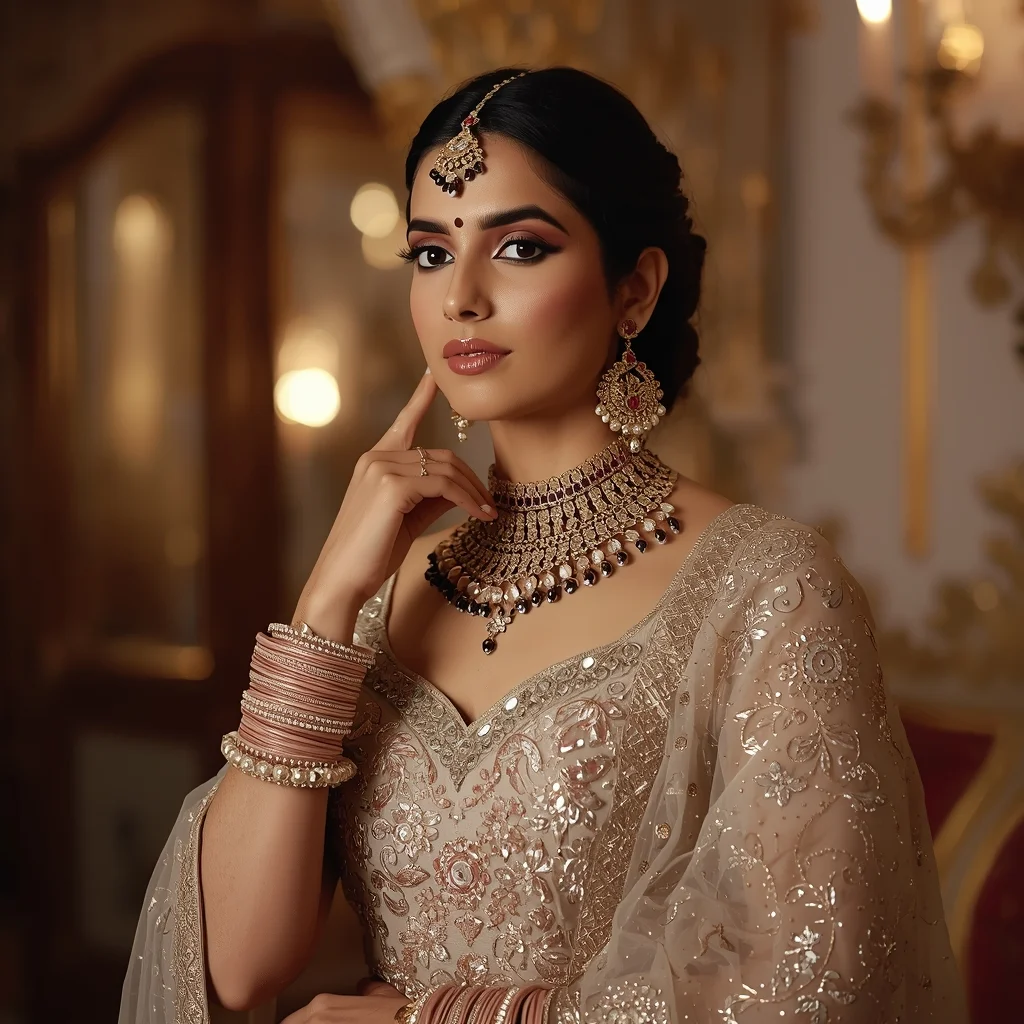
Prompt: An Indian woman dressed in pre-wedding or engagement attire, captured in a romantic, flowing pose. Her body is slightly turned, arms relaxed, fabric moving gently with motion. Expression is soft, joyful, and intimate. Makeup is glowing and romantic, hair styled naturally. Soft golden lighting creates warmth and emotion. Background is elegant and dreamy, adding depth without distraction. The overall mood is romantic storytelling with cinematic softness and ultra-realistic detail.
Modern Adult Animation Sitcom | Prompt For Ai Image
2838 mos ago
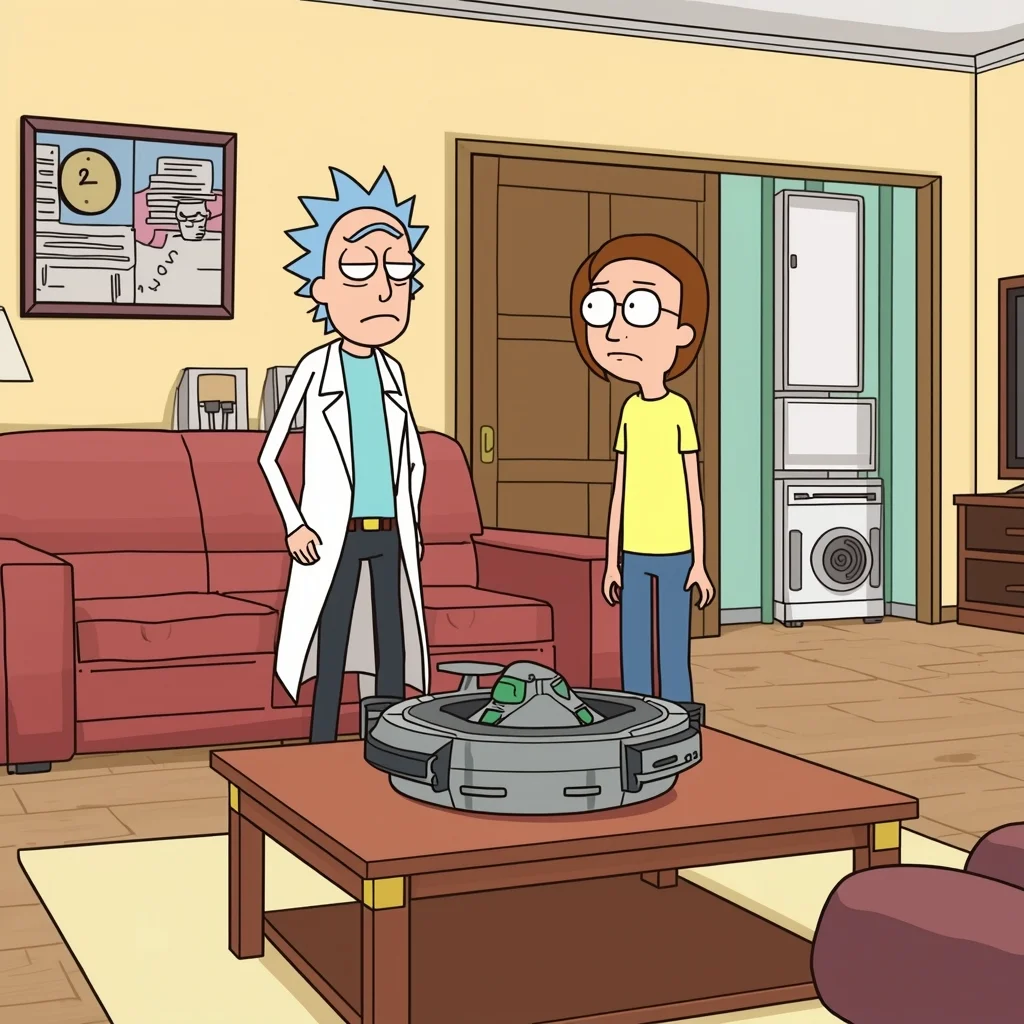
Prompt: Adult animated sitcom style, similar to Rick and Morty or Bob's Burgers. Clean vector lines, flat colors, minimal shading. Two cynical-looking characters standing in a mundane suburban living room, looking annoyed. A bizarre, sci-fi gadget sits casually on the coffee table. Fixed camera angle, deadpan humor vibe.
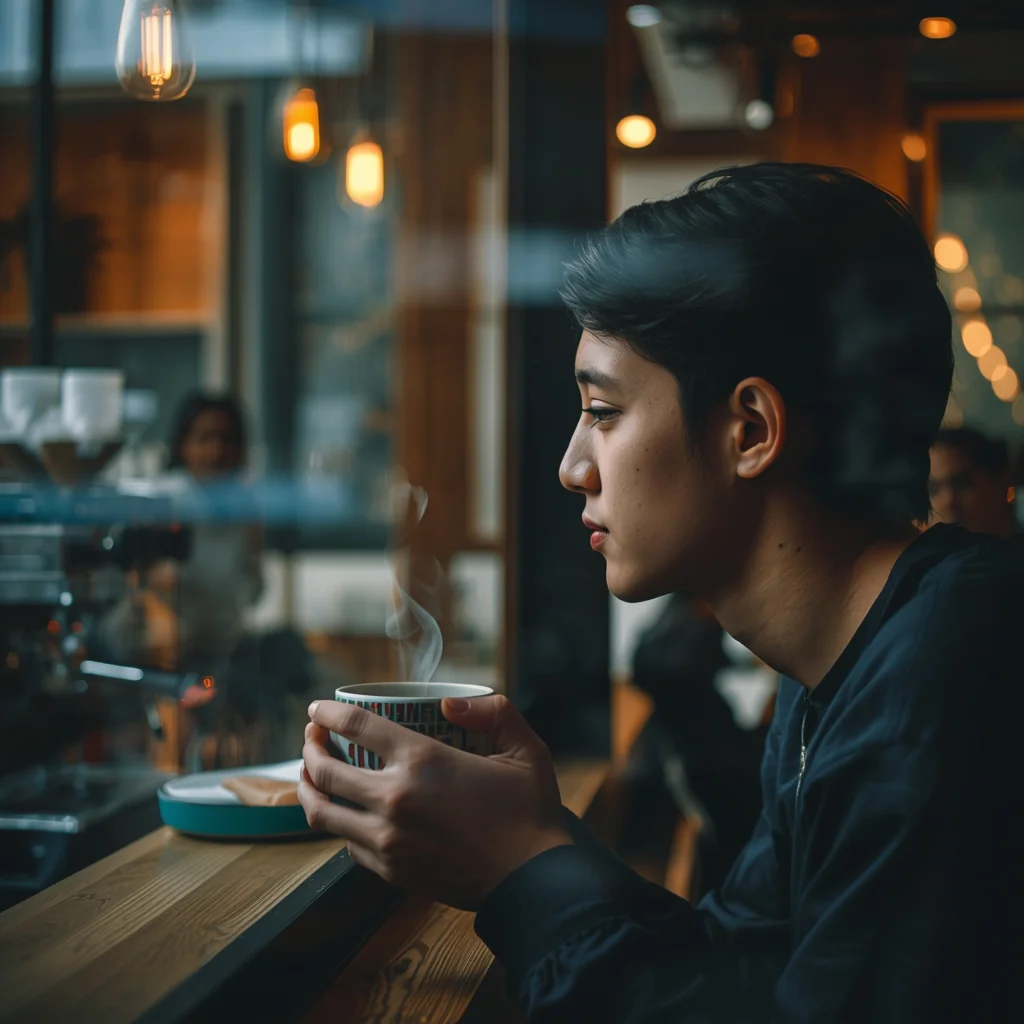
A candid shot of a student studying in a cozy coffee shop, looking out the window while holding a ceramic mug. Steam rising from the cup. Warm tungsten interior lights mixed with cool daylight from the window. Bokeh background showing blurred baristas and espresso machines. 50mm lens, slice-of-life feel.
The Intellectual Artist in His Studio | Ai Prompt Keyword
3328 mos ago
Prompt: A candid shot of a man with glasses and a messy apron standing in a sun-drenched art studio. He is surrounded by large canvas paintings and jars of brushes. He is holding a palette knife and looking thoughtfully at a half-finished abstract painting. Paint splatters on his hands and face, warm dusty atmosphere, bokeh background, highly detailed oil paint textures, realistic lifestyle photography.
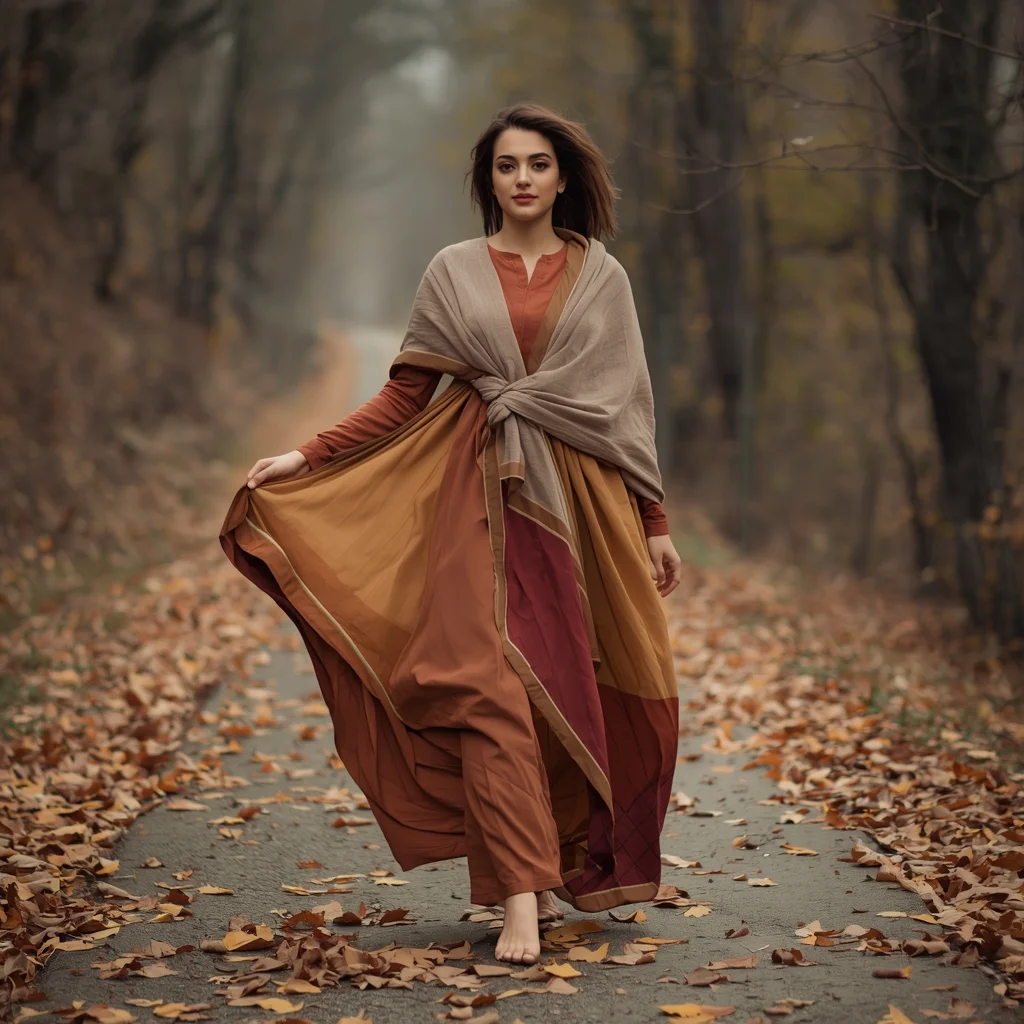
Prompt: A young woman walking slowly along a leaf-covered autumn pathway, wearing a long flowing pheran in mustard and rust colors. One hand holding the edge of the pheran, natural walking posture captured mid-step. Hair open with light shawl, relaxed expression. Cinematic autumn environment, motion realism, cultural lifestyle photography, ultra-detailed textures.
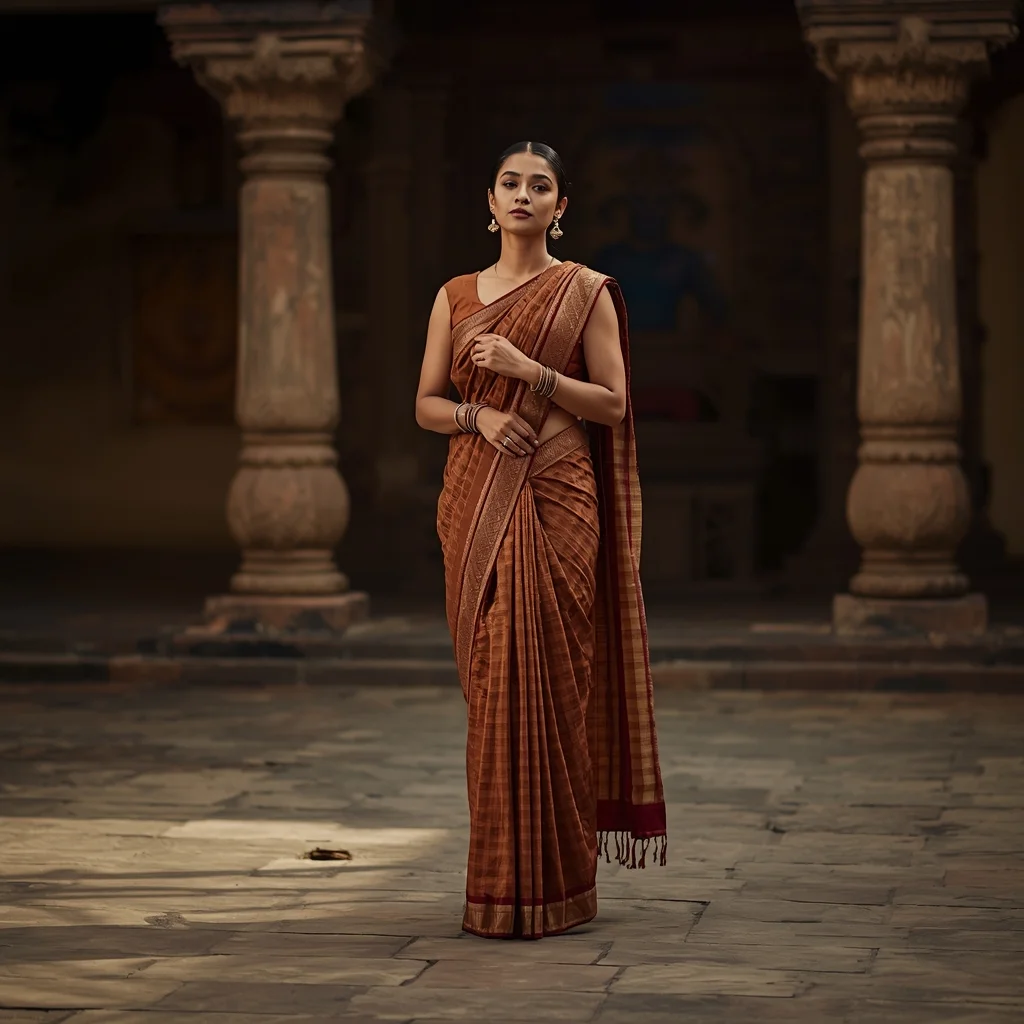
Timeless Saree Pose in Cultural Courtyard | Ai Prompt For Realistic Look
3258 mos ago
Prompt: A full-body image of a woman wearing a traditional saree in earthy tones, standing in an old Indian courtyard. Her posture is upright and confident, shoulders relaxed, head slightly tilted. The saree drapes naturally with detailed pleats and a flowing pallu. Warm ambient light, realistic shadows, traditional accessories, professional DSLR look, cinematic realism, high-resolution cultural portrait.
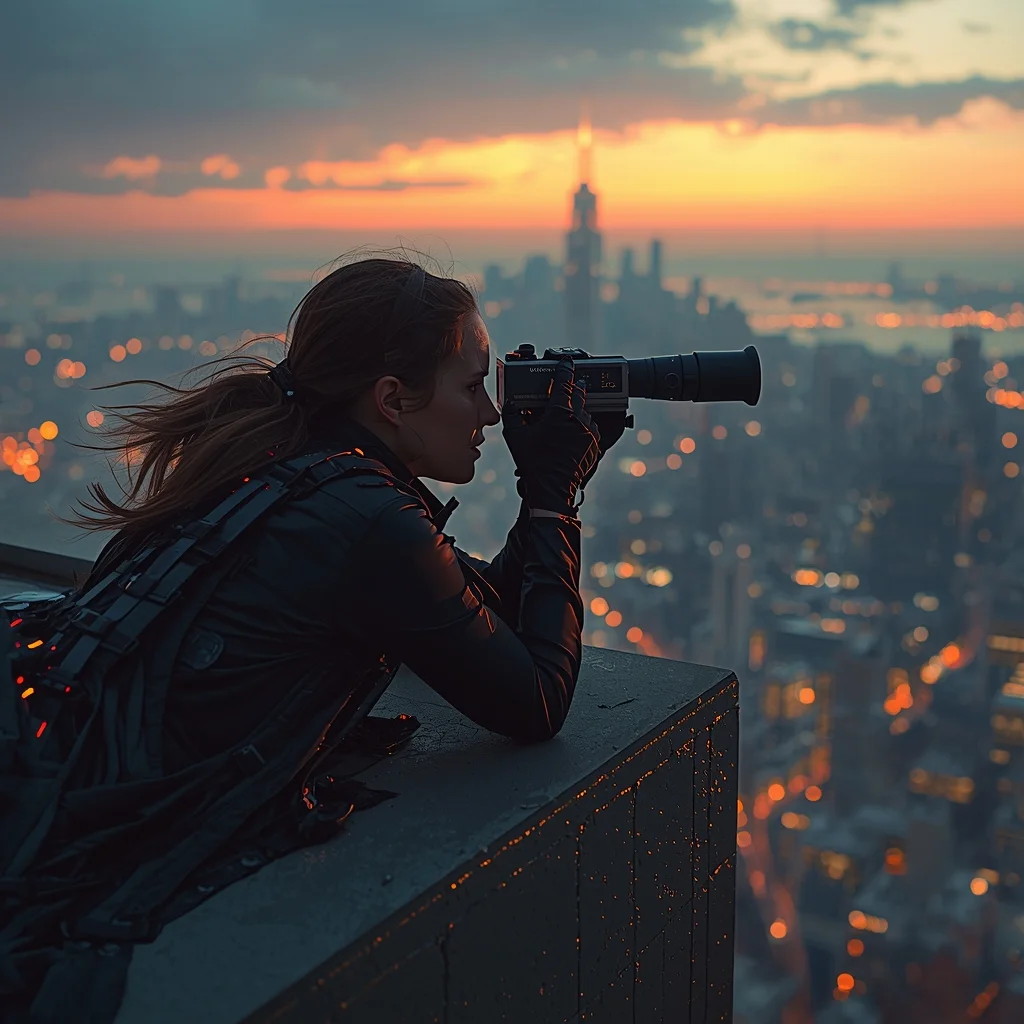
A tactical woman laying prone on a skyscraper ledge, peering through a long-range digital scanner, wind blowing through a tattered tech-cloak, distant neon skyline, sunset lighting, hyper-realistic, cinematic wide shot
Frequently Asked Questions
Common questions regarding this AI prompt.
Is it possible to make the image look like an architectural blueprint?
Absolutely. Strip all color and realism by adding 'technical architectural blueprint, white lines on blue background, schematics, precise measurements, cross-section view, drafted by an engineer'. This is a highly creative way to present the YouTube Thumbnail subject from an analytical, structural perspective.
How customizable are the character and environment details in the I Was Making This Huge YouTube Mistake | Pro Ai Prompt For Creator prompt?
Highly customizable. The prompt serves as a robust architectural framework. You can easily swap out specific nouns or color palettes while retaining the core YouTube Thumbnail style. For example, changing the time of day or the primary clothing material will seamlessly adapt the scene while maintaining the high-definition rendering quality originally intended for I Was Making This Huge YouTube Mistake | Pro Ai Prompt For Creator.
How do I give I Was Making This Huge YouTube Mistake | Pro Ai Prompt For Creator a retro, 1980s synthwave aesthetic?
Inject keywords that define that specific era's pop culture. Use 'vaporwave aesthetic, 1980s synthwave, neon grid background, cyan and magenta color palette, VHS glitch effect, retro-futurism'. This overrides the standard lighting and wraps the I Was Making This Huge YouTube Mistake | Pro Ai Prompt For Creator subject in a highly stylized, nostalgic digital atmosphere.
What should I do if the background of I Was Making This Huge YouTube Mistake | Pro Ai Prompt For Creator becomes too cluttered?
If the AI over-complicates the background, you need to assert control over the depth of field. Add strict modifiers like 'clean minimalist background, studio backdrop, heavy bokeh, blurred environment' to the prompt. Additionally, placing the subject-specific keywords at the very front of the prompt ensures the AI prioritizes the main I Was Making This Huge YouTube Mistake | Pro Ai Prompt For Creator element.
How does the prompt establish the historical or futuristic era of I Was Making This Huge YouTube Mistake | Pro Ai Prompt For Creator?
Era-specific aesthetics are locked in using targeted chronological keywords. Whether leaning towards a neo-futuristic cyberpunk vibe or a classical Renaissance look, the prompt forces the AI to draw from specific historical datasets. This ensures that the clothing, architecture, and props within the YouTube Thumbnail scene remain historically or thematically accurate.
Can I make the characters or subjects in I Was Making This Huge YouTube Mistake | Pro Ai Prompt For Creator look like cyborgs?
Easily. Append 'cybernetic enhancements, robotic limbs, glowing optical sensors, biomechanical plating, android'. The AI seamlessly blends biological flesh with metallic machinery, maintaining the high-quality rendering of the original YouTube Thumbnail prompt while shifting the character design.
Can I use Image-to-Image (Img2Img) techniques with the I Was Making This Huge YouTube Mistake | Pro Ai Prompt For Creator prompt?
Absolutely. Using a rough sketch or a reference photo alongside this prompt in an Img2Img workflow is highly effective. We recommend setting your Denoising Strength between 0.45 and 0.65. This range is the 'sweet spot' that allows the AI to apply the high-quality textures and lighting of the I Was Making This Huge YouTube Mistake | Pro Ai Prompt For Creator prompt while strictly respecting the structural layout of your reference image.
What rendering engines should I reference to maximize the quality of I Was Making This Huge YouTube Mistake | Pro Ai Prompt For Creator?
Modern AI image generators respond incredibly well to 3D software references. By appending terms like 'Unreal Engine 5 render', 'OctaneRender', 'Redshift', 'V-Ray', and 'Global Illumination', you are signaling the AI to utilize its highest quality datasets for lighting physics and material textures within the YouTube Thumbnail image.
How do I achieve an extreme close-up or macro shot of I Was Making This Huge YouTube Mistake | Pro Ai Prompt For Creator?
Modify the perspective by heavily weighting keywords like 'extreme macro photography', '100mm macro lens', 'microscopic detail', and 'extreme close up'. This forces the AI engine to ignore the broader YouTube Thumbnail environment and dedicate all of its rendering power to the microscopic textures, fibers, or surface imperfections of the primary subject.
How do I inject a cyberpunk or dystopian sci-fi feel into I Was Making This Huge YouTube Mistake | Pro Ai Prompt For Creator?
Add 'cyberpunk metropolis, neon rain, holographic advertisements, high-tech low-life, chrome and cables'. The AI will retain the core shape and intent of the I Was Making This Huge YouTube Mistake | Pro Ai Prompt For Creator prompt but re-texture everything with futuristic, glowing, and metallic sci-fi elements.
What specific lighting setup is best to highlight the details of I Was Making This Huge YouTube Mistake | Pro Ai Prompt For Creator?
For maximum texture reveal, a 'three-point studio lighting' or 'Rembrandt lighting' setup works best. By incorporating keywords like 'rim light', 'key light', and 'soft fill', you instruct the AI to sculpt the YouTube Thumbnail subject out of the background, ensuring that micro-details like skin pores, fabric weaves, or metallic reflections are perfectly visible.
How does this prompt handle lighting and atmospheric effects?
This prompt utilizes a sophisticated combination of cinematic lighting descriptors and atmospheric keywords tailored for YouTube Thumbnail. By specifying light direction, diffusion, and volumetric properties like 'god rays' or 'softbox lighting', it forces modern AI engines like Midjourney v6 and Flux to calculate highly realistic light bounces, creating a deeply immersive environment.
How can I prevent anatomical distortions or 'extra limbs' when generating characters?
While modern models have improved, complex poses in YouTube Thumbnail can still cause issues. To prevent this, use a strong negative prompt containing 'bad anatomy, extra limbs, mutated hands, deformed structure'. If generating locally via Stable Diffusion, utilizing ControlNet (specifically OpenPose or Depth) alongside this prompt will guarantee flawless anatomical structure.
How do I create a surreal, dream-like version of I Was Making This Huge YouTube Mistake | Pro Ai Prompt For Creator?
To break the laws of physics, use keywords like 'surrealism, dreamscape, floating objects, defying gravity, Salvador Dali style, mind-bending geometry, ethereal'. The AI will take the familiar elements of I Was Making This Huge YouTube Mistake | Pro Ai Prompt For Creator and arrange them in illogical, fascinating ways, creating a truly unique YouTube Thumbnail art piece.