Stop Scrolling and Watch This | Premium Ai Prompt Free
High-quality AI-generated image. Optimized for detailed rendering, perfect for creative projects and inspiration.
268Views
0 Likes
100%Quality
FreeLicense
AI Prompt
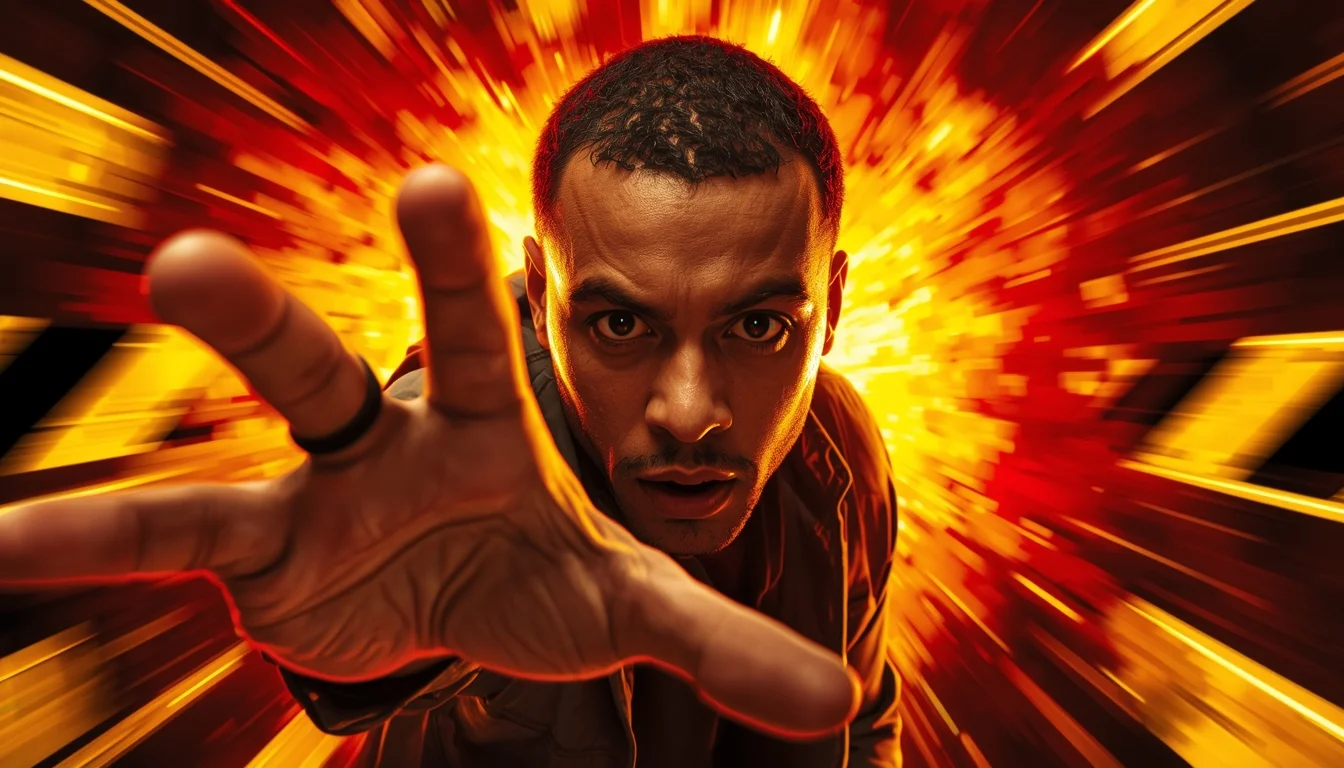
Prompt: Generate a high-attention thumbnail featuring a creator reaching toward the camera as if grabbing the viewer. The background explodes with motion blur, warning stripes, and bold contrast colors like red, black, and yellow. The face is sharply focused with intense eye contact. Use dramatic perspective, cinematic lighting, ultra-realistic textures, exaggerated depth, and strong emotional pull designed to instantly stop scrolling.
Want to create this with your own face? Use this instruction:
Use my reference image as the only source for facial identity. The face must remain completely unchanged, with the exact same structure, proportions, skin texture, facial symmetry, and natural imperfections. Do not modify, enhance, stylize, beautify, or reinterpret the face in any way. Prompt: Generate a high-attention thumbnail featuring a creator reaching toward the camera as if grabbing the viewer. The background explodes with motion blur, warning stripes, and bold contrast colors like red, black, and yellow. The face is sharply focused with intense eye contact. Use dramatic perspective, cinematic lighting, ultra-realistic textures, exaggerated depth, and strong emotional pull designed to instantly stop scrolling.
About this Prompt
Let your creative journey soar to unprecedented heights with 'Stop Scrolling and Watch This | Premium Ai Prompt Free', an exceptional digital masterpiece that radically elevates the standard of YouTube Thumbnail generation. This prompt acts as a pure conduit for raw artistic energy, transforming simple concepts into extraordinary visual spectacles. The deeply mesmerizing, incredibly vibrant patterns and motifs adorning the subject are utterly captivating, making it a highly decorative and intricately ornate digital wonder. Soothing tones mixed with hyper-kinetic energy make this YouTube Thumbnail piece infinitely complex and visually deeply satisfying.
An absolutely brilliant starting point for those selling premium digital art prints, exclusive NFTs, or high-end stock photography. The staggering, raw commercial viability of the imagery generated by this prompt guarantees a highly profitable aesthetic. Whether you are a highly seasoned digital pro or an eager AI hobbyist, simply pasting this brilliantly structured prompt instantly unlocks entirely new, wildly exciting creative possibilities that will drastically elevate your personal design portfolio.
Modern Indian Viral Reel Pose – Relaxed Lifestyle Step | Top Secret Ai Prompt
3108 mos ago
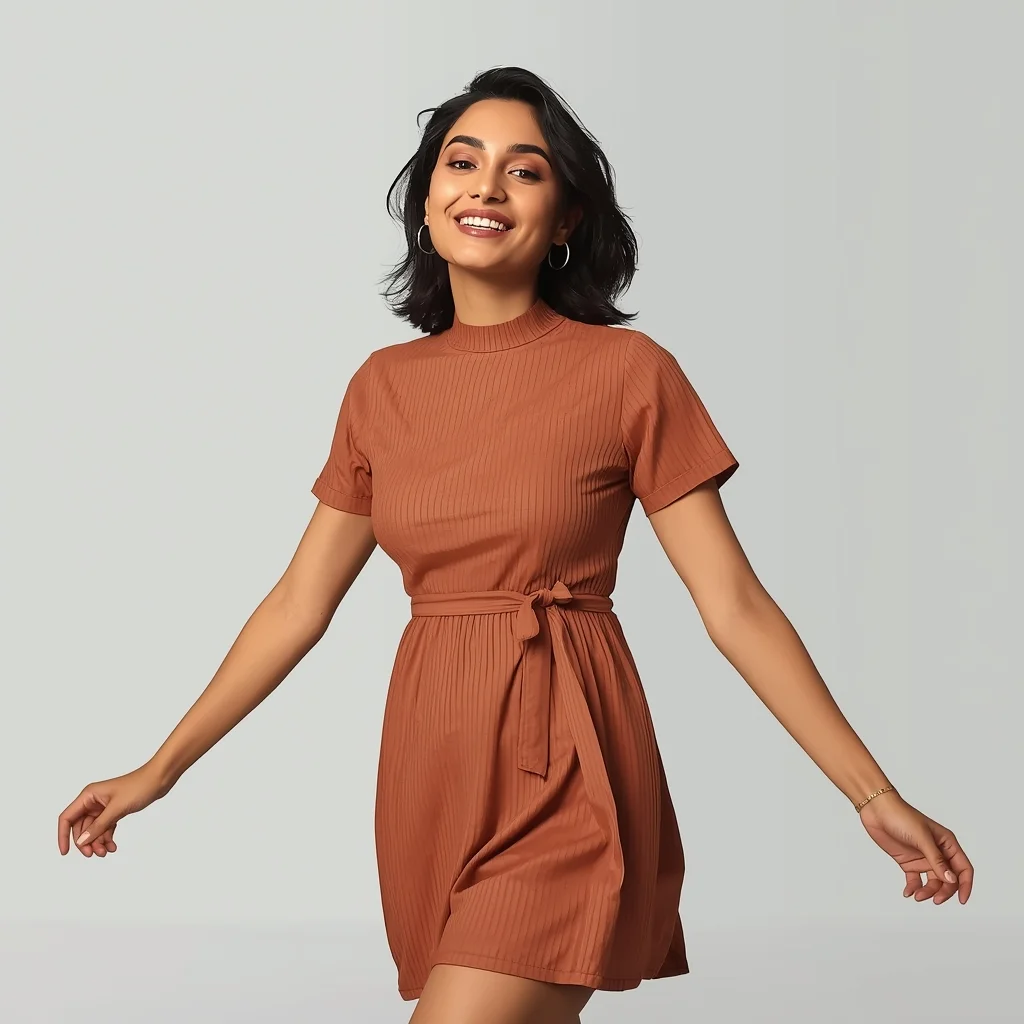
Prompt: An Indian woman wearing a modern Indian casual dress, captured mid-step in a relaxed lifestyle reel pose. Body language effortless, arms naturally positioned. Hair slightly tousled for realism. Expression warm, confident, and approachable. Makeup minimal glam with natural glow. Lighting soft and bright, lifestyle-inspired. Background clean and modern. Ultra-high resolution, cinematic softness, influencer lifestyle aesthetic, designed for social media virality.
Modern Indian Viral Reel Pose – Power Walk Confidence | Midjourney Prompt Free
3778 mos ago
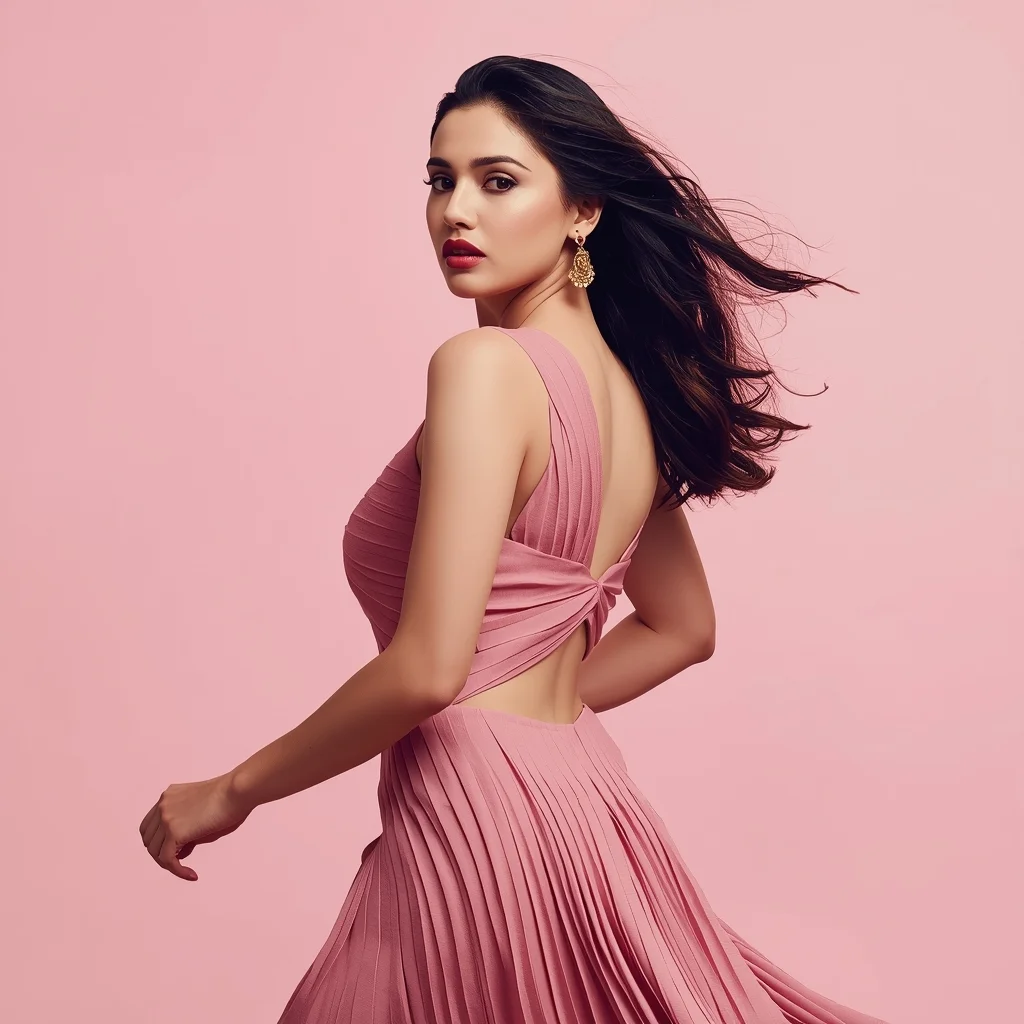
Prompt: An Indian woman wearing a structured modern Indian dress, captured mid power-walk in a reel-style pose. Shoulders back, chin slightly lifted, posture bold and confident. Dress moves naturally with motion. Hair gently lifted by movement. Expression strong, fearless, and stylish. Makeup clean glam with defined eyes. Lighting bright and professional. Background minimal or pastel-toned. Ultra-realistic textures, cinematic reel framing, modern influencer vibe, designed for viral reach.
Edgy Special Style Crop Top Ensemble | Trending Prompt Idea Worldwide
2958 mos ago
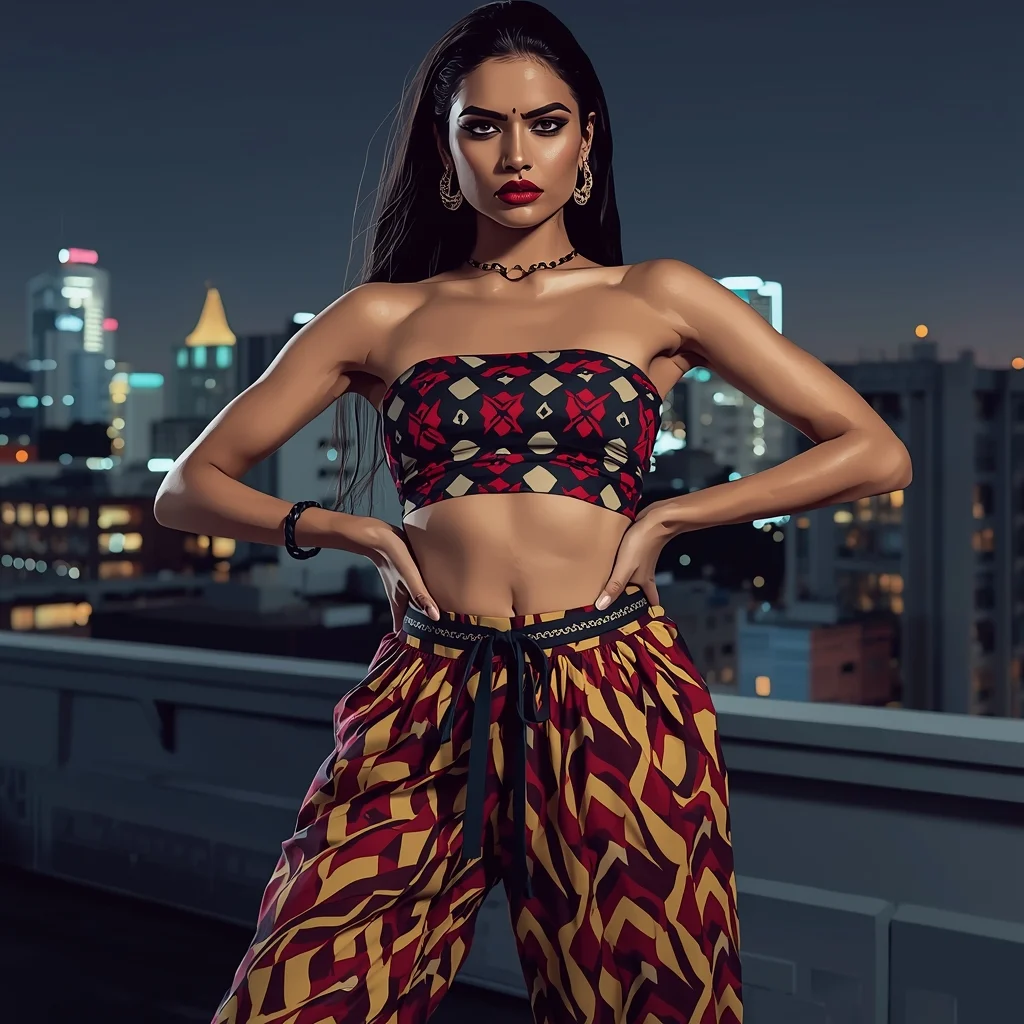
Prompt: Trendy Indian fashionista in a special fusion crop top with high-waisted dhoti pants in bold geometric prints, edgy power pose with hands on waist and fierce gaze, statement hoop earrings and bold red lips, urban rooftop at night with city lights, high-contrast editorial fashion shoot, digital illustration with glossy textures.
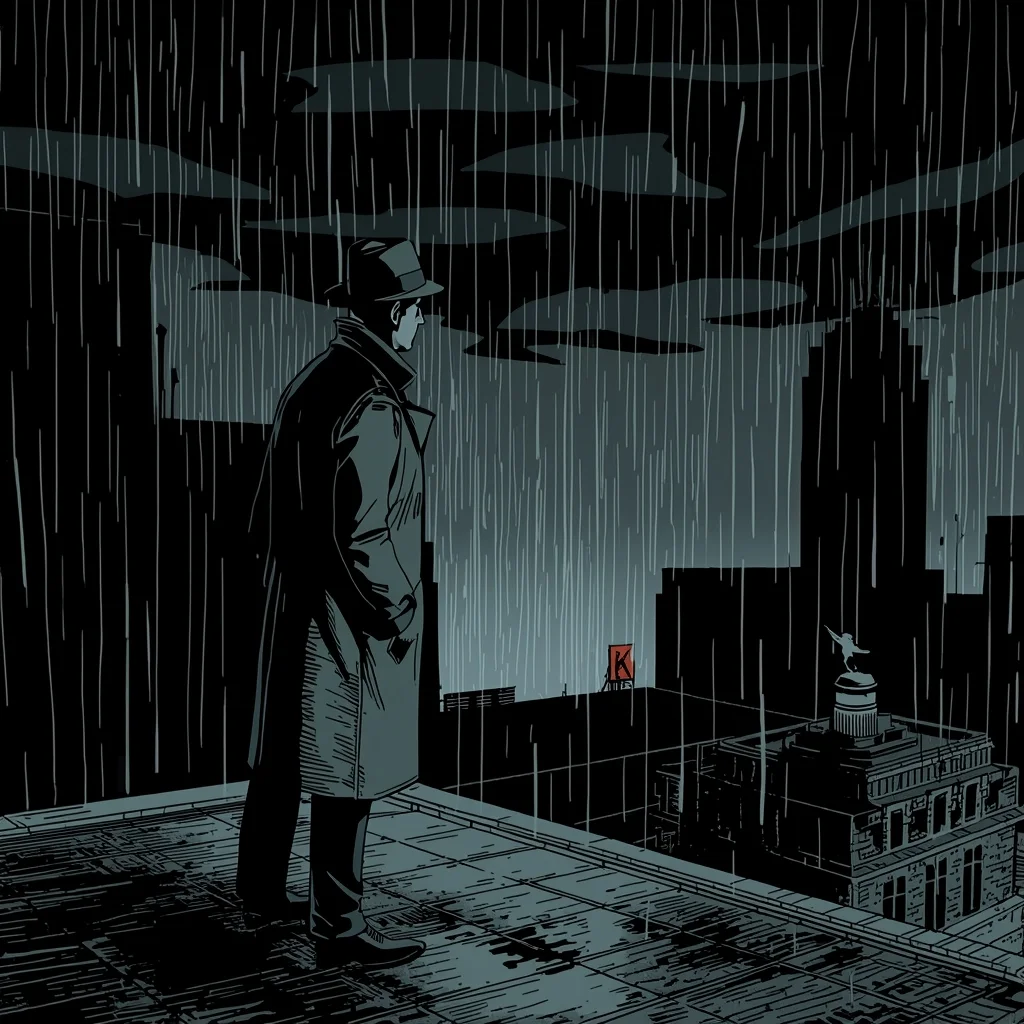
Gritty Noir Comic Cartoon | Secret Prompt For Stunning Image
2568 mos ago
Prompt: Noir comic book cartoon style, similar to Batman: The Animated Series or Sin City. A detective in a trench coat and fedora standing on a rainy rooftop at night. Heavy chiaroscuro lighting, deep shadows, and stark contrasts. Art deco cityscape in the background. Monochrome palette with a single splash of red on a neon sign.
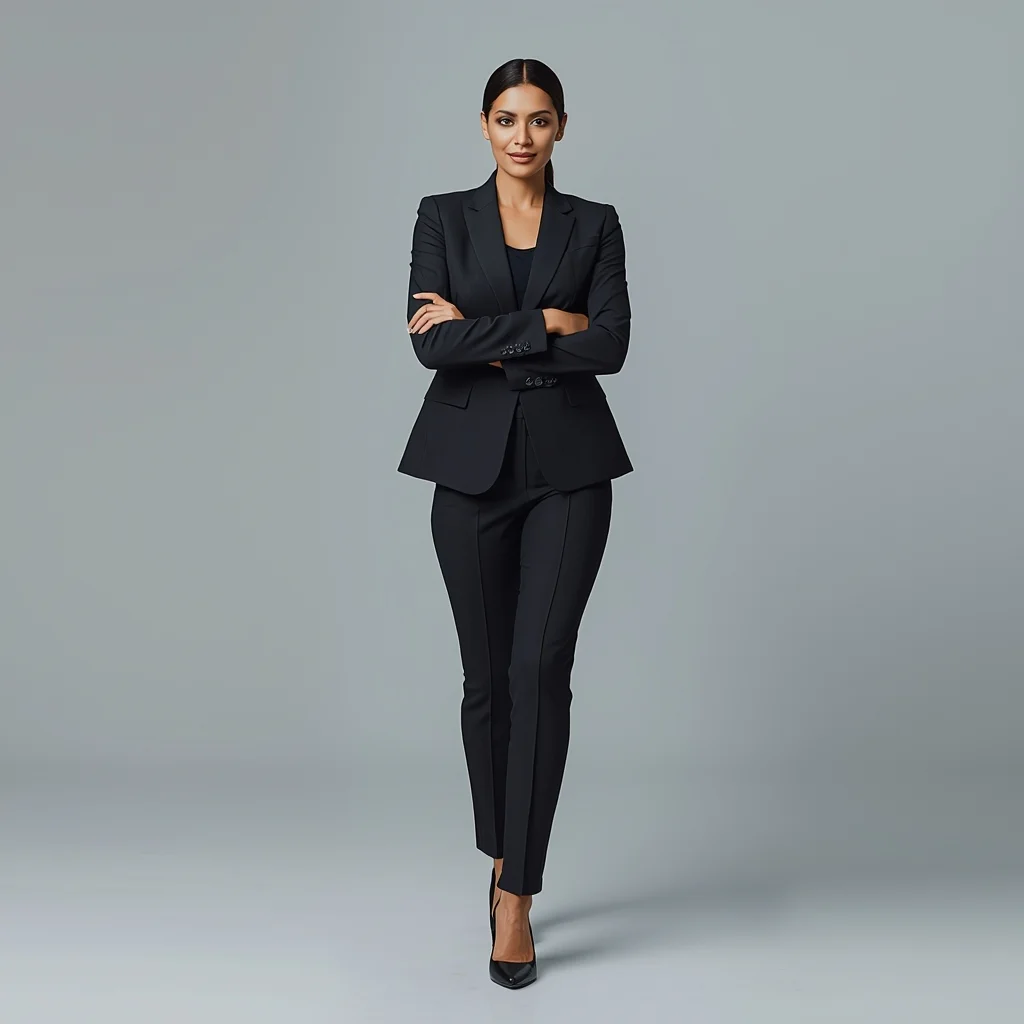
Indian Power Suit Boss Woman Pose | Pro Level Image Prompt
3408 mos ago
Prompt: A powerful Indian woman wearing a tailored power suit, sharp blazer, matching trousers, heels. Confident stance with arms crossed or walking forward, commanding expression. Corporate interior or city skyline background, clean professional lighting, leadership vibe, modern business editorial photography, crisp details, realistic skin tones, ultra-HD 8K.
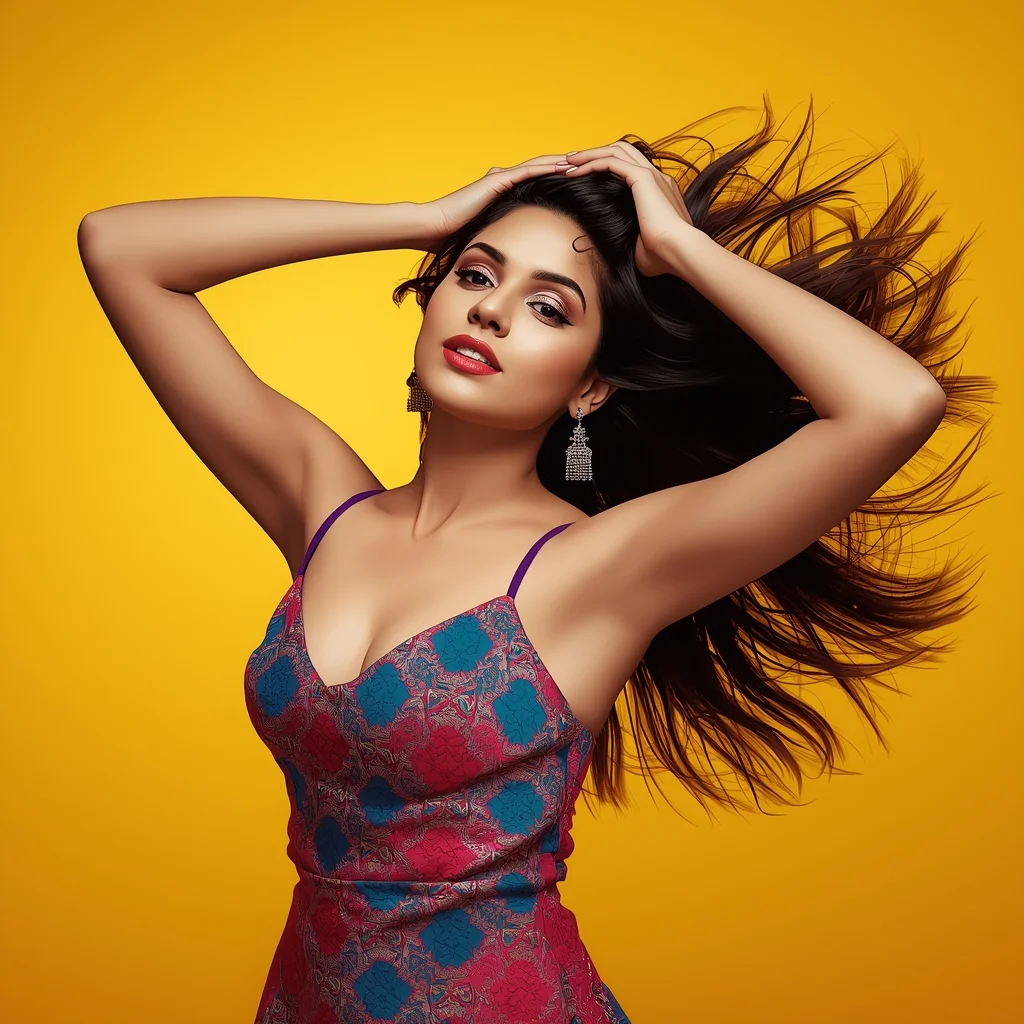
Modern Indian Viral Reel Pose – Hair Flip Energy Frame | Perfect Gemini Prompt
2778 mos ago
Prompt: An Indian woman in a modern Indian party dress, captured mid hair-flip during a reel-style pose. Hair frozen in motion, creating dynamic energy. Body posture fluid and expressive. Expression playful, confident, and bold. Makeup glossy and camera-ready. Lighting vibrant and clean, enhancing sharpness. Background minimal or colorful. High clarity, cinematic influencer aesthetic, ultra-realistic details, optimized for viral reels.
The "Financial Disaster/Opportunity" Thumbnail Niche | Next Gen Ai Prompt Idea
3308 mos ago
A high-energy YouTube thumbnail composition. On the left side, a close-up of a popular streamer in a gaming chair wearing a headset, making an incredibly exaggerated, wide-eyed "jaw dropped" shocked face at the camera. Their face is lit by dramatic purple and blue LED key lighting from their monitor. On the right side of the split screen, a vibrant, high-contrast screenshot from the game "Elden Ring," showing a massive, fiery dragon boss filling the frame mid-attack. A large, glowing yellow arrow graphic (implied as part of the image structure) points from the streamer's face to the dragon. The background behind the streamer is a blurred room with RGB light strips. Aspect ratio 16:9.
Prompt: A man sitting casually on a chair, one elbow resting on knee, chin slightly tilted, confident cool attitude, soft natural light, minimal background, influencer reel-style composition, candid yet stylish look, ultra-realistic social media portrait.
Frequently Asked Questions
Common questions regarding this AI prompt.
How customizable are the character and environment details in the Stop Scrolling and Watch This | Premium Ai Prompt Free prompt?
Highly customizable. The prompt serves as a robust architectural framework. You can easily swap out specific nouns or color palettes while retaining the core YouTube Thumbnail style. For example, changing the time of day or the primary clothing material will seamlessly adapt the scene while maintaining the high-definition rendering quality originally intended for Stop Scrolling and Watch This | Premium Ai Prompt Free.
How can I prevent anatomical distortions or 'extra limbs' when generating characters?
While modern models have improved, complex poses in YouTube Thumbnail can still cause issues. To prevent this, use a strong negative prompt containing 'bad anatomy, extra limbs, mutated hands, deformed structure'. If generating locally via Stable Diffusion, utilizing ControlNet (specifically OpenPose or Depth) alongside this prompt will guarantee flawless anatomical structure.
Can I change the material composition of objects in the Stop Scrolling and Watch This | Premium Ai Prompt Free prompt?
Yes, AI handles material transformation brilliantly. If you want to change a standard object into something surreal, use explicit material descriptors like 'made of translucent frosted glass', 'brushed anodized aluminum', 'woven carbon fiber', or 'wet shimmering obsidian'. This will completely recalculate the reflections and refractions in the YouTube Thumbnail output.
What is the best Stylize (--s) value to use in Midjourney for this prompt?
The stylize parameter dictates how strongly Midjourney applies its default aesthetic. For strict adherence to the realistic details of Stop Scrolling and Watch This | Premium Ai Prompt Free, keep it around --s 100 to --s 250. If you want the AI to take artistic liberties and make the YouTube Thumbnail scene look more like a digital masterpiece, push the value up to --s 500 or --s 750.
How do I create a surreal, dream-like version of Stop Scrolling and Watch This | Premium Ai Prompt Free?
To break the laws of physics, use keywords like 'surrealism, dreamscape, floating objects, defying gravity, Salvador Dali style, mind-bending geometry, ethereal'. The AI will take the familiar elements of Stop Scrolling and Watch This | Premium Ai Prompt Free and arrange them in illogical, fascinating ways, creating a truly unique YouTube Thumbnail art piece.
Can I simulate bioluminescence or neon lighting in this prompt?
Yes, you can easily shift the scene into a sci-fi or fantasy realm by adding terms like 'bioluminescent glow', 'neon tube lighting', 'emissive materials', or 'fluorescent accents'. These modifiers will cause the objects within the YouTube Thumbnail scene to act as their own light sources, casting incredibly realistic colored reflections onto surrounding surfaces.
How does the prompt establish the historical or futuristic era of Stop Scrolling and Watch This | Premium Ai Prompt Free?
Era-specific aesthetics are locked in using targeted chronological keywords. Whether leaning towards a neo-futuristic cyberpunk vibe or a classical Renaissance look, the prompt forces the AI to draw from specific historical datasets. This ensures that the clothing, architecture, and props within the YouTube Thumbnail scene remain historically or thematically accurate.
What if the AI completely ignores a specific detail I added to the Stop Scrolling and Watch This | Premium Ai Prompt Free prompt?
If a detail is ignored, it lacks 'weight'. Move that specific word closer to the very beginning of the prompt. Alternatively, if using Midjourney, use the double colon syntax (Keyword::2) to force the AI to pay attention. In Stable Diffusion, wrap the keyword in parentheses like (Keyword:1.5) to boost its importance in the YouTube Thumbnail scene.
How do I give Stop Scrolling and Watch This | Premium Ai Prompt Free a retro, 1980s synthwave aesthetic?
Inject keywords that define that specific era's pop culture. Use 'vaporwave aesthetic, 1980s synthwave, neon grid background, cyan and magenta color palette, VHS glitch effect, retro-futurism'. This overrides the standard lighting and wraps the Stop Scrolling and Watch This | Premium Ai Prompt Free subject in a highly stylized, nostalgic digital atmosphere.
How does Google's Gemini (Imagen 3) respond to the Stop Scrolling and Watch This | Premium Ai Prompt Free prompt?
Gemini's Imagen 3 engine is exceptionally strong at adhering to safe, high-quality, photorealistic requests. It reads the descriptive narrative of the Stop Scrolling and Watch This | Premium Ai Prompt Free prompt perfectly, ensuring that the subject anatomy and environmental physics are logical, highly detailed, and free from the typical warping artifacts seen in older generation models.
What rendering engines should I reference to maximize the quality of Stop Scrolling and Watch This | Premium Ai Prompt Free?
Modern AI image generators respond incredibly well to 3D software references. By appending terms like 'Unreal Engine 5 render', 'OctaneRender', 'Redshift', 'V-Ray', and 'Global Illumination', you are signaling the AI to utilize its highest quality datasets for lighting physics and material textures within the YouTube Thumbnail image.
What is the optimal workflow for upscaling Stop Scrolling and Watch This | Premium Ai Prompt Free to print-quality resolution?
Do not generate at massive resolutions directly, as it causes compositional duplication (like two heads). Instead, generate Stop Scrolling and Watch This | Premium Ai Prompt Free at a native resolution (e.g., 1024x1024), and then use a dedicated AI upscaler. Tools like Topaz Gigapixel AI, Magnific AI, or the '4x-UltraSharp' model in Automatic1111 will enhance the micro-textures of the YouTube Thumbnail without destroying the original composition.
What should I do if the background of Stop Scrolling and Watch This | Premium Ai Prompt Free becomes too cluttered?
If the AI over-complicates the background, you need to assert control over the depth of field. Add strict modifiers like 'clean minimalist background, studio backdrop, heavy bokeh, blurred environment' to the prompt. Additionally, placing the subject-specific keywords at the very front of the prompt ensures the AI prioritizes the main Stop Scrolling and Watch This | Premium Ai Prompt Free element.
How does the prompt simulate physical camera lenses for Stop Scrolling and Watch This | Premium Ai Prompt Free?
The prompt acts as a virtual director of photography by explicitly stating lens focal lengths and aperture settings. By including phrases like 'shot on 35mm lens' or 'f/1.4 aperture', the AI mathematically simulates the optical distortion, compression, and background blur (bokeh) characteristic of high-end photography, elevating the YouTube Thumbnail image from a flat digital render to a lifelike photo.