Eating the World's Most Dangerous $5,000 Poisonous Fish | Ready To Use Ai Prompt
High-quality AI-generated image. Optimized for detailed rendering, perfect for creative projects and inspiration.
252Views
0 Likes
100%Quality
FreeLicense
AI Prompt
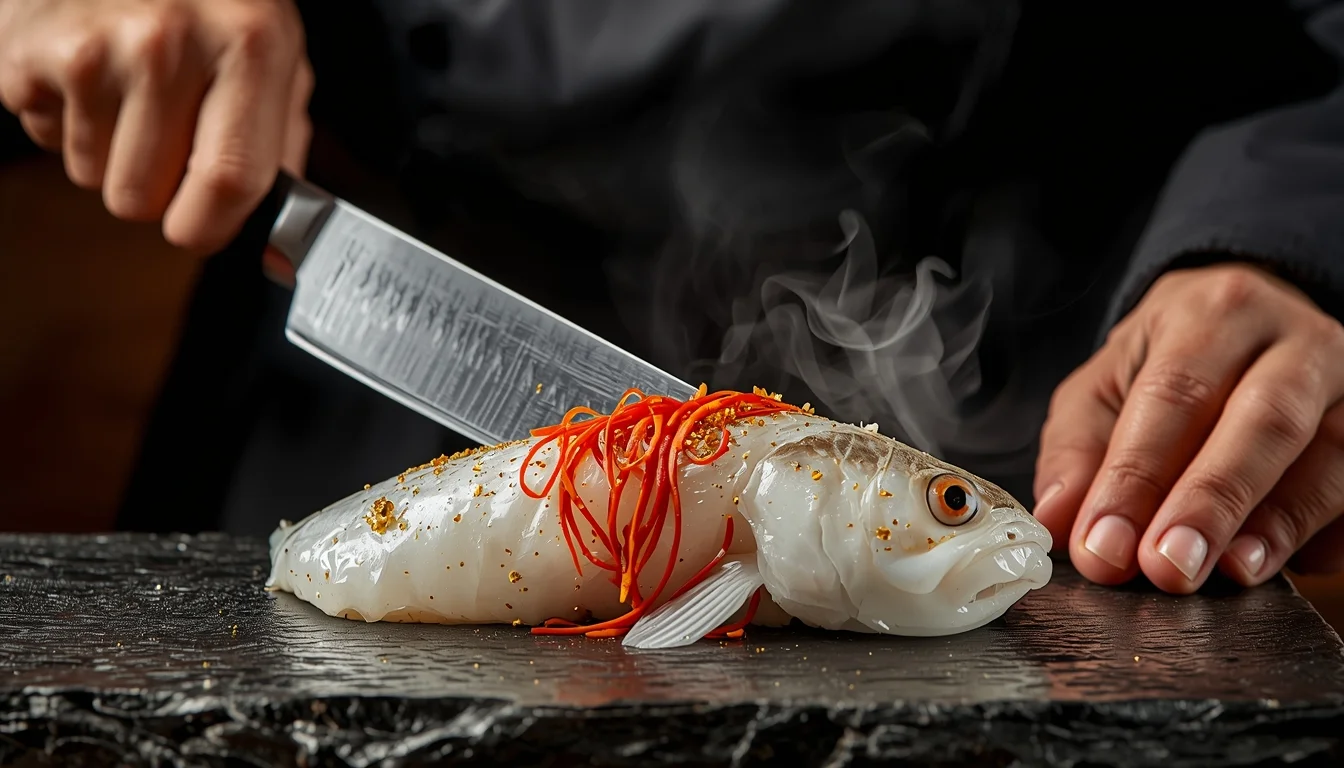
Prompt: An extreme close-up, high-impact food photography shot. A master sushi chef is seen with a sharp, glistening silver knife, carefully slicing a piece of rare, translucent Fugu (Pufferfish) on a black obsidian platter. The fish is garnished with vibrant red chili slivers and edible gold flakes. In the background, a small, dramatic puff of steam or liquid nitrogen mist adds a sense of "danger" and "luxury." The chef is wearing a traditional black kimono and has a focused, serious expression. The lighting is warm and dramatic, highlighting the texture of the fish and the sharpness of the blade. Rich, saturated colors, 8k resolution, ultra-sharp focus, and a sense of extreme culinary risk.
Want to create this with your own face? Use this instruction:
Keep eyes, nose, lips, jawline, and skin exactly as in reference image. Prompt: An extreme close-up, high-impact food photography shot. A master sushi chef is seen with a sharp, glistening silver knife, carefully slicing a piece of rare, translucent Fugu (Pufferfish) on a black obsidian platter. The fish is garnished with vibrant red chili slivers and edible gold flakes. In the background, a small, dramatic puff of steam or liquid nitrogen mist adds a sense of "danger" and "luxury." The chef is wearing a traditional black kimono and has a focused, serious expression. The lighting is warm and dramatic, highlighting the texture of the fish and the sharpness of the blade. Rich, saturated colors, 8k resolution, ultra-sharp focus, and a sense of extreme culinary risk.
About this Prompt
Transform your digital workspace into a high-end creative studio with 'Eating the World's Most Dangerous $5,000 Poisonous Fish | Ready To Use Ai Prompt', a masterful YouTube Thumbnail prompt that seamlessly fuses futuristic rendering techniques with classical, refined elegance. It is the ultimate starting point for generating artwork that looks indistinguishable from high-budget commercial photography. It utilizes incredibly dramatic, high-contrast lighting alongside a highly sophisticated cinematic color grade to make the visuals pop instantly off the screen. The strict structured geometry interacting with the organic, natural flow within the image creates an incredibly pleasing and highly hypnotic visual rhythm.
It is a literal goldmine for freelance graphic designers who need to rapidly iterate YouTube Thumbnail concepts for highly demanding corporate clients. You can effortlessly supply them with dozens of flawless, studio-grade variations in a fraction of the time. Seize this incredible, highly unique opportunity to completely dominate the generative space. It provides the absolute quickest, most deeply reliable path to total mastery, permanently redefining the known visual boundaries of your digital artistry.
Kashmiri Autumn Woman in Classic Pheran Elegance | Ai Creative Prompt
2666 mos ago
Prompt: A photorealistic portrait of a Kashmiri woman standing gracefully in an autumn valley, wearing a traditional woolen Kashmiri pheran in deep wine and earthy brown shades, decorated with subtle Kashida embroidery. Her pose is calm and dignified, shoulders relaxed, hands gently holding the sides of the pheran. Chinar trees with red and orange leaves surround her, fallen leaves covering the ground. Soft diffused autumn sunlight, natural skin texture, minimal makeup, traditional silver earrings, cultural authenticity, cinematic framing, shallow depth of field, ultra-realistic 8K quality.
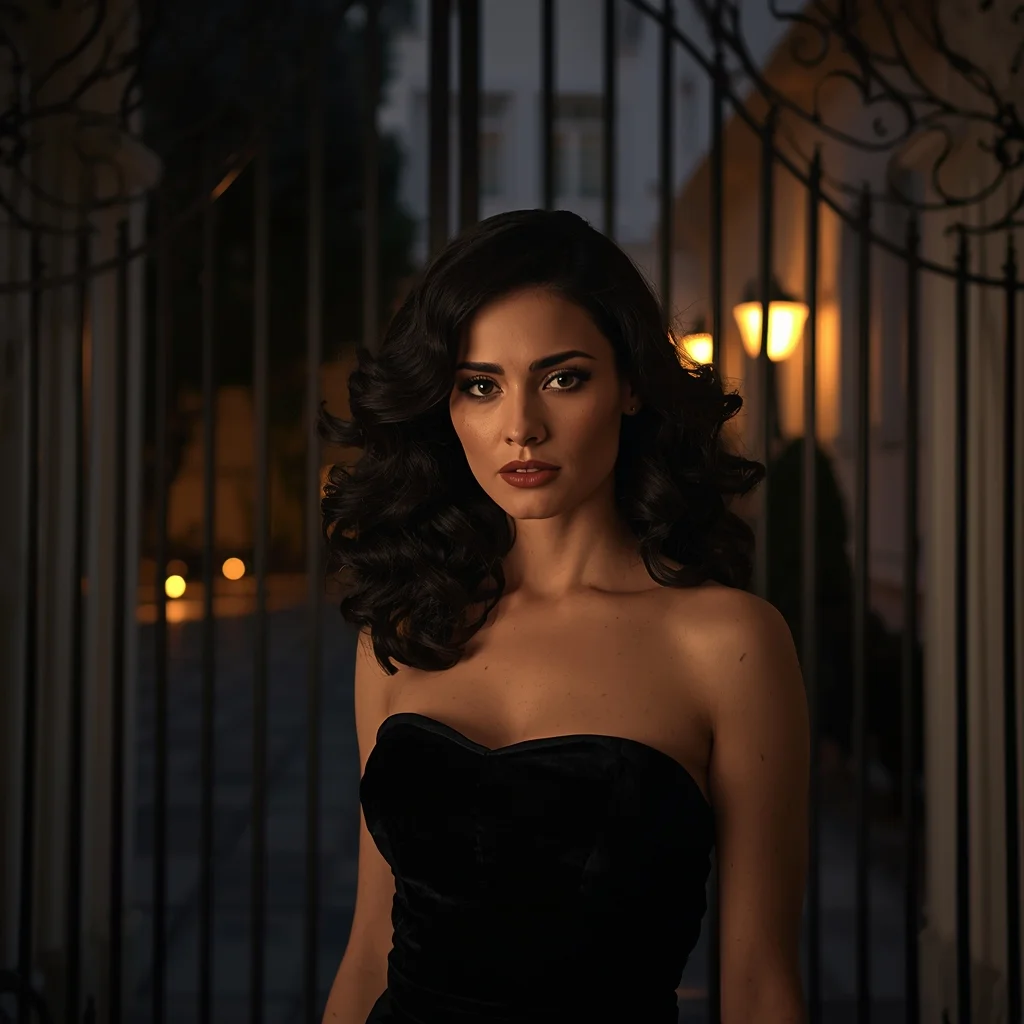
Prompt: Cinematic fashion photography of a sophisticated woman with voluminous dark hair, wearing a strapless black velvet evening gown. She is standing in an elegant courtyard near an ornate wrought iron gate at dusk. Warm candlelight flickers in the background, creating a soft glow. High-resolution, photorealistic, 8k, shot on 35mm lens, shallow depth of field.
Elegant Sitting Indian Woman | Trending Ai Image Prompt 2026
2666 mos ago
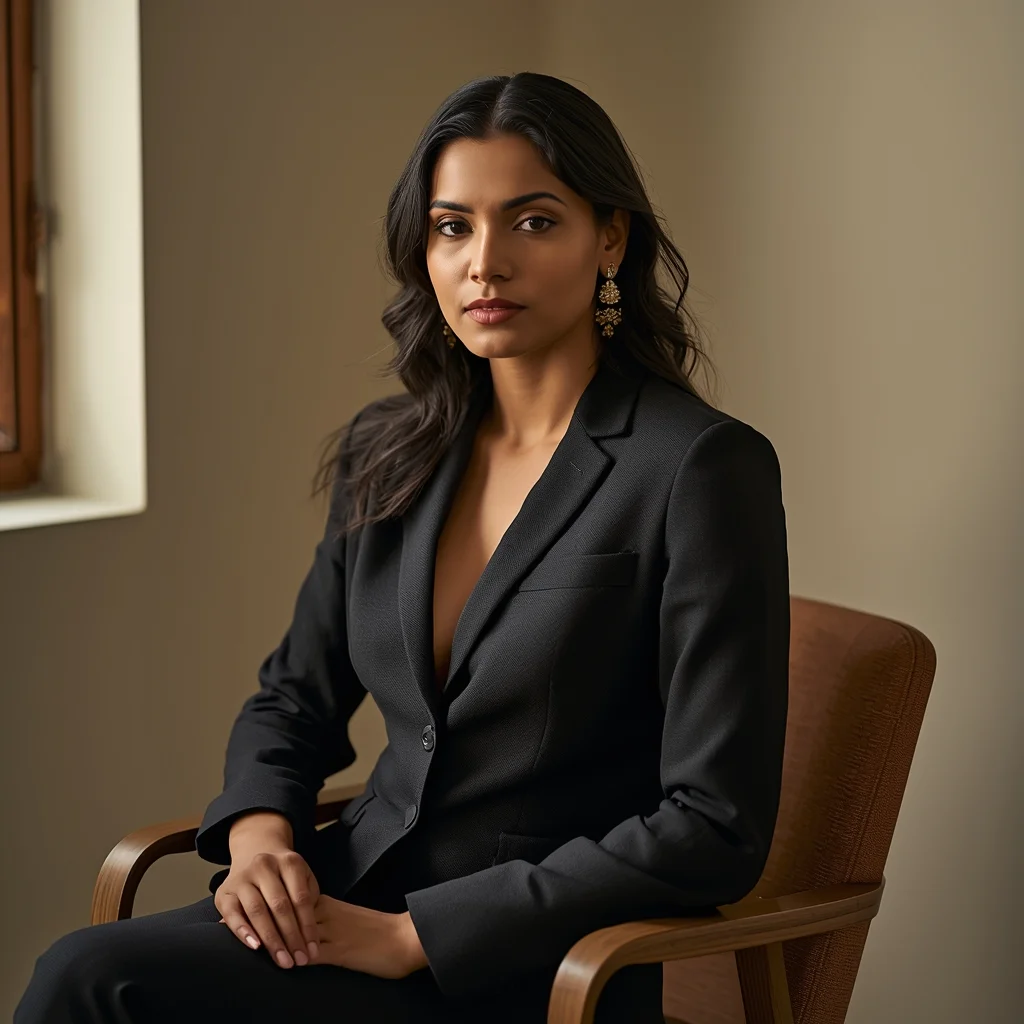
High-end fashion portrait of an Indian woman sitting gracefully on a chair, straight posture, hands resting gently on lap, composed expression, soft window light from one side, warm earthy color palette, minimal interior background, editorial magazine aesthetic, ultra-sharp focus, 8K realistic skin tones
The Vanishing of Flight 370: What We Found | Viral Gemini Prompt
2456 mos ago
Prompt: A moody, deep-sea exploration thumbnail. The camera looks out from the viewport of a submersible into the crushing darkness of the ocean floor. Bright searchlights illuminate a large, barnacle-covered section of an airplane wing bearing a faded airline logo, half-buried in the silt. A remote-operated vehicle (ROV) with robotic arms is inspecting the wreckage. The water is murky and blue-green. Textures of rust, deep-sea marine life, and decay are prominent. Documentary photography style, grainy, high suspense, 8k photorealistic.
I Survived a Night in the World's Most Haunted Forest | Shadow Effect Prompt
2536 mos ago
Prompt: A gritty, high-suspense horror survival thumbnail. A first-person "POV" perspective of a handheld camera shaking, with the lens partially covered in rain droplets. The flashlight beam is hitting a twisted, ancient tree trunk where a strange, occult symbol has been freshly carved. In the dark, blurry background among the thick fog and dead trees, a tall, pale, humanoid silhouette with glowing white eyes is barely visible, watching from the shadows. The color palette is cold, desaturated greens and deep blacks, with a high-contrast white light from the flashlight. Cinematic film grain, 8k, ultra-realistic, terrifying atmosphere, and high-detail textures of wet bark and mist.
Modern Indian Viral Reel Pose – Soft Hair Toss Moment | Pro Level Image Prompt
3006 mos ago
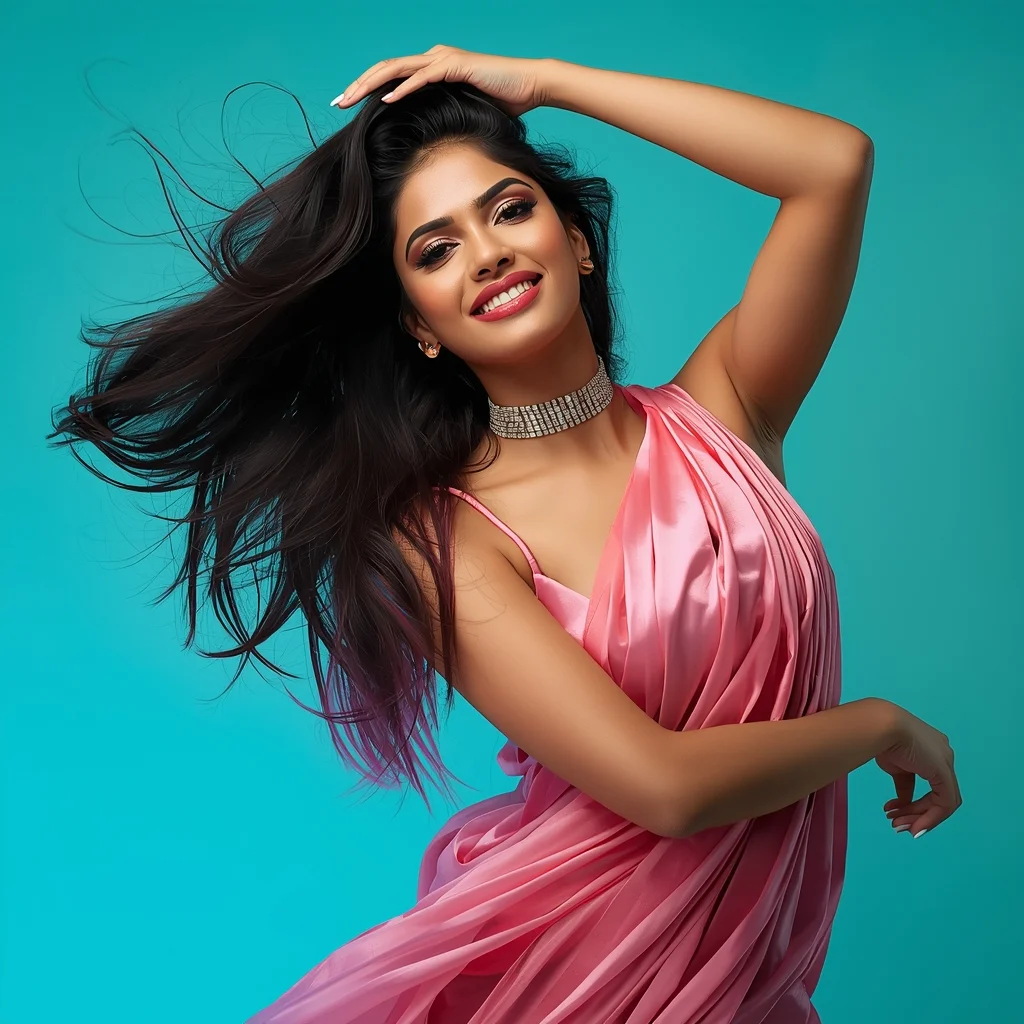
Prompt: An Indian woman in a modern Indian party dress, captured mid soft hair toss during a reel-style moment. Hair frozen in gentle motion creating elegance. Body posture fluid and stylish. Expression playful yet confident. Makeup glossy and camera-ready. Lighting vibrant and clean, enhancing sharpness. Background minimal or colorful. High clarity, cinematic influencer aesthetic, ultra-realistic textures, optimized for viral reels.
I Was One Step Away From Quitting | Aesthetic Prompt Idea
2156 mos ago
Prompt: Design an emotional thumbnail featuring a creator standing at a crossroads: one path dark and broken, the other glowing and successful. The creator looks confused but hopeful. Use dramatic cinematic lighting, ultra-realistic details, strong color contrast, visual storytelling, sharp focus on the subject, and a powerful composition optimized for high click-through rates.
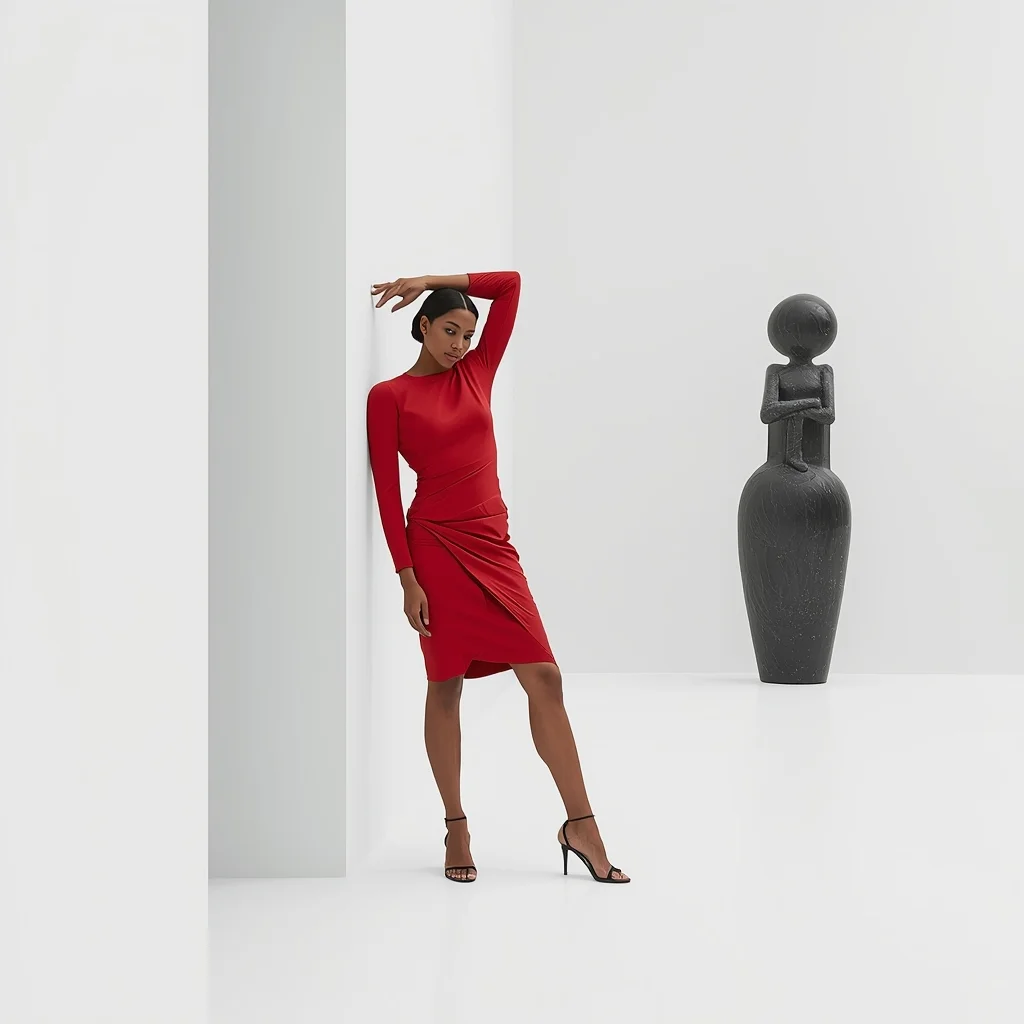
Prompt: A minimalist, high-art fashion shot of a woman in a geometric, sharp-edged red dress standing in a white-walled modern art gallery in Milan next to a large abstract sculpture. | Pose: A 'high-fashion' broken-doll pose; she is leaning against the white wall at an awkward angle, one arm bent sharply over her head and her knees turned inward. Her expression is blank and detached. | Technical: High-key studio lighting, sharp shadows, 100mm macro lens for fabric detail, vibrant red against stark white, ultra-high resolution, minimalist composition.
Frequently Asked Questions
Common questions regarding this AI prompt.
How can I adjust the emotional tone or mood of Eating the World\'s Most Dangerous $5,000 Poisonous Fish | Ready To Use Ai Prompt?
The mood is heavily dictated by lighting and color grading keywords. To make Eating the World\'s Most Dangerous $5,000 Poisonous Fish | Ready To Use Ai Prompt feel more melancholic, replace warm lighting terms with 'cool blue tones, rainy atmosphere, and dramatic shadows'. Conversely, adding 'vibrant saturation, golden hour sunlight, and joyful expressions' will instantly uplift the emotional resonance of the YouTube Thumbnail scene.
Can I simulate bioluminescence or neon lighting in this prompt?
Yes, you can easily shift the scene into a sci-fi or fantasy realm by adding terms like 'bioluminescent glow', 'neon tube lighting', 'emissive materials', or 'fluorescent accents'. These modifiers will cause the objects within the YouTube Thumbnail scene to act as their own light sources, casting incredibly realistic colored reflections onto surrounding surfaces.
How do I create a surreal, dream-like version of Eating the World\'s Most Dangerous $5,000 Poisonous Fish | Ready To Use Ai Prompt?
To break the laws of physics, use keywords like 'surrealism, dreamscape, floating objects, defying gravity, Salvador Dali style, mind-bending geometry, ethereal'. The AI will take the familiar elements of Eating the World\'s Most Dangerous $5,000 Poisonous Fish | Ready To Use Ai Prompt and arrange them in illogical, fascinating ways, creating a truly unique YouTube Thumbnail art piece.
Does this prompt work with DALL-E 3 inside ChatGPT?
Yes, it works exceptionally well. DALL-E 3 thrives on conversational, highly descriptive text. Because this prompt for Eating the World\'s Most Dangerous $5,000 Poisonous Fish | Ready To Use Ai Prompt is structured with clear nouns and adjectives, DALL-E 3 will translate it almost perfectly into an image, ensuring that multiple complex elements within the YouTube Thumbnail scene interact logically.
How do I add realistic weather effects like rain or snow to the scene?
Weather completely alters the physics of light. If you add 'torrential rain, wet asphalt reflecting neon, water droplets clinging to surfaces', the AI will not just draw rain; it will change the specularity of the Eating the World\'s Most Dangerous $5,000 Poisonous Fish | Ready To Use Ai Prompt subject. For snow, use 'heavy blizzard, frost-covered edges, soft diffused winter light' to change the entire atmosphere of the YouTube Thumbnail generation.
Can I generate a 3D claymation or toy-like version of Eating the World\'s Most Dangerous $5,000 Poisonous Fish | Ready To Use Ai Prompt?
Yes, you can mimic physical models easily. Add terms such as 'made of polymer clay, tilt-shift photography, miniature diorama, cute 3D render, smooth plasticine, vibrant pastel colors' to the prompt. The AI will instantly convert the YouTube Thumbnail scene into a charming, tactile 3D object.
How does Midjourney v6 process the intricate details of Eating the World\'s Most Dangerous $5,000 Poisonous Fish | Ready To Use Ai Prompt?
Midjourney v6 excels at understanding natural language nuances. This prompt is specifically written to take advantage of v6's semantic comprehension. You do not need to use 'prompt salad' (randomly throwing words). The detailed, descriptive sentences regarding the YouTube Thumbnail elements are parsed accurately, giving you photographic or highly illustrative perfection.
How can I transform Eating the World\'s Most Dangerous $5,000 Poisonous Fish | Ready To Use Ai Prompt into a vector graphic or logo style?
To strip away the photorealism, replace the camera keywords with 'flat vector illustration, minimalist design, UI/UX asset, Adobe Illustrator style, solid colors, clean crisp lines, no gradients'. This transforms the YouTube Thumbnail subject into a scalable, graphic-design-ready asset perfect for web design or branding.
How can I prevent anatomical distortions or 'extra limbs' when generating characters?
While modern models have improved, complex poses in YouTube Thumbnail can still cause issues. To prevent this, use a strong negative prompt containing 'bad anatomy, extra limbs, mutated hands, deformed structure'. If generating locally via Stable Diffusion, utilizing ControlNet (specifically OpenPose or Depth) alongside this prompt will guarantee flawless anatomical structure.
Can I use Image-to-Image (Img2Img) techniques with the Eating the World\'s Most Dangerous $5,000 Poisonous Fish | Ready To Use Ai Prompt prompt?
Absolutely. Using a rough sketch or a reference photo alongside this prompt in an Img2Img workflow is highly effective. We recommend setting your Denoising Strength between 0.45 and 0.65. This range is the 'sweet spot' that allows the AI to apply the high-quality textures and lighting of the Eating the World\'s Most Dangerous $5,000 Poisonous Fish | Ready To Use Ai Prompt prompt while strictly respecting the structural layout of your reference image.
Can I easily integrate the Eating the World\'s Most Dangerous $5,000 Poisonous Fish | Ready To Use Ai Prompt output into a professional design workflow?
Absolutely. The outputs generated by this prompt are designed with commercial and professional workflows in mind. Because it emphasizes crisp edges, balanced contrast, and high-resolution keywords, the resulting YouTube Thumbnail images are perfect for immediate use in UI/UX design, marketing materials, or further post-processing in software like Adobe Photoshop.
How do I deal with unwanted text or watermarks appearing in the image?
AI models are trained on stock photos which often contain watermarks. To aggressively filter this out, ensure words like 'text, watermark, signature, username, website url, copyright stamp' are heavily weighted in your negative prompt box. This is especially crucial when generating commercial-grade YouTube Thumbnail content.
How can I dictate the camera angle to make the subject look more powerful?
Camera angle completely changes the psychological impact. To make the subject of Eating the World\'s Most Dangerous $5,000 Poisonous Fish | Ready To Use Ai Prompt appear dominant or towering, insert 'low angle shot' or 'worm's-eye view'. Conversely, to make the YouTube Thumbnail scene feel vast and the subject small, use 'drone shot', 'bird's-eye view', or 'extreme high angle'.