I Spent 50 Hours in a 100% Photorealistic VR World | Ai Prompt Structure
High-quality AI-generated image. Optimized for detailed rendering, perfect for creative projects and inspiration.
296Views
0 Likes
100%Quality
FreeLicense
AI Prompt
Prompt: A gritty, close-up shot of a person wearing a futuristic, slim-profile VR headset that has glowing white LED status lights. The person is sweating, and their mouth is slightly open in a mix of exhaustion and amazement. The "real world" background of the room is dark and messy with cables, but the "VR world" is bleeding out from the edges of the headset—revealing a hyper-realistic, sun-drenched European village with cobblestone streets and individual blades of grass that look indistinguishable from reality. The lighting is a mix of the cool blue VR glow and the warm golden sun of the simulation. 8k, macro photography, sharp focus on the skin pores and the glass lens of the headset, ray-traced reflections, and a claustrophobic, immersive vibe.
Want to create this with your own face? Use this instruction:
Any change to the face is unacceptable. Prompt: A gritty, close-up shot of a person wearing a futuristic, slim-profile VR headset that has glowing white LED status lights. The person is sweating, and their mouth is slightly open in a mix of exhaustion and amazement. The "real world" background of the room is dark and messy with cables, but the "VR world" is bleeding out from the edges of the headset—revealing a hyper-realistic, sun-drenched European village with cobblestone streets and individual blades of grass that look indistinguishable from reality. The lighting is a mix of the cool blue VR glow and the warm golden sun of the simulation. 8k, macro photography, sharp focus on the skin pores and the glass lens of the headset, ray-traced reflections, and a claustrophobic, immersive vibe.
About this Prompt
Break the frustrating chains of creative block instantly with the surging inspiration provided by 'I Spent 50 Hours in a 100% Photorealistic VR World | Ai Prompt Structure'. It elevates standard prompt engineering to an absolute fine art, standing as a highly sophisticated, ultra-powerful dynamo within the incredibly competitive YouTube Thumbnail generative space. By focusing intensely on ultra-realistic digital brushwork and highly dense atmospheric elements like volumetric fog, this prompt adds a massive layer of profound mystery and sheer elegance. The resulting YouTube Thumbnail imagery feels incredibly tactile, authentic, and vividly, breathtakingly alive.
A heavily relied-upon secret weapon for digital marketing agencies running high-conversion ad campaigns. The sheer psychological stopping power of this highly optimized YouTube Thumbnail aesthetic dramatically lowers acquisition costs and massively boosts viewer click-through rates. Embrace the highly anticipated, bleeding-edge absolute future of pixel generation. This text string is widely considered the undisputed, heavily relied-upon heavyweight champion of modern prompts, guaranteeing an absolute visual ecstasy for your eager viewers' retinas.
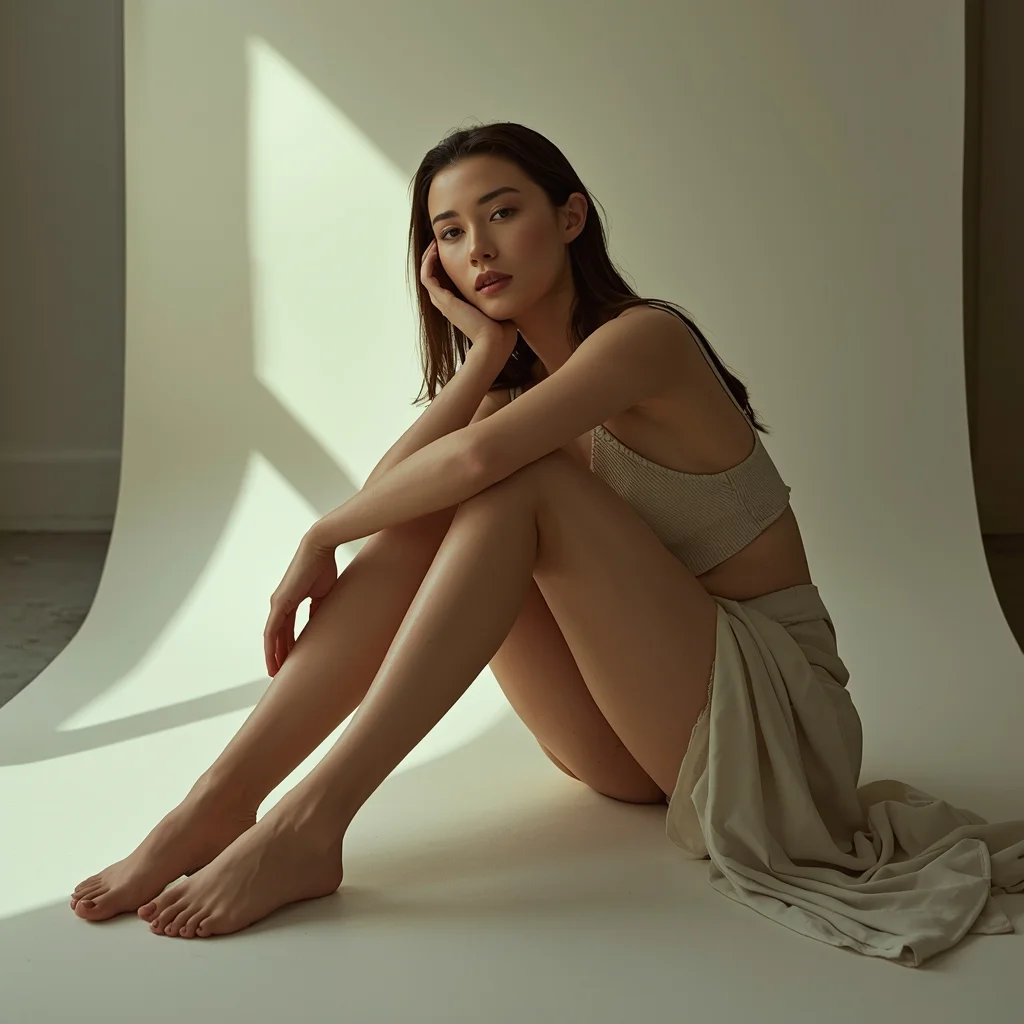
Artistic fashion portrait of a woman sitting on the floor with knees bent, relaxed elegant pose, soft ambient lighting, neutral tones, minimal modern background, calm and introspective mood, realistic fabric folds, editorial magazine aesthetic
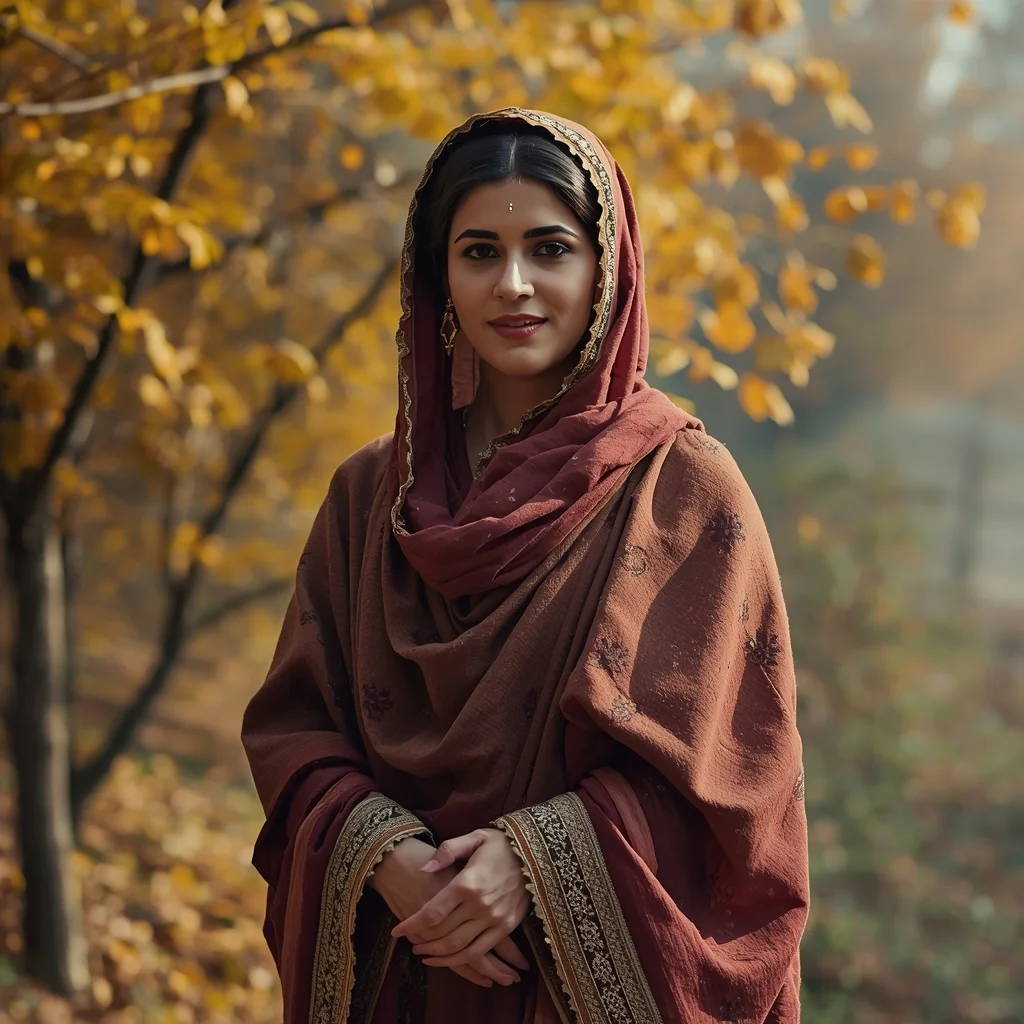
Kashmiri Autumn Grace in Traditional Pheran | Hd Image Prompt
3478 mos ago
Prompt: A highly detailed cinematic portrait of a Kashmiri woman standing gracefully in an autumn landscape, wearing a traditional Kashmiri pheran made of rich wool fabric in deep maroon and earthy brown tones, delicate floral embroidery along the borders, and a beautifully patterned headscarf draped softly over her hair. She stands near golden chinar trees with fallen leaves covering the ground, hands gently clasped in front, calm expression reflecting warmth and cultural pride. Soft natural sunlight filters through autumn fog, highlighting her facial features, smooth skin texture, and traditional jewelry like silver earrings and a simple nose pin. Ultra-realistic style, cultural authenticity, shallow depth of field, cinematic color grading, 8K resolution, DSLR photography look.
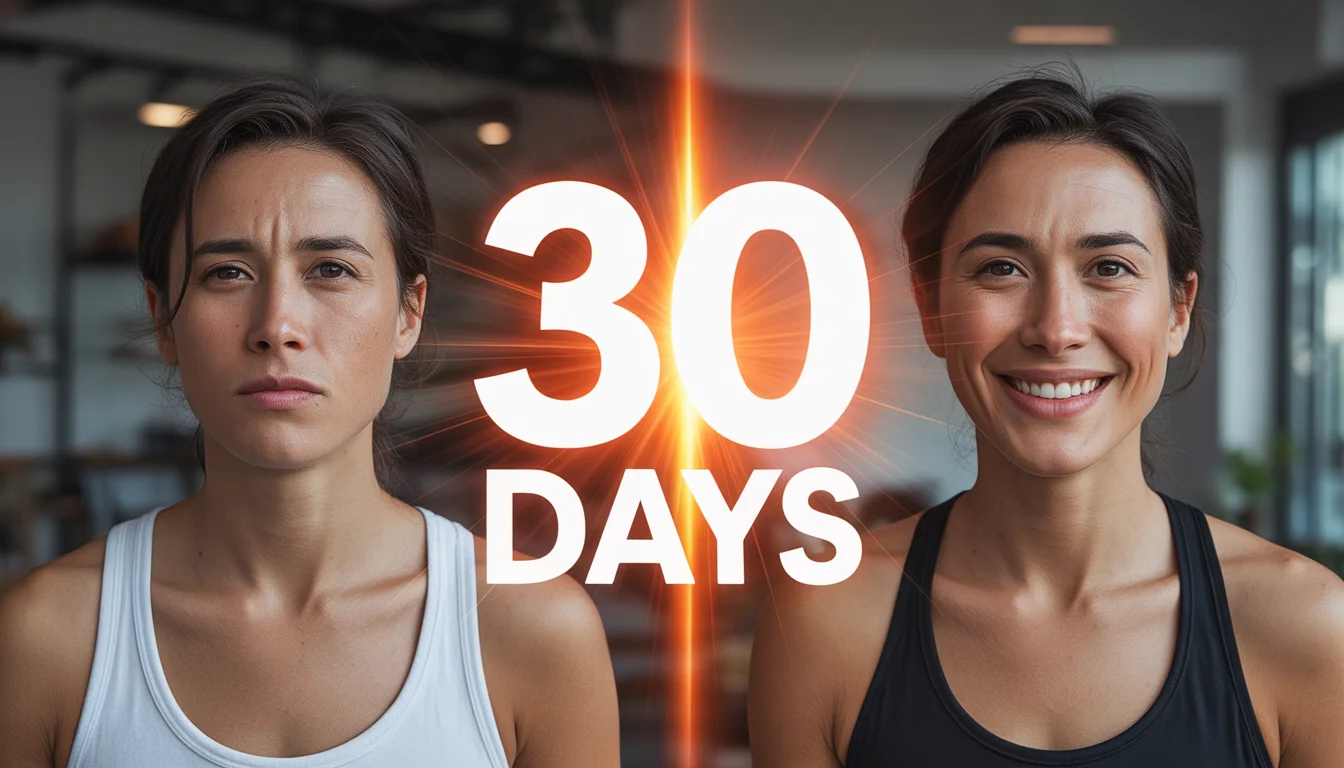
I Followed This Routine for 30 Days | Gemini Pro Prompt
2918 mos ago
Prompt: Generate a transformation-style thumbnail with a split screen: left side shows a tired, unmotivated person; right side shows the same person confident, energetic, and successful. Add a bold glowing “30 DAYS” visual element between the two versions. Use bright motivational lighting on the right, dull tones on the left, sharp facial expressions, cinematic contrast, high clarity, and strong emotional storytelling designed for high click-through rates.
A young woman with subtle cybernetic implants on her cheek standing in a dimly lit alleyway. Lit by the glow of a nearby holographic advertisement. Wet skin texture, reflective metallic elements, moody atmosphere, volumetric fog. Unreal Engine 5 render style, photorealistic, cinematic composition.
Prompt: A woman wearing a high-fashion avant-garde dress made entirely of real, crisp autumn leaves in shades of fiery red, orange, and gold. She is in the middle of a park where the ground is a thick carpet of fallen leaves. The wind is blowing more leaves around her. Pose: Twirling in a circle so the leaf-dress flares out, her hair flying, and a look of pure joy on her face. Technical: High shutter speed to freeze falling leaves, 50mm lens, vibrant autumn colors, 8k, highly detailed leaf textures, soft bokeh.
Pose: Twirling in a circle so the leaf-dress flares out, her hair flying, and a look of pure joy on her face. Technical: High shutter speed to freeze falling leaves, 50mm lens, vibrant autumn colors, 8k, highly detailed leaf textures, soft bokeh.
Technical: High shutter speed to freeze falling leaves, 50mm lens, vibrant autumn colors, 8k, highly detailed leaf textures, soft bokeh.
The "Before and After" DIY Thumbnail Niche: DIY / Home Renovation / Maker | Modern Prompt
3688 mos ago
A split-screen "Before and After" YouTube thumbnail. The left half is desaturated and gritty, showing a messy, rundown room with peeling paint and broken furniture; a "BEFORE" text graphic is implied at the top left. The right half is bright, warm, and perfectly decorated, showing the same room completely renovated into a cozy, modern farmhouse style space. A smiling DIY YouTuber stands in the middle, bridging the gap, holding a power drill and gesturing proudly toward the "After" side. The lighting on the right is golden and inviting. Aspect ratio 16:9.
Casual Leaning Indian Woman | Next Gen Ai Prompt Idea
3008 mos ago
Lifestyle fashion portrait of an Indian woman casually leaning against a wall, arms relaxed, confident natural expression, contemporary urban Indian setting, soft daylight illumination, cinematic framing, modern styling, editorial photography look, realistic shadows
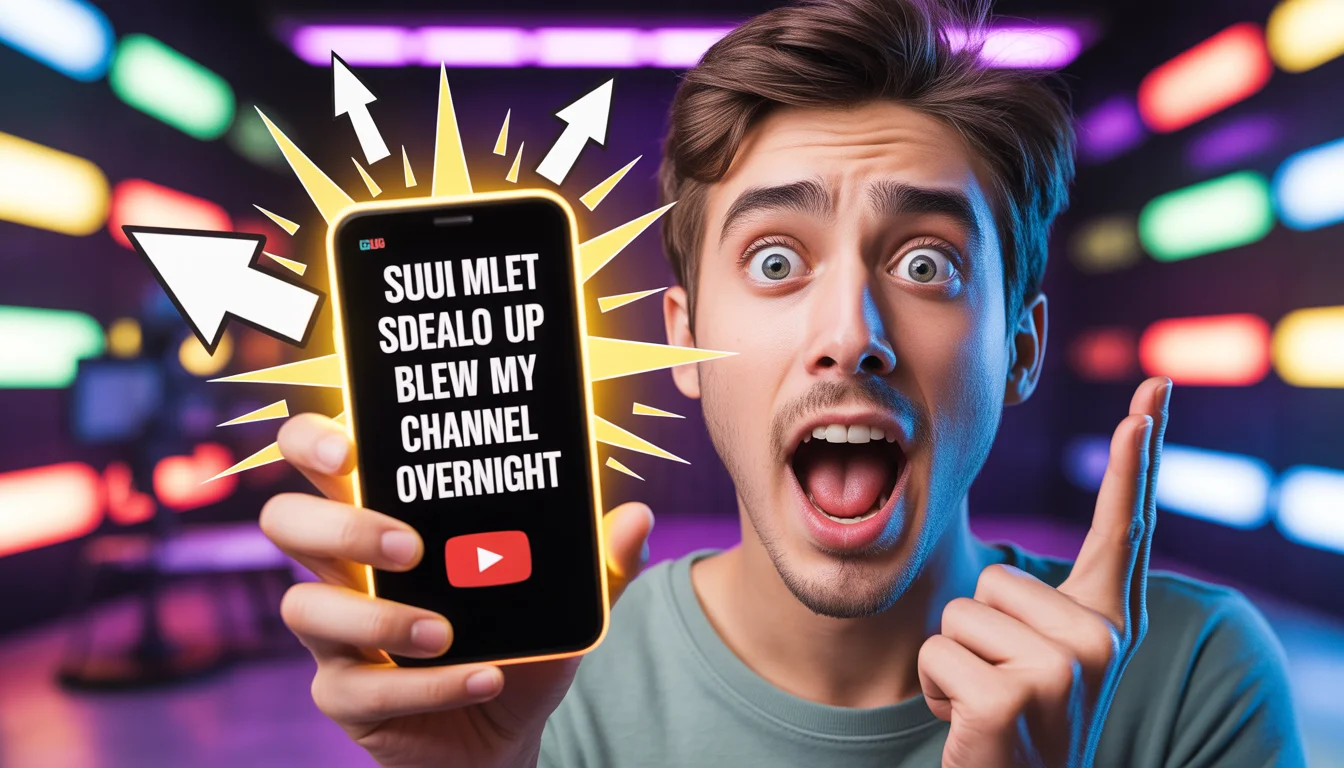
This Simple Idea Blew Up My Channel Overnight | Unique Ai Prompt
3058 mos ago
Prompt: Create a viral-style YouTube thumbnail featuring a young content creator in extreme shock, eyes wide open and mouth slightly open, holding a glowing smartphone that displays rapidly increasing subscriber numbers. Bright arrows and explosive light effects surround the phone. Background shows a blurred YouTube studio with colorful LED lights. Use ultra-realistic facial details, cinematic lighting, strong contrast, vibrant reds and yellows for attention, shallow depth of field, dramatic composition, bold emotions, high saturation, ultra-sharp focus, 16:9 aspect ratio, professional thumbnail quality optimized for mobile viewers.
Frequently Asked Questions
Common questions regarding this AI prompt.
How do I deal with unwanted text or watermarks appearing in the image?
AI models are trained on stock photos which often contain watermarks. To aggressively filter this out, ensure words like 'text, watermark, signature, username, website url, copyright stamp' are heavily weighted in your negative prompt box. This is especially crucial when generating commercial-grade YouTube Thumbnail content.
Can I make the characters or subjects in I Spent 50 Hours in a 100% Photorealistic VR World | Ai Prompt Structure look like cyborgs?
Easily. Append 'cybernetic enhancements, robotic limbs, glowing optical sensors, biomechanical plating, android'. The AI seamlessly blends biological flesh with metallic machinery, maintaining the high-quality rendering of the original YouTube Thumbnail prompt while shifting the character design.
What is the optimal workflow for upscaling I Spent 50 Hours in a 100% Photorealistic VR World | Ai Prompt Structure to print-quality resolution?
Do not generate at massive resolutions directly, as it causes compositional duplication (like two heads). Instead, generate I Spent 50 Hours in a 100% Photorealistic VR World | Ai Prompt Structure at a native resolution (e.g., 1024x1024), and then use a dedicated AI upscaler. Tools like Topaz Gigapixel AI, Magnific AI, or the '4x-UltraSharp' model in Automatic1111 will enhance the micro-textures of the YouTube Thumbnail without destroying the original composition.
What should I do if the background of I Spent 50 Hours in a 100% Photorealistic VR World | Ai Prompt Structure becomes too cluttered?
If the AI over-complicates the background, you need to assert control over the depth of field. Add strict modifiers like 'clean minimalist background, studio backdrop, heavy bokeh, blurred environment' to the prompt. Additionally, placing the subject-specific keywords at the very front of the prompt ensures the AI prioritizes the main I Spent 50 Hours in a 100% Photorealistic VR World | Ai Prompt Structure element.
How can I use Inpainting to fix specific errors in the generated I Spent 50 Hours in a 100% Photorealistic VR World | Ai Prompt Structure image?
Inpainting is essential for perfection. If 90% of the I Spent 50 Hours in a 100% Photorealistic VR World | Ai Prompt Structure image is flawless but a hand or eye is distorted, send the image to an Inpaint tab. Mask only the flawed area, keep the original prompt, and set the denoising strength high (around 0.7). The AI will regenerate only that specific zone, seamlessly blending the fixed YouTube Thumbnail elements into the surrounding artwork.
How do I add realistic weather effects like rain or snow to the scene?
Weather completely alters the physics of light. If you add 'torrential rain, wet asphalt reflecting neon, water droplets clinging to surfaces', the AI will not just draw rain; it will change the specularity of the I Spent 50 Hours in a 100% Photorealistic VR World | Ai Prompt Structure subject. For snow, use 'heavy blizzard, frost-covered edges, soft diffused winter light' to change the entire atmosphere of the YouTube Thumbnail generation.
Is it possible to use this static image prompt as a base for AI video animation?
Yes, this is a very popular workflow. Once you generate the perfect still image of I Spent 50 Hours in a 100% Photorealistic VR World | Ai Prompt Structure, you can import it into cutting-edge AI video generators like Luma Dream Machine, Kling AI, Runway Gen-3, or Pika Labs. The high detail and clear focus provided by this YouTube Thumbnail prompt make it an ideal initial keyframe, resulting in smooth, artifact-free animations.
Why is this prompt highly effective for generating I Spent 50 Hours in a 100% Photorealistic VR World | Ai Prompt Structure?
Its effectiveness lies in the structured syntax. It separates the core subject definition from the style and technical parameters. This 'block structure' prevents AI confusion, ensuring that the details of I Spent 50 Hours in a 100% Photorealistic VR World | Ai Prompt Structure remain razor-sharp while the background and artistic medium seamlessly blend to match the YouTube Thumbnail aesthetic without overpowering the main focus.
What is the best way to shift the artistic medium of I Spent 50 Hours in a 100% Photorealistic VR World | Ai Prompt Structure to an oil painting?
To completely transform the medium, append powerful style modifiers. Injecting phrases like 'intricate oil painting on canvas, thick impasto strokes, palette knife technique, classical fine art, museum masterpiece' will completely override the default realism, offering a traditional artistic variation for your YouTube Thumbnail project.
How customizable are the character and environment details in the I Spent 50 Hours in a 100% Photorealistic VR World | Ai Prompt Structure prompt?
Highly customizable. The prompt serves as a robust architectural framework. You can easily swap out specific nouns or color palettes while retaining the core YouTube Thumbnail style. For example, changing the time of day or the primary clothing material will seamlessly adapt the scene while maintaining the high-definition rendering quality originally intended for I Spent 50 Hours in a 100% Photorealistic VR World | Ai Prompt Structure.
What rendering engines should I reference to maximize the quality of I Spent 50 Hours in a 100% Photorealistic VR World | Ai Prompt Structure?
Modern AI image generators respond incredibly well to 3D software references. By appending terms like 'Unreal Engine 5 render', 'OctaneRender', 'Redshift', 'V-Ray', and 'Global Illumination', you are signaling the AI to utilize its highest quality datasets for lighting physics and material textures within the YouTube Thumbnail image.