High-quality AI-generated image. Optimized for detailed rendering, perfect for creative projects and inspiration.
296Views
0 Likes
100%Quality
FreeLicense
AI Prompt
Prompt: A man with a long, groomed beard and undercut hairstyle, wearing a modern leather vest over a dark shirt. He is standing in a misty, dark pine forest with ancient stone ruins in the background. Pose: Standing with one foot resting on a mossy fallen log. He is sharpening a small wood-carving knife, looking intensely focused on his hands. Technical: Moody forest lighting, volumetric fog, 85mm portrait lens, earthy color tones, hyper-realistic skin texture.
Pose: Standing with one foot resting on a mossy fallen log. He is sharpening a small wood-carving knife, looking intensely focused on his hands. Technical: Moody forest lighting, volumetric fog, 85mm portrait lens, earthy color tones, hyper-realistic skin texture.
Technical: Moody forest lighting, volumetric fog, 85mm portrait lens, earthy color tones, hyper-realistic skin texture.
Want to create this with your own face? Use this instruction:
Use my reference image strictly for facial identity. Do not alter the face at all. Prompt: A man with a long, groomed beard and undercut hairstyle, wearing a modern leather vest over a dark shirt. He is standing in a misty, dark pine forest with ancient stone ruins in the background. Pose: Standing with one foot resting on a mossy fallen log. He is sharpening a small wood-carving knife, looking intensely focused on his hands. Technical: Moody forest lighting, volumetric fog, 85mm portrait lens, earthy color tones, hyper-realistic skin texture.
Pose: Standing with one foot resting on a mossy fallen log. He is sharpening a small wood-carving knife, looking intensely focused on his hands. Technical: Moody forest lighting, volumetric fog, 85mm portrait lens, earthy color tones, hyper-realistic skin texture.
Technical: Moody forest lighting, volumetric fog, 85mm portrait lens, earthy color tones, hyper-realistic skin texture.
About this Prompt
Elevate your creative portfolio to elite industry standards using 'The Modern Viking | Detailed Image Prompt', a highly optimized AI prompt strictly engineered for the Man Pose Art niche. It bypasses generic outputs to deliver jaw-dropping, magazine-cover quality imagery that captures the very essence of modern sophistication and high-end visual design. Intense macro details completely reveal a microscopic hidden world of fidelity, radically changing your perspective on what Man Pose Art generation can achieve. The smooth, pearlescent chromatic aberration at the extreme edges gives it an incredibly premium, high-end, and highly expensive DSLR camera lens feel.
It is the absolute perfect digital tool for conceptualizing high-fashion editorial shoots, establishing luxury corporate brand aesthetics, and generating deeply emotional storytelling visuals without requiring countless, frustrating hours of manual Photoshop editing. Make this highly stunning, perfectly composed prompt the absolute focal point of your next big digital project. Its immense, highly adaptable versatility is simply perfect for completely mastering the intricacies of the Man Pose Art visual style.
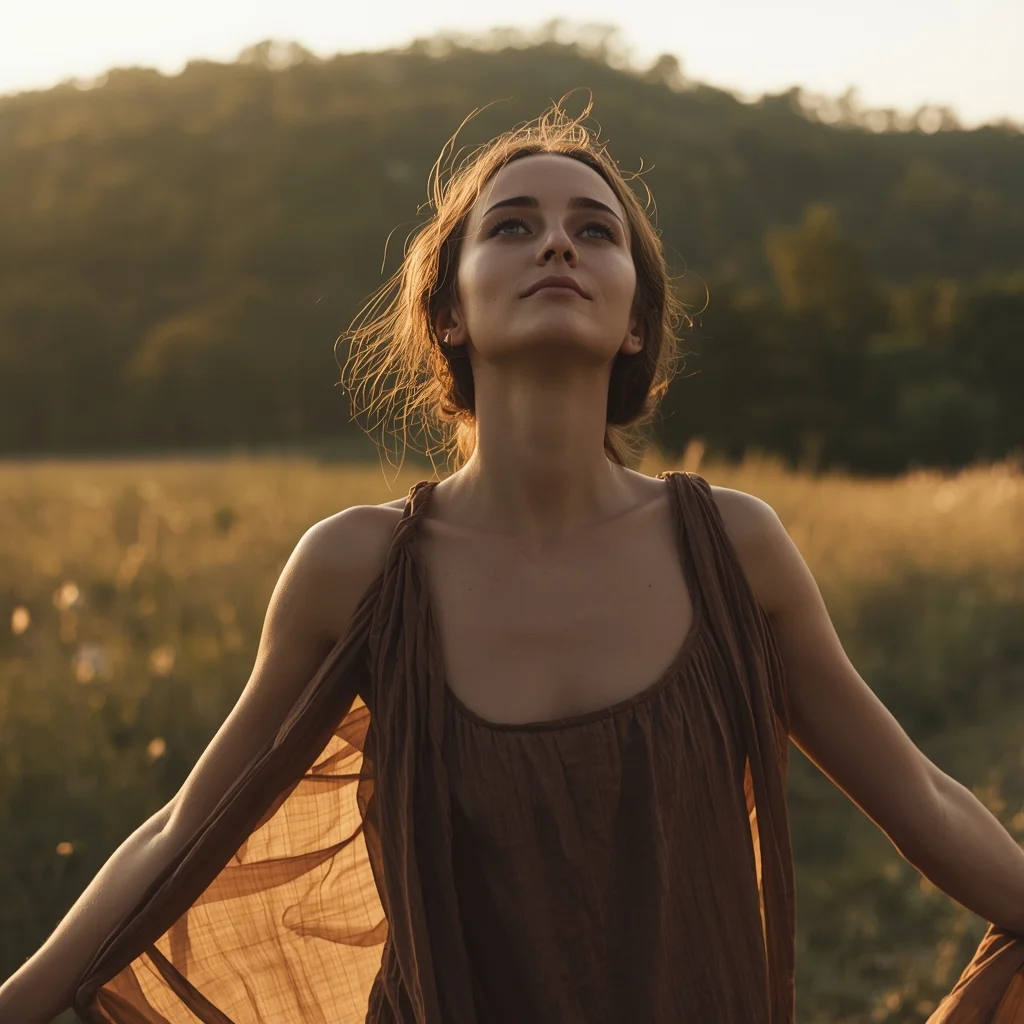
Prompt: A cinematic outdoor portrait of a woman standing in an open natural landscape, posture open and relaxed, arms resting loosely at her sides. Her face turns slightly upward, eyes soft, capturing a sense of freedom and calm. A flowing dress or fabric moves gently with the breeze. Warm golden sunlight illuminates her face and hair, creating realistic highlights and soft shadows. Lush natural background with shallow depth of field, emotional atmosphere, cinematic nature photography style, ultra-detailed realism, high-resolution image quality.
Prompt: A woman with a 1950s vintage aesthetic, wearing a mustard yellow cardigan and a plaid skirt. She is in a dusty, sunlit old library with floor-to-ceiling wooden bookshelves. Dust motes dance in the light.
Pose: Balanced on a wooden rolling ladder, reaching for a thick leather-bound book on a high shelf, looking up with curiosity.
Technical: Analog film grain, Kodak Portra 400 aesthetic, warm tones, soft vintage lighting, highly detailed textures.
The 2026 Stock Market Crash: How to Protect Your Money | Gemini Prompt Trick
2416 mos ago
Prompt: A dramatic and high-stakes financial thumbnail featuring a literal visual metaphor for a market collapse. A giant, cracked stone bull statue (representing the Bull Market) is seen crumbling and falling into a dark, stormy abyss. In the foreground, a close-up of a hand is seen holding a glowing, golden physical Bitcoin and a silver bar that are radiating a protective light. The background features a blurred, chaotic Wall Street with red digital ticker tapes showing aggressive downward trends and "CRASH" warnings. The lighting is dark and moody, with sharp orange and red highlights. Cinematic film grain, 8k, ultra-sharp focus on the gold and silver, high-contrast composition that screams urgency and authority.
AI Influencer Relaxed Side-Angle Pose | Hd Image Prompt
2406 mos ago
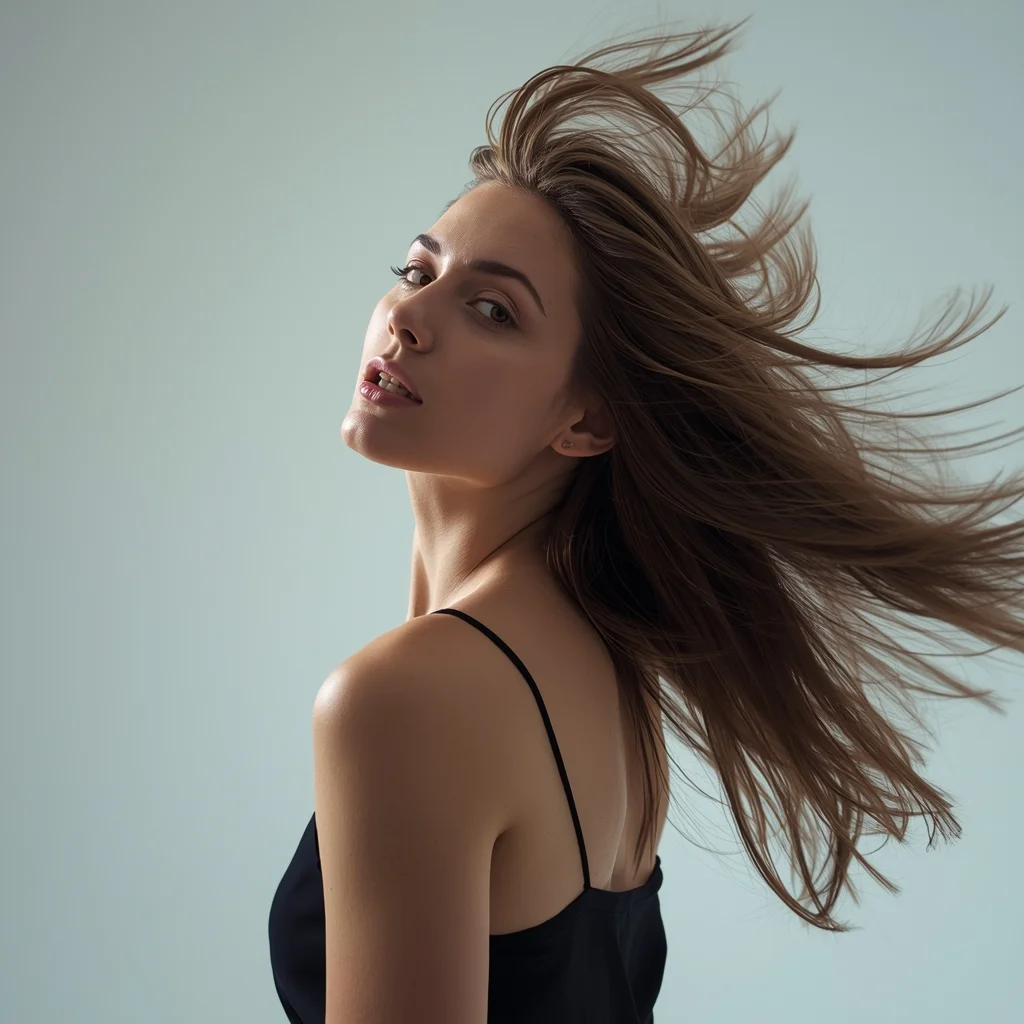
Prompt: A modern AI influencer male standing at a slight side angle, one hand in pocket, relaxed confident stance, natural facial expression, trendy neutral clothing, diffused studio lighting, seamless background, high-detail skin texture, polished social media portrait.
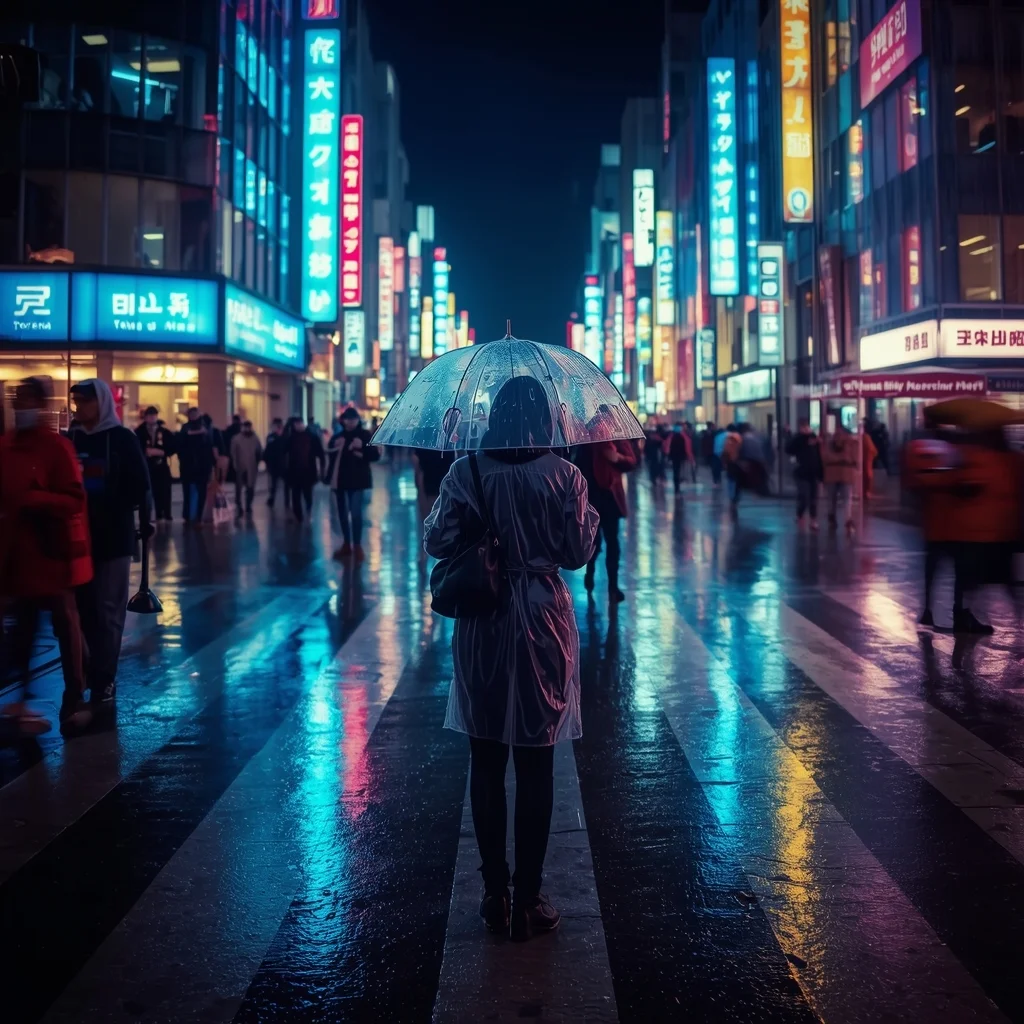
A busy Tokyo street crossing at night during heavy rain. Neon signs reflect vividly on the wet asphalt. A person in a clear raincoat holds a transparent umbrella, standing in focus while the crowd around them is slightly blurred (motion blur). Cinematic lighting, cool blue and cyberpunk pink tones, 35mm lens, 4k.
YouTube Thumbnail – Clean Minimal Aesthetic Design | Top Trending Ai Prompt Style
1976 mos ago
Prompt: A clean minimal YouTube thumbnail design with soft pastel background, balanced composition, smooth lighting, subtle shadows, aesthetic simplicity, modern professional look, calming yet attention-grabbing visual style, ultra-HD clarity, no text, no typography, no symbols.
Close-Up Cultural Saree Portrait | Ai Prompt Gallery
2506 mos ago
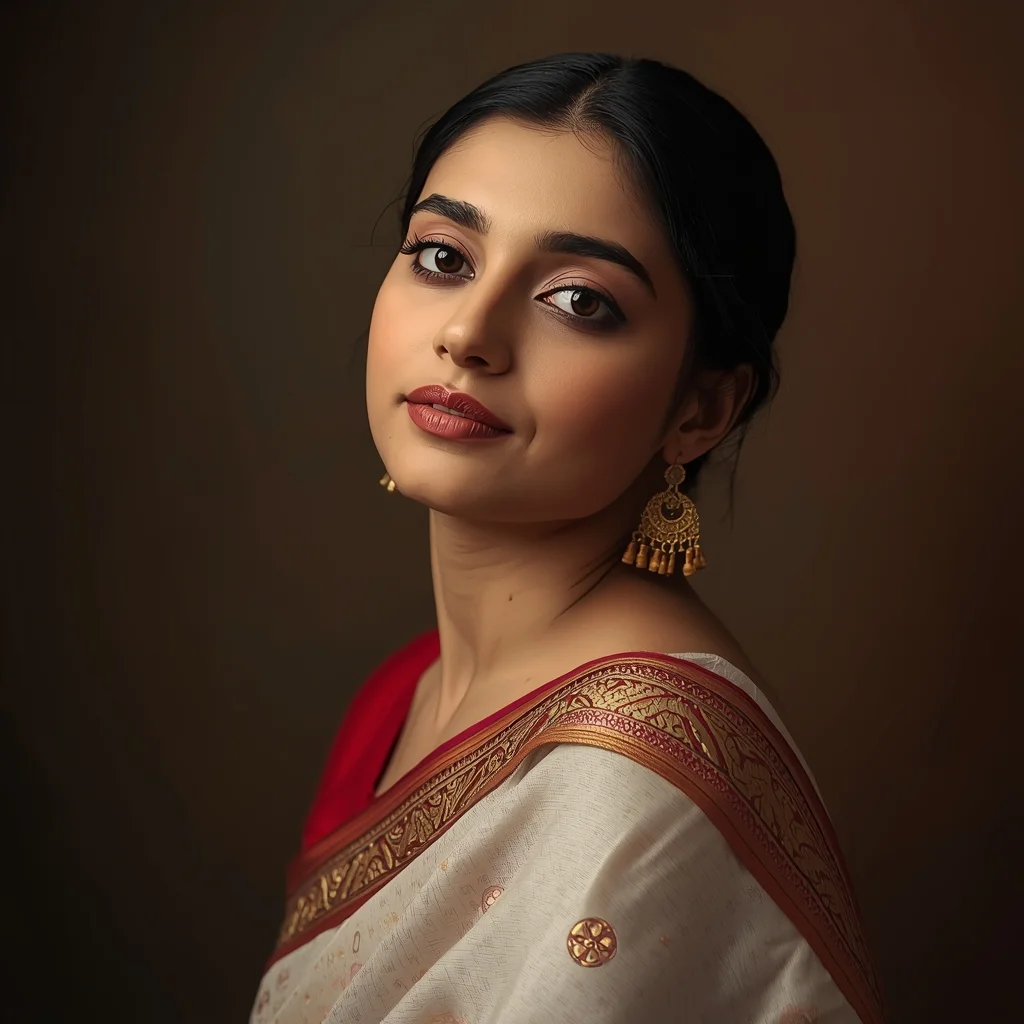
Prompt: A close-up portrait of a woman wearing a finely detailed saree, focusing on elegant draping and traditional textures. Her pose is gentle and expressive, head slightly tilted, calm expression. Background softly blurred, natural makeup, traditional earrings, professional studio-style lighting, ultra-detailed skin and fabric texture, cinematic color grading, 8K quality.
Frequently Asked Questions
Common questions regarding this AI prompt.
Can I make the image look like vintage, degraded film?
Absolutely. To strip away the ultra-modern crispness, inject phrases like 'shot on Kodak Portra 400', 'heavy film grain', 'light leaks', 'chromatic aberration', and 'vintage 1970s polaroid'. This introduces beautiful, nostalgic imperfections into the Man Pose Art scene, making the The Modern Viking | Detailed Image Prompt generation look like a discovered relic rather than a digital creation.
How can I dictate the camera angle to make the subject look more powerful?
Camera angle completely changes the psychological impact. To make the subject of The Modern Viking | Detailed Image Prompt appear dominant or towering, insert 'low angle shot' or 'worm's-eye view'. Conversely, to make the Man Pose Art scene feel vast and the subject small, use 'drone shot', 'bird's-eye view', or 'extreme high angle'.
Is this prompt compatible with the new Flux.1 AI model?
Yes, Flux.1 is incredibly responsive to detailed structural prompts just like this one. Because Flux handles complex spatial relationships and typography better than previous models, the composition instructions embedded in the The Modern Viking | Detailed Image Prompt prompt will be rendered with astonishing accuracy, making it ideal for high-end Man Pose Art generation.
What is the best way to force an ultra-wide or panoramic view?
To force a panoramic composition, you must combine aspect ratio parameters with specific camera descriptors. In Midjourney, use '--ar 21:9'. Within the prompt text itself, include 'ultra-wide panoramic landscape, 14mm lens, expansive horizon, sweeping view'. This ensures the The Modern Viking | Detailed Image Prompt subject matter is distributed correctly across a massive, cinematic canvas.
Why is this prompt highly effective for generating The Modern Viking | Detailed Image Prompt?
Its effectiveness lies in the structured syntax. It separates the core subject definition from the style and technical parameters. This 'block structure' prevents AI confusion, ensuring that the details of The Modern Viking | Detailed Image Prompt remain razor-sharp while the background and artistic medium seamlessly blend to match the Man Pose Art aesthetic without overpowering the main focus.
How do I deal with unwanted text or watermarks appearing in the image?
AI models are trained on stock photos which often contain watermarks. To aggressively filter this out, ensure words like 'text, watermark, signature, username, website url, copyright stamp' are heavily weighted in your negative prompt box. This is especially crucial when generating commercial-grade Man Pose Art content.
How do I modify The Modern Viking | Detailed Image Prompt to fit into a dark fantasy or gothic horror setting?
Change the environmental descriptors. Add 'dark fantasy concept art, gothic architecture, eerie volumetric fog, corrupted ruins, ominous atmosphere, Bloodborne aesthetic'. This forces the AI to reinterpret the The Modern Viking | Detailed Image Prompt prompt through a grim, terrifying lens, drastically altering the mood of the Man Pose Art output.
How do I achieve an extreme close-up or macro shot of The Modern Viking | Detailed Image Prompt?
Modify the perspective by heavily weighting keywords like 'extreme macro photography', '100mm macro lens', 'microscopic detail', and 'extreme close up'. This forces the AI engine to ignore the broader Man Pose Art environment and dedicate all of its rendering power to the microscopic textures, fibers, or surface imperfections of the primary subject.
How does Google's Gemini (Imagen 3) respond to the The Modern Viking | Detailed Image Prompt prompt?
Gemini's Imagen 3 engine is exceptionally strong at adhering to safe, high-quality, photorealistic requests. It reads the descriptive narrative of the The Modern Viking | Detailed Image Prompt prompt perfectly, ensuring that the subject anatomy and environmental physics are logical, highly detailed, and free from the typical warping artifacts seen in older generation models.
How do I create a dramatic, low-light version of The Modern Viking | Detailed Image Prompt?
To plunge the scene into dramatic darkness, modify the prompt to include 'chiaroscuro', 'low-key lighting', 'underexposed', and 'stark shadows'. This tells the AI to plunge the majority of the Man Pose Art environment into darkness while intensely illuminating only the most critical parts of the The Modern Viking | Detailed Image Prompt subject, creating a moody, cinematic masterpiece.
Can I generate a 3D claymation or toy-like version of The Modern Viking | Detailed Image Prompt?
Yes, you can mimic physical models easily. Add terms such as 'made of polymer clay, tilt-shift photography, miniature diorama, cute 3D render, smooth plasticine, vibrant pastel colors' to the prompt. The AI will instantly convert the Man Pose Art scene into a charming, tactile 3D object.
Is it possible to use this static image prompt as a base for AI video animation?
Yes, this is a very popular workflow. Once you generate the perfect still image of The Modern Viking | Detailed Image Prompt, you can import it into cutting-edge AI video generators like Luma Dream Machine, Kling AI, Runway Gen-3, or Pika Labs. The high detail and clear focus provided by this Man Pose Art prompt make it an ideal initial keyframe, resulting in smooth, artifact-free animations.
Does this prompt support blending multiple concepts together?
Yes, advanced users can use this prompt as a base for concept blending. By utilizing syntax like [Concept A : Concept B : 0.5] in Automatic1111 or simply describing a hybrid scenario, the strong foundational parameters of the The Modern Viking | Detailed Image Prompt prompt will ensure the merged concepts render cohesively without degrading into visual noise.
Can I use Image-to-Image (Img2Img) techniques with the The Modern Viking | Detailed Image Prompt prompt?
Absolutely. Using a rough sketch or a reference photo alongside this prompt in an Img2Img workflow is highly effective. We recommend setting your Denoising Strength between 0.45 and 0.65. This range is the 'sweet spot' that allows the AI to apply the high-quality textures and lighting of the The Modern Viking | Detailed Image Prompt prompt while strictly respecting the structural layout of your reference image.