Ethereal Forest Guardian | Professional Photo Prompt
High-quality AI-generated image. Optimized for detailed rendering, perfect for creative projects and inspiration.
247Views
0 Likes
100%Quality
FreeLicense
AI Prompt
Prompt: A stunningly beautiful woman embodying a forest spirit, wearing a gown made of living moss, delicate white orchids, and shimmering gossamer threads. She is surrounded by a soft, magical mist in an ancient woodland. Bioluminescent butterflies hover around her, casting a faint blue glow on her skin. Her hair is long, flowing, and adorned with tiny glowing spores.
Pose: Standing gracefully with one hand reaching out to touch a floating butterfly, body slightly angled to the side, looking towards the camera with a serene, mystical expression.
Technical: 8k resolution, cinematic lighting, shot on Sony A7R IV, 85mm lens, f/1.8, soft bokeh background, hyper-realistic textures, Unreal Engine 5 render style.
Want to create this with your own face? Use this instruction:
The face must appear as a direct replica of the reference image, with the same geometry and realism, regardless of pose or angle. Prompt: A stunningly beautiful woman embodying a forest spirit, wearing a gown made of living moss, delicate white orchids, and shimmering gossamer threads. She is surrounded by a soft, magical mist in an ancient woodland. Bioluminescent butterflies hover around her, casting a faint blue glow on her skin. Her hair is long, flowing, and adorned with tiny glowing spores.
Pose: Standing gracefully with one hand reaching out to touch a floating butterfly, body slightly angled to the side, looking towards the camera with a serene, mystical expression.
Technical: 8k resolution, cinematic lighting, shot on Sony A7R IV, 85mm lens, f/1.8, soft bokeh background, hyper-realistic textures, Unreal Engine 5 render style.
About this Prompt
Experience the visceral power of visionary storytelling through 'Ethereal Forest Guardian | Professional Photo Prompt', a conceptual marvel that sets a massive new benchmark in the competitive landscape of Woman Pose Art imagery. Every generation acts as a profound exploration of modern art, delivering a striking aesthetic that is impossible to ignore. It masterfully combines dreamy, soft-focus bokeh effects with razor-sharp, macro-level subject focus. The specific lighting parameters mimic high-budget professional studio environments perfectly, bringing out the intricate fabric details, flawless skin tones, and deeply vibrant colors of the overall Woman Pose Art composition.
An incredibly valuable resource for digital UI/UX designers needing premium, highly realistic Woman Pose Art placeholder imagery that actually elevates their wireframes and interface mockups, making the final presentation look incredibly polished and highly professional. Whether you are a highly seasoned digital pro or an eager AI hobbyist, simply pasting this brilliantly structured prompt instantly unlocks entirely new, wildly exciting creative possibilities that will drastically elevate your personal design portfolio.
Natural Eco Product Scene | Top Searched Ai Prompt
2066 mos ago
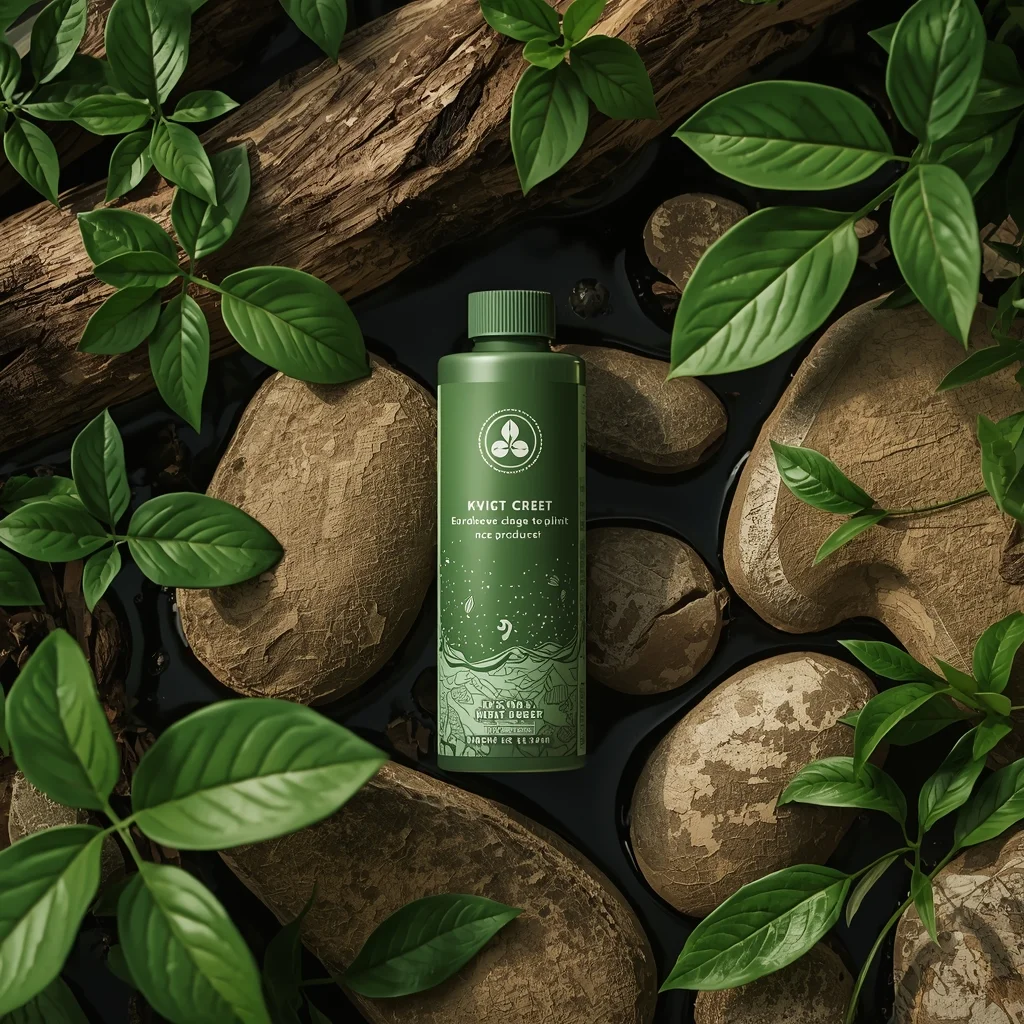
An eco-friendly product placed among natural elements like leaves, wood, stone, or water, fresh daylight lighting, green natural tones, soft shadows, organic texture details, sustainability theme, professional nature-based product photography, ultra-realistic, 8K resolution
Gym Bodybuilder Front Flex Power Pose | Trending Prompt Idea Worldwide
2666 mos ago
Prompt: A muscular male bodybuilder standing in a gym, front flex pose with arms bent and chest expanded, intense focused expression, sweat highlights on skin, dramatic top lighting, deep shadows, ultra-defined muscles, high-contrast cinematic fitness photography, hyper-realistic.
The $100,000 "Diamond Encrusted" Wagyu Steak | Viral Prompt Idea For Creator
2756 mos ago
Prompt: An extreme close-up, luxurious food photography shot. A thick cut of perfectly seared, heavily marbled Japanese A5 Wagyu beef is resting on a black slate platter. The steak is completely covered in shimmering, edible 24-karat gold flakes and studded with small, sparkling real diamonds. Smoke curls gently off the hot meat. In the blurred background, a sommelier pours vintage champagne. Rich, warm lighting, high saturation, ultra-sharp macro focus on the meat texture and jewels, 8k resolution.
The Academic Professor in Thought | Unique Ai Prompt
2756 mos ago
Prompt: A portrait of an older intellectual man with wire-frame glasses and a tweed jacket, standing in a dimly lit university library aisle surrounded by towering bookshelves. He is holding an open book in one hand, while the other hand rubs his chin in a contemplative pose. He is looking upwards and away from the book. Mixed lighting from warm desk lamps and faint window light. Deep shadows, rich textures of old paper and wool.
Traditional Indian Woman Sitting Grace Pose | Travel Photo Prompt
2596 mos ago
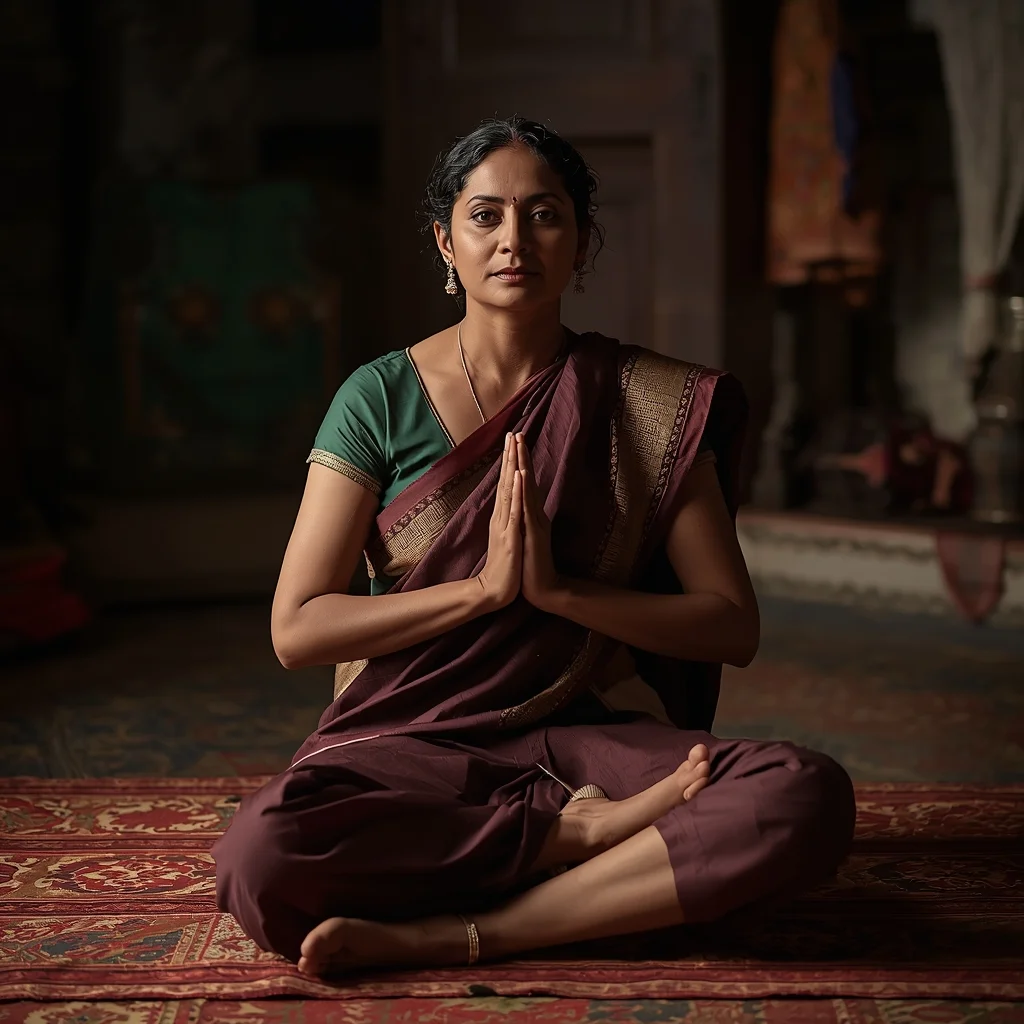
Prompt: An Indian woman sitting gracefully on the floor or low seat, wearing a traditional outfit, calm expression, straight posture, gentle hand placement. Indoor heritage setting with warm ambient light, cultural storytelling photography, fine textures, realistic fabric details, peaceful mood, ultra-HD
Rural Heritage Authentic Woman Pose | Sora Video Prompt
2516 mos ago
Prompt: A traditionally dressed woman standing naturally in a rural or village-inspired setting, posture relaxed yet graceful. One hand gently holds a cultural object while the other hangs freely, emphasizing authenticity and simplicity. Her expression is calm, warm, and genuine, reflecting deep cultural roots. Natural sunlight enhances earthy tones, realistic textures, and soft shadows. Background features natural elements and rustic surfaces that add emotional depth. Documentary-style cultural portrait, cinematic realism, high-resolution detail, soulful atmosphere.
Prompt: A woman submerged in crystal clear turquoise water, wearing a long, weightless chiffon dress that billows around her like jellyfish tentacles. Sunbeams penetrate the water's surface, creating dancing light patterns (caustics) on her skin and the sandy floor below. Small colorful fish swim nearby.
Pose: Floating horizontally, eyes closed in a peaceful expression, arms drifting upward, hair spreading out like a halo.
Technical: Underwater photography, wide-angle lens, high-speed shutter to freeze light rays, 4k, ethereal blue tones, hyper-detailed water ripples.
Prompt: Ultra-realistic YouTube thumbnail showing a creator mid-reaction with raised eyebrows and widened eyes, subtle smile mixed with shock, hands slightly lifted as if reacting instantly, cinematic soft key light from the front with rim lighting separating the subject from the background, dark blurred studio backdrop with soft glowing highlights, high contrast color grading, ultra-sharp facial details, realistic skin texture and pores, shallow depth of field, vibrant yet clean colors, professional DSLR photography look, emotional storytelling moment, bold composition optimized for YouTube homepage, 4K ultra-HD quality.
Frequently Asked Questions
Common questions regarding this AI prompt.
What is the optimal workflow for upscaling Ethereal Forest Guardian | Professional Photo Prompt to print-quality resolution?
Do not generate at massive resolutions directly, as it causes compositional duplication (like two heads). Instead, generate Ethereal Forest Guardian | Professional Photo Prompt at a native resolution (e.g., 1024x1024), and then use a dedicated AI upscaler. Tools like Topaz Gigapixel AI, Magnific AI, or the '4x-UltraSharp' model in Automatic1111 will enhance the micro-textures of the Woman Pose Art without destroying the original composition.
What is the core conceptual focus of the Ethereal Forest Guardian | Professional Photo Prompt prompt?
The Ethereal Forest Guardian | Professional Photo Prompt prompt is meticulously engineered to focus on high-fidelity visual storytelling within the Woman Pose Art genre. By leveraging advanced keyword weighting and specific rendering tokens, it ensures that the AI prioritizes both the primary subject matter and the intricate atmospheric details, resulting in a highly professional and polished final image.
How does the prompt establish the historical or futuristic era of Ethereal Forest Guardian | Professional Photo Prompt?
Era-specific aesthetics are locked in using targeted chronological keywords. Whether leaning towards a neo-futuristic cyberpunk vibe or a classical Renaissance look, the prompt forces the AI to draw from specific historical datasets. This ensures that the clothing, architecture, and props within the Woman Pose Art scene remain historically or thematically accurate.
Is this prompt compatible with the new Flux.1 AI model?
Yes, Flux.1 is incredibly responsive to detailed structural prompts just like this one. Because Flux handles complex spatial relationships and typography better than previous models, the composition instructions embedded in the Ethereal Forest Guardian | Professional Photo Prompt prompt will be rendered with astonishing accuracy, making it ideal for high-end Woman Pose Art generation.
How can I dictate the camera angle to make the subject look more powerful?
Camera angle completely changes the psychological impact. To make the subject of Ethereal Forest Guardian | Professional Photo Prompt appear dominant or towering, insert 'low angle shot' or 'worm's-eye view'. Conversely, to make the Woman Pose Art scene feel vast and the subject small, use 'drone shot', 'bird's-eye view', or 'extreme high angle'.
How can I use Inpainting to fix specific errors in the generated Ethereal Forest Guardian | Professional Photo Prompt image?
Inpainting is essential for perfection. If 90% of the Ethereal Forest Guardian | Professional Photo Prompt image is flawless but a hand or eye is distorted, send the image to an Inpaint tab. Mask only the flawed area, keep the original prompt, and set the denoising strength high (around 0.7). The AI will regenerate only that specific zone, seamlessly blending the fixed Woman Pose Art elements into the surrounding artwork.
How do I modify Ethereal Forest Guardian | Professional Photo Prompt to fit into a dark fantasy or gothic horror setting?
Change the environmental descriptors. Add 'dark fantasy concept art, gothic architecture, eerie volumetric fog, corrupted ruins, ominous atmosphere, Bloodborne aesthetic'. This forces the AI to reinterpret the Ethereal Forest Guardian | Professional Photo Prompt prompt through a grim, terrifying lens, drastically altering the mood of the Woman Pose Art output.
Can I generate a 3D claymation or toy-like version of Ethereal Forest Guardian | Professional Photo Prompt?
Yes, you can mimic physical models easily. Add terms such as 'made of polymer clay, tilt-shift photography, miniature diorama, cute 3D render, smooth plasticine, vibrant pastel colors' to the prompt. The AI will instantly convert the Woman Pose Art scene into a charming, tactile 3D object.
How can I adjust the emotional tone or mood of Ethereal Forest Guardian | Professional Photo Prompt?
The mood is heavily dictated by lighting and color grading keywords. To make Ethereal Forest Guardian | Professional Photo Prompt feel more melancholic, replace warm lighting terms with 'cool blue tones, rainy atmosphere, and dramatic shadows'. Conversely, adding 'vibrant saturation, golden hour sunlight, and joyful expressions' will instantly uplift the emotional resonance of the Woman Pose Art scene.
Can I easily integrate the Ethereal Forest Guardian | Professional Photo Prompt output into a professional design workflow?
Absolutely. The outputs generated by this prompt are designed with commercial and professional workflows in mind. Because it emphasizes crisp edges, balanced contrast, and high-resolution keywords, the resulting Woman Pose Art images are perfect for immediate use in UI/UX design, marketing materials, or further post-processing in software like Adobe Photoshop.
What if the AI completely ignores a specific detail I added to the Ethereal Forest Guardian | Professional Photo Prompt prompt?
If a detail is ignored, it lacks 'weight'. Move that specific word closer to the very beginning of the prompt. Alternatively, if using Midjourney, use the double colon syntax (Keyword::2) to force the AI to pay attention. In Stable Diffusion, wrap the keyword in parentheses like (Keyword:1.5) to boost its importance in the Woman Pose Art scene.
How do I create a dramatic, low-light version of Ethereal Forest Guardian | Professional Photo Prompt?
To plunge the scene into dramatic darkness, modify the prompt to include 'chiaroscuro', 'low-key lighting', 'underexposed', and 'stark shadows'. This tells the AI to plunge the majority of the Woman Pose Art environment into darkness while intensely illuminating only the most critical parts of the Ethereal Forest Guardian | Professional Photo Prompt subject, creating a moody, cinematic masterpiece.