High-quality AI-generated image. Optimized for detailed rendering, perfect for creative projects and inspiration.
96Views
0 Likes
100%Quality
FreeLicense
AI Prompt
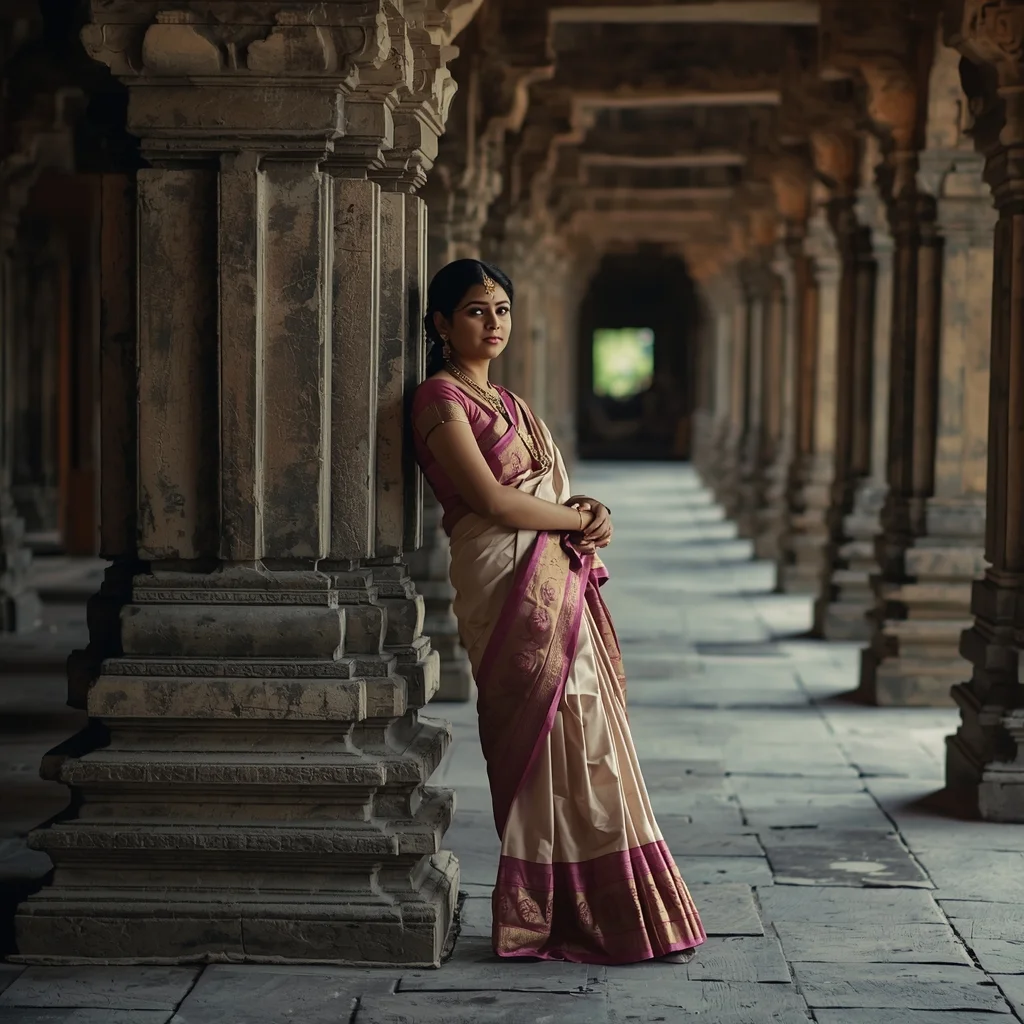
Full-body portrait of an Indian woman leaning against a carved stone pillar in an ancient temple archway, wearing traditional silk attire, intricate jewelry details, soft natural light filtering through the corridors, peaceful and spiritual atmosphere, realistic textures of stone and fabric, 8K ultra-detailed realism
Want to create this with your own face? Use this instruction:
Face fidelity priority: highest. Full-body portrait of an Indian woman leaning against a carved stone pillar in an ancient temple archway, wearing traditional silk attire, intricate jewelry details, soft natural light filtering through the corridors, peaceful and spiritual atmosphere, realistic textures of stone and fabric, 8K ultra-detailed realism
About this Prompt
Harness the raw, untamed energy of artificial intelligence with 'Heritage Temple Archway | Ai Prompt Template', a prompt explicitly tailored to completely dominate the Indian Woman Pose digital art scene. From casual weekend projects to high-stakes commercial campaigns, it provides a robust, stunning foundation for unparalleled visual success. Notice exactly how the prompt naturally forces the AI to enhance volumetric lighting and subtle, diffuse shadows, creating a true, deeply convincing 3D illusion. Every micro-detail is sharply defined, ensuring the artwork holds up beautifully even when upscaled to extreme 8k or 16k resolutions.
Whether you are currently working in Midjourney v6, Stable Diffusion XL, or the latest Gemini models, this highly structured prompt heavily optimizes your creative workflow, reliably delivering jaw-dropping, professional-grade outputs on the very first try. Your incredible journey to absolute generative perfection starts exactly right here. Seamlessly blend color, digital code, and raw creativity by confidently utilizing this ultimate prompt to bring your boldest, most ambitious Indian Woman Pose visions to reality.
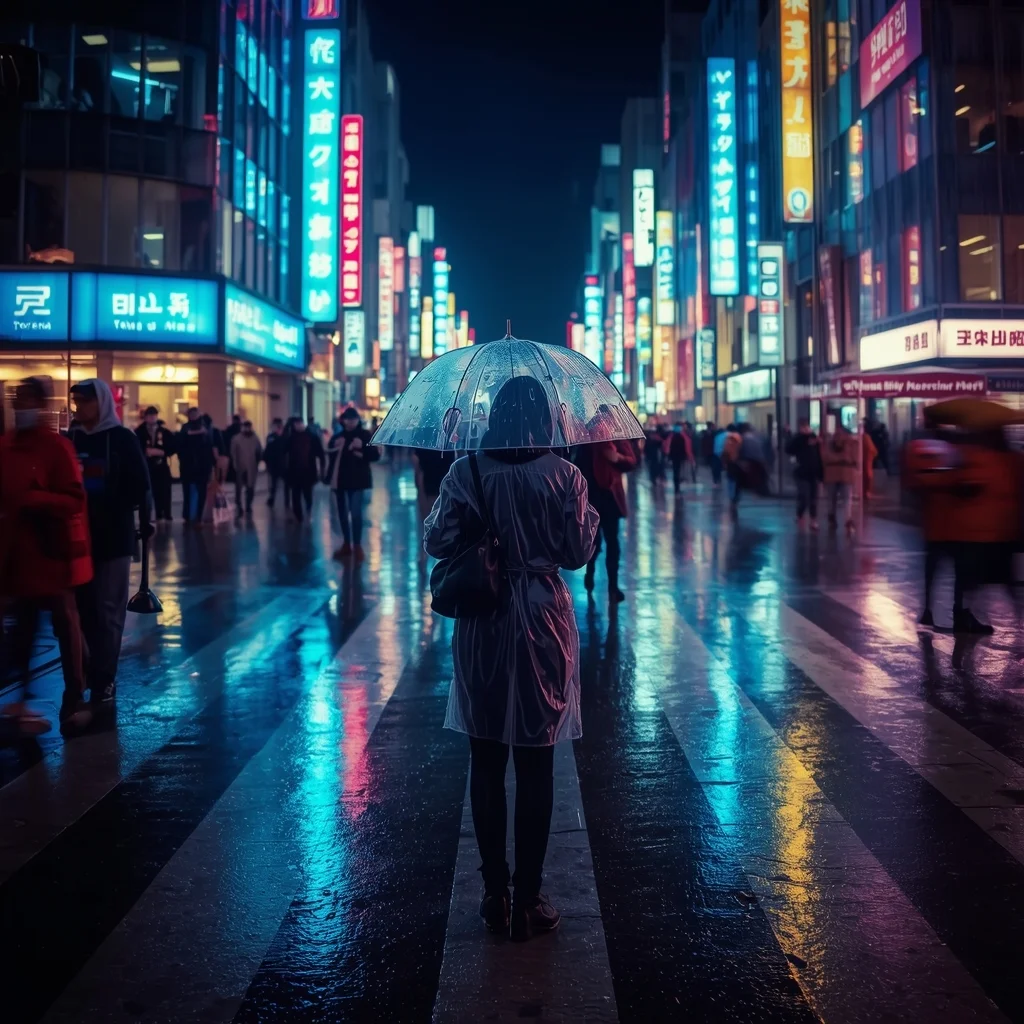
A busy Tokyo street crossing at night during heavy rain. Neon signs reflect vividly on the wet asphalt. A person in a clear raincoat holds a transparent umbrella, standing in focus while the crowd around them is slightly blurred (motion blur). Cinematic lighting, cool blue and cyberpunk pink tones, 35mm lens, 4k.
Modern Indian Viral Reel Pose – Power Walk Twist | Ai Prompt Structure
873 mos ago
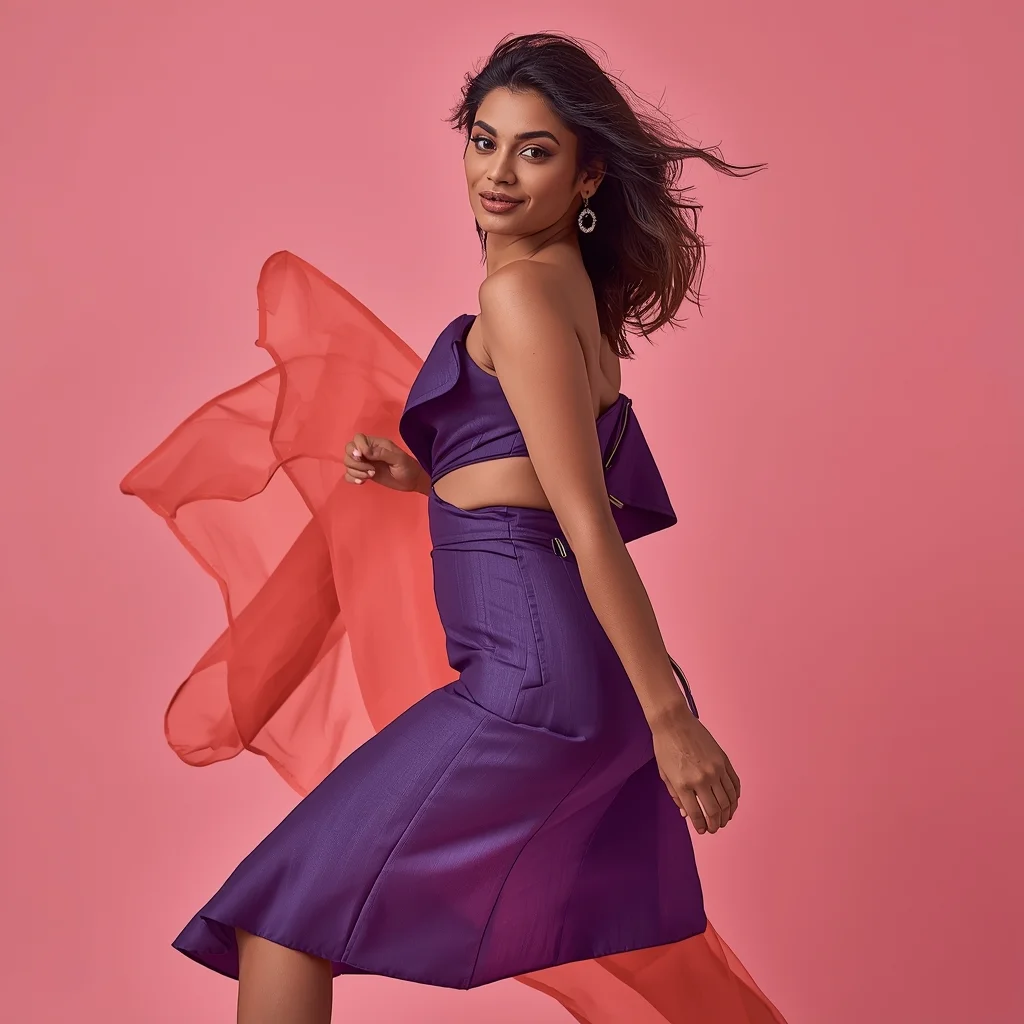
Prompt: An Indian woman wearing a chic modern Indian fusion dress with a structured silhouette and flowing fabric, captured in a powerful reel-style walking pose. One foot forward, torso slightly twisted toward the camera, fabric caught mid-motion creating a dramatic flow. Hair styled in soft waves, lightly airborne, adding natural movement. Expression is bold, confident, and camera-aware with a subtle smirk. Makeup is clean-glam with glowing skin and defined eyes. Lighting is bright and cinematic, highlighting textures and contours. Background is minimal yet vibrant, optimized for Instagram reels. Ultra-high resolution, influencer aesthetic, cinematic depth, hyper-realistic details, viral-ready composition.
Modern Indian Viral Reel Pose | Top Searched Ai Prompt
893 mos ago
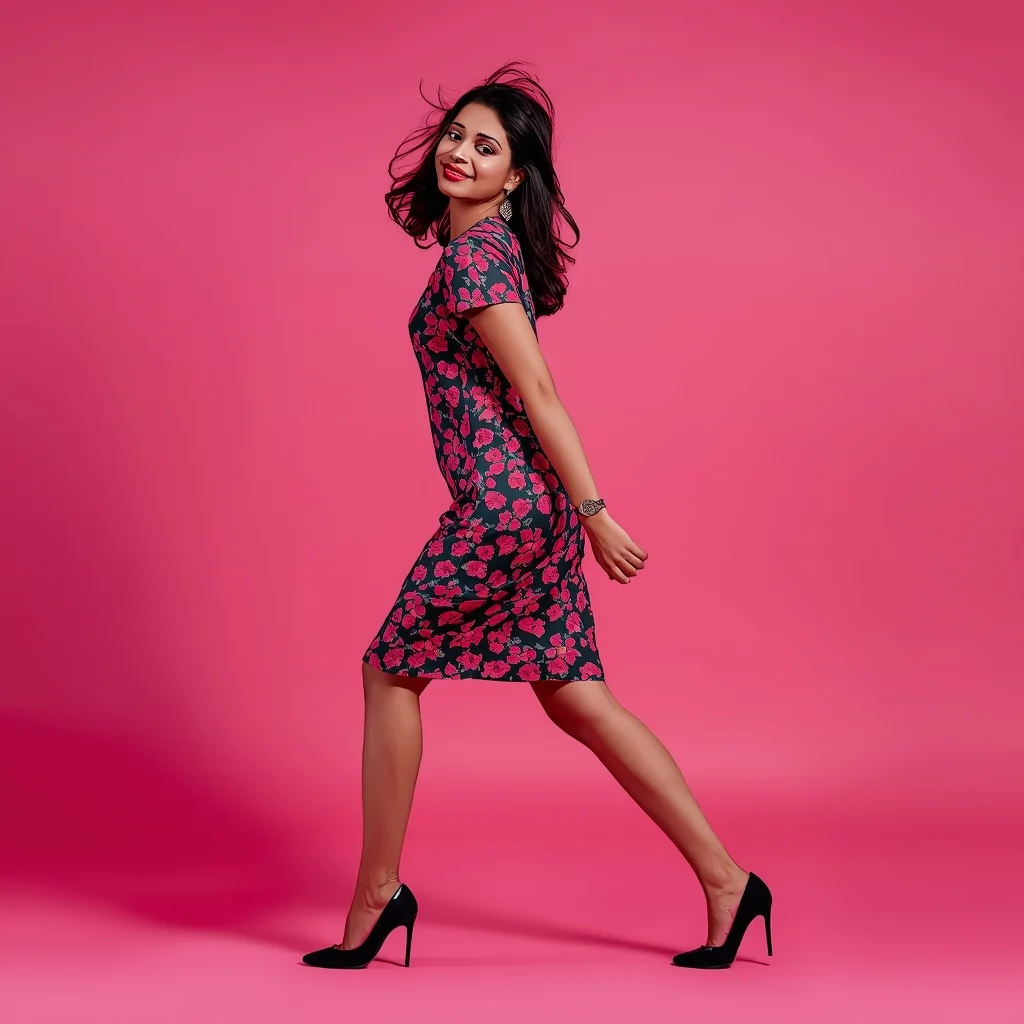
Prompt: An Indian woman in a trendy modern Indian dress, captured in a dynamic reel-style pose mid-step or mid-turn. Body angle is energetic, hair slightly in motion, expression playful and confident. Makeup is fresh and camera-ready. Lighting is vibrant and clean, enhancing sharpness. Background is minimal or colorful, optimized for social media. High clarity, modern influencer aesthetic, cinematic framing, ultra-realistic textures, designed for viral impact.
Modern Indian Viral Reel Pose – Direct Camera Energy | Sharp Image Prompt
913 mos ago
Prompt: An Indian woman in a bold modern Indian dress, captured mid-step while directly connecting with the camera in a reel-style pose. Body posture confident and expressive, shoulders relaxed. Hair textured with light motion. Expression strong, confident, and magnetic. Makeup is bold yet clean. Lighting bright with controlled contrast. Background minimal to enhance subject focus. Ultra-realistic textures, cinematic reel framing, influencer-grade polish, designed for viral engagement.
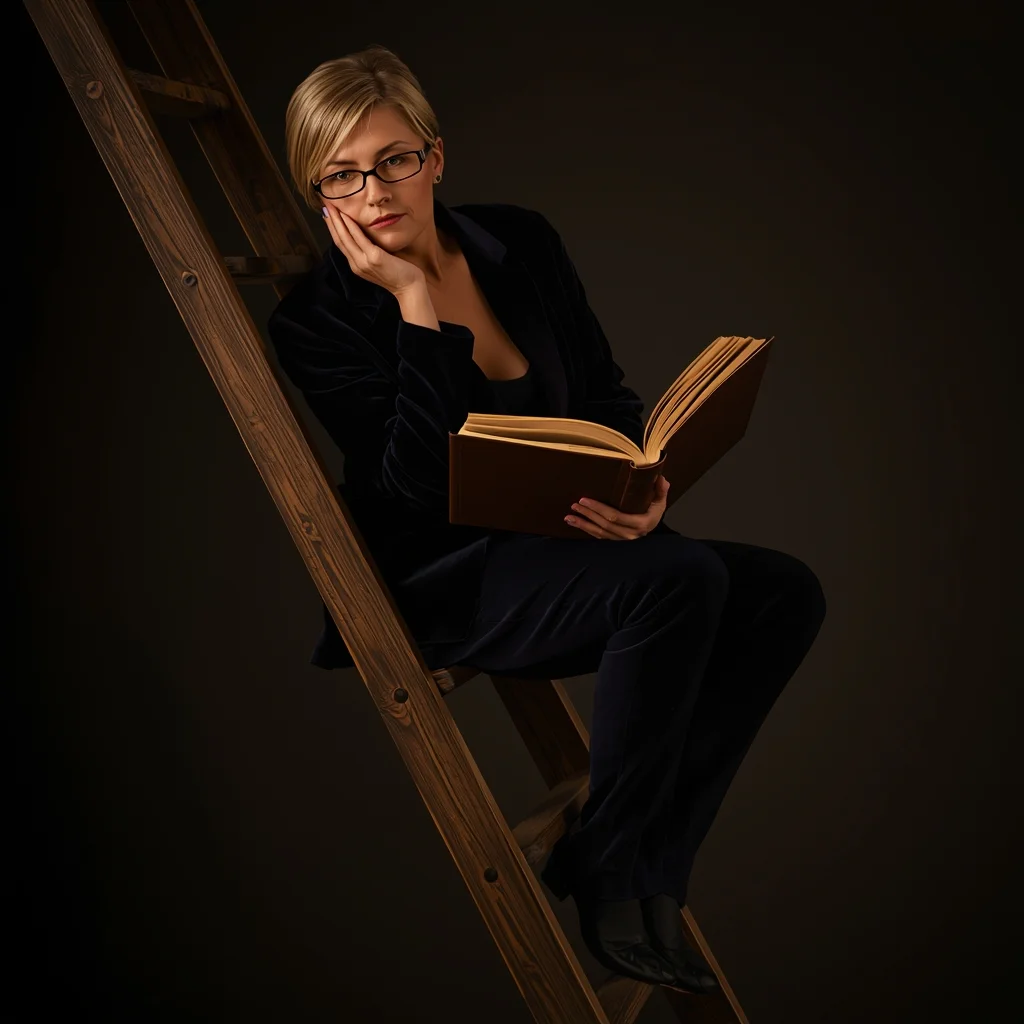
A scholarly woman in a dark velvet blazer and spectacles perched on a rolling library ladder. Pose Technical Details: Seated on the third rung with one leg dangling and the other tucked back; she is holding a heavy leather-bound book open on her lap. Her body is leaned forward slightly, chin resting on her palm in a pensive expression. Lighting: Warm, moody candlelight with deep shadows (Chiaroscuro). Hyper-detailed textures.
STOP IGNORING THIS WARNING ⚠️ | Ai Prompt Idea For Beginner
963 mos ago
Prompt: Ultra-realistic YouTube thumbnail showing a serious creator pointing directly at the viewer, intense eye contact, bold yellow warning symbol beside them, dramatic side lighting creating strong shadows, dark background with subtle texture, high contrast look, ultra-sharp focus on face and hand, expressive emotion, cinematic color grading, professional photography style, viral thumbnail composition, 4K resolution, mobile-first design.
Royal Traditional Elegance Woman Pose | Best Prompt Keyword
913 mos ago
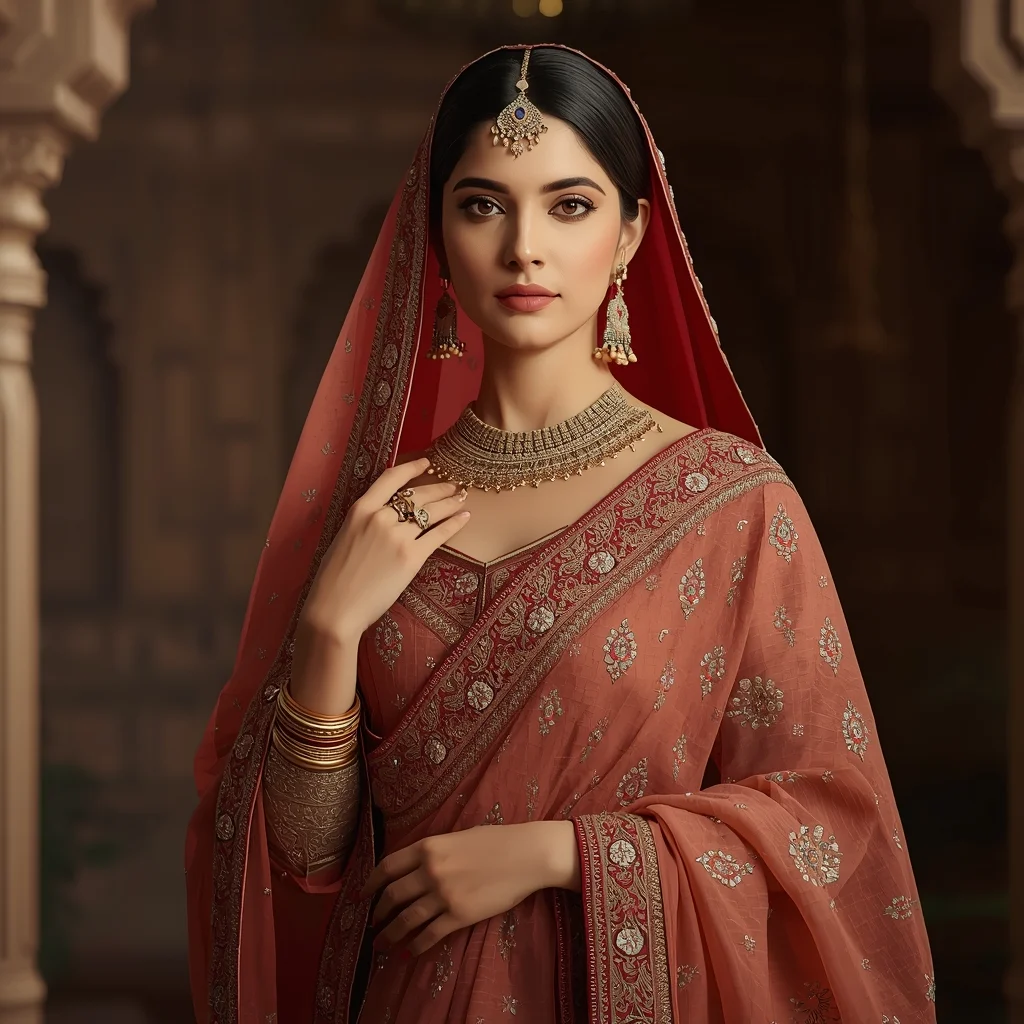
Prompt: A graceful woman wearing a rich traditional outfit with intricate embroidery, standing in a dignified pose with one hand gently holding her dupatta and the other resting near her waist. Her posture is upright and elegant, reflecting cultural pride and timeless beauty. Facial expression is calm and confident, eyes softly focused forward. Jewelry is traditional and finely detailed. Warm ambient lighting enhances skin tone and fabric textures. Background features subtle heritage architecture with a soft blur. Ultra-realistic details, cultural portrait photography, cinematic depth, high-resolution artistic style.
YouTube Thumbnail – Clean Minimal Aesthetic Design | Top Trending Ai Prompt Style
833 mos ago
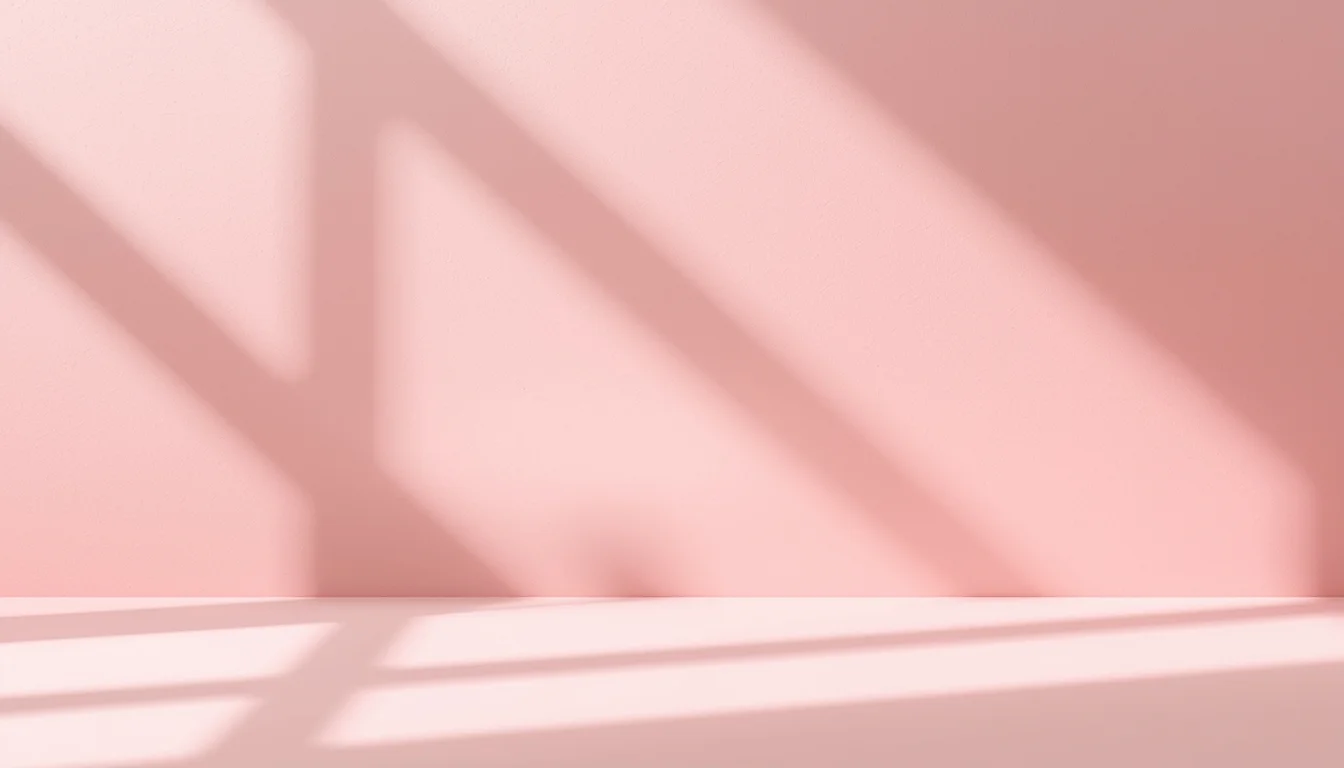
Prompt: A clean minimal YouTube thumbnail design with soft pastel background, balanced composition, smooth lighting, subtle shadows, aesthetic simplicity, modern professional look, calming yet attention-grabbing visual style, ultra-HD clarity, no text, no typography, no symbols.
Frequently Asked Questions
Common questions regarding this AI prompt.
What is the core conceptual focus of the Heritage Temple Archway | Ai Prompt Template prompt?
The Heritage Temple Archway | Ai Prompt Template prompt is meticulously engineered to focus on high-fidelity visual storytelling within the Indian Woman Pose genre. By leveraging advanced keyword weighting and specific rendering tokens, it ensures that the AI prioritizes both the primary subject matter and the intricate atmospheric details, resulting in a highly professional and polished final image.
What is the best way to force an ultra-wide or panoramic view?
To force a panoramic composition, you must combine aspect ratio parameters with specific camera descriptors. In Midjourney, use '--ar 21:9'. Within the prompt text itself, include 'ultra-wide panoramic landscape, 14mm lens, expansive horizon, sweeping view'. This ensures the Heritage Temple Archway | Ai Prompt Template subject matter is distributed correctly across a massive, cinematic canvas.
What are the recommended parameters for generating Heritage Temple Archway | Ai Prompt Template in Stable Diffusion XL (SDXL)?
For optimal results in SDXL, we recommend pairing this prompt with a high-quality checkpoint like Juggernaut XL. Use the DPM++ 2M Karras sampler with approximately 35-40 steps and a CFG scale between 6.5 and 8.0. This combination strikes the perfect balance between adhering strictly to the Heritage Temple Archway | Ai Prompt Template description and allowing the model's creative freedom.
How can I adjust the emotional tone or mood of Heritage Temple Archway | Ai Prompt Template?
The mood is heavily dictated by lighting and color grading keywords. To make Heritage Temple Archway | Ai Prompt Template feel more melancholic, replace warm lighting terms with 'cool blue tones, rainy atmosphere, and dramatic shadows'. Conversely, adding 'vibrant saturation, golden hour sunlight, and joyful expressions' will instantly uplift the emotional resonance of the Indian Woman Pose scene.
How does Midjourney v6 process the intricate details of Heritage Temple Archway | Ai Prompt Template?
Midjourney v6 excels at understanding natural language nuances. This prompt is specifically written to take advantage of v6's semantic comprehension. You do not need to use 'prompt salad' (randomly throwing words). The detailed, descriptive sentences regarding the Indian Woman Pose elements are parsed accurately, giving you photographic or highly illustrative perfection.
How can I dictate the camera angle to make the subject look more powerful?
Camera angle completely changes the psychological impact. To make the subject of Heritage Temple Archway | Ai Prompt Template appear dominant or towering, insert 'low angle shot' or 'worm's-eye view'. Conversely, to make the Indian Woman Pose scene feel vast and the subject small, use 'drone shot', 'bird's-eye view', or 'extreme high angle'.
What is the optimal workflow for upscaling Heritage Temple Archway | Ai Prompt Template to print-quality resolution?
Do not generate at massive resolutions directly, as it causes compositional duplication (like two heads). Instead, generate Heritage Temple Archway | Ai Prompt Template at a native resolution (e.g., 1024x1024), and then use a dedicated AI upscaler. Tools like Topaz Gigapixel AI, Magnific AI, or the '4x-UltraSharp' model in Automatic1111 will enhance the micro-textures of the Indian Woman Pose without destroying the original composition.
How do I achieve an extreme close-up or macro shot of Heritage Temple Archway | Ai Prompt Template?
Modify the perspective by heavily weighting keywords like 'extreme macro photography', '100mm macro lens', 'microscopic detail', and 'extreme close up'. This forces the AI engine to ignore the broader Indian Woman Pose environment and dedicate all of its rendering power to the microscopic textures, fibers, or surface imperfections of the primary subject.
How customizable are the character and environment details in the Heritage Temple Archway | Ai Prompt Template prompt?
Highly customizable. The prompt serves as a robust architectural framework. You can easily swap out specific nouns or color palettes while retaining the core Indian Woman Pose style. For example, changing the time of day or the primary clothing material will seamlessly adapt the scene while maintaining the high-definition rendering quality originally intended for Heritage Temple Archway | Ai Prompt Template.
What is the best Stylize (--s) value to use in Midjourney for this prompt?
The stylize parameter dictates how strongly Midjourney applies its default aesthetic. For strict adherence to the realistic details of Heritage Temple Archway | Ai Prompt Template, keep it around --s 100 to --s 250. If you want the AI to take artistic liberties and make the Indian Woman Pose scene look more like a digital masterpiece, push the value up to --s 500 or --s 750.
What if the AI completely ignores a specific detail I added to the Heritage Temple Archway | Ai Prompt Template prompt?
If a detail is ignored, it lacks 'weight'. Move that specific word closer to the very beginning of the prompt. Alternatively, if using Midjourney, use the double colon syntax (Keyword::2) to force the AI to pay attention. In Stable Diffusion, wrap the keyword in parentheses like (Keyword:1.5) to boost its importance in the Indian Woman Pose scene.
Can I make the image look like vintage, degraded film?
Absolutely. To strip away the ultra-modern crispness, inject phrases like 'shot on Kodak Portra 400', 'heavy film grain', 'light leaks', 'chromatic aberration', and 'vintage 1970s polaroid'. This introduces beautiful, nostalgic imperfections into the Indian Woman Pose scene, making the Heritage Temple Archway | Ai Prompt Template generation look like a discovered relic rather than a digital creation.
Why might the colors in my Heritage Temple Archway | Ai Prompt Template generation appear washed out, and how do I fix it?
Washed-out colors typically result from a missing VAE file in local setups, or a lack of color-grading instructions. To immediately fix this within the text prompt itself, append phrases such as 'vibrant technicolor, rich saturation, HDR, cinematic color grading, high contrast'. This forces the AI to map a wider, more dynamic color range to your image.
How does this prompt handle lighting and atmospheric effects?
This prompt utilizes a sophisticated combination of cinematic lighting descriptors and atmospheric keywords tailored for Indian Woman Pose. By specifying light direction, diffusion, and volumetric properties like 'god rays' or 'softbox lighting', it forces modern AI engines like Midjourney v6 and Flux to calculate highly realistic light bounces, creating a deeply immersive environment.