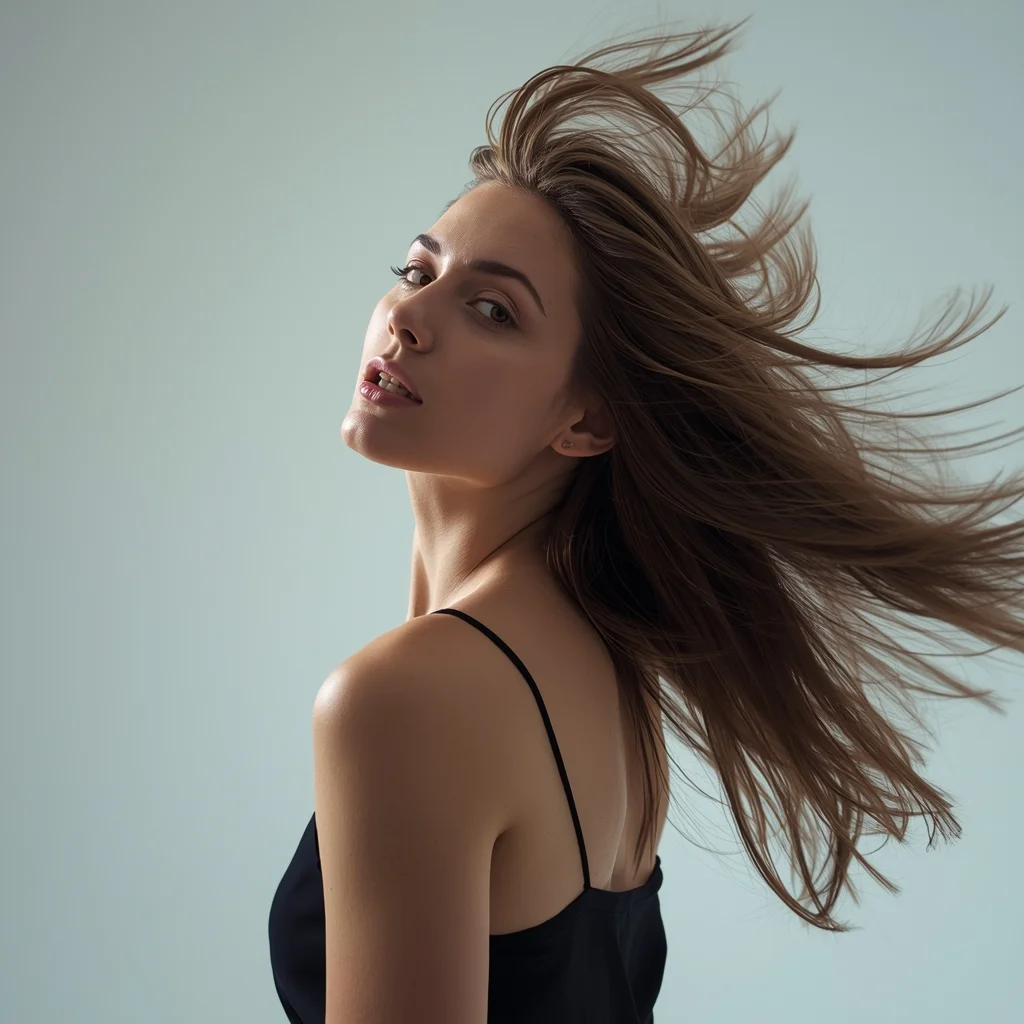
YouTube Thumbnail – High Energy Action & Motion Design | Photo Prompt
High-quality AI-generated image. Optimized for detailed rendering, perfect for creative projects and inspiration.
282Views
0 Likes
100%Quality
FreeLicense
AI Prompt
Prompt: A dynamic YouTube thumbnail design capturing intense motion and energy. Subject frozen mid-action with powerful body movement and expressive posture. Background filled with motion blur streaks, speed lines, particles, and vibrant color splashes. Strong rim lighting around the subject, dramatic angle, exaggerated perspective. High clarity on subject, bold colors, cinematic action look, modern viral YouTube style, ultra-sharp focus, thumbnail-optimized framing, no text, no words, no letters.
Want to create this with your own face? Use this instruction:
No distortion, no smoothing, no reshaping of the face. Prompt: A dynamic YouTube thumbnail design capturing intense motion and energy. Subject frozen mid-action with powerful body movement and expressive posture. Background filled with motion blur streaks, speed lines, particles, and vibrant color splashes. Strong rim lighting around the subject, dramatic angle, exaggerated perspective. High clarity on subject, bold colors, cinematic action look, modern viral YouTube style, ultra-sharp focus, thumbnail-optimized framing, no text, no words, no letters.
About this Prompt
Prepare to have your visual expectations completely shattered by 'YouTube Thumbnail – High Energy Action & Motion Design | Photo Prompt'. This bold, dramatic reimagining of traditional YouTube Thumbnail concepts pushes the neural network to its absolute limits, resulting in a glorious visual feast that commands authority and establishes a commanding digital presence. Extremely High Dynamic Range (HDR) tonemapping parameters make the final render insanely vivid, utilizing the absolute maximum available light spectrum. The brilliant, pure visual minimalism creates a massive, staggering impact by stripping away all unnecessary noise to reveal the pure, unadulterated YouTube Thumbnail essence.
Absolutely perfect for creating deeply immersive, visually staggering YouTube Thumbnail background environments for virtual production, VTuber streaming setups, or highly detailed, premium digital zoom backgrounds that project ultimate professional authority. It is officially time to completely revolutionize your digital artistry. Join the highly elite, global community of visionary creators who are already using this exact prompt structure to aggressively dominate the modern YouTube Thumbnail digital landscape.
SHOCKING TRUTH REVEALED 😱 | Viral Prompt Idea For Creator
2396 mos ago
Prompt: Ultra-realistic YouTube thumbnail showing a shocked young creator with wide eyes and open mouth, dramatic facial expression of disbelief, pointing toward bold glowing text that says “SHOCKING TRUTH”, dark blurred background with red and yellow neon light streaks, cinematic high contrast lighting, sharp focus on face, exaggerated emotion, vibrant colors, studio-quality photography, 4K ultra-detailed skin texture, rim lighting around face, dramatic shadows, viral YouTube thumbnail style, professional color grading, eye-catching composition, thumbnail optimized framing, high saturation, emotional storytelling.
Modern Street-Chic Saree | Cinematic Lighting Prompt
2766 mos ago
Prompt: A stylish woman wearing a contemporary denim-material saree paired with a black leather biker jacket and heavy silver oxidized jewelry. The setting is a vibrant urban street with colorful graffiti walls and a vintage yellow taxi in the background. She is wearing cool aviator sunglasses. Pose: Standing with one hand on her hip and the other adjusting her sunglasses, body angled forward with a confident, "street-smart" attitude. Technical: Photorealistic, sharp focus, 35mm lens, f/2.8, urban color grading, high contrast, daytime natural light.
Pose: Standing with one hand on her hip and the other adjusting her sunglasses, body angled forward with a confident, "street-smart" attitude. Technical: Photorealistic, sharp focus, 35mm lens, f/2.8, urban color grading, high contrast, daytime natural light.
Technical: Photorealistic, sharp focus, 35mm lens, f/2.8, urban color grading, high contrast, daytime natural light.
This One Change Doubled My Views | Top Trending Ai Prompt Style
2046 mos ago
Prompt: Create a powerful thumbnail with a confident creator pointing at a massive upward arrow made of glowing light. Behind them, YouTube analytics charts are rising dramatically. Use bold neon colors, futuristic UI elements, and dynamic motion blur. Facial expression should show confidence and excitement. Apply ultra-sharp details, cinematic contrast, dramatic lighting, bold framing, high clarity, and visual hierarchy optimized for fast scrolling audiences.
Young Kashmiri Woman in Autumn Pheran Elegance | Top Trending Ai Prompt Style
2606 mos ago
Prompt: A highly realistic image of a young Kashmiri woman standing gracefully in an autumn landscape, wearing a traditional woolen Kashmiri pheran in deep maroon and soft beige tones, detailed with delicate Kashida embroidery. Her pose is youthful yet elegant, shoulders relaxed, one hand lightly holding the edge of the pheran. Golden chinar leaves blanket the ground around her. Soft natural sunlight, fresh youthful facial features, minimal makeup, traditional silver earrings, cinematic depth of field, cultural authenticity, ultra-realistic 8K photography.
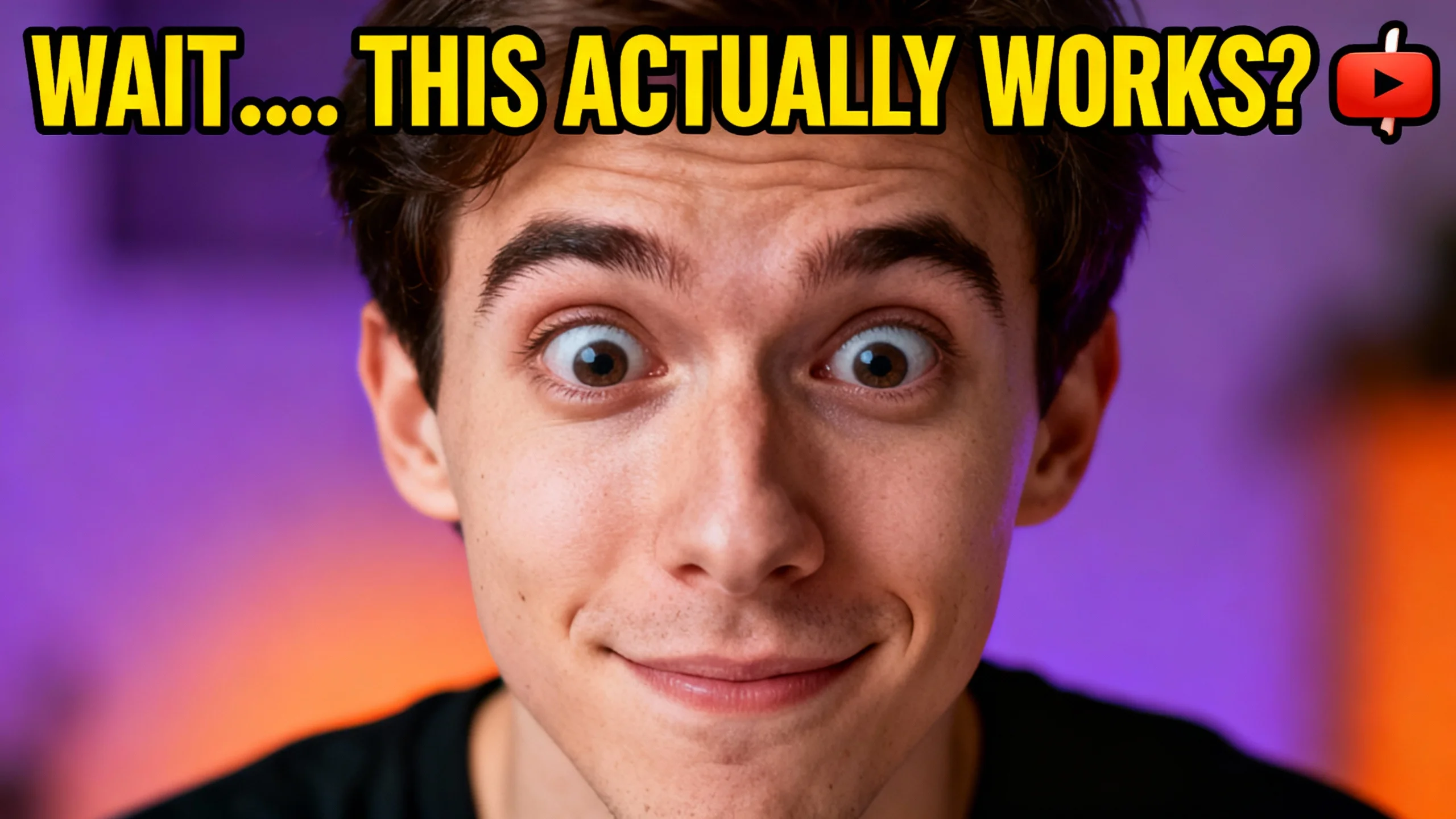
A classic reaction video composition showing two distinct panels. On the left, a YouTuber in a home studio with purple background lighting is holding their hands over their mouth in absolute disbelief, eyes wide, looking at a screen off-camera. On the right panel, a blurry, controversial clip from a reality TV show is visible, showing two people arguing intensely. A large, cartoonish red question mark graphic is superimposed between the two panels. The image is designed to incite curiosity about what they are reacting to. Aspect
Seated Traditional Poise Woman Pose | Creative Gemini Prompt
2756 mos ago
Prompt: A culturally dressed woman seated with grace on traditional flooring or a carved wooden bench, her posture upright and composed. Hands rest gently in her lap, fingers relaxed, symbolizing patience and elegance. The flowing fabric drapes naturally, revealing detailed embroidery and cultural artistry. Her expression is serene and introspective, eyes softly focused ahead. Soft diffused lighting wraps around her face and attire, creating smooth transitions between light and shadow. The environment is minimal yet heritage-inspired. Ultra-high realism, detailed textile textures, calm cinematic mood, classic traditional portrait photography.
Frequently Asked Questions
Common questions regarding this AI prompt.
How do I achieve an extreme close-up or macro shot of YouTube Thumbnail – High Energy Action & Motion Design | Photo Prompt?
Modify the perspective by heavily weighting keywords like 'extreme macro photography', '100mm macro lens', 'microscopic detail', and 'extreme close up'. This forces the AI engine to ignore the broader YouTube Thumbnail environment and dedicate all of its rendering power to the microscopic textures, fibers, or surface imperfections of the primary subject.
What is the best way to force an ultra-wide or panoramic view?
To force a panoramic composition, you must combine aspect ratio parameters with specific camera descriptors. In Midjourney, use '--ar 21:9'. Within the prompt text itself, include 'ultra-wide panoramic landscape, 14mm lens, expansive horizon, sweeping view'. This ensures the YouTube Thumbnail – High Energy Action & Motion Design | Photo Prompt subject matter is distributed correctly across a massive, cinematic canvas.
How can I use Inpainting to fix specific errors in the generated YouTube Thumbnail – High Energy Action & Motion Design | Photo Prompt image?
Inpainting is essential for perfection. If 90% of the YouTube Thumbnail – High Energy Action & Motion Design | Photo Prompt image is flawless but a hand or eye is distorted, send the image to an Inpaint tab. Mask only the flawed area, keep the original prompt, and set the denoising strength high (around 0.7). The AI will regenerate only that specific zone, seamlessly blending the fixed YouTube Thumbnail elements into the surrounding artwork.
How do I deal with unwanted text or watermarks appearing in the image?
AI models are trained on stock photos which often contain watermarks. To aggressively filter this out, ensure words like 'text, watermark, signature, username, website url, copyright stamp' are heavily weighted in your negative prompt box. This is especially crucial when generating commercial-grade YouTube Thumbnail content.
How can I adjust the emotional tone or mood of YouTube Thumbnail – High Energy Action & Motion Design | Photo Prompt?
The mood is heavily dictated by lighting and color grading keywords. To make YouTube Thumbnail – High Energy Action & Motion Design | Photo Prompt feel more melancholic, replace warm lighting terms with 'cool blue tones, rainy atmosphere, and dramatic shadows'. Conversely, adding 'vibrant saturation, golden hour sunlight, and joyful expressions' will instantly uplift the emotional resonance of the YouTube Thumbnail scene.
What is the best way to shift the artistic medium of YouTube Thumbnail – High Energy Action & Motion Design | Photo Prompt to an oil painting?
To completely transform the medium, append powerful style modifiers. Injecting phrases like 'intricate oil painting on canvas, thick impasto strokes, palette knife technique, classical fine art, museum masterpiece' will completely override the default realism, offering a traditional artistic variation for your YouTube Thumbnail project.
How do I give YouTube Thumbnail – High Energy Action & Motion Design | Photo Prompt a retro, 1980s synthwave aesthetic?
Inject keywords that define that specific era's pop culture. Use 'vaporwave aesthetic, 1980s synthwave, neon grid background, cyan and magenta color palette, VHS glitch effect, retro-futurism'. This overrides the standard lighting and wraps the YouTube Thumbnail – High Energy Action & Motion Design | Photo Prompt subject in a highly stylized, nostalgic digital atmosphere.
How do I add realistic weather effects like rain or snow to the scene?
Weather completely alters the physics of light. If you add 'torrential rain, wet asphalt reflecting neon, water droplets clinging to surfaces', the AI will not just draw rain; it will change the specularity of the YouTube Thumbnail – High Energy Action & Motion Design | Photo Prompt subject. For snow, use 'heavy blizzard, frost-covered edges, soft diffused winter light' to change the entire atmosphere of the YouTube Thumbnail generation.
What is the optimal workflow for upscaling YouTube Thumbnail – High Energy Action & Motion Design | Photo Prompt to print-quality resolution?
Do not generate at massive resolutions directly, as it causes compositional duplication (like two heads). Instead, generate YouTube Thumbnail – High Energy Action & Motion Design | Photo Prompt at a native resolution (e.g., 1024x1024), and then use a dedicated AI upscaler. Tools like Topaz Gigapixel AI, Magnific AI, or the '4x-UltraSharp' model in Automatic1111 will enhance the micro-textures of the YouTube Thumbnail without destroying the original composition.
What is the best Stylize (--s) value to use in Midjourney for this prompt?
The stylize parameter dictates how strongly Midjourney applies its default aesthetic. For strict adherence to the realistic details of YouTube Thumbnail – High Energy Action & Motion Design | Photo Prompt, keep it around --s 100 to --s 250. If you want the AI to take artistic liberties and make the YouTube Thumbnail scene look more like a digital masterpiece, push the value up to --s 500 or --s 750.
How do I modify YouTube Thumbnail – High Energy Action & Motion Design | Photo Prompt to fit into a dark fantasy or gothic horror setting?
Change the environmental descriptors. Add 'dark fantasy concept art, gothic architecture, eerie volumetric fog, corrupted ruins, ominous atmosphere, Bloodborne aesthetic'. This forces the AI to reinterpret the YouTube Thumbnail – High Energy Action & Motion Design | Photo Prompt prompt through a grim, terrifying lens, drastically altering the mood of the YouTube Thumbnail output.
How does the prompt simulate physical camera lenses for YouTube Thumbnail – High Energy Action & Motion Design | Photo Prompt?
The prompt acts as a virtual director of photography by explicitly stating lens focal lengths and aperture settings. By including phrases like 'shot on 35mm lens' or 'f/1.4 aperture', the AI mathematically simulates the optical distortion, compression, and background blur (bokeh) characteristic of high-end photography, elevating the YouTube Thumbnail image from a flat digital render to a lifelike photo.
Can I use Image-to-Image (Img2Img) techniques with the YouTube Thumbnail – High Energy Action & Motion Design | Photo Prompt prompt?
Absolutely. Using a rough sketch or a reference photo alongside this prompt in an Img2Img workflow is highly effective. We recommend setting your Denoising Strength between 0.45 and 0.65. This range is the 'sweet spot' that allows the AI to apply the high-quality textures and lighting of the YouTube Thumbnail – High Energy Action & Motion Design | Photo Prompt prompt while strictly respecting the structural layout of your reference image.