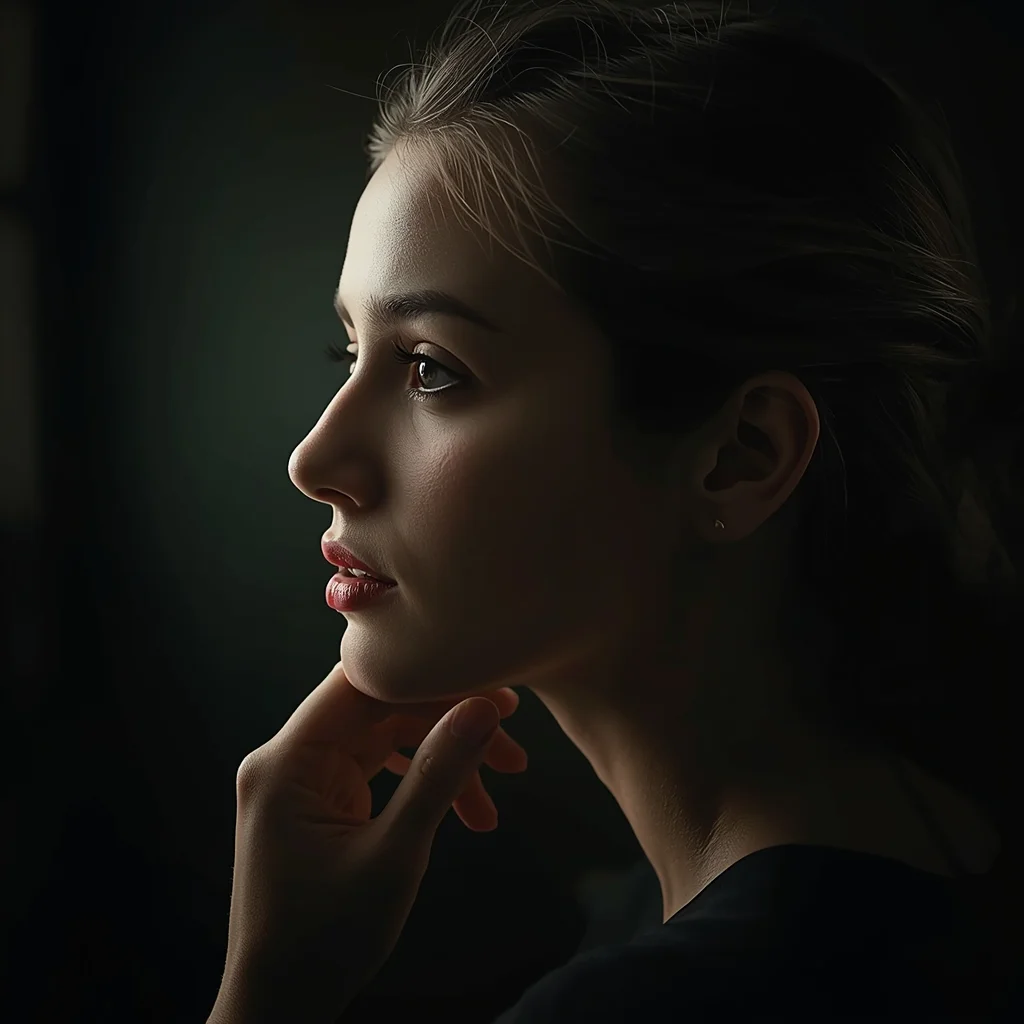
High-quality AI-generated image. Optimized for detailed rendering, perfect for creative projects and inspiration.
208Views
0 Likes
100%Quality
FreeLicense
AI Prompt
Prompt: An ultra-cinematic YouTube thumbnail design with deep depth-of-field, dramatic studio lighting, strong foreground-background separation, soft atmospheric haze, rich cinematic color grading, high contrast highlights and shadows, premium film-look aesthetics, visually powerful framing, perfectly balanced composition, hyper-realistic details, social-media optimized layout, no text, no letters, no numbers, no symbols.
Want to create this with your own face? Use this instruction:
The face must appear as a direct replica of the reference image, with the same geometry and realism, regardless of pose or angle. Prompt: An ultra-cinematic YouTube thumbnail design with deep depth-of-field, dramatic studio lighting, strong foreground-background separation, soft atmospheric haze, rich cinematic color grading, high contrast highlights and shadows, premium film-look aesthetics, visually powerful framing, perfectly balanced composition, hyper-realistic details, social-media optimized layout, no text, no letters, no numbers, no symbols.
About this Prompt
Break the frustrating chains of creative block instantly with the surging inspiration provided by 'YouTube Thumbnail – Ultra Cinematic Depth Focus Design | Realistic Photo Prompt'. It elevates standard prompt engineering to an absolute fine art, standing as a highly sophisticated, ultra-powerful dynamo within the incredibly competitive YouTube Thumbnail generative space. A beautifully executed tilt-shift miniature fake-out effect can make the massive, sprawling world look like a tiny, incredibly detailed diorama. The sweeping, ultra-wide panoramic framing captures a vastly immense, deeply awe-inspiring landscape that perfectly anchors the YouTube Thumbnail subject in a believable reality.
An incredibly valuable resource for digital UI/UX designers needing premium, highly realistic YouTube Thumbnail placeholder imagery that actually elevates their wireframes and interface mockups, making the final presentation look incredibly polished and highly professional. Download, copy, and heavily utilize this incredible prompt right now. It represents your ultimate, highly coveted master key to fully unlocking premium, elite-level workflows, massively ensuring that you always stay completely ahead of the rapid digital curve.
Classical Heritage Woman Sitting Pose | Best Free Ai Prompt
2806 mos ago
Prompt: A traditionally dressed woman seated gracefully on a wooden stool or palace step, hands delicately placed on her lap in a composed and respectful pose. Her outfit features flowing fabric with cultural patterns, paired with traditional bangles and earrings. Expression is serene and thoughtful, reflecting cultural grace. Soft natural lighting with warm tones highlights facial features and textile details. Background inspired by traditional interiors or heritage homes. Ultra-detailed textures, realistic skin tones, professional cultural portrait photography.
High-Fashion Avant-Garde Editorial | Latest Ai Prompt Idea Free
2526 mos ago
Prompt: A dramatic studio shot of a slim male model with sharp features and long hair. He is wearing an avant-garde sheer black silk shirt and wide-leg trousers. The pose is dynamic and architectural, with arms positioned in a geometric shape. High-contrast Chiaroscuro lighting, deep shadows, monochrome aesthetic, sharp focus on the eyes, grainy film texture, Vogue editorial style.
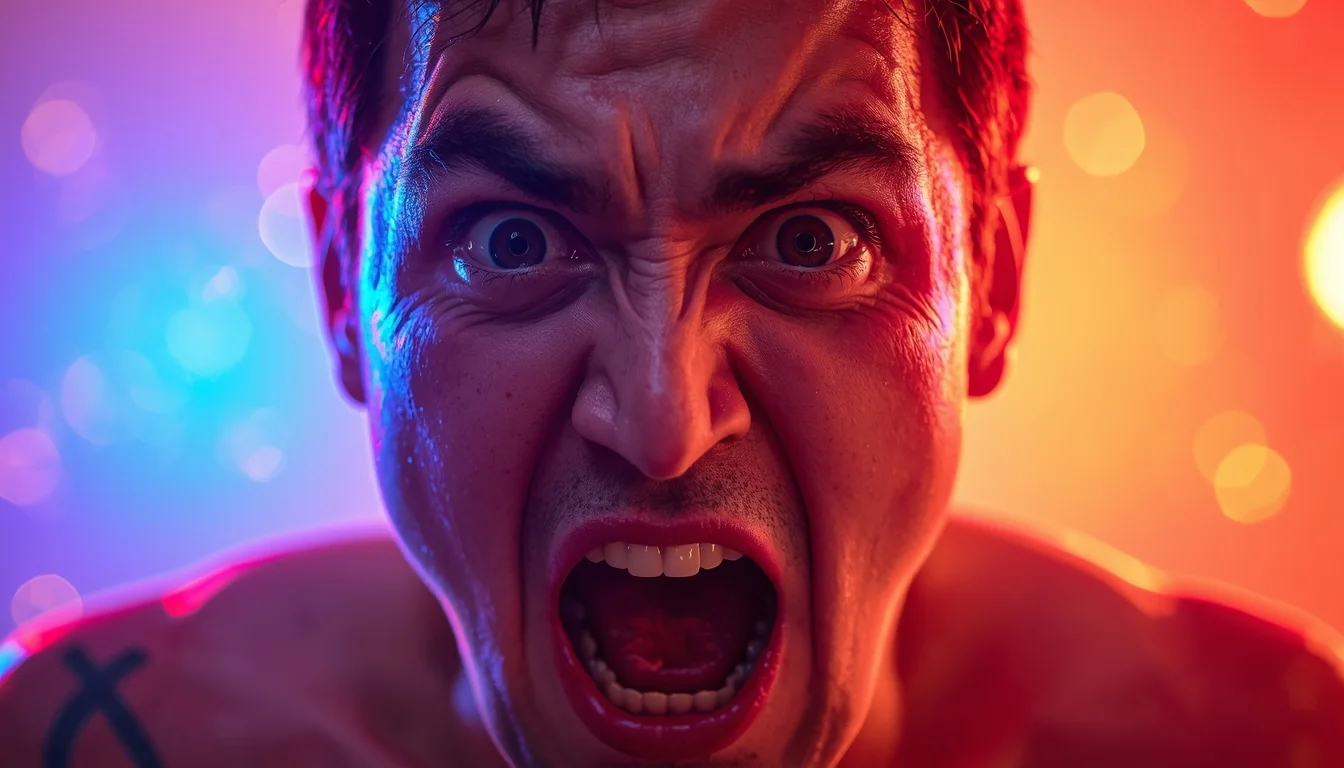
Prompt: A high-impact YouTube thumbnail design featuring a close-up subject with extreme emotional expression such as shock, excitement, or disbelief. Eyes wide open, expressive facial muscles, dramatic pose. Strong cinematic lighting with bright key light and deep shadows for contrast. Colorful background with soft bokeh, light flares, and subtle glow effects. Sharp subject separation, high saturation, punchy contrast, professional studio photography look, viral YouTube aesthetic, ultra-detailed, 8K quality, perfectly framed for thumbnail, no text, no letters
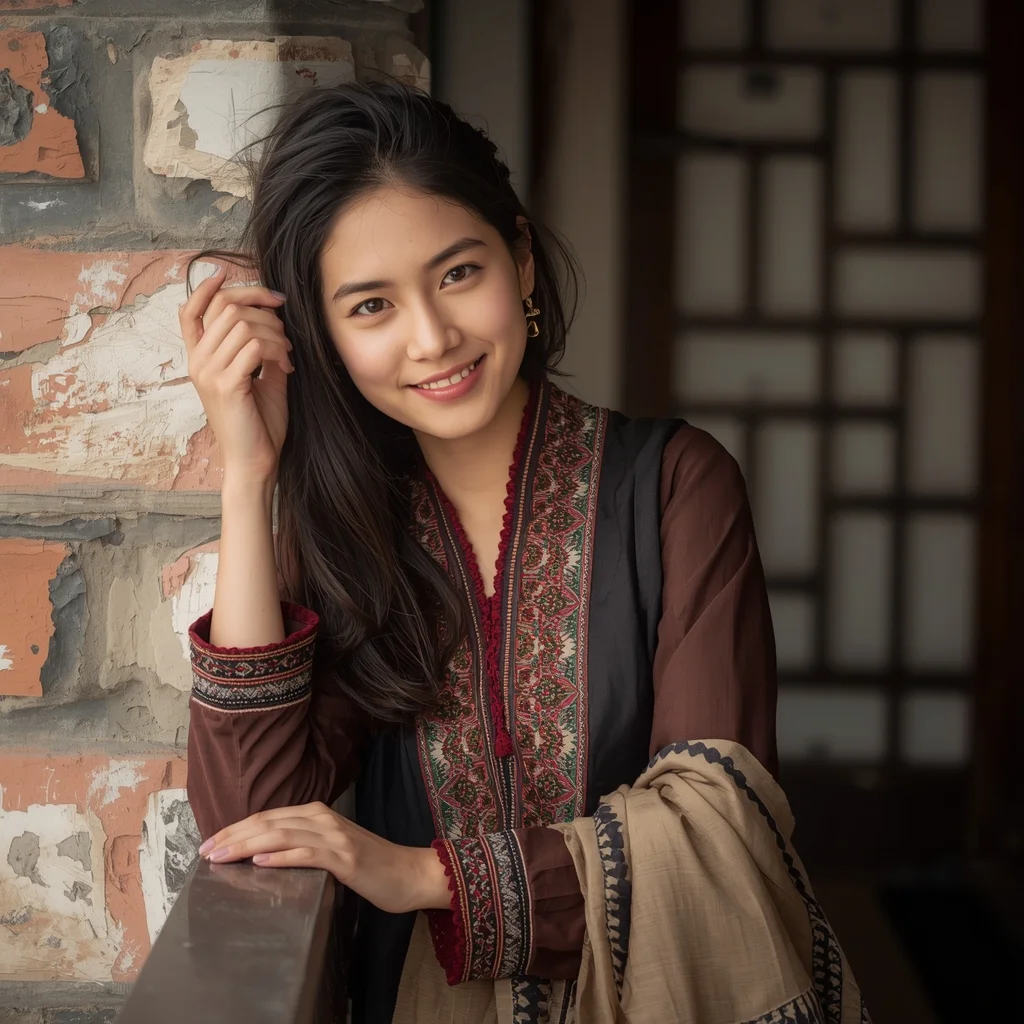
Prompt: A young woman leaning casually against a wooden railing or old wall, dressed in a rustic autumn pheran with traditional patterns. Relaxed posture, gentle smile, hair loose under a light shawl. Warm autumn tones, lifestyle cultural photography, natural skin texture, cinematic depth.
Modern Women Girl Viral Reel Confident Walk Pose | Flawless Image Prompt
4265 mos ago
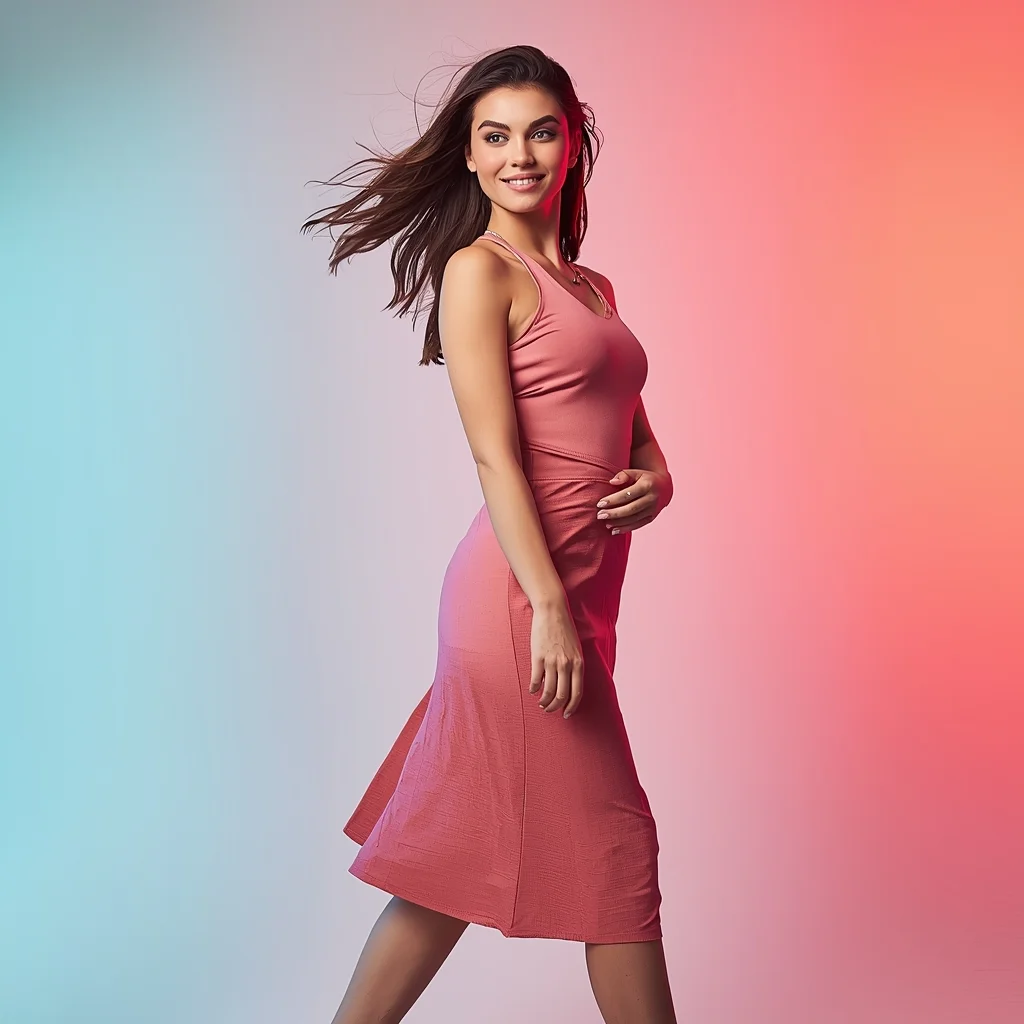
Prompt: A woman in a trendy modern women dress with a sleek, contemporary design, captured mid-step while walking confidently as if recording a viral reel. Body angled slightly forward, posture energetic and relaxed. Hair softly flowing with motion, adding realism. Expression playful yet confident, eyes lively and expressive. Makeup fresh, glowing, and perfectly camera-ready. Lighting vibrant and clean, enhancing sharpness and fine fabric details. Background minimal with subtle colorful gradients optimized for social media platforms. High clarity, modern influencer aesthetic, cinematic framing, ultra-realistic textures, designed for strong viral impact.
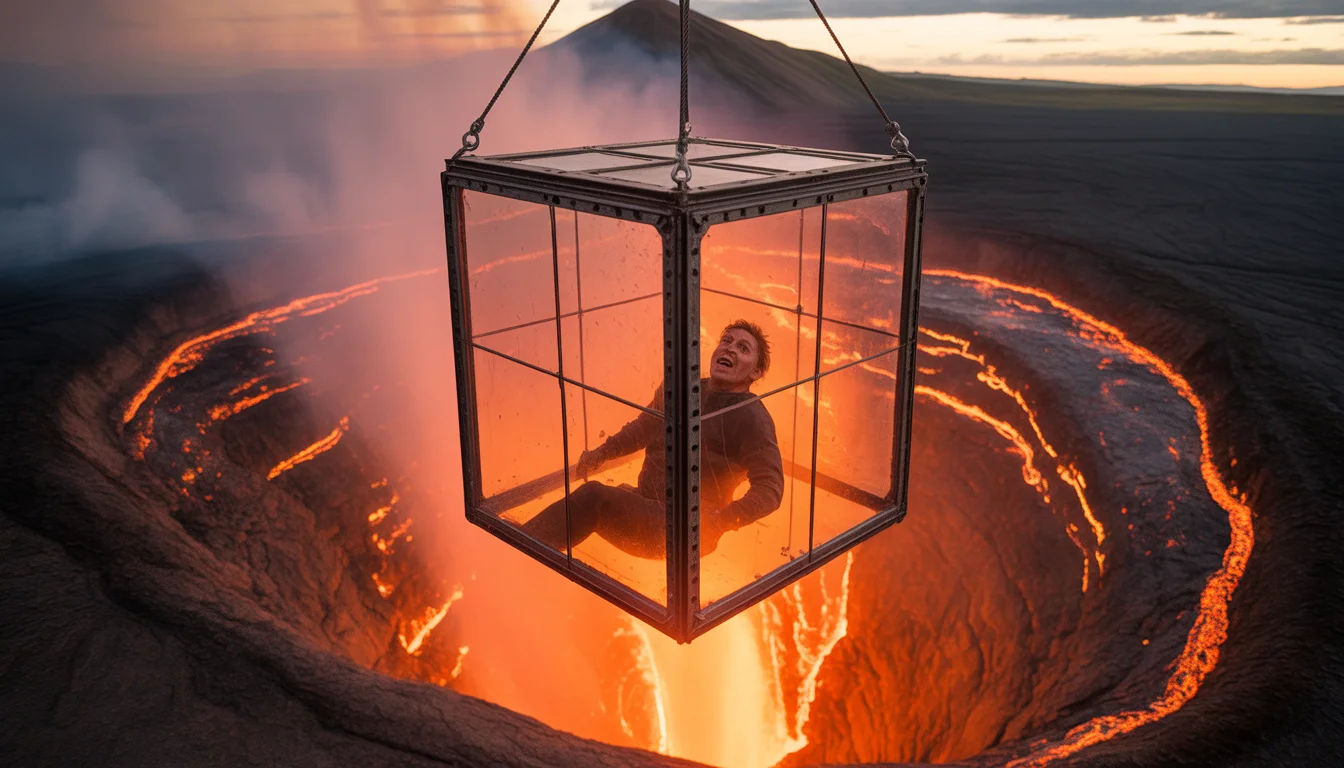
7 Days Trapped In A Glass Box Hanging Over An Active Volcano | Gemini Advanced Prompt
2126 mos ago
Prompt: A high-stakes survival challenge thumbnail. A transparent, reinforced glass cube is suspended by heavy steel cables directly over a churning lake of molten lava. Inside the box, a lone survivalist is looking down with a terrified expression, their face illuminated by the intense orange glow from below. Heat haze distorts the air around the box. Smoke and ash rise from the volcano crater. Wide shot to emphasize the terrifying height and scale. Cinematic, high contrast, intense color saturation, 8k resolution.
An artistic side-profile portrait of a woman, soft thoughtful expression, gentle dramatic lighting, blurred dark background, fine skin details, cinematic mood, shallow depth of field, professional portrait photography, ultra-high definition, realistic AI art
I Found the Fastest Way to Grow on YouTube | Ultimate Prompt Collection
2306 mos ago
Prompt: Create a high-impact YouTube thumbnail showing a confident creator in the center, holding a glowing YouTube play button that emits bright golden light. The creator’s expression is surprised yet confident, eyes focused directly at the viewer. Behind them, a blurred analytics dashboard shows explosive upward growth with arrows and light streaks. Use cinematic lighting with strong highlights and shadows, ultra-realistic facial details, vibrant red and yellow colors for urgency, shallow depth of field, bold framing, dramatic contrast, professional YouTube thumbnail style, 16:9 aspect ratio, ultra-high resolution.
Frequently Asked Questions
Common questions regarding this AI prompt.
How do I deal with unwanted text or watermarks appearing in the image?
AI models are trained on stock photos which often contain watermarks. To aggressively filter this out, ensure words like 'text, watermark, signature, username, website url, copyright stamp' are heavily weighted in your negative prompt box. This is especially crucial when generating commercial-grade YouTube Thumbnail content.
How can I use Inpainting to fix specific errors in the generated YouTube Thumbnail – Ultra Cinematic Depth Focus Design | Realistic Photo Prompt image?
Inpainting is essential for perfection. If 90% of the YouTube Thumbnail – Ultra Cinematic Depth Focus Design | Realistic Photo Prompt image is flawless but a hand or eye is distorted, send the image to an Inpaint tab. Mask only the flawed area, keep the original prompt, and set the denoising strength high (around 0.7). The AI will regenerate only that specific zone, seamlessly blending the fixed YouTube Thumbnail elements into the surrounding artwork.
How do I ensure the skin textures in YouTube Thumbnail – Ultra Cinematic Depth Focus Design | Realistic Photo Prompt look photorealistic and not plastic?
AI often defaults to overly smooth, airbrushed skin. To counter this, you must explicitly demand imperfections. Add 'subsurface scattering, visible skin pores, peach fuzz, micro-wrinkles, highly detailed skin texture, raw unedited photograph' to the prompt. This forces the model to render the human elements of the YouTube Thumbnail scene with authentic, biological realism.
Can I generate a 3D claymation or toy-like version of YouTube Thumbnail – Ultra Cinematic Depth Focus Design | Realistic Photo Prompt?
Yes, you can mimic physical models easily. Add terms such as 'made of polymer clay, tilt-shift photography, miniature diorama, cute 3D render, smooth plasticine, vibrant pastel colors' to the prompt. The AI will instantly convert the YouTube Thumbnail scene into a charming, tactile 3D object.
Does this prompt work with DALL-E 3 inside ChatGPT?
Yes, it works exceptionally well. DALL-E 3 thrives on conversational, highly descriptive text. Because this prompt for YouTube Thumbnail – Ultra Cinematic Depth Focus Design | Realistic Photo Prompt is structured with clear nouns and adjectives, DALL-E 3 will translate it almost perfectly into an image, ensuring that multiple complex elements within the YouTube Thumbnail scene interact logically.
What is the best way to force an ultra-wide or panoramic view?
To force a panoramic composition, you must combine aspect ratio parameters with specific camera descriptors. In Midjourney, use '--ar 21:9'. Within the prompt text itself, include 'ultra-wide panoramic landscape, 14mm lens, expansive horizon, sweeping view'. This ensures the YouTube Thumbnail – Ultra Cinematic Depth Focus Design | Realistic Photo Prompt subject matter is distributed correctly across a massive, cinematic canvas.
What are the recommended parameters for generating YouTube Thumbnail – Ultra Cinematic Depth Focus Design | Realistic Photo Prompt in Stable Diffusion XL (SDXL)?
For optimal results in SDXL, we recommend pairing this prompt with a high-quality checkpoint like Juggernaut XL. Use the DPM++ 2M Karras sampler with approximately 35-40 steps and a CFG scale between 6.5 and 8.0. This combination strikes the perfect balance between adhering strictly to the YouTube Thumbnail – Ultra Cinematic Depth Focus Design | Realistic Photo Prompt description and allowing the model's creative freedom.
How do I create a surreal, dream-like version of YouTube Thumbnail – Ultra Cinematic Depth Focus Design | Realistic Photo Prompt?
To break the laws of physics, use keywords like 'surrealism, dreamscape, floating objects, defying gravity, Salvador Dali style, mind-bending geometry, ethereal'. The AI will take the familiar elements of YouTube Thumbnail – Ultra Cinematic Depth Focus Design | Realistic Photo Prompt and arrange them in illogical, fascinating ways, creating a truly unique YouTube Thumbnail art piece.
How can I adjust the emotional tone or mood of YouTube Thumbnail – Ultra Cinematic Depth Focus Design | Realistic Photo Prompt?
The mood is heavily dictated by lighting and color grading keywords. To make YouTube Thumbnail – Ultra Cinematic Depth Focus Design | Realistic Photo Prompt feel more melancholic, replace warm lighting terms with 'cool blue tones, rainy atmosphere, and dramatic shadows'. Conversely, adding 'vibrant saturation, golden hour sunlight, and joyful expressions' will instantly uplift the emotional resonance of the YouTube Thumbnail scene.
What if the AI completely ignores a specific detail I added to the YouTube Thumbnail – Ultra Cinematic Depth Focus Design | Realistic Photo Prompt prompt?
If a detail is ignored, it lacks 'weight'. Move that specific word closer to the very beginning of the prompt. Alternatively, if using Midjourney, use the double colon syntax (Keyword::2) to force the AI to pay attention. In Stable Diffusion, wrap the keyword in parentheses like (Keyword:1.5) to boost its importance in the YouTube Thumbnail scene.
Does this prompt support blending multiple concepts together?
Yes, advanced users can use this prompt as a base for concept blending. By utilizing syntax like [Concept A : Concept B : 0.5] in Automatic1111 or simply describing a hybrid scenario, the strong foundational parameters of the YouTube Thumbnail – Ultra Cinematic Depth Focus Design | Realistic Photo Prompt prompt will ensure the merged concepts render cohesively without degrading into visual noise.
Why might the colors in my YouTube Thumbnail – Ultra Cinematic Depth Focus Design | Realistic Photo Prompt generation appear washed out, and how do I fix it?
Washed-out colors typically result from a missing VAE file in local setups, or a lack of color-grading instructions. To immediately fix this within the text prompt itself, append phrases such as 'vibrant technicolor, rich saturation, HDR, cinematic color grading, high contrast'. This forces the AI to map a wider, more dynamic color range to your image.
What is the best way to shift the artistic medium of YouTube Thumbnail – Ultra Cinematic Depth Focus Design | Realistic Photo Prompt to an oil painting?
To completely transform the medium, append powerful style modifiers. Injecting phrases like 'intricate oil painting on canvas, thick impasto strokes, palette knife technique, classical fine art, museum masterpiece' will completely override the default realism, offering a traditional artistic variation for your YouTube Thumbnail project.