High-quality AI-generated image. Optimized for detailed rendering, perfect for creative projects and inspiration.
211Views
0 Likes
100%Quality
FreeLicense
AI Prompt
Prompt: A high-impact YouTube thumbnail design with a mysterious cinematic theme, dark moody background, dramatic rim lighting, glowing highlights, shallow depth of field, soft fog effects, premium cinematic color grading, ultra-sharp focus, high contrast shadows, modern YouTube thumbnail composition, eye-catching visual balance, no text, no letters, no numbers, pure visual storytelling.
Want to create this with your own face? Use this instruction:
Face must remain photorealistic and identical to reference. Prompt: A high-impact YouTube thumbnail design with a mysterious cinematic theme, dark moody background, dramatic rim lighting, glowing highlights, shallow depth of field, soft fog effects, premium cinematic color grading, ultra-sharp focus, high contrast shadows, modern YouTube thumbnail composition, eye-catching visual balance, no text, no letters, no numbers, pure visual storytelling.
About this Prompt
Unlock a revolutionary new paradigm of digital generation with 'Cinematic Mystery Glow Thumbnail | Cinematic Image Prompt'. Carefully crafted for creators who demand absolute perfection in YouTube Thumbnail aesthetics, this prompt leverages cutting-edge AI capabilities to generate hyper-realistic, awe-inspiring visuals that instantly grab attention and refuse to let go. The rough, beautifully oxidized patina and heavily grainy, degraded film aesthetic add incredible, highly sought-after authenticity. It feels like a deeply nostalgic, lost memory or a premium piece of found-footage recovered from the absolute golden age of YouTube Thumbnail analog broadcasting.
Highly effective for establishing a deeply powerful, highly cohesive brand identity across multiple digital platforms. Generating all your YouTube Thumbnail hero banners and background assets with this single prompt ensures a flawless, unified corporate look. Seize this incredible, highly unique opportunity to completely dominate the generative space. It provides the absolute quickest, most deeply reliable path to total mastery, permanently redefining the known visual boundaries of your digital artistry.
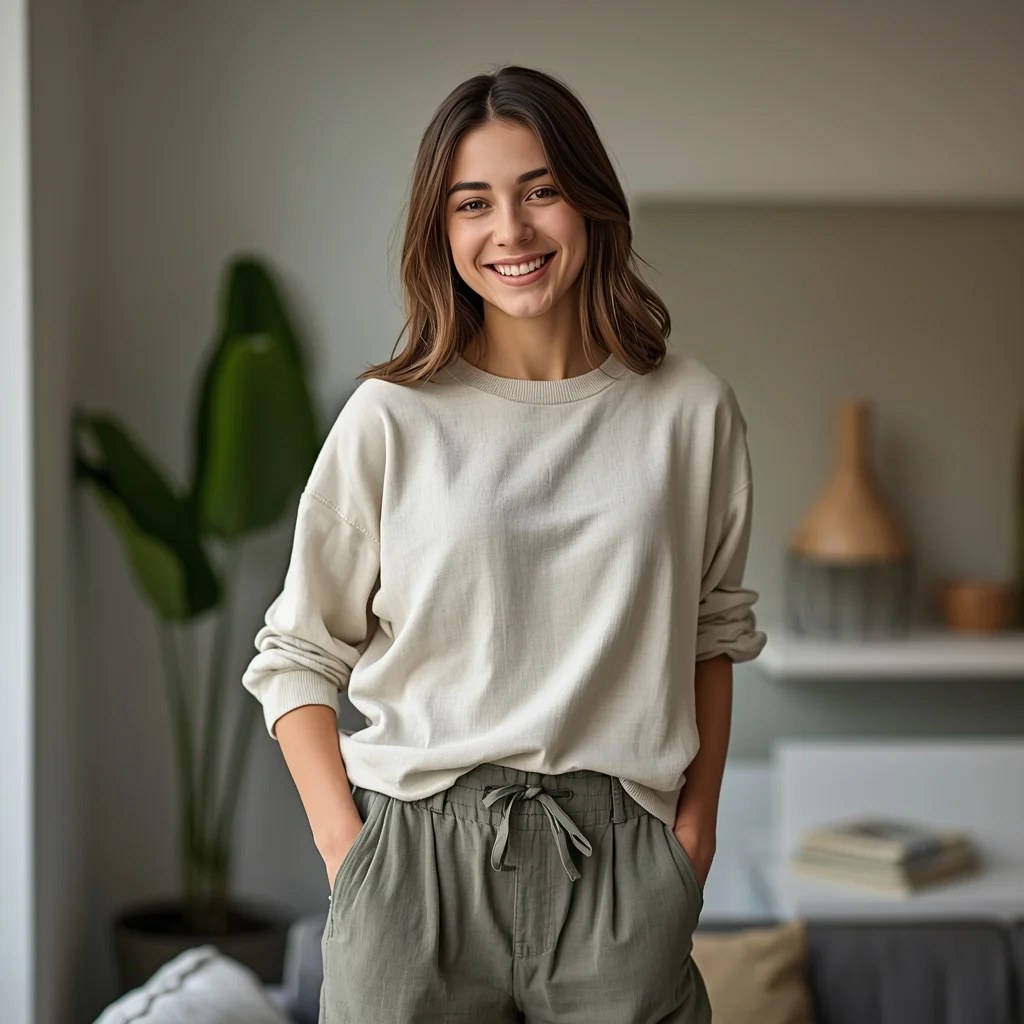
Prompt: A candid lifestyle portrait of a woman standing casually in a modern indoor setting, body angled slightly, one hand placed comfortably in her pocket. She wears a relaxed everyday outfit with realistic fabric texture. A warm, genuine smile adds authenticity and approachability. Soft natural lighting fills the scene, creating a cozy and inviting mood. Background elements remain softly blurred, keeping focus on the subject. Realistic skin tones, balanced composition, modern lifestyle photography aesthetic, ultra-high resolution, clean and natural color grading.
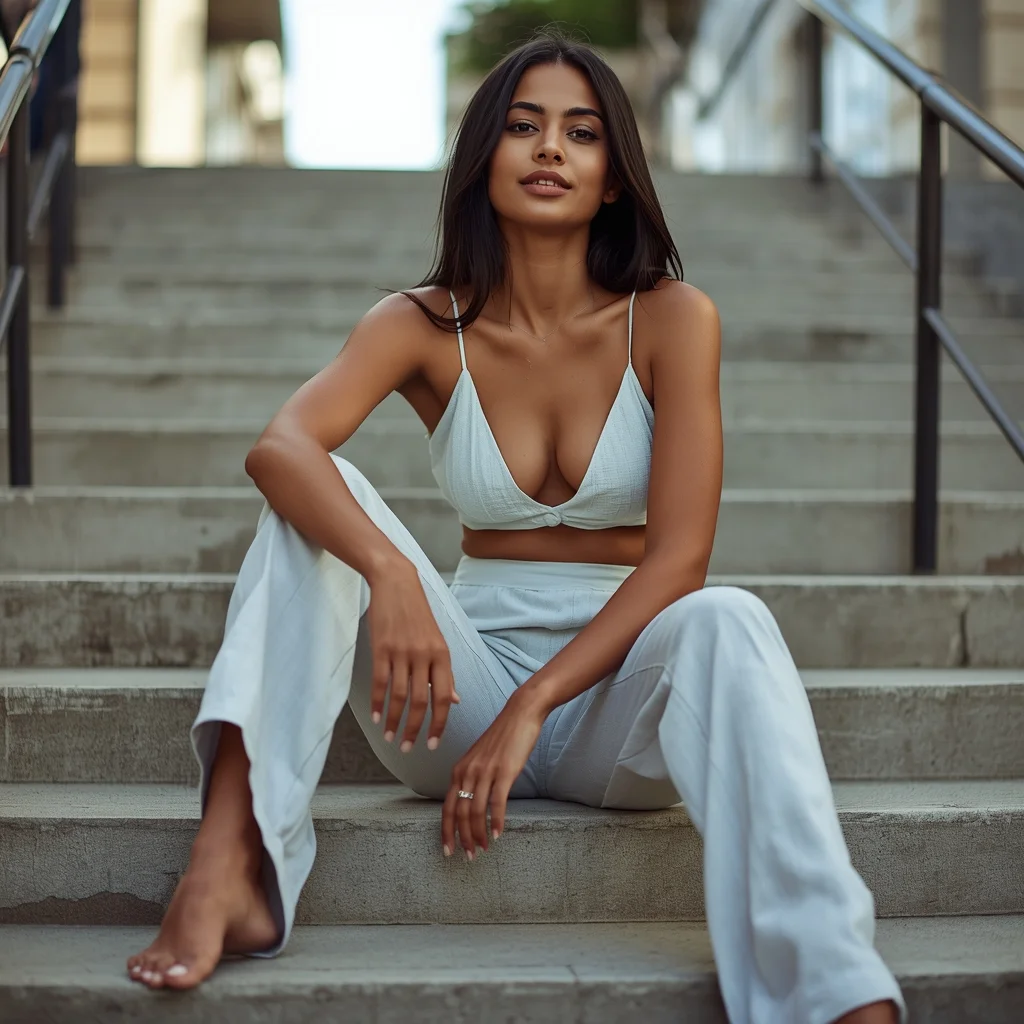
Urban Staircase Sitting Pose | Ready To Use Ai Prompt
2136 mos ago
Candid portrait of a young Indian woman sitting casually on concrete city stairs, one leg tucked and the other extended, wearing a modern linen co-ord set, urban street background with soft bokeh, afternoon sunlight creating sharp shadows, realistic skin textures, 8K resolution, editorial photography style, calm and cool expression
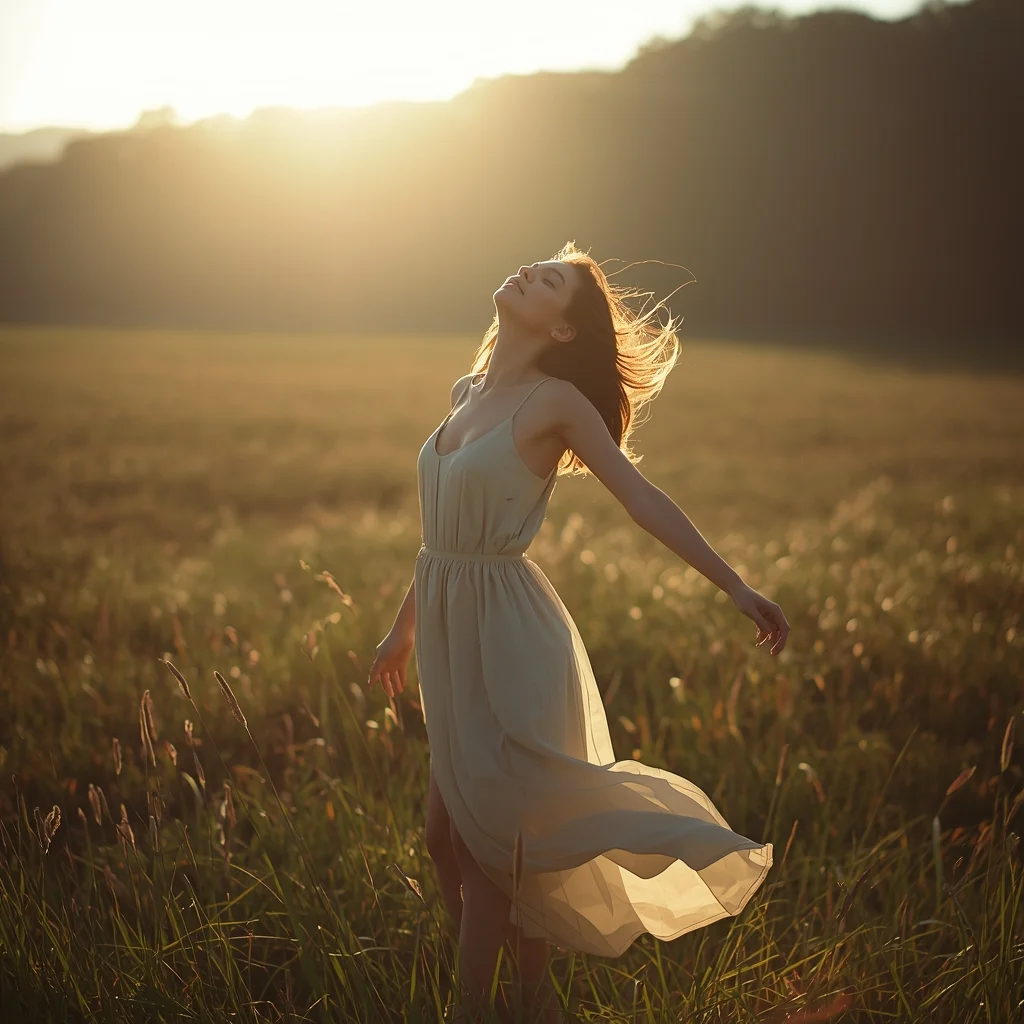
Prompt: A woman standing in an open natural landscape, posture relaxed and open, arms loosely at her sides, face turned slightly upward as if embracing the fresh air. Flowing dress moves gently with the wind. Golden sunlight creates a warm glow, soft shadows, and realistic highlights. Lush background with natural blur, cinematic nature photography style, emotional mood, ultra-high detail, realistic colors, peaceful atmosphere.
THIS ONE HABIT MAKES YOU SUCCESSFUL 🔥 | Sora Video Prompt
2536 mos ago
Prompt: Cinematic YouTube thumbnail featuring a confident creator standing tall with focused expression, soft golden light illuminating the face, blurred background with glowing light rays, warm and cool color contrast, ultra-sharp facial features, realistic skin detail, shallow depth of field, professional studio photography look, inspirational mood, bold clean composition, emotional storytelling, high saturation, 4K ultra-HD, optimized for maximum click-through rate.
The Ghibli-esque Pastoral Dream (Anime/Watercolor Style) | Realistic Photo Prompt
2456 mos ago
A whimsical, hand-painted anime landscape in the distinct style of Studio Ghibli. A cozy, tumbledown cottage with a moss-covered red roof is nestled in a valley overflowing with giant, impossibly fluffy wildflowers and ancient, twisted trees. A small, clear stream winds past the house with a wooden water wheel. In the distance, massive, cumulus "castle in the sky" clouds tower over rolling green hills. A young character with a straw hat is herding strange, woolly fantasy creatures. The colors are soft pastels and natural greens, with visible watercolor paper texture and gentle, warm sunlight filtering through the leaves. Nostalgic and peaceful atmosphere.
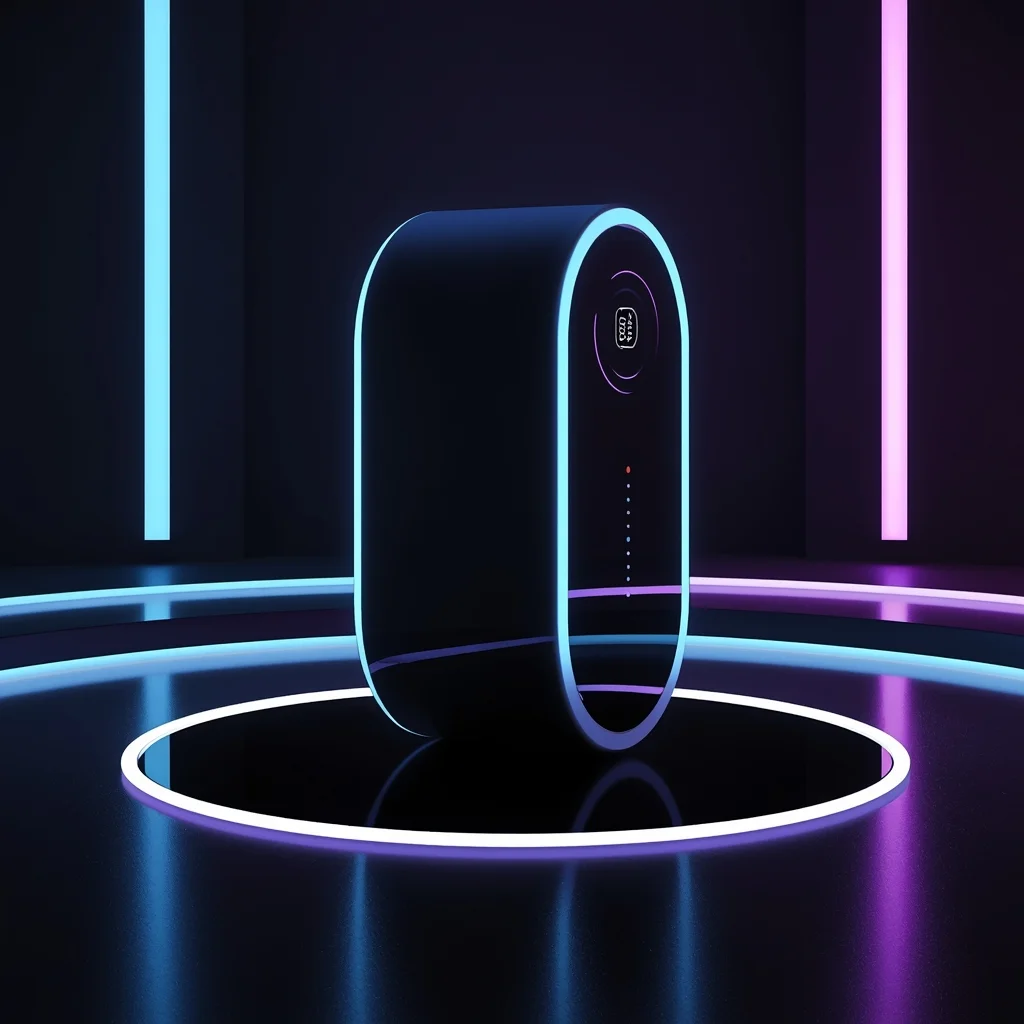
Tech Product Futuristic Style | Trending Ai Prompt
2596 mos ago
A modern tech product displayed in a futuristic environment, glowing accents, blue and purple light tones, dark background, cinematic sci-fi mood, detailed reflections, professional tech advertising photography, ultra-realistic, 8K resolution
The Elegant Luxury Brand (Monogram & Serif) | Best Prompt For Realistic Image
2826 mos ago
A sophisticated, luxury monogram logo for a high-end boutique hotel named "The Sterling Atelier." The design features an interwoven, ornamental combination of the letters 'S' and 'A' rendered in a classical calligraphic style, forming a subtle crest. The aesthetic is refined, traditional, and expensive. The color is a single shade of brushed champagne gold foil against a deep charcoal textured paper background. It should feel like an embossing stamp.
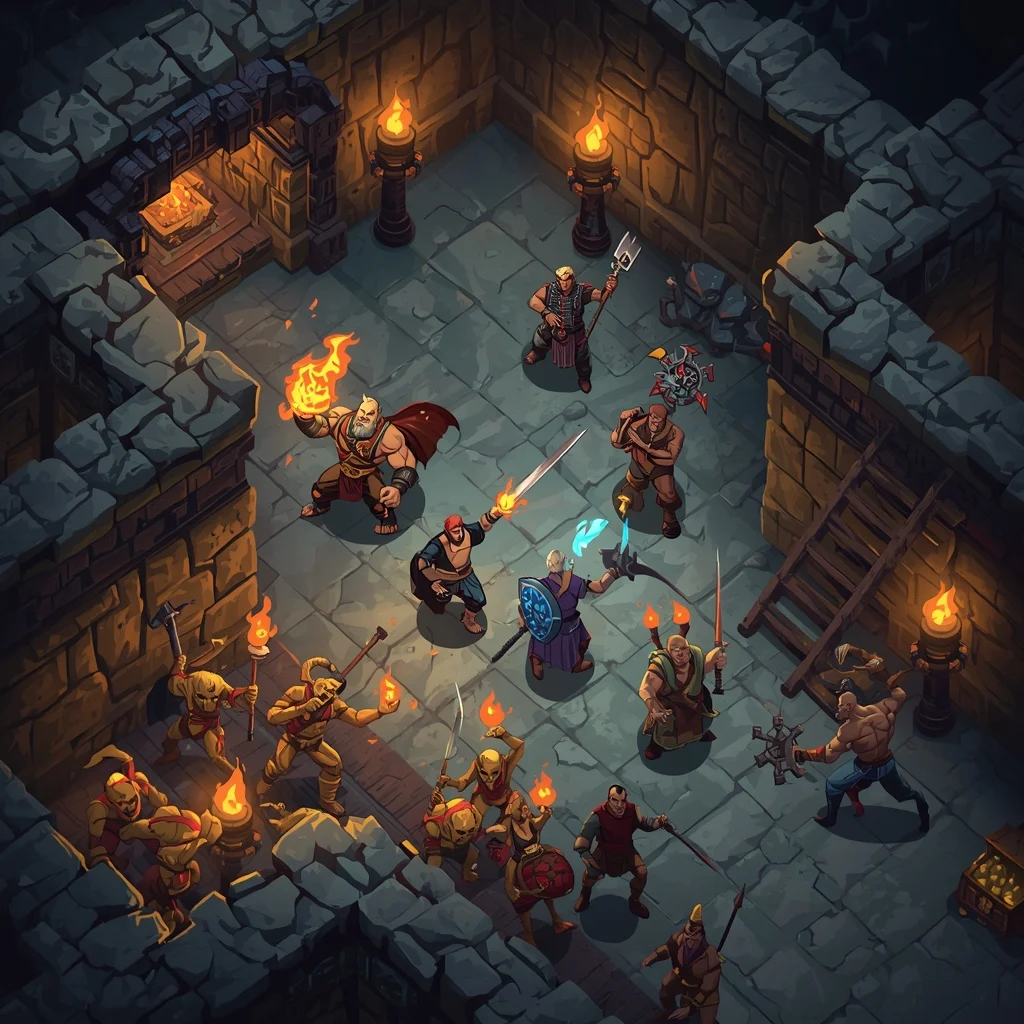
Isometric Dungeon Crawler Battle | Prompt For Photo Editing
2286 mos ago
Prompt: A detailed top-down isometric view of an action RPG combat scene deep inside a torch-lit dungeon. A party of four unique heroes (a barbarian, a mage casting a fire spell, a rogue, and a cleric) are surrounded by a horde of glowing goblin enemies and skeletal warriors. Spell effects illuminate the dark stone walls. Treasure chests overflowing with gold are visible in corners. The art style is detailed dark fantasy, similar to "Diablo 4" or "Baldur's Gate 3," with dynamic lighting and rich environmental textures.
Frequently Asked Questions
Common questions regarding this AI prompt.
What is the best way to shift the artistic medium of Cinematic Mystery Glow Thumbnail | Cinematic Image Prompt to an oil painting?
To completely transform the medium, append powerful style modifiers. Injecting phrases like 'intricate oil painting on canvas, thick impasto strokes, palette knife technique, classical fine art, museum masterpiece' will completely override the default realism, offering a traditional artistic variation for your YouTube Thumbnail project.
How do I create a dramatic, low-light version of Cinematic Mystery Glow Thumbnail | Cinematic Image Prompt?
To plunge the scene into dramatic darkness, modify the prompt to include 'chiaroscuro', 'low-key lighting', 'underexposed', and 'stark shadows'. This tells the AI to plunge the majority of the YouTube Thumbnail environment into darkness while intensely illuminating only the most critical parts of the Cinematic Mystery Glow Thumbnail | Cinematic Image Prompt subject, creating a moody, cinematic masterpiece.
How do I modify Cinematic Mystery Glow Thumbnail | Cinematic Image Prompt to fit into a dark fantasy or gothic horror setting?
Change the environmental descriptors. Add 'dark fantasy concept art, gothic architecture, eerie volumetric fog, corrupted ruins, ominous atmosphere, Bloodborne aesthetic'. This forces the AI to reinterpret the Cinematic Mystery Glow Thumbnail | Cinematic Image Prompt prompt through a grim, terrifying lens, drastically altering the mood of the YouTube Thumbnail output.
Can I simulate bioluminescence or neon lighting in this prompt?
Yes, you can easily shift the scene into a sci-fi or fantasy realm by adding terms like 'bioluminescent glow', 'neon tube lighting', 'emissive materials', or 'fluorescent accents'. These modifiers will cause the objects within the YouTube Thumbnail scene to act as their own light sources, casting incredibly realistic colored reflections onto surrounding surfaces.
How do I add realistic weather effects like rain or snow to the scene?
Weather completely alters the physics of light. If you add 'torrential rain, wet asphalt reflecting neon, water droplets clinging to surfaces', the AI will not just draw rain; it will change the specularity of the Cinematic Mystery Glow Thumbnail | Cinematic Image Prompt subject. For snow, use 'heavy blizzard, frost-covered edges, soft diffused winter light' to change the entire atmosphere of the YouTube Thumbnail generation.
What architectural composition techniques are embedded in the Cinematic Mystery Glow Thumbnail | Cinematic Image Prompt prompt?
The Cinematic Mystery Glow Thumbnail | Cinematic Image Prompt prompt utilizes advanced compositional frameworks such as the golden ratio and leading lines. By strategically placing the core YouTube Thumbnail subject matter at intersection points, it guides the viewer's eye naturally through the scene. This mathematical approach to AI generation ensures the final output feels balanced and visually arresting without requiring post-crop adjustments.
How does Midjourney v6 process the intricate details of Cinematic Mystery Glow Thumbnail | Cinematic Image Prompt?
Midjourney v6 excels at understanding natural language nuances. This prompt is specifically written to take advantage of v6's semantic comprehension. You do not need to use 'prompt salad' (randomly throwing words). The detailed, descriptive sentences regarding the YouTube Thumbnail elements are parsed accurately, giving you photographic or highly illustrative perfection.
Is it possible to use this static image prompt as a base for AI video animation?
Yes, this is a very popular workflow. Once you generate the perfect still image of Cinematic Mystery Glow Thumbnail | Cinematic Image Prompt, you can import it into cutting-edge AI video generators like Luma Dream Machine, Kling AI, Runway Gen-3, or Pika Labs. The high detail and clear focus provided by this YouTube Thumbnail prompt make it an ideal initial keyframe, resulting in smooth, artifact-free animations.
What is the best way to force an ultra-wide or panoramic view?
To force a panoramic composition, you must combine aspect ratio parameters with specific camera descriptors. In Midjourney, use '--ar 21:9'. Within the prompt text itself, include 'ultra-wide panoramic landscape, 14mm lens, expansive horizon, sweeping view'. This ensures the Cinematic Mystery Glow Thumbnail | Cinematic Image Prompt subject matter is distributed correctly across a massive, cinematic canvas.
How can I dictate the camera angle to make the subject look more powerful?
Camera angle completely changes the psychological impact. To make the subject of Cinematic Mystery Glow Thumbnail | Cinematic Image Prompt appear dominant or towering, insert 'low angle shot' or 'worm's-eye view'. Conversely, to make the YouTube Thumbnail scene feel vast and the subject small, use 'drone shot', 'bird's-eye view', or 'extreme high angle'.
How can I prevent anatomical distortions or 'extra limbs' when generating characters?
While modern models have improved, complex poses in YouTube Thumbnail can still cause issues. To prevent this, use a strong negative prompt containing 'bad anatomy, extra limbs, mutated hands, deformed structure'. If generating locally via Stable Diffusion, utilizing ControlNet (specifically OpenPose or Depth) alongside this prompt will guarantee flawless anatomical structure.
How does the prompt simulate physical camera lenses for Cinematic Mystery Glow Thumbnail | Cinematic Image Prompt?
The prompt acts as a virtual director of photography by explicitly stating lens focal lengths and aperture settings. By including phrases like 'shot on 35mm lens' or 'f/1.4 aperture', the AI mathematically simulates the optical distortion, compression, and background blur (bokeh) characteristic of high-end photography, elevating the YouTube Thumbnail image from a flat digital render to a lifelike photo.
Can I use Image-to-Image (Img2Img) techniques with the Cinematic Mystery Glow Thumbnail | Cinematic Image Prompt prompt?
Absolutely. Using a rough sketch or a reference photo alongside this prompt in an Img2Img workflow is highly effective. We recommend setting your Denoising Strength between 0.45 and 0.65. This range is the 'sweet spot' that allows the AI to apply the high-quality textures and lighting of the Cinematic Mystery Glow Thumbnail | Cinematic Image Prompt prompt while strictly respecting the structural layout of your reference image.
How do I create a surreal, dream-like version of Cinematic Mystery Glow Thumbnail | Cinematic Image Prompt?
To break the laws of physics, use keywords like 'surrealism, dreamscape, floating objects, defying gravity, Salvador Dali style, mind-bending geometry, ethereal'. The AI will take the familiar elements of Cinematic Mystery Glow Thumbnail | Cinematic Image Prompt and arrange them in illogical, fascinating ways, creating a truly unique YouTube Thumbnail art piece.